
Get any PDF form from the DocHub library of ready-made templates - Page 1274
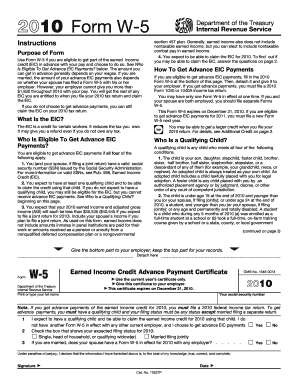
W 5
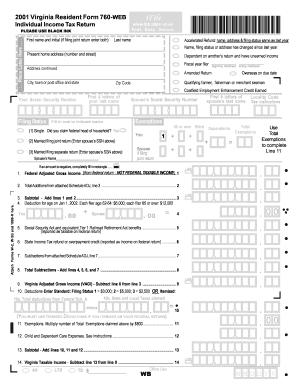
Ifile va

2008 Publication 915. Social Security Benefits and Equivalent Railroad Retirement Benefits - irs
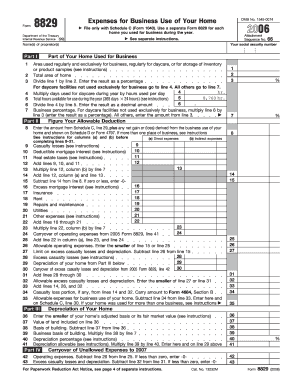
2006 Form 8829. Expenses for Business Use of Your Home - irs
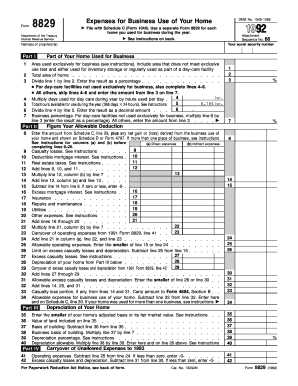
8829 simplified method worksheet
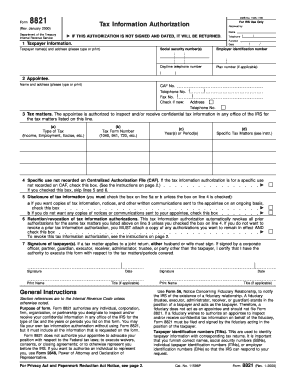
Irs form 8821 fillable
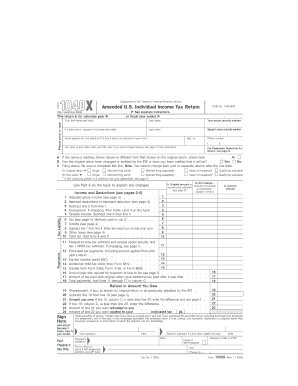
November 2004) 1040X Your first name and initial Form Department of the Treasury--Internal Revenue Service Amended U
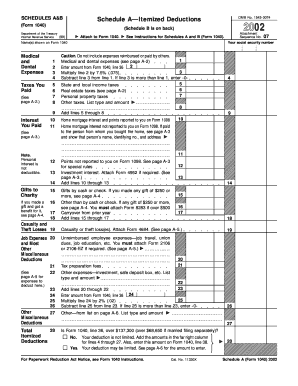
2002 Form 1040 (Schedule A&B). Itemized Deductions and Interest & Dividend Income - irs
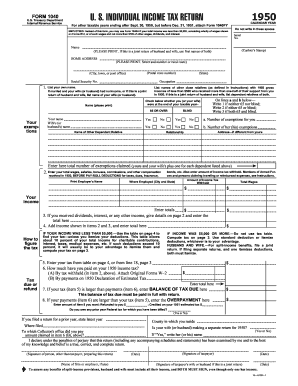
1950 form
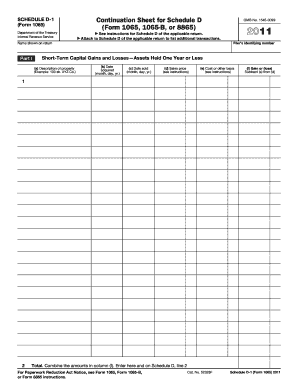
Irs d1 sheet
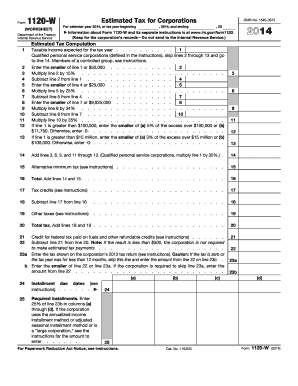
Instructions for Form 1120-W (2019)Internal Revenue ... - IRS....
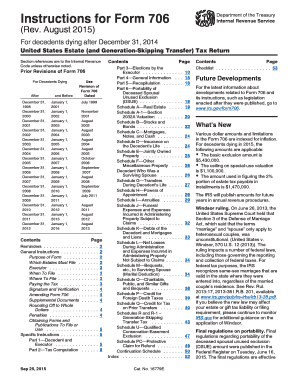
2015 form 706

2015 1040 se form
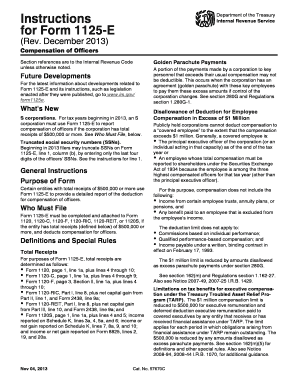
Irs form compensation 2013
Irs form 1310 instructions
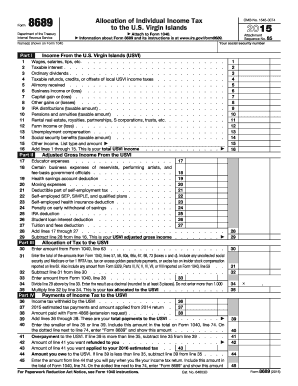
2015 form 8689
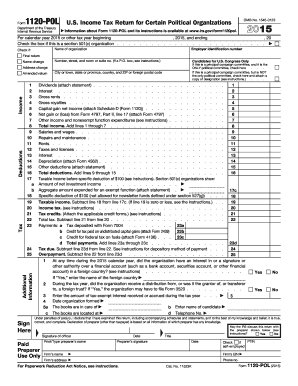
2015 form 1120
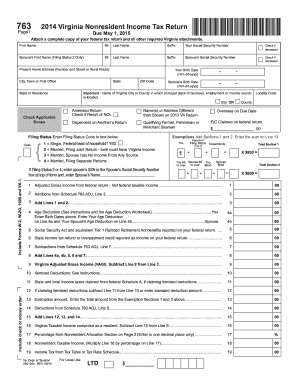
2014 763 form
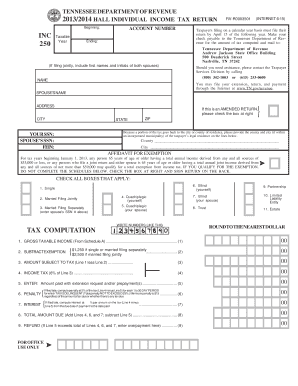
Fillable tn form nc 250
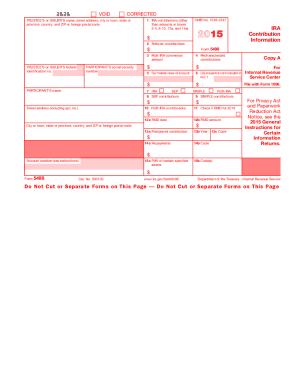
2015 form 5498
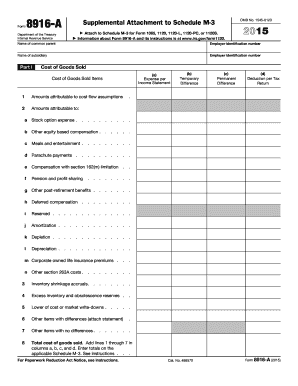
Form 8916 a 2015
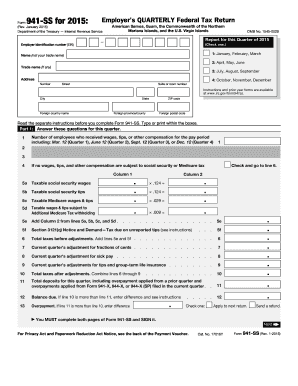
941 ss 2015 form
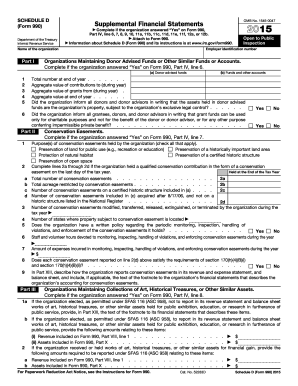
2015 990 schecdule d form
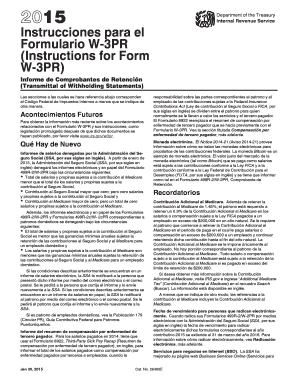
Instrucciones w3pr 2015 form

Form w 2as 2015
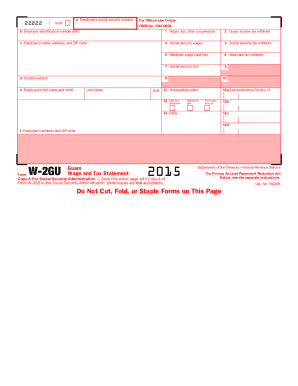
W 2gu 2015 form
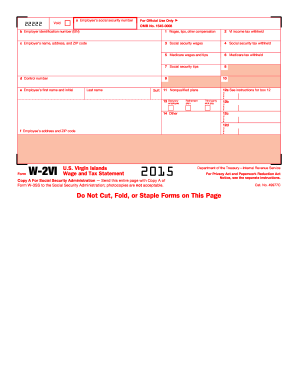
W 2vi 2015 form
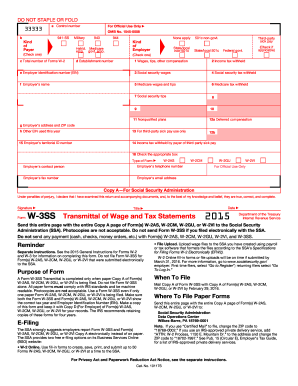
W 3 ss 2015 form

Form 1041 qft 2015
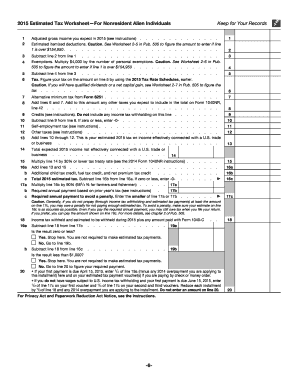
1040 form 2018
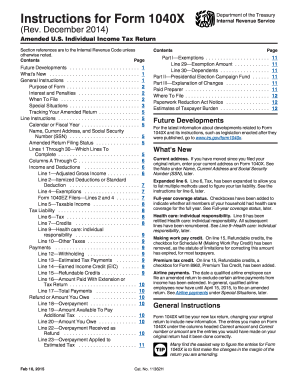
1040x 2014 instructions form
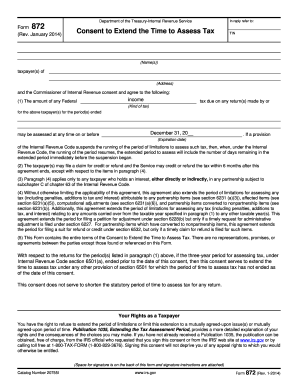
872
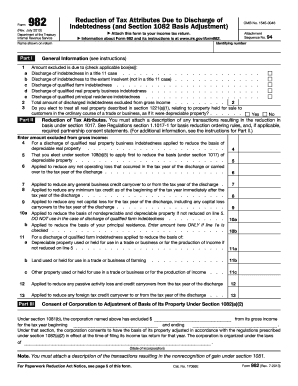
Form 982 (Rev. December 2017). Reduction of Tax Attributes Due to Discharge of Indebtedness (and Section 1082 Basis Adjustment)

2014 pit 1 form
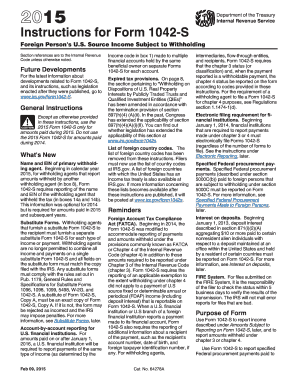
Instruction 1042 2015 form
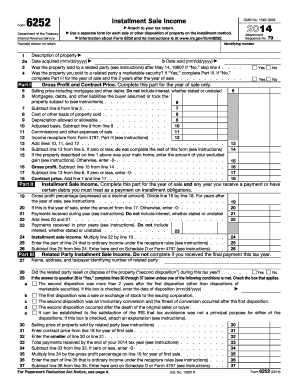
2014 form 6252
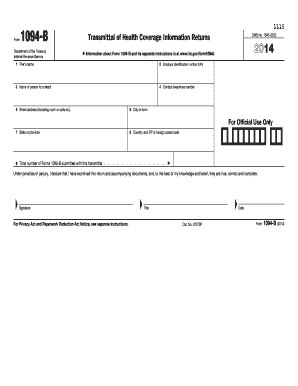
Form 1094 b 2014
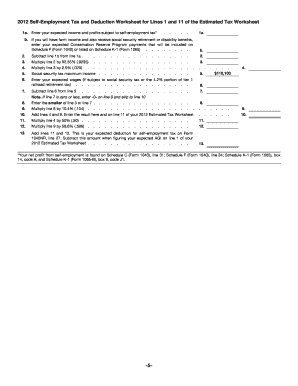
Form 941 (Rev. January 2012) - IRS.gov
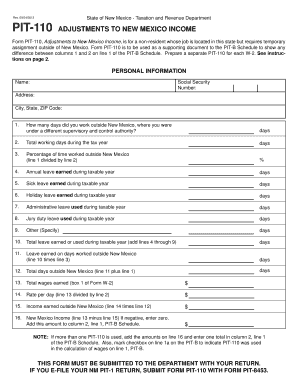
Nm pit 110 2013 form
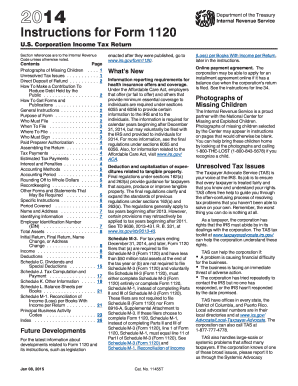
2014 1120 form
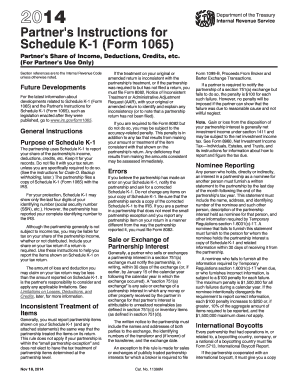
Partner instruction 2014 form
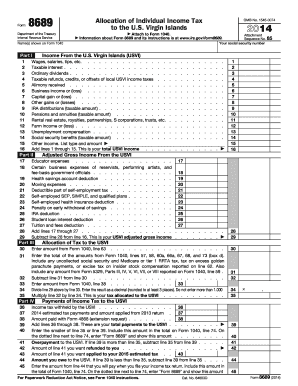
Preparing an Individual Income Tax Return with U.S. Virgin...
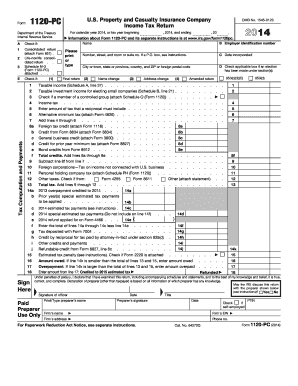
1120 pc 2014 form
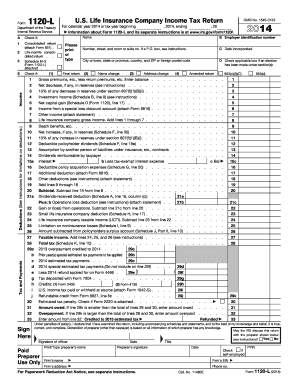
2014 form company tax
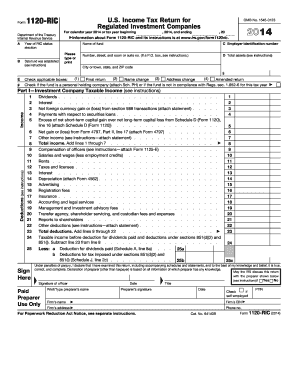
Instructions for Form 1120-RIC, U.S. Income Tax Return For ... - IRS.gov
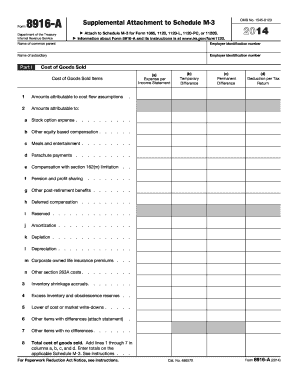
Instructions for Schedule M-3 (Form 1120-L) (2017 ... - IRS.gov
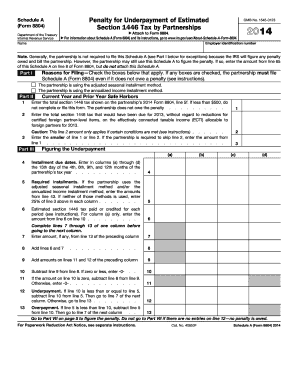
2014 Form 8804 (Schedule A). Penalty for Underpayment of Estimated Section 1446 Tax by Partnerships
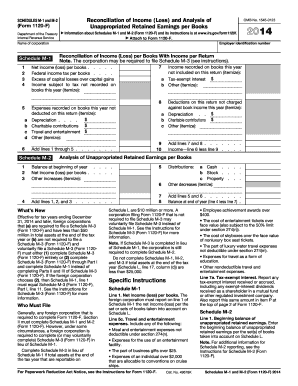
2014 m 2 form
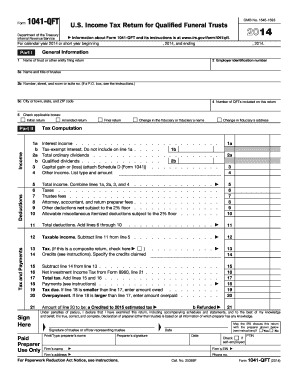
1041 qft 2014 form
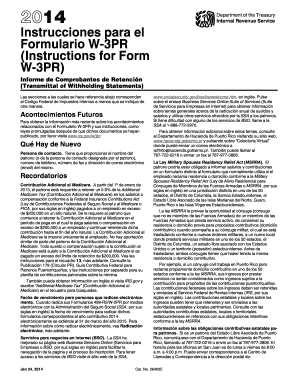
Forn w3pr 2014 form
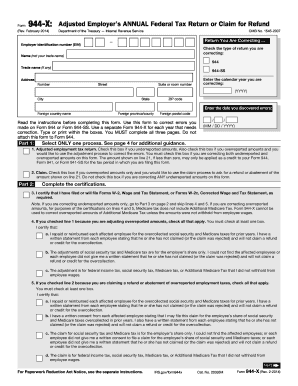
Instructions for Form 945-X (Rev. February 2014) - IRS.gov

Form 1041 schedule k 1 instructions 2013
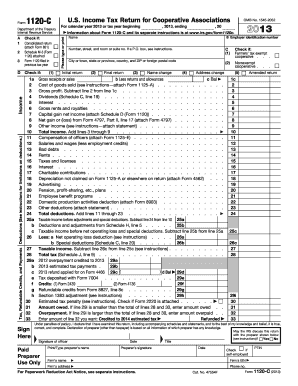
2013 form 1120 c
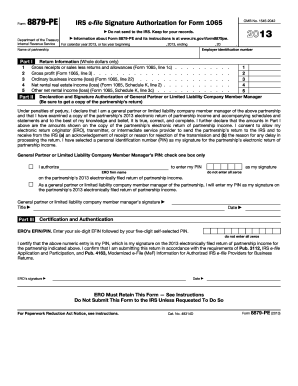
2018 Form 8453-PE - IRS.gov
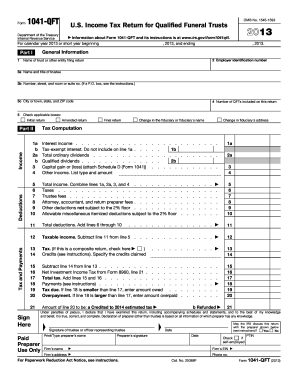
2017 Form 1041-QFT. U.S. Income Tax Return for Qualified Funeral Trusts
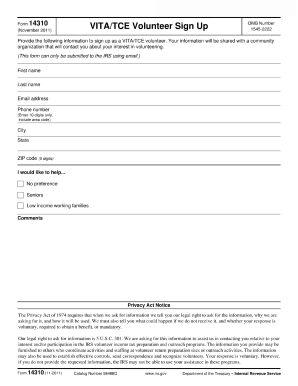
Form 14310 (Rev. 10-2015). VITA/TCE Volunteer Sign Up
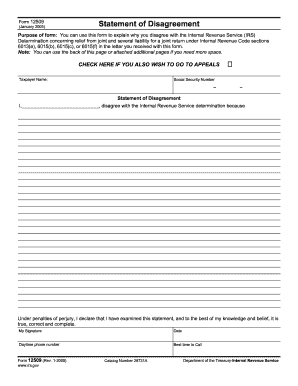
Form disagreement 2005
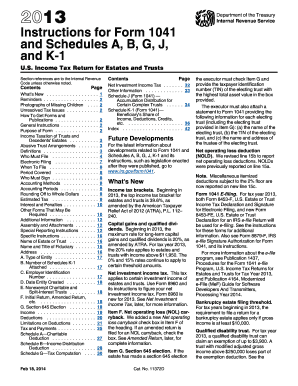
2013 form 1041 instructions
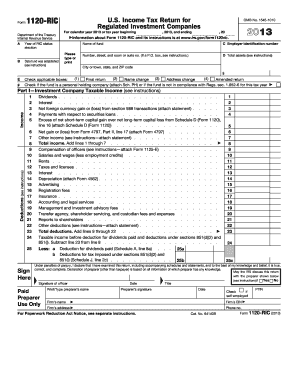
Instructions for Form 1120-RIC (2018)Internal Revenue Service
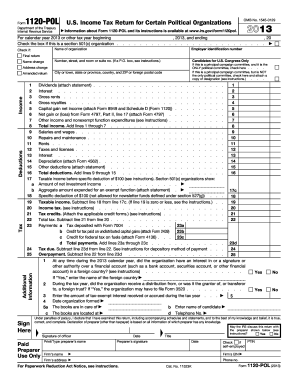
2013 1120 tax return form
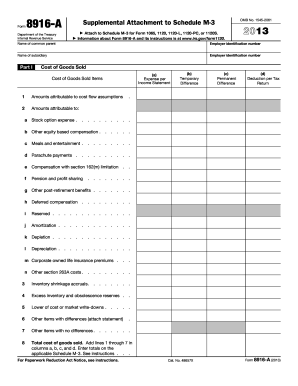
2013 form 8916 a

2013 irs form 8453
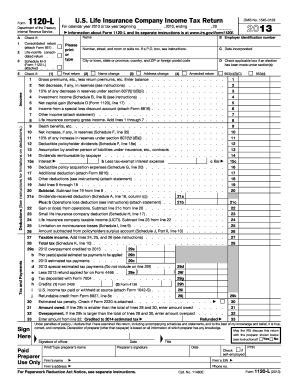
Form 1120 schedule l 2013
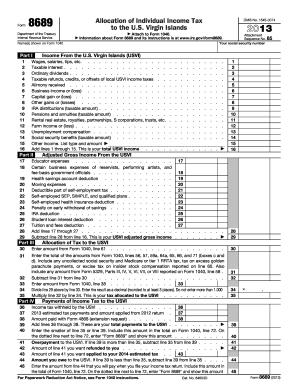
Publication 570 - Tax Guide for Individuals With ... - IRS Tax...
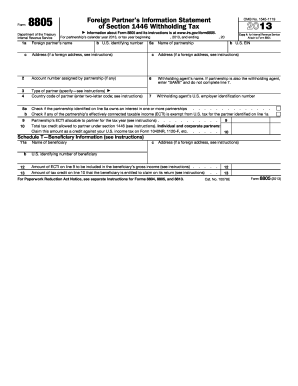
2013 form 8805

Use Form 1040-ES, Estimated Tax for Individuals
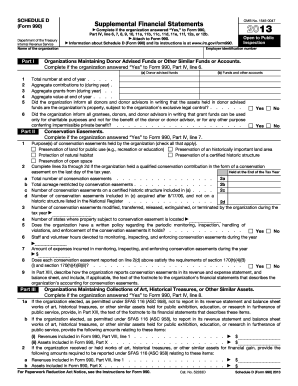
2013 form 990 schedule d
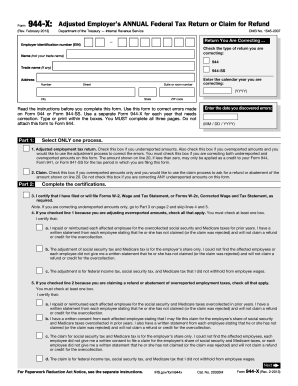
Form 944x for 2013
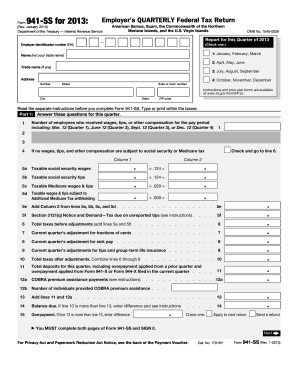
2013 941 ss form
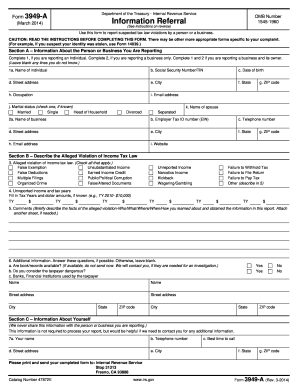
3949 a form online 2013
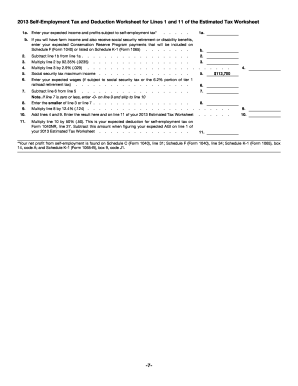
2013 Form 1040ES(NR)
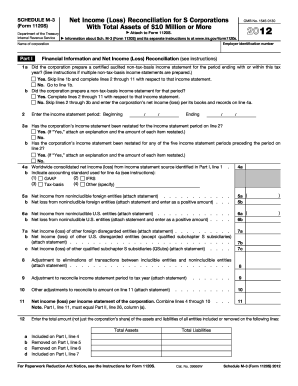
2012 form m 3

2012 form schedule f
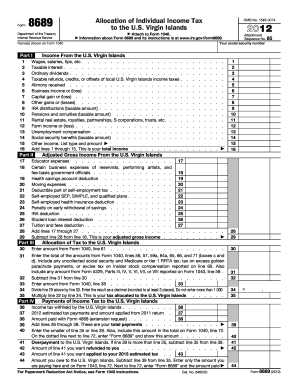
Taxable refunds, credits, or offsets of local U
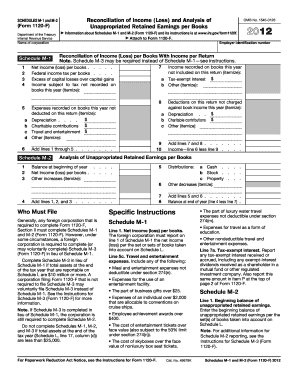
2012 m 1 form
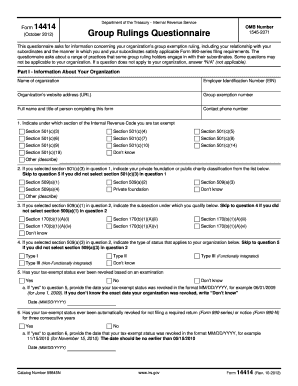
Form 14414
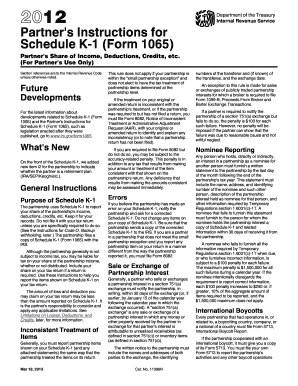
Form 1041 schedule k 1 instructions 2012
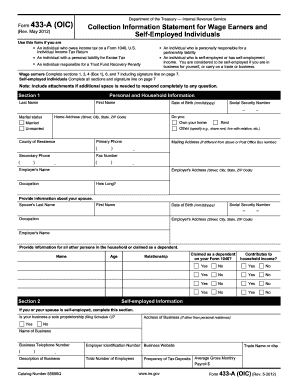
Form 656-B (Rev. 3-2018). Form 656 Booklet Offer in Compromise
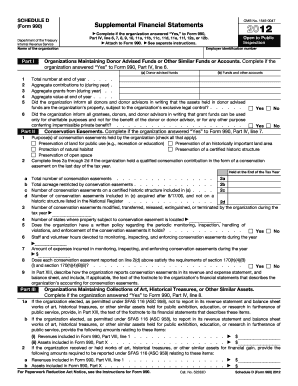
2012 schedule d form
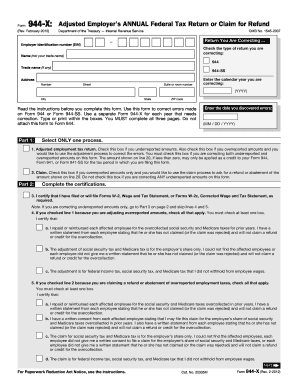
Form 944x for 2012

Agent Qualification and Verification of Experience Form - Florida ...
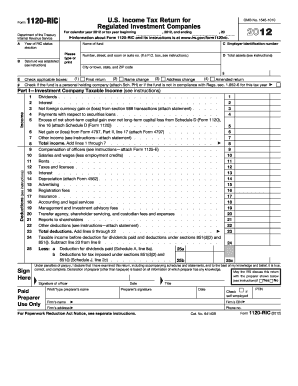
2012 form 1120 ric
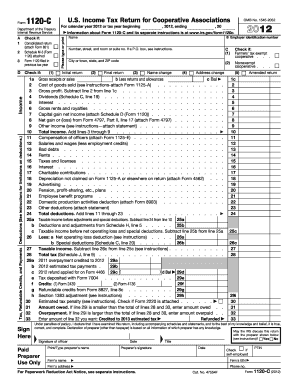
Download rtgs form of icici bank 2012
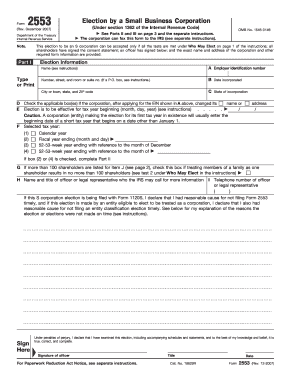
Form 2553 2007
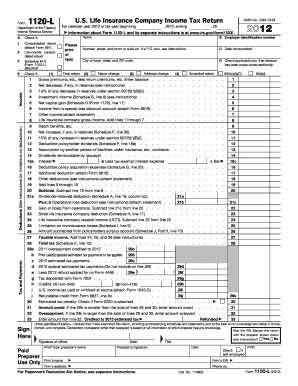
1120 l 2012 form
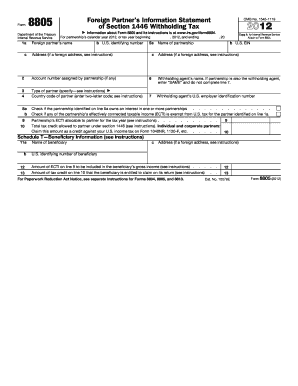
Form 8805 instructions 2012
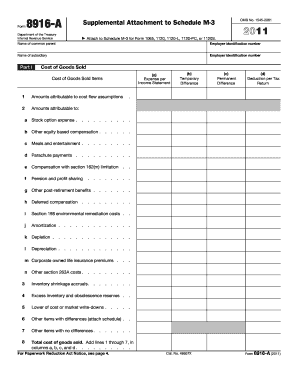
Teamworks wells fargo 2011 form
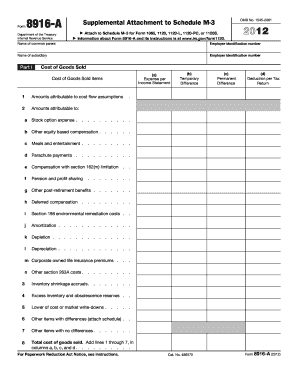
2012 8916 a form
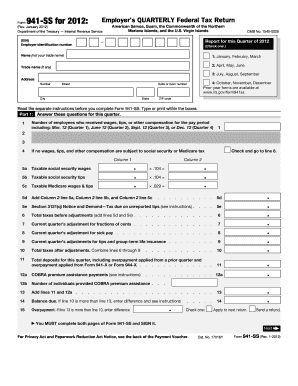
Form 941-SS (Rev. January 2012)
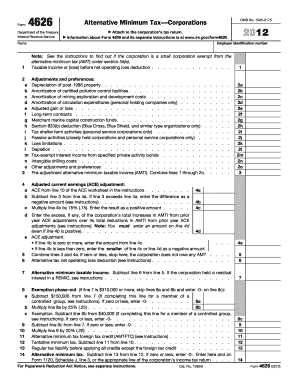
2012 irs form 4626
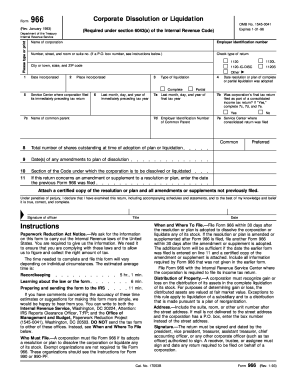
Where to mail form 966 1993
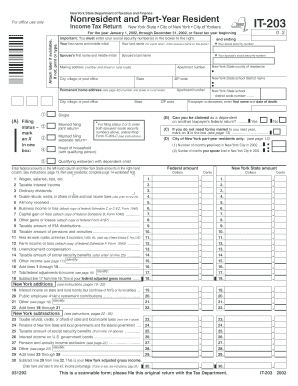
It 203 c
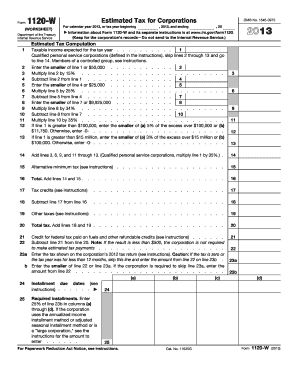
Form 1120 w 2013

1992 form 1040 schedule c

2003 kansas tax form k40
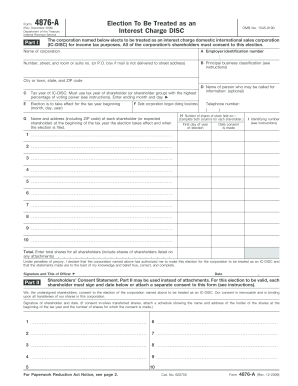
Form 4876 a 2009
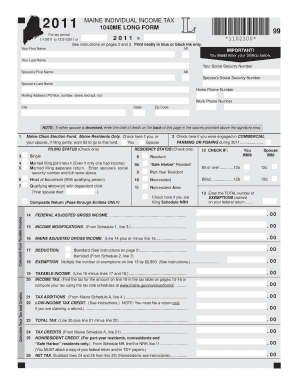
2011 maine form
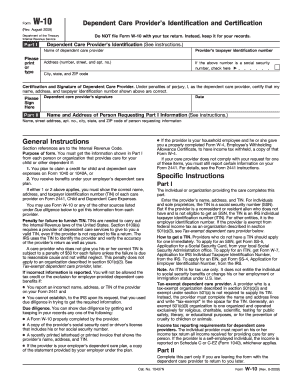
Form w 10 rev august 2009
8862 on tax usa 2009 form
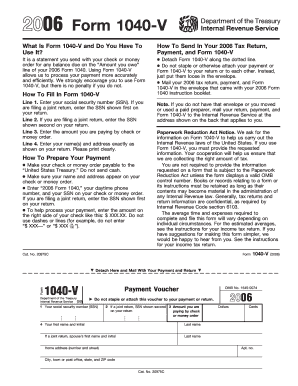
2006 Form 1040 -V - irs
Benefit from the DocHub online library of fillable PDF forms
Searching the PDF forms doesn't have to be a tedious and time-consuming process. With the DocHub online library, it has become easier to find the fillable PDF forms and modify them in your browser. The service allows you to adjust the document to your needs using powerful editing tools.
You can use online document editing features to modify almost any type of document with ease. You just need to find the template of your choice, open it in the editor, and use the toolbar to make the necessary corrections.
Follow this guide to get your document done with DocHub:
- Find the PDF template you need.
- Click the Get Form button to open the file in the editor.
- Use the toolbar to fill out and edit the document.
- Easily add and highlight text, insert images, checkmarks, and symbols.
- Drop new fillable fields, and rearrange or delete pages from your file.
- Save changes and download your record.
DocHub empowers everyone to streamline document editing, signing, and distribution, and form completion. Create an account and benefit from our well-organized PDF Forms library and comprehensive editor.