
Get any PDF form from the DocHub library of ready-made templates - Page 2397
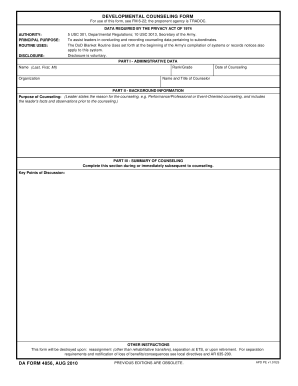
Us army letter headed paper 2010 form

Va form 21 4138 2011
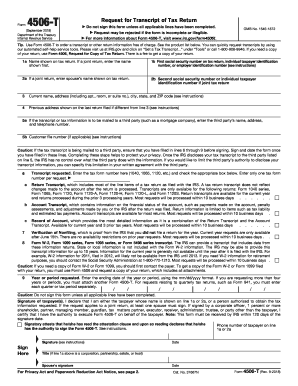
2017 4506 t form

Va form 10 2850c 2006
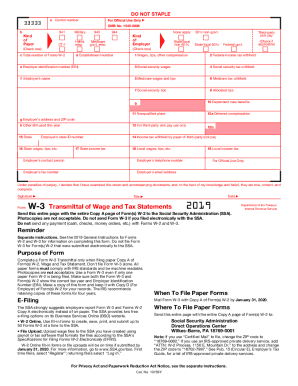
W3 form
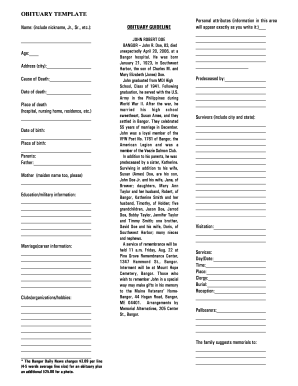
Obituary template
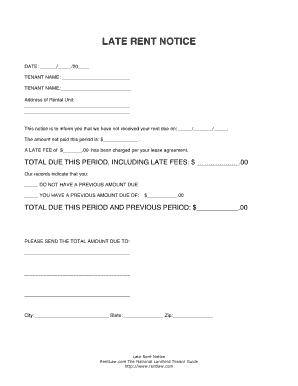
Late rent notice
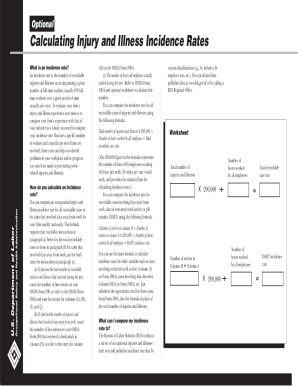
Osha 300 form

Dog vaccination record
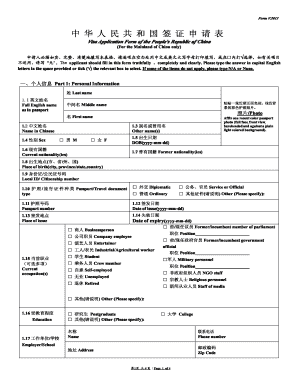
Visa embassy chinese
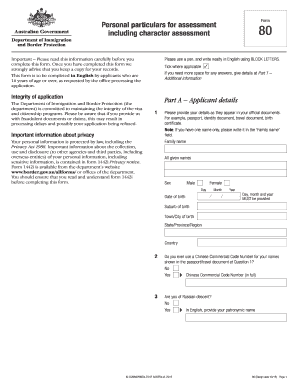
Form 80
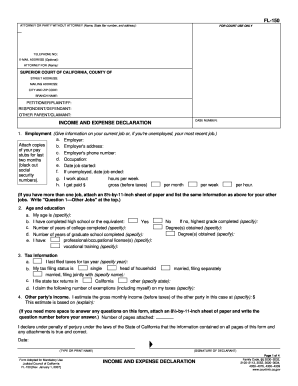
Fl 150 form

1040 2017 form
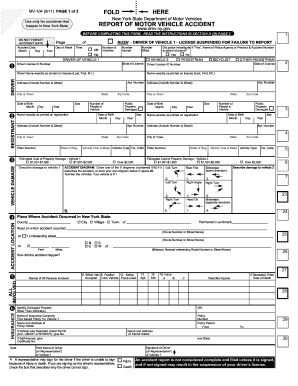
Mv 104
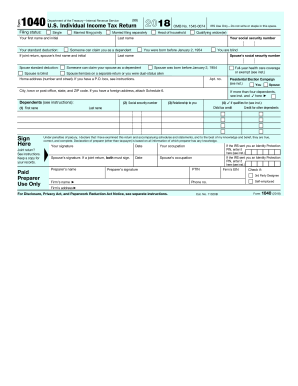
2017 form 1040
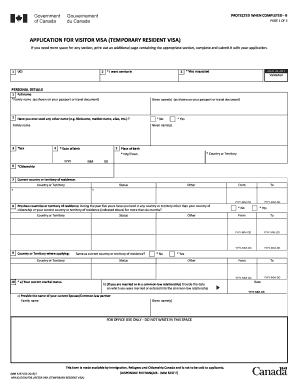
Imm5257

Ce 200 form
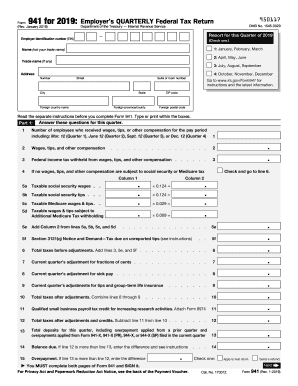
Form 941
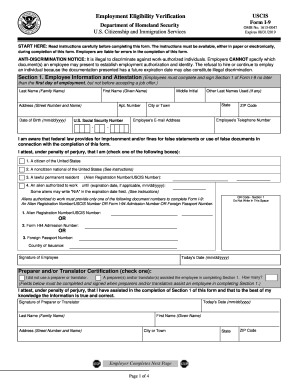
Fillable i 9 form 2019

Eagle Scout Service Project Workbook - ww.baltimorebsa.org
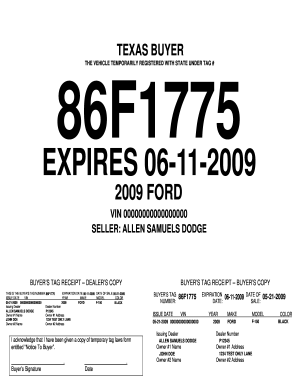
Temporary tag generator
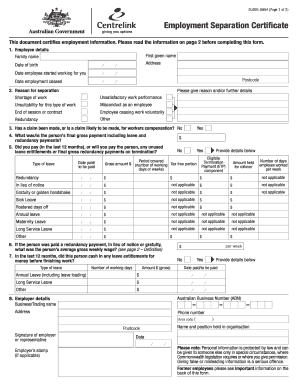
Separation certificates
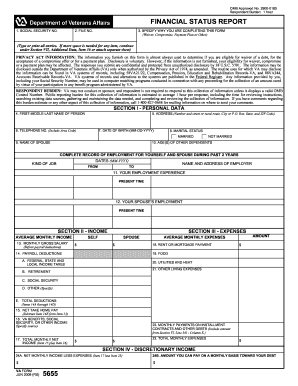
Va form 5655

Of 306 form
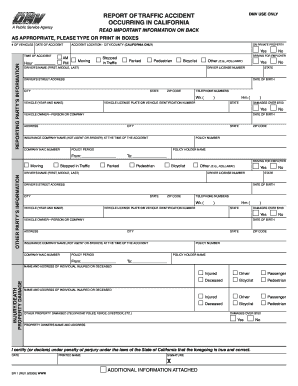
Ca dmv sr1
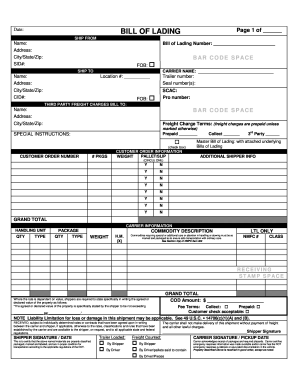
Bill of lading template
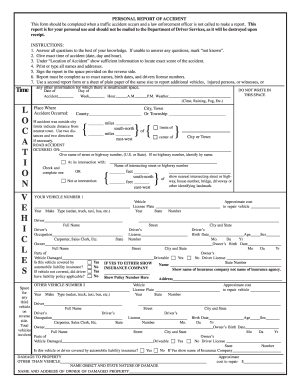
Sr13
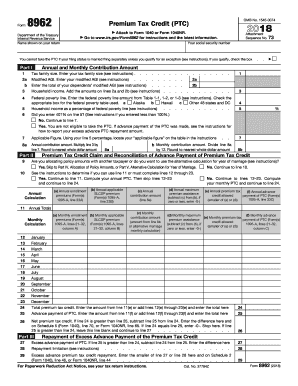
Irs aca form 8962
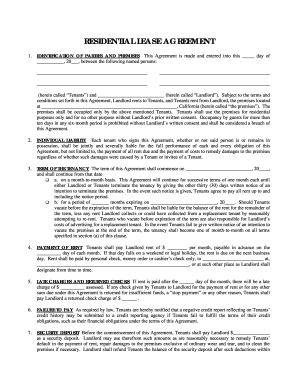
Basic rental agreement fillable
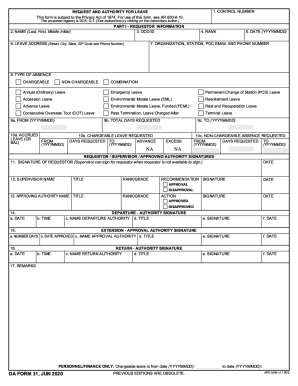
Da 31
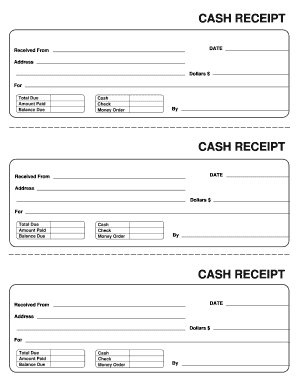
Receipt template
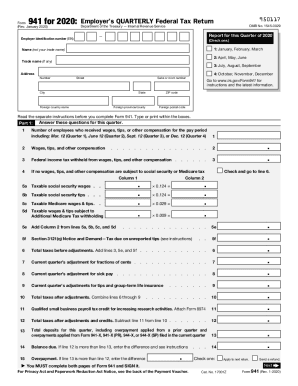
941 form 2020
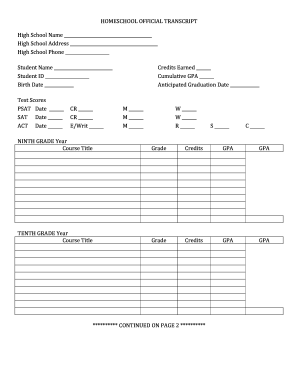
High school transcript template
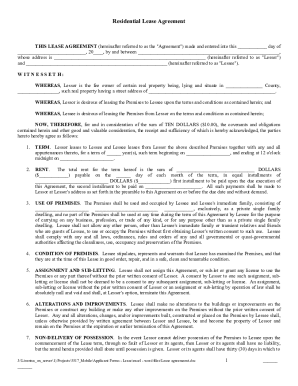
Rental lease agreement form
Eagle scout project requirements 2011 form
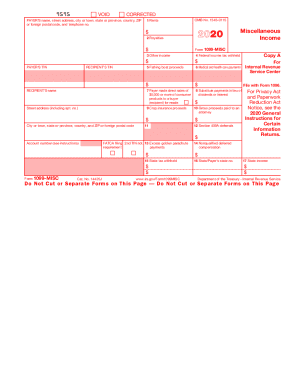
1099 form

Ds 82 c 08 2013 form
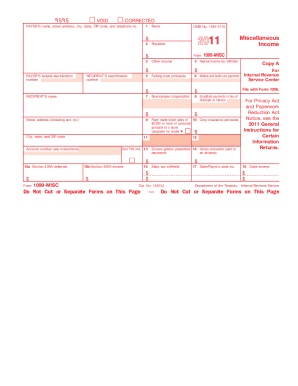
2011 1099 form

Imm5707
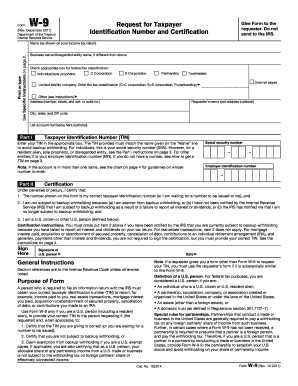
W 9 form 2011
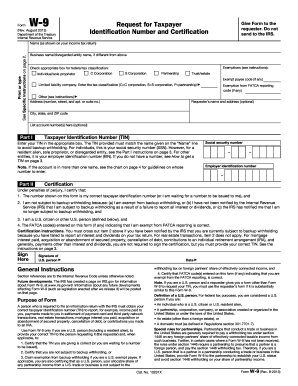
W9 2013 form
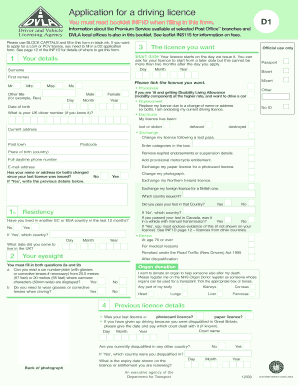
D1 form
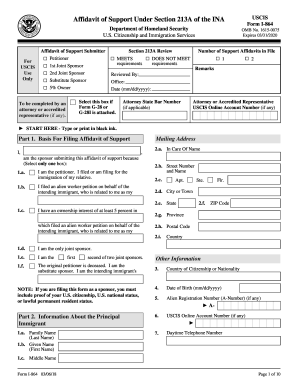
I 864
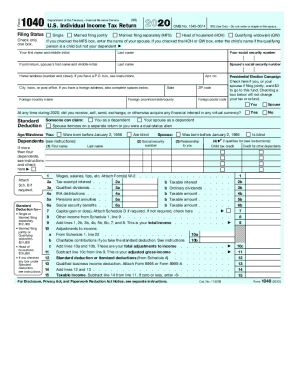
1040 form

Gift certificate template
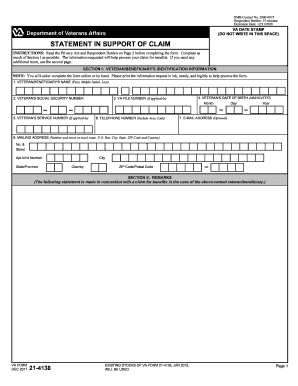
Va form 21 4138
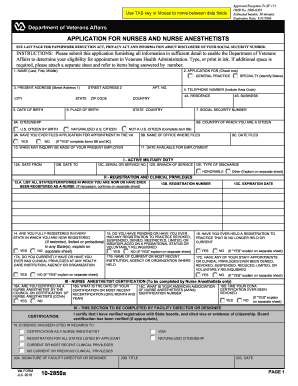
Va form 10 2850a
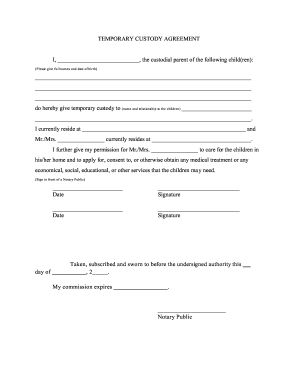
Temporary guardianship form

Proforma for photo identity card for handicrafts artisan form no 1 pdf 2013
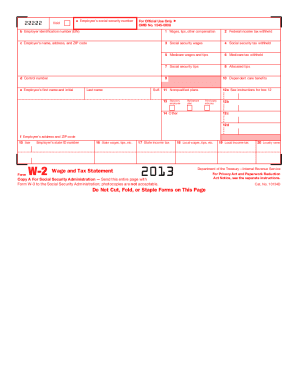
W 2 2013 form
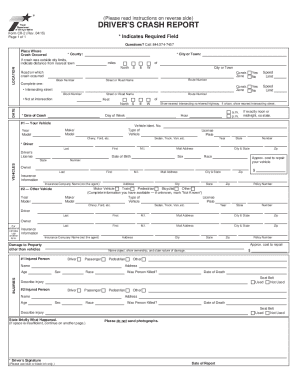
Texas blue form
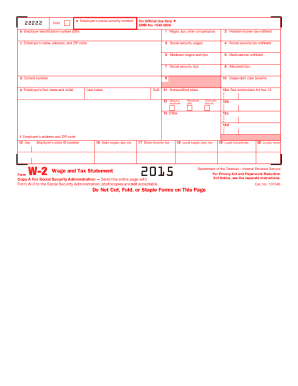
2015 w 2 form
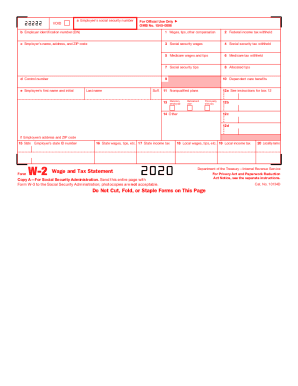
W2 form 2020
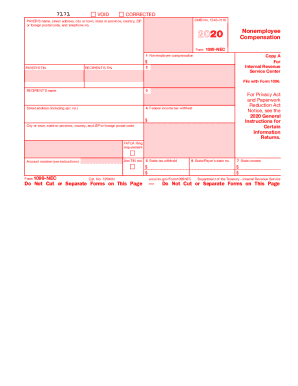
1099 form
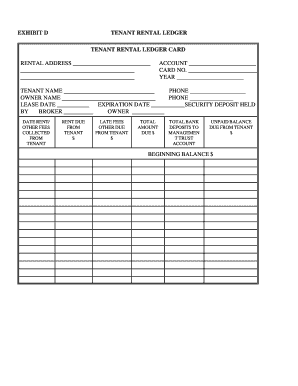
Rent ledger
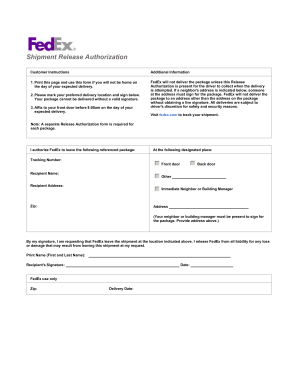
Fedex door tag
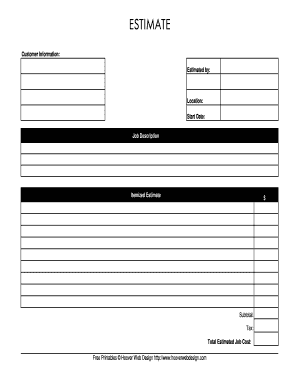
Estimate template

Da form 4856
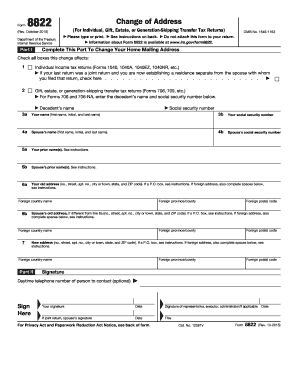
Irs change of address
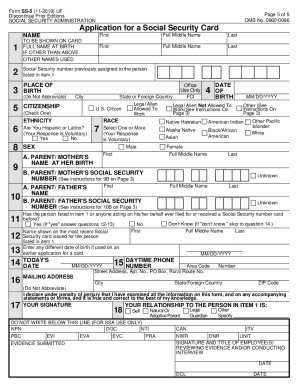
Social security administration
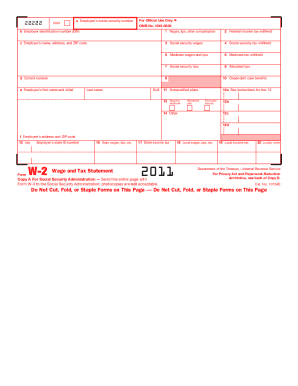
2011 w 2 form

4506 t form
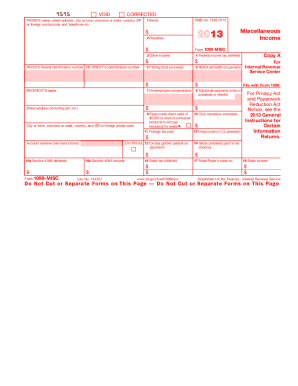
Form 2013 fillable
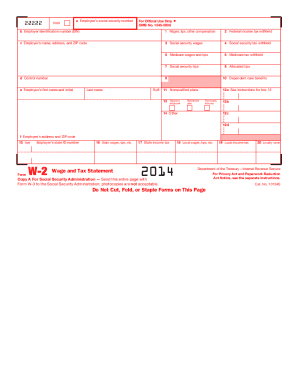
2014 w 2 forms

Eagle scout project workbook
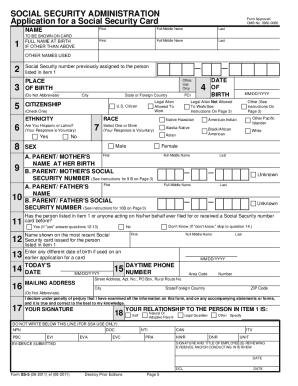
Ss5 form

Form 8962
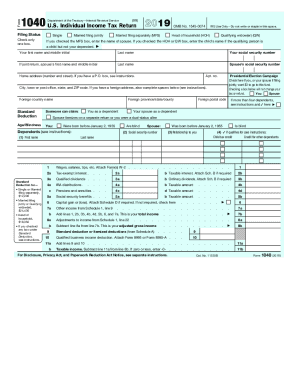
1040 form
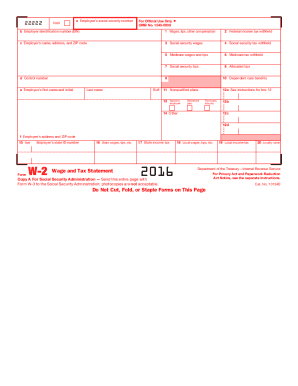
2016 w 2 form
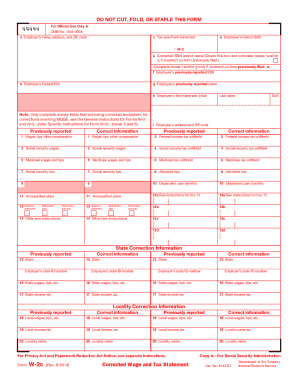
W2c form

Printable w2 form

4506t form
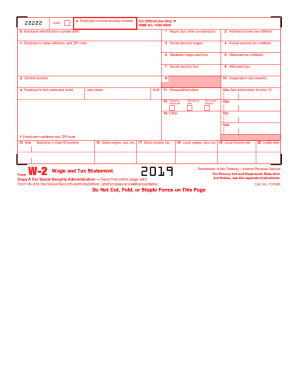
Printable w2 form
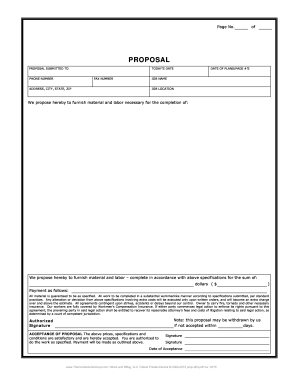
Contractor proposal template
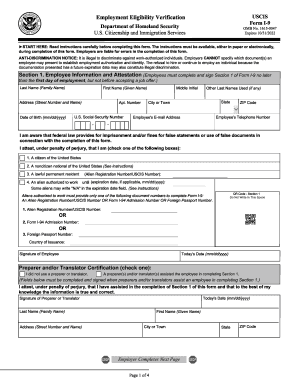
I 9 form 2022

Form 2014 fillable
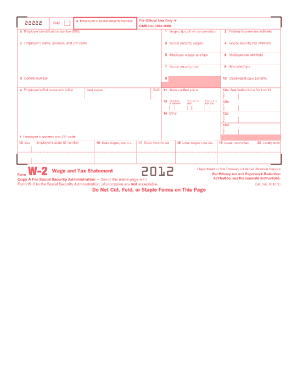
2012 w2 form

Printable 1099 form

Cms 1500 form
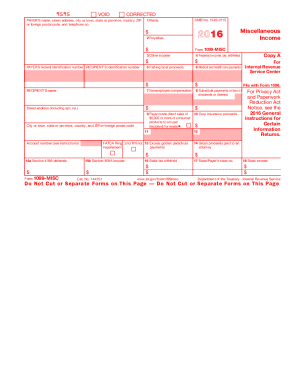
Blank 2016 1099 form
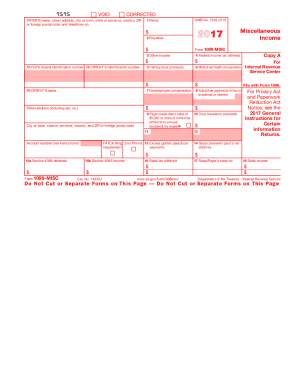
Form 1099-MISC

2012 tax forms
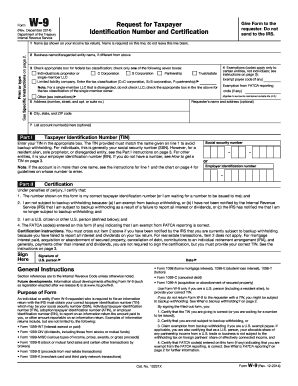
Form w 9 2014
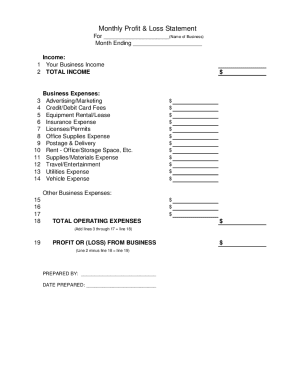
Profit and loss statement template
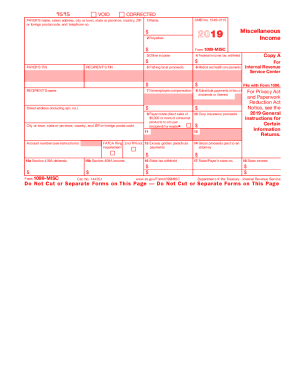
1099 form

Us application pdf
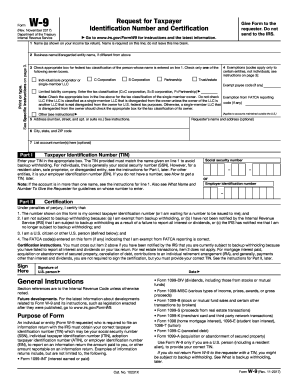
Online w9 2017 form
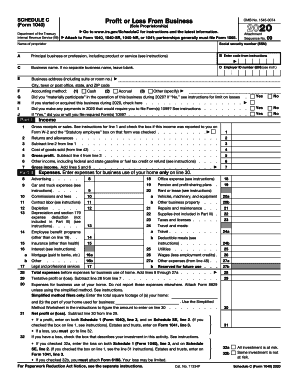
Schedule c

Us passport application

Schedule c 2019
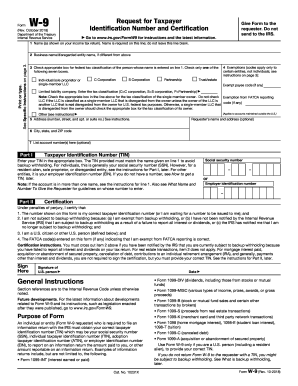
W9 form 2022
Benefit from the DocHub online library of fillable PDF forms
Searching the PDF forms doesn't have to be a tedious and time-consuming process. With the DocHub online library, it has become easier to find the fillable PDF forms and modify them in your browser. The service allows you to adjust the document to your needs using powerful editing tools.
You can use online document editing features to modify almost any type of document with ease. You just need to find the template of your choice, open it in the editor, and use the toolbar to make the necessary corrections.
Follow this guide to get your document done with DocHub:
- Find the PDF template you need.
- Click the Get Form button to open the file in the editor.
- Use the toolbar to fill out and edit the document.
- Easily add and highlight text, insert images, checkmarks, and symbols.
- Drop new fillable fields, and rearrange or delete pages from your file.
- Save changes and download your record.
DocHub empowers everyone to streamline document editing, signing, and distribution, and form completion. Create an account and benefit from our well-organized PDF Forms library and comprehensive editor.