
Get any PDF form from the DocHub library of ready-made templates - Page 2

Attestation sur l'honneur
French Building Permit Receipt
Contrat de travail dur e ind termin e
Cerfa 15891 LPJ modifications docx
D claration d'activite concernant les tablissements pr parant, transformant, manipulant, exposant, m
Acte de caution bail d'habitation
Promesse d'embauche
Procuration
Convention de stage
Lettre de motivation
Cerfa 15725 LPJ
Acte de cautionnement
Lettre de d mission
Certificat m dical Certificat m dical Certificat m dical Certificat m dical
Certificat de travail
Autorisation parentale
Devis
Cerfa 15828 LPJ
Contrat de location meubl e
Bon de commande
Reconnaissance de dette
Lettre de recommandation
15726-02
French Construction Declaration Receipt
Formulaire de demande - MDPH
TR-34 Certification Statement

Chem Skills Worksheet Dimensional Analysis

South Africa Estate Duty Property Valuation Form
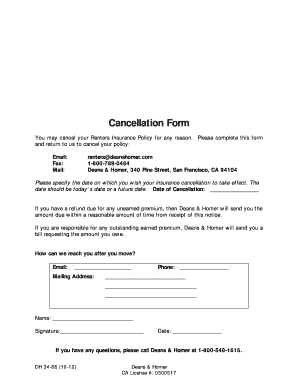
Renters Insurance Cancellation Form
Florida Hometown Heroes Loan Program Borrower Certification
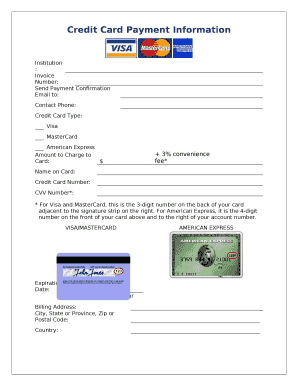
Credit Card Payment Form
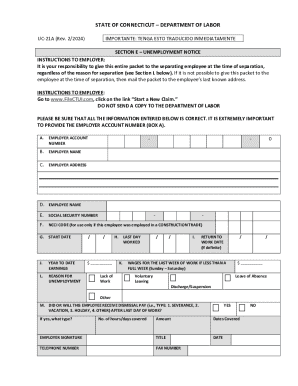
Connecticut Unemployment Notice Form UC-21A

Missouri Employee s Withholding Allowance Certificate
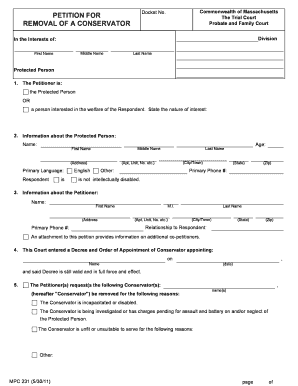
Massachusetts Conservator Removal Petition

SLAM Comprehension of Spoken Paragraphs
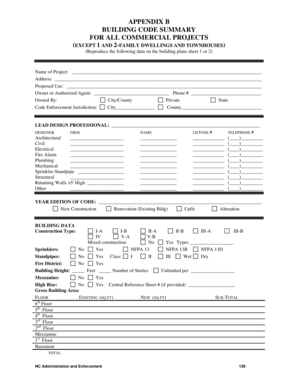
Commercial Building Code Summary Form

Ohio Private Investigator Security Guard Services WebCheck Instructions
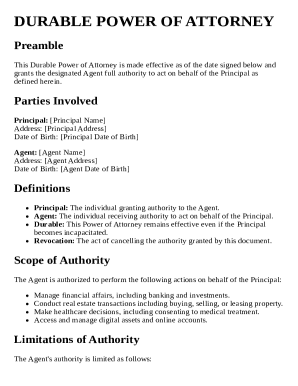
Durable Power of Attorney Template

New York Annual Registration Summary 2012

COVID-19 Vaccine Religious Exemption Request Form
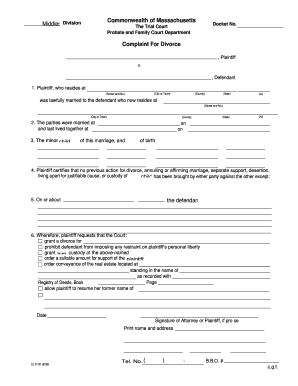
Massachusetts Complaint For Divorce
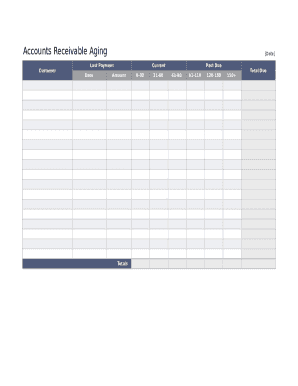
Accounts Receivable Aging Report

California Driver Medical Evaluation Form

MultiPlan Practitioner Application Cover Sheet

Commercial Real Estate Offer to Purchase
Bon Secours Mercy Health Network Exception Waiver
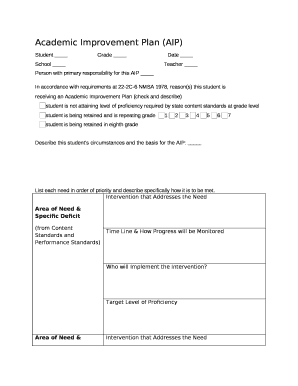
Academic Improvement Plan (AIP) Form

Fusion XT Installation Instructions and Owners Manual
Medical Clearance Form for Youth Football
CAP Form 2A - Personnel Actions
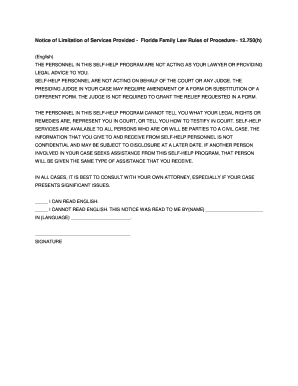
Notice of Limitation of Services Provided - Florida Family Law

Medication Administration Form
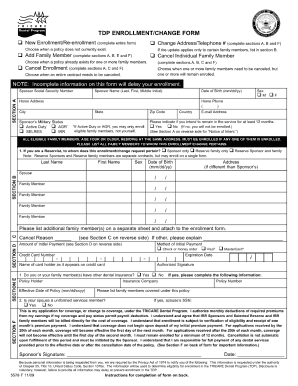
Tdp application
Outdoor Air Acceptance Form 2025-CEC-NRCA-MCH-02-A
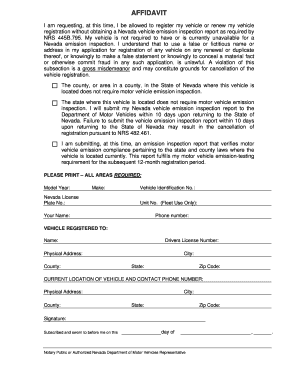
Nevada Emission Control Residency Affidavit
China RoHS 2 Substance Declaration Form
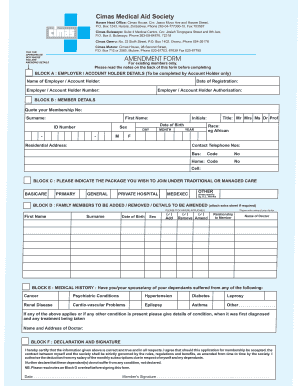
Cimas Medical Aid Society Amendment Form
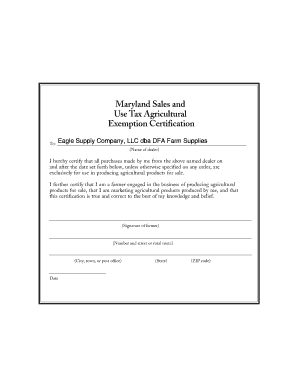
Maryland Sales and Use Tax Agricultural Exemption Certification

Free Online OCR - convert PDF to Word or Image to text

Kirtland AFB Visitor Pass Application

Icelandic Employee Certificate of Employment
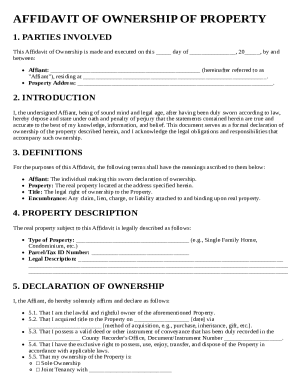
Affidavit of Ownership of Property Template

Indiana Residential Lease Agreement
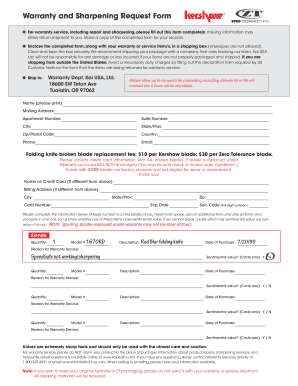
Warranty and Sharpening Request Form

Medical Power of Attorney Form

Release of Cremated Remains Form

Pharmacist Evaluating Examination Application
Rental Application Form 22

Pelvic Floor Questionnaire Male
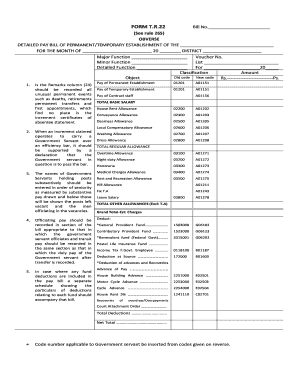
Government Pay Bill Form T R 22
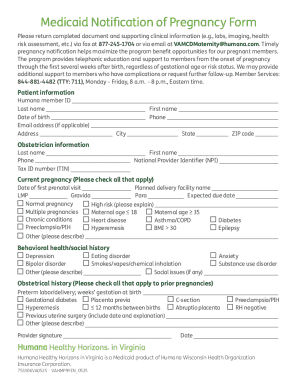
Medicaid Notification of Pregnancy Form

Australia Customs Crew Declaration Form

Crane Operator Physical Examination Form
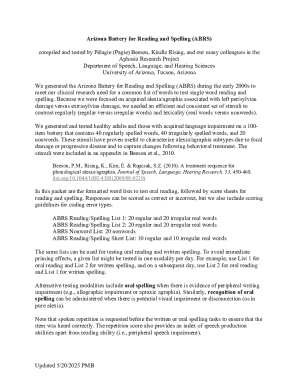
Arizona Battery for Reading and Spelling (ABRS) Form

Notice of Conversion Privilege for Federal Employees' Group Life Insurance
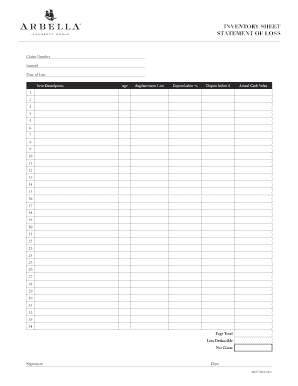
Insurance Loss Inventory Sheet
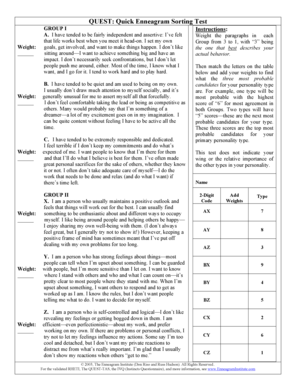
Quick Enneagram Sorting Test

Canada Homestay Network Activity Authorization Form
27 Minuta Compraventa Inmueble Colombia
07 Formato de Cotizacion Colombia
03 Derecho de Peticion Colombia
02 Carta de Renuncia Colombia
09 Contrato Prestacion de Servicios Colombia
Hoja de Vida
16 Carta de Solicitud Colombia
Contrato de Trabajo
15 Orden de Compra Colombia
29 Liquidacion Prestaciones Sociales Colombia
14 Acta de Reunion Colombia
25 Minuta Declaracion Extrajuicio Colombia
06 Certificacion Laboral Colombia
21 Carta de Autorizacion Colombia
Commercial Receipt Template
30 Pagare Colombia
19 Contrato de Obra Civil Colombia
17 Recibo de Pago Colombia
23 Declaracion Juramentada Colombia
18 Promesa de Compraventa Inmueble Colombia
24 Solicitud de Vacaciones Colombia
Service Order Template
Benefit from the DocHub online library of fillable PDF forms
Searching the PDF forms doesn't have to be a tedious and time-consuming process. With the DocHub online library, it has become easier to find the fillable PDF forms and modify them in your browser. The service allows you to adjust the document to your needs using powerful editing tools.
You can use online document editing features to modify almost any type of document with ease. You just need to find the template of your choice, open it in the editor, and use the toolbar to make the necessary corrections.
Follow this guide to get your document done with DocHub:
- Find the PDF template you need.
- Click the Get Form button to open the file in the editor.
- Use the toolbar to fill out and edit the document.
- Easily add and highlight text, insert images, checkmarks, and symbols.
- Drop new fillable fields, and rearrange or delete pages from your file.
- Save changes and download your record.
DocHub empowers everyone to streamline document editing, signing, and distribution, and form completion. Create an account and benefit from our well-organized PDF Forms library and comprehensive editor.