
Get any PDF form from the DocHub library of ready-made templates - Page 2396
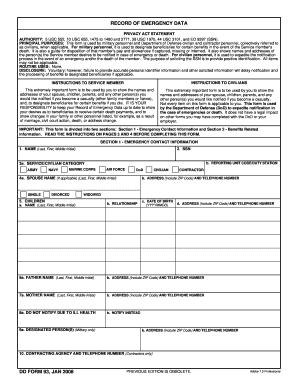
Dd form 93
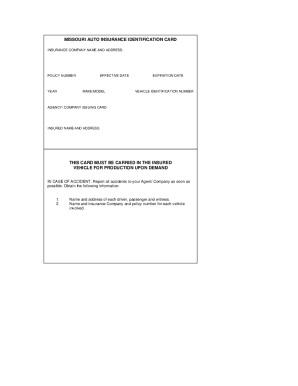
Insurance card maker

2014 forms
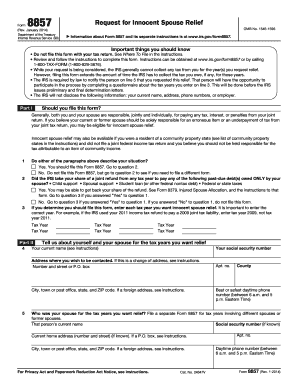
Irs form 8857
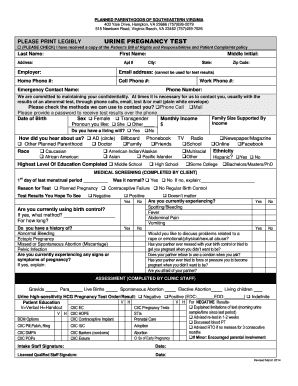
Pregnancy paperwork
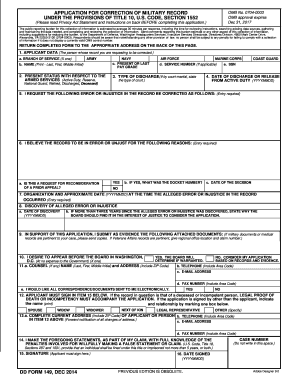
Dd form 149
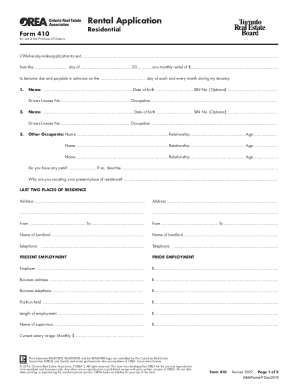
Ontario 410 rental application

Mass rmv accident report
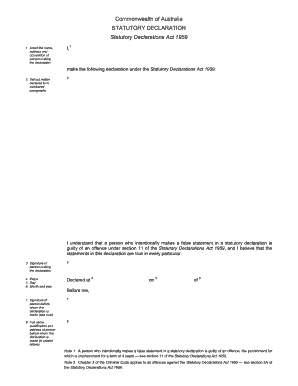
Stat dec
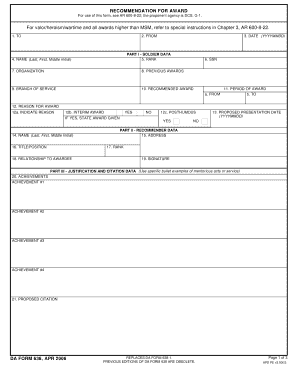
Da form 638
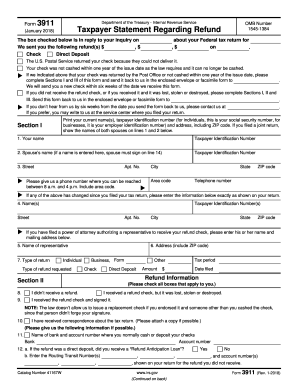
Irs form 3911
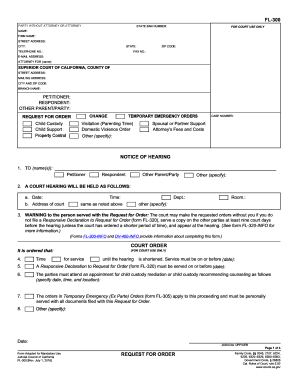
Fl 300

Tb test form
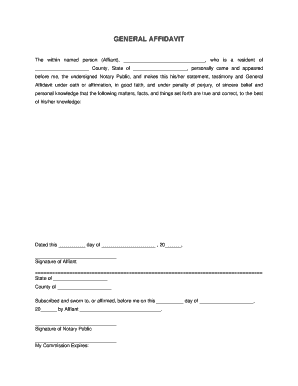
Affidavit form
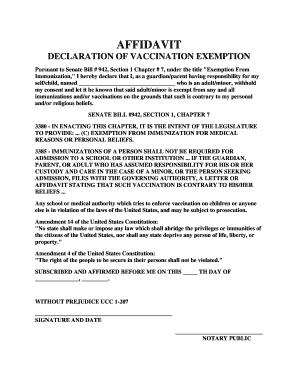
Religious exemption letter

Printable bill of sale for car
Online marriage certificate
Va form 21 526ez
604 act letter
Schedule c 2018
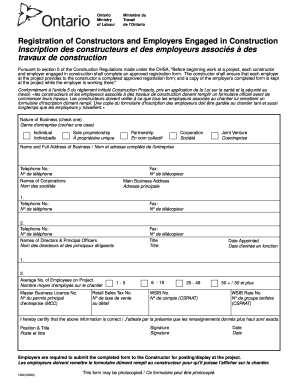
Form 1000
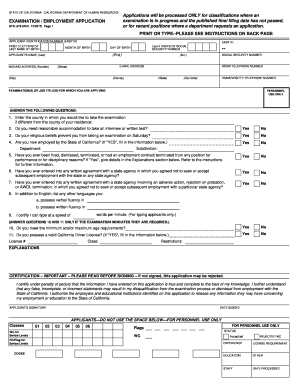
Std 678
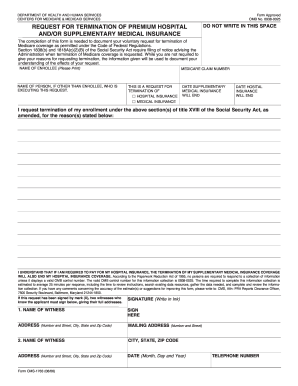
Cms 1763
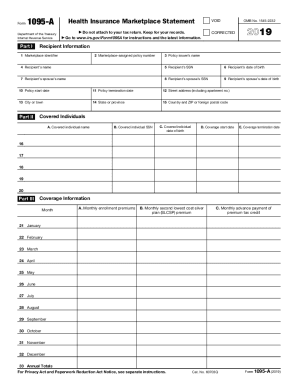
1095 a form
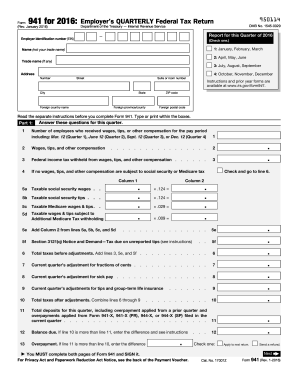
2016 941 form
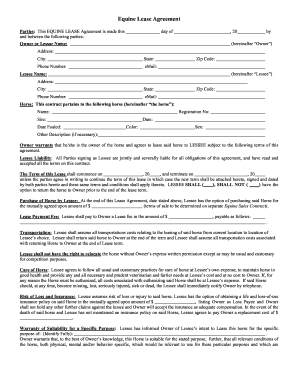
Horse lease agreement
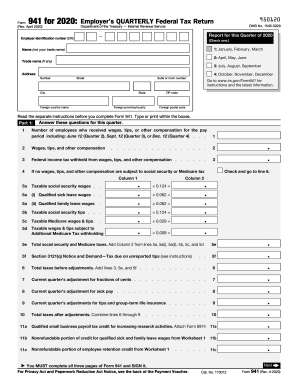
941 form 2020
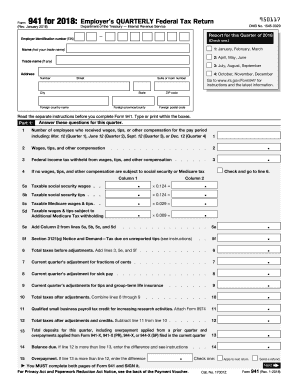
941 form
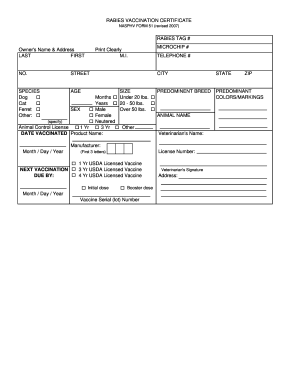
Certificate vaccination
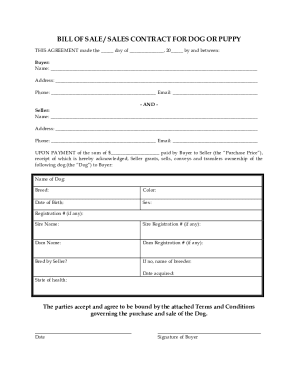
Puppy contract template

I 130 application form
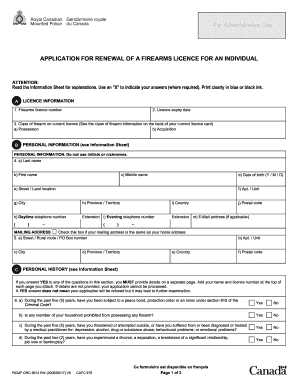
Rcmp pal renewal online
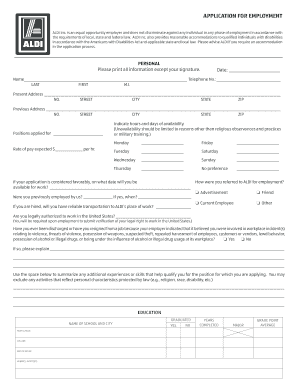
Aldis employment
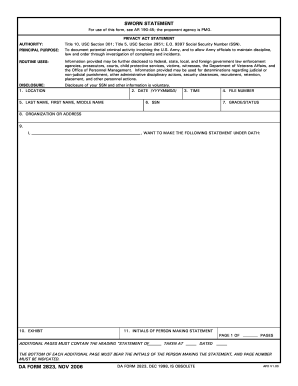
Da form 2823
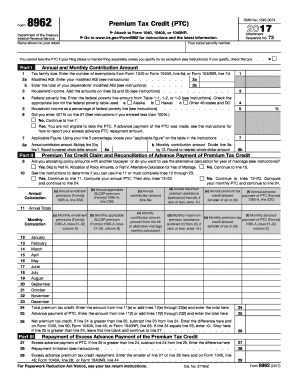
Form 8962 2017
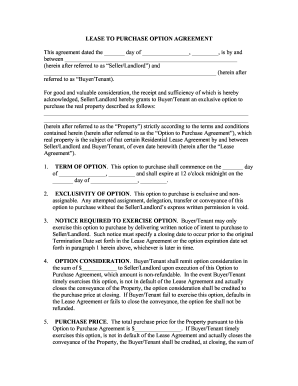
Forms for lease to own blank

Va form 10 10ez
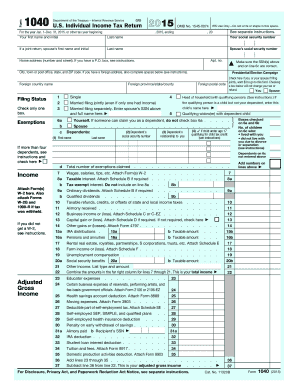
Forms 1040 2015

Irs form 433 d
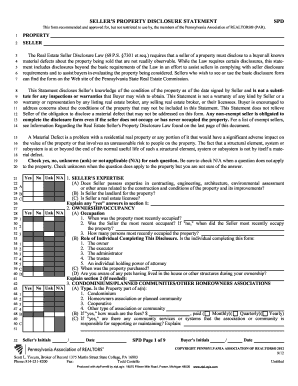
Pa sellers disclosure form 2021 pdf
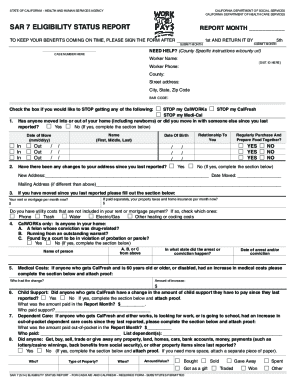
Sar 7 form

Passport application form uk

Lien waiver form
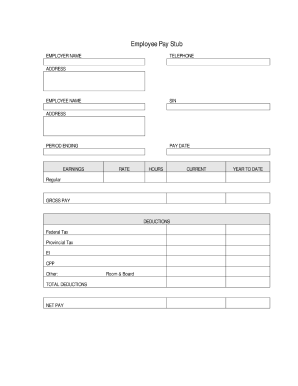
Fillable pay stub pdf
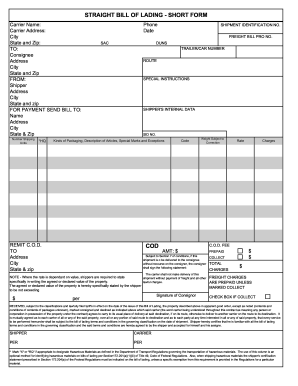
Bol
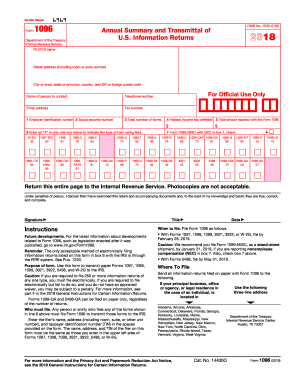
Form 1096

Texas firearm bill of sale

Temporary guardianship form florida
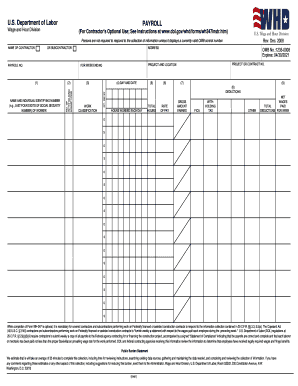
Certified payroll form

Oda form p 022 standard resolution
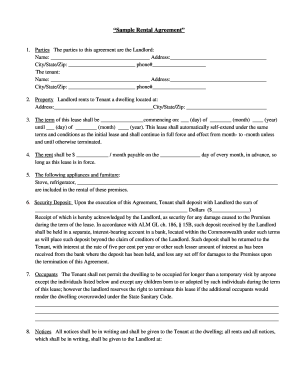
Printable basic rental agreement
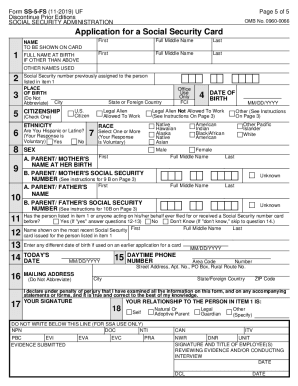
Ss5 form
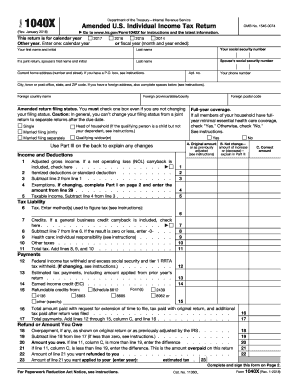
1040x 2017
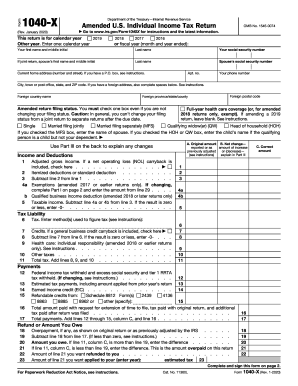
1040x form
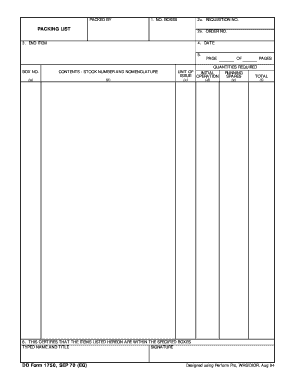
Dd form 1750
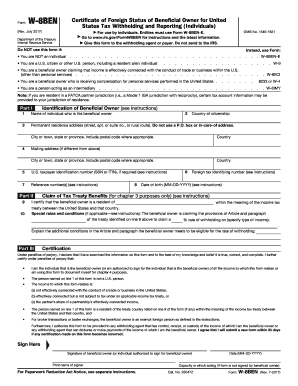
W 8ben
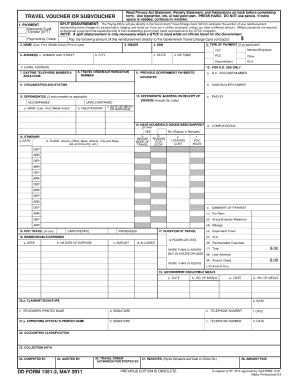
Dd form 1351 2

Mobile home bill of sale
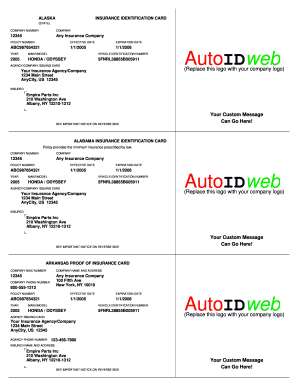
Insurance card template
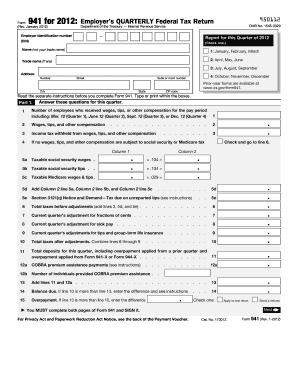
Irs form 941 2012
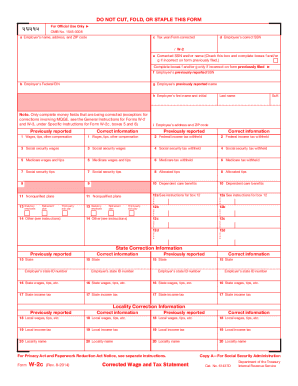
W2 form 2009
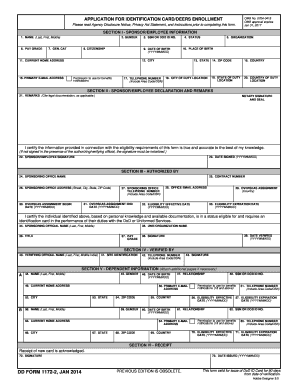
Dd form 1172 2
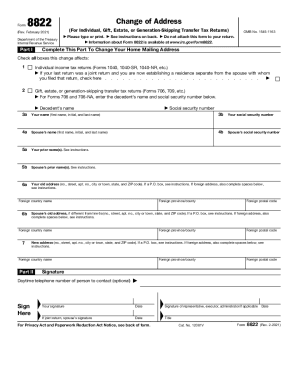
Irs change of address

Trader joe's application
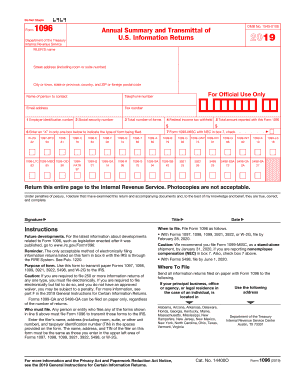
1096 form
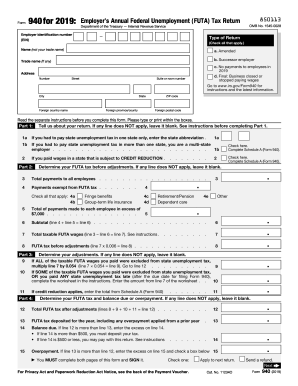
940
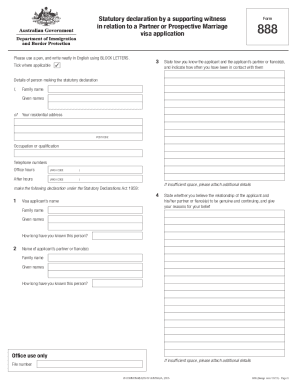
Form 888

Texas divorce forms
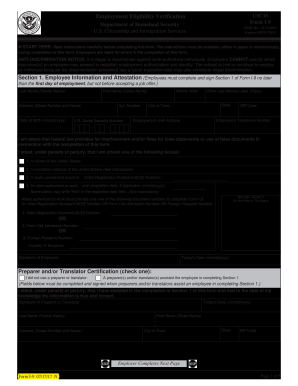
I 9 form fillable
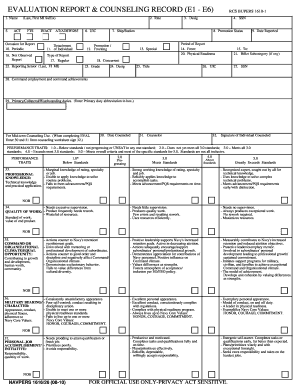
Navy eval pdf
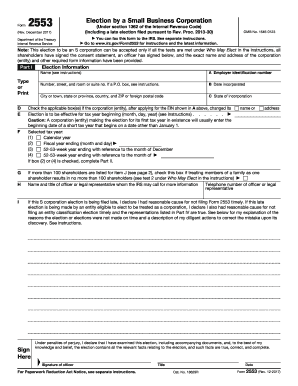
Form 2553

Mv 44 form
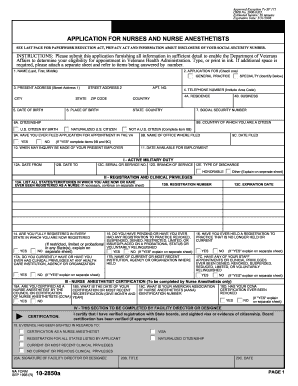
10 2850a 1998 form
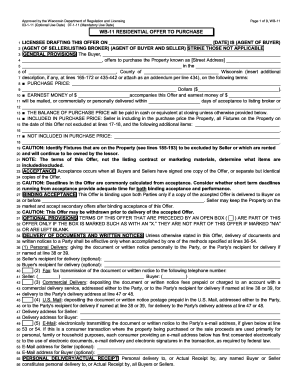
Wb 11 fillable form 2021
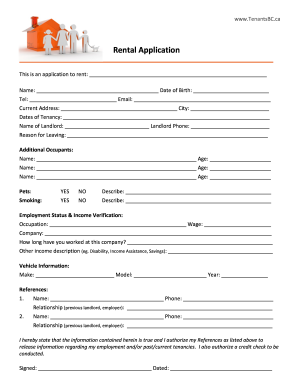
Bc rental application
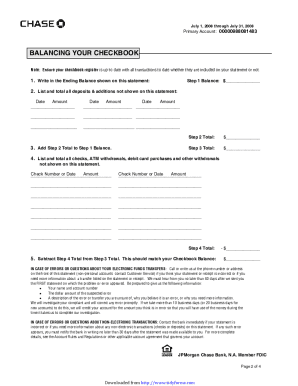
Chase bank statement pdf
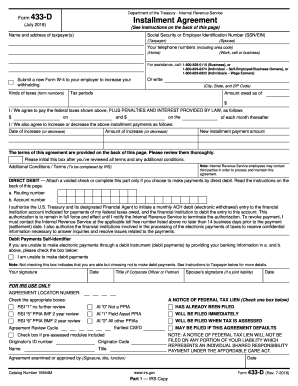
Irs form 433 d

Lease agreement

Separation notice georgia
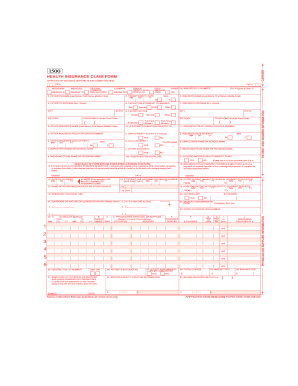
Cms 1500 form 2017 2005

Nc offer to purchase contract
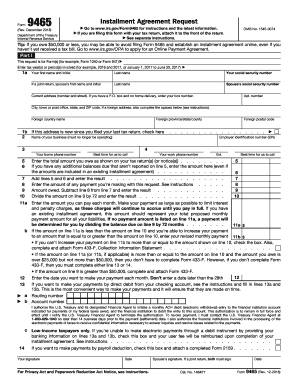
Irs form 9465
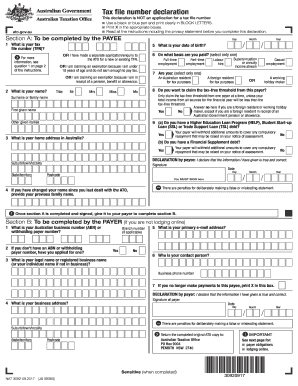
Tax file declaration form
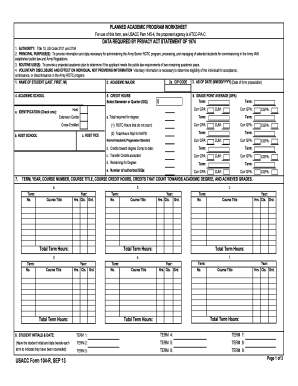
104 r
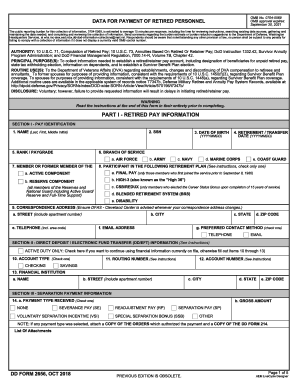
Dd form 2656
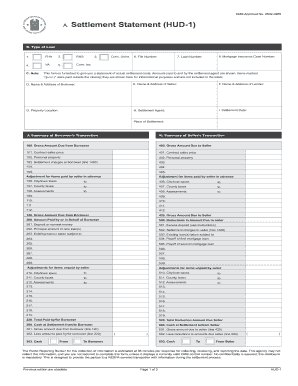
Hud form
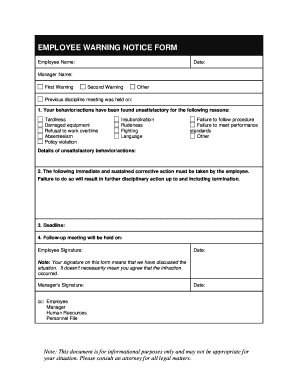
Employee warning notice
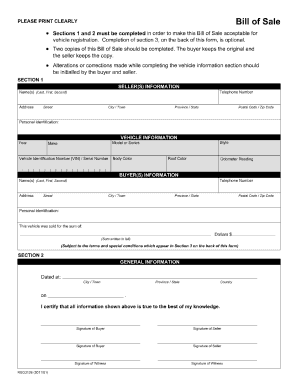
Bill of sale alberta
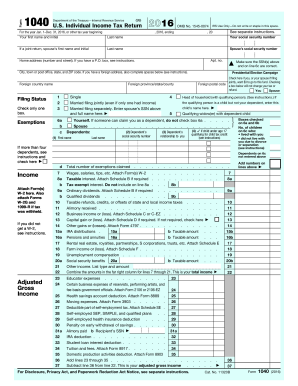
1040 form 2016

Fl 150
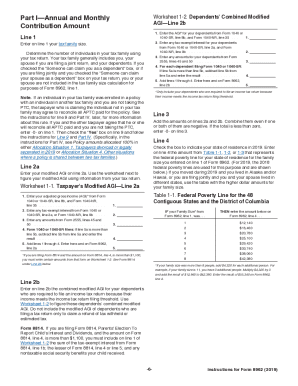
Instructions for form 8962

Wisconsin dmv mv3001
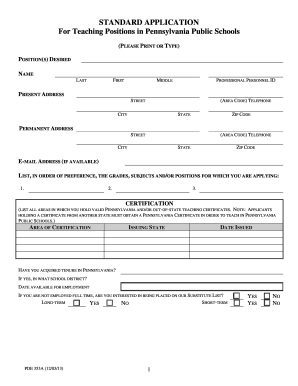
Pa standard teaching application
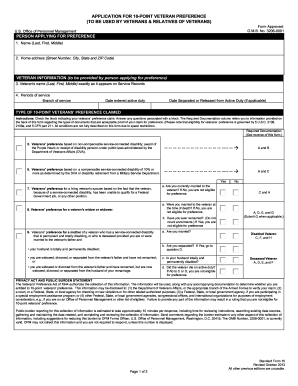
Sf 15

Ssa 561 u2
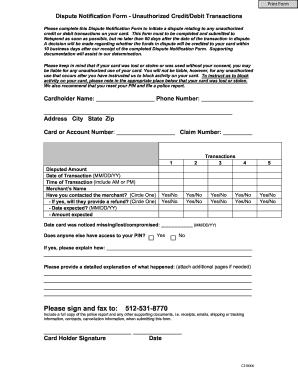
Dispute documents at netspend com
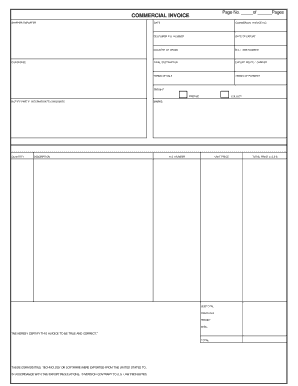
Commercial invoice template

Dd form 2870

Injured spouse form
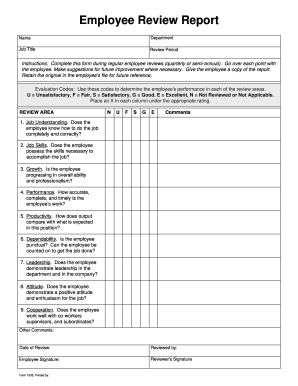
Performance review template
Benefit from the DocHub online library of fillable PDF forms
Searching the PDF forms doesn't have to be a tedious and time-consuming process. With the DocHub online library, it has become easier to find the fillable PDF forms and modify them in your browser. The service allows you to adjust the document to your needs using powerful editing tools.
You can use online document editing features to modify almost any type of document with ease. You just need to find the template of your choice, open it in the editor, and use the toolbar to make the necessary corrections.
Follow this guide to get your document done with DocHub:
- Find the PDF template you need.
- Click the Get Form button to open the file in the editor.
- Use the toolbar to fill out and edit the document.
- Easily add and highlight text, insert images, checkmarks, and symbols.
- Drop new fillable fields, and rearrange or delete pages from your file.
- Save changes and download your record.
DocHub empowers everyone to streamline document editing, signing, and distribution, and form completion. Create an account and benefit from our well-organized PDF Forms library and comprehensive editor.