




01. Edit your ds 11 09 2013 online
Type text, add images, blackout confidential details, add comments, highlights and more.

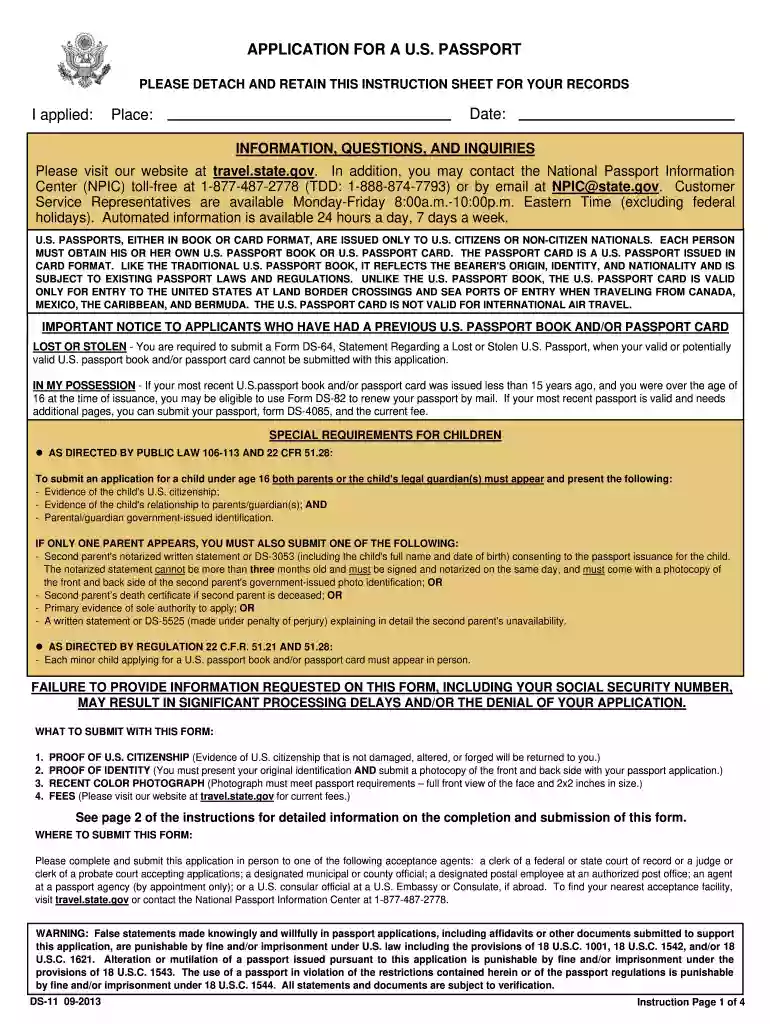
Type text, add images, blackout confidential details, add comments, highlights and more.

Draw your signature, type it, upload its image, or use your mobile device as a signature pad.

Send proforma for photo identity card for handicrafts artisan via email, link, or fax. You can also download it, export it or print it out.

Start using our platform today for free to complete your proforma efficiently!
We've got more versions of the ds 11 09 2013 form. Select the right ds 11 09 2013 version from the list and start editing it straight away!
Electronic document approval demands a software solution that works in compliance with data protection and eSignature laws. DocHub is a great tool for that, since it meets all the previously mentioned requirements. Whatever method you like to sign your artisan card download in DocHub, your eSignature will be legally binding and court-admissible.
Having a swift editing platform like DocHub, you do not require anything but a web browser and internet connection to modify your artisan card download pdf on the internet swiftly. Add your file or find the relevant form in DocHub’s catalog, open our editor with a single click, and finish it digitally. To edit your forms anytime, sign up a free profile with DocHub.
At DocHub, your data security is our priority. We follow HIPAA, SOC2, GDPR, and other standards, so you can work on your documents with confidence.


identification card to sell his Indian artwork at fairs and on- line. I am not an artisan but I am friends and a tribal brother to several who areRead more
To apply for empanelment for Handicrafts Partner Organisation with TISS, please download the Microsoft Word version ONLY and send it with all relevant andRead more
Photograph from Go for the IN Look (Formica, 1960). Grace Jeffers Collection of Formica. Materials, Archives Center, National Museum of American History,Read more


