
Get any PDF form from the DocHub library of ready-made templates - Page 2395
2012 w 3 form
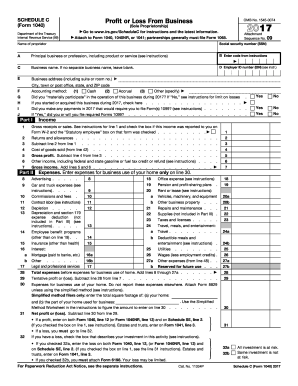
Schedule c 2017 form

Irs form 2016 990 ez
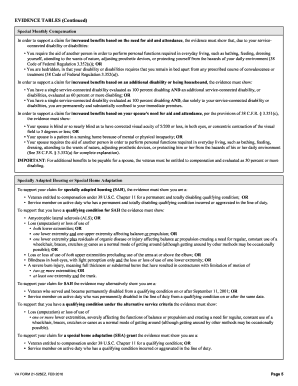
Va form 21 526ez 2010
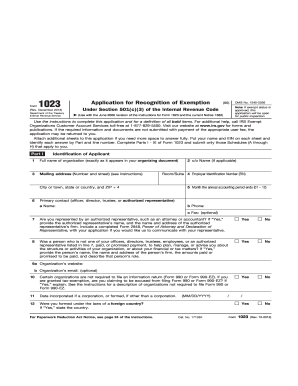
2013 1023 form
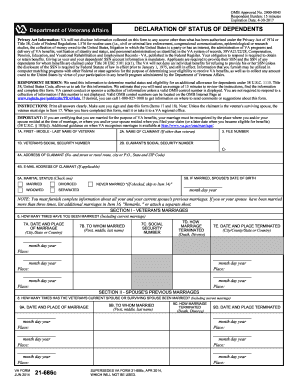
Va form 21 686c

Purchase and sale agreement washington state
Af form 1206

Nj firearms permit application
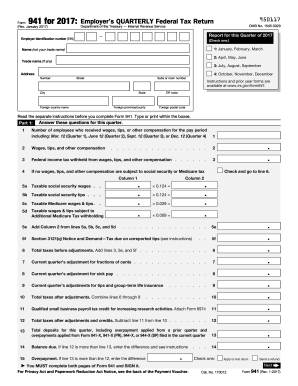
File 941 online 2017 form
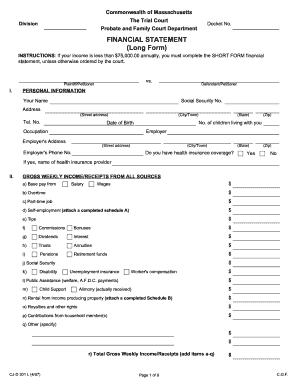
Financial statement long form
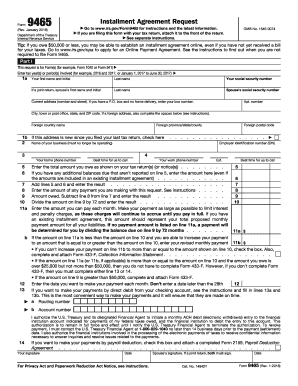
Form 9465 2018
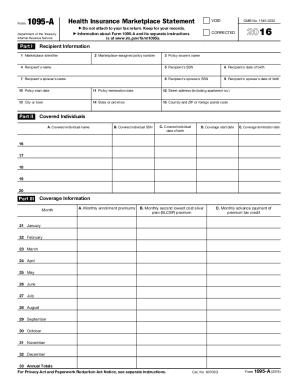
2016 1095a form

Form 433 f 2017-2019
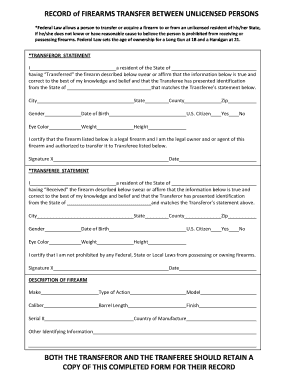
Transfer of firearm ownership

2010 ds 11 form
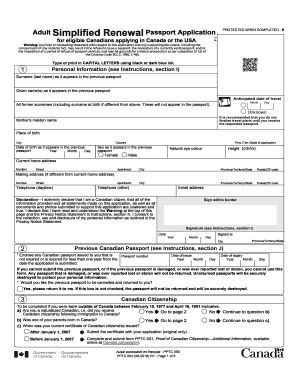
Passport canada

Tax file declaration form
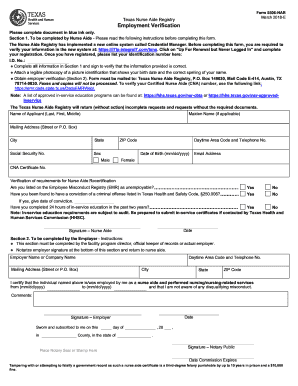
Texas nurse aide registry
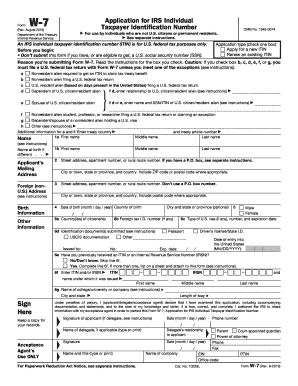
W7 form

2018 form 1120
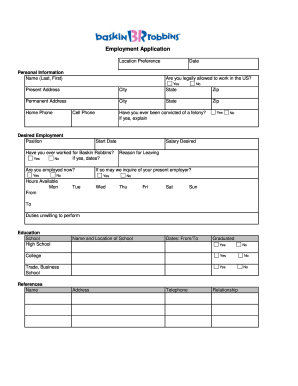
Baskin robbins application
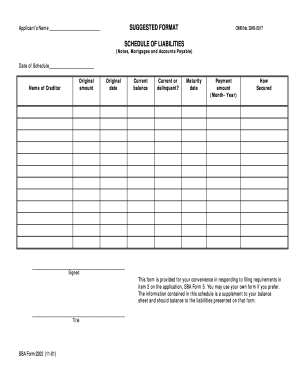
Sba form 2202
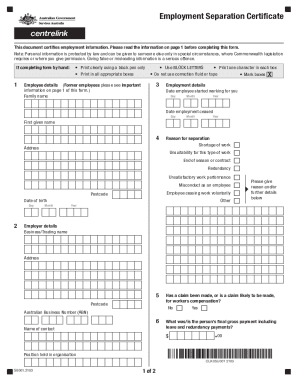
Separation certificate
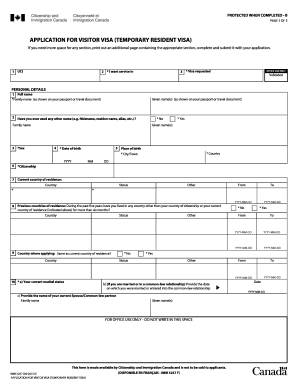
Imm 5257 form with barcode
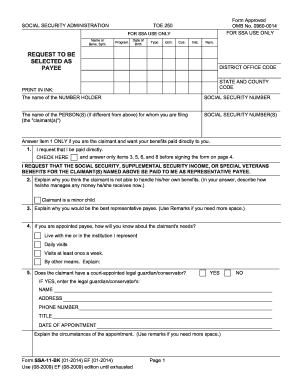
Ssa 11
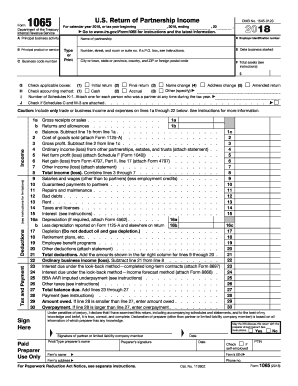
Form 1065
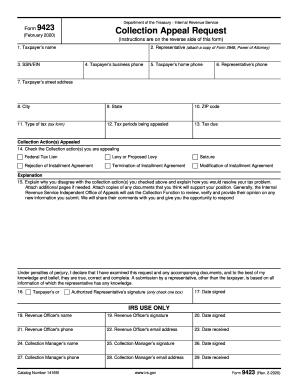
Irs form 9423
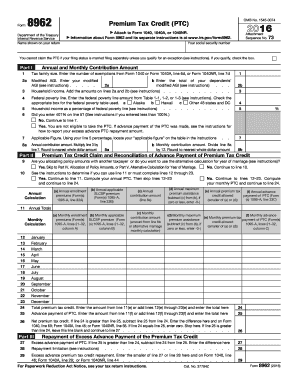
Form 8962 for 2016
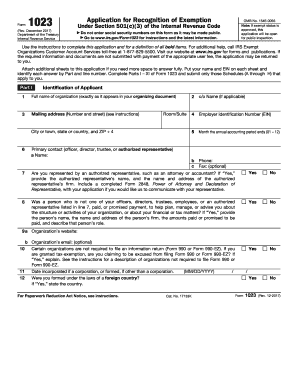
Form 1023 instructions

Aphis form 7001
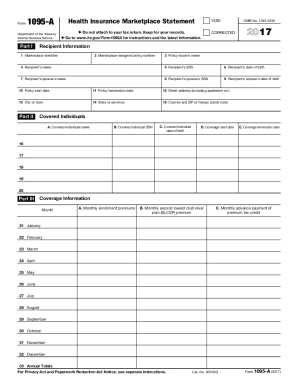
1095 a 2017 form
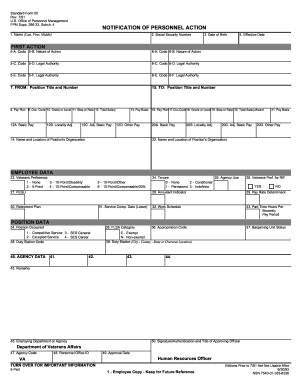
Sf 50
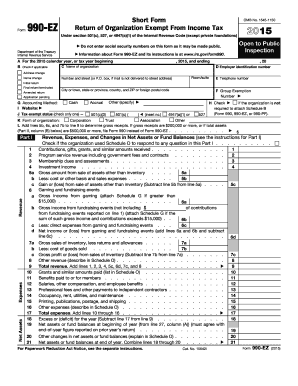
2015 990ez form
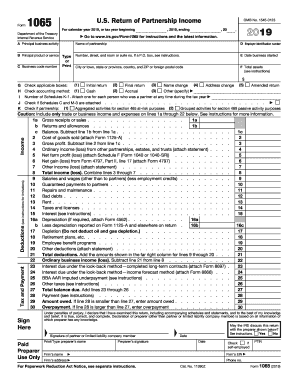
1065 2011
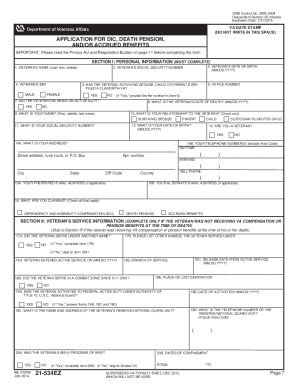
Va form 21p 534ez

Fed ex domestic waybill
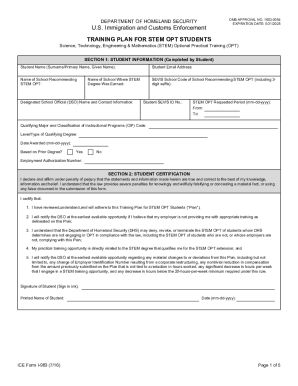
I983 form download
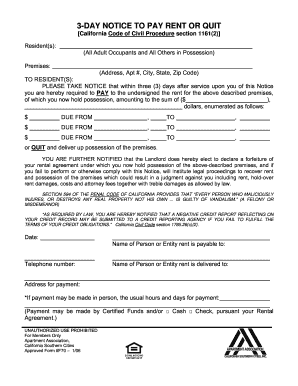
3 day notice to quit california pdf
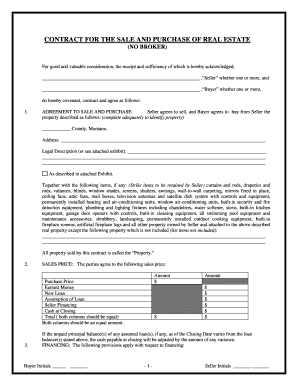
Buy sell agreement montana

Report card maker
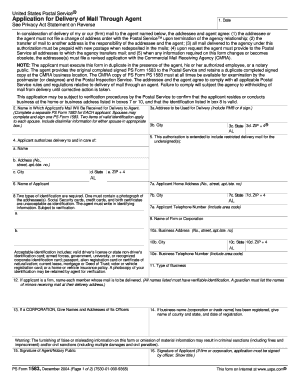
Usps form 1583
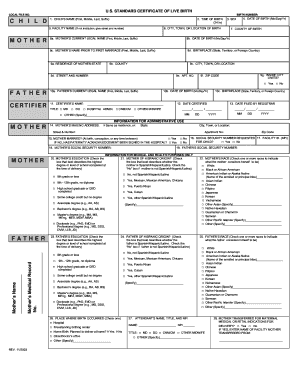
Birth certificate maker
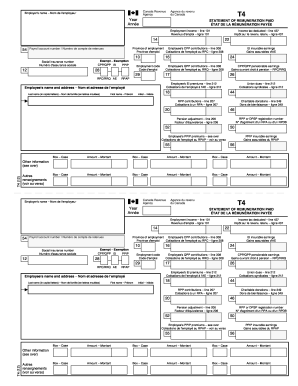
T4 fillable
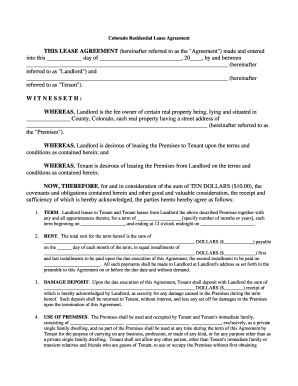
Colorado residential lease agreement
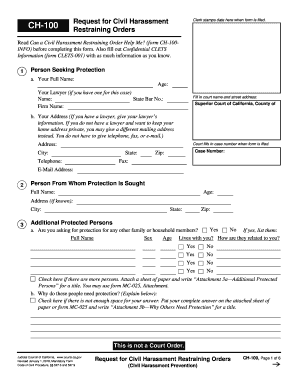
Restraining order

Dd form 2642
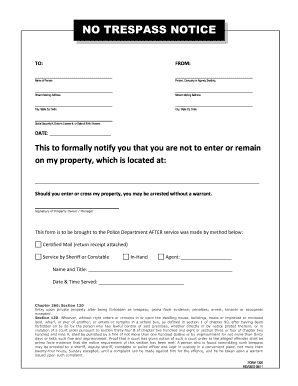
No trespassing notice form
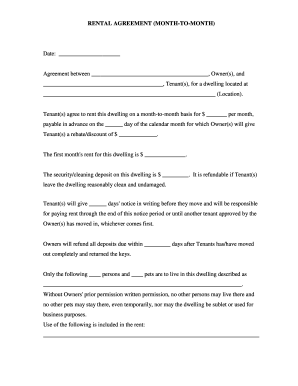
Fillable month to month rental agreement

Eagle scout application

2014 4506 t form
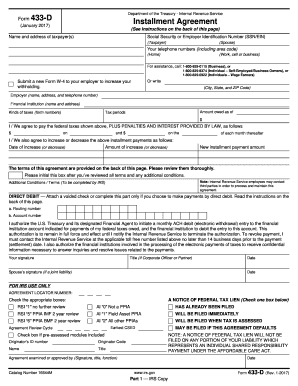
433 d 2017 form

Rental application pdf fillable

2009 form
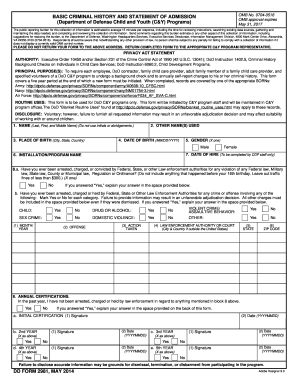
Dd form 2981
Social security

990 ez

Lease agreement ontario word document
Rp 5217
2011 form 941
I 765 form

2015 1096 form
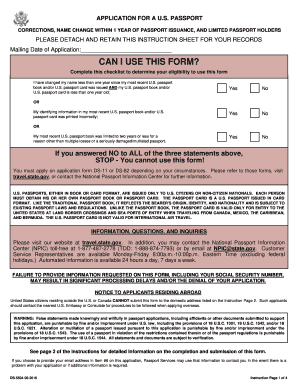
Name passport edit
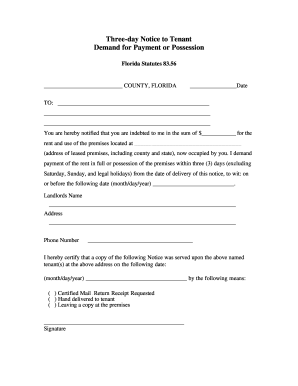
3 day notice
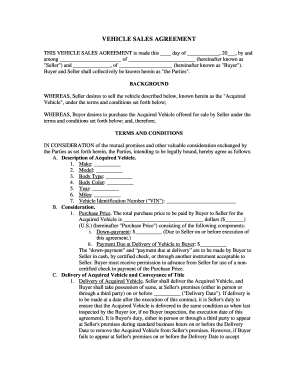
Vehicle purchase agreement
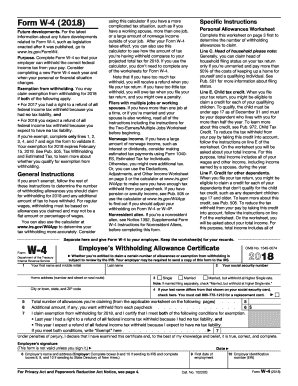
2019 w 4 form printable
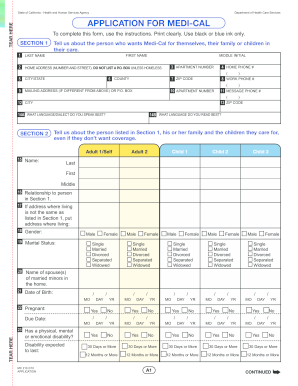
Medi cal application
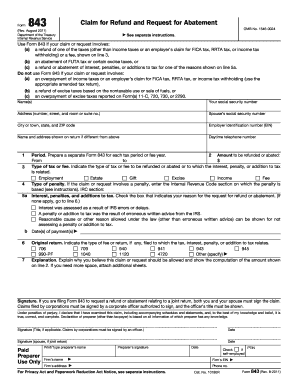
Irs form 843
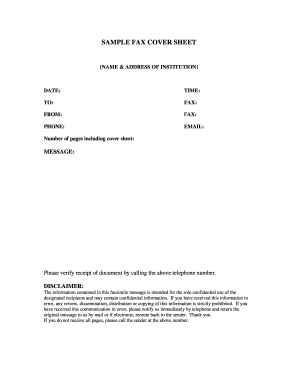
Fax cover sheet
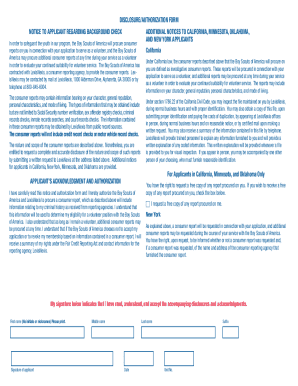
Bsa adult application
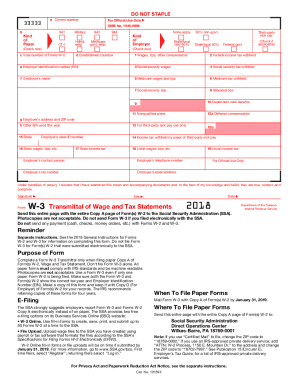
2015 w3 form
Pleading paper
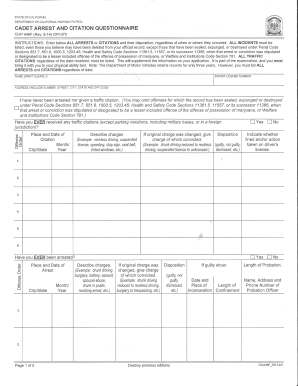
Chp 446f
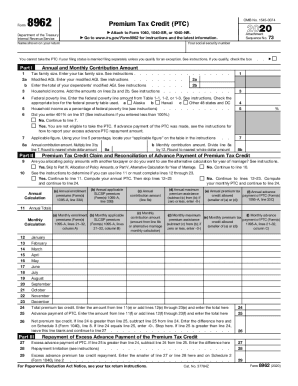
8962 form
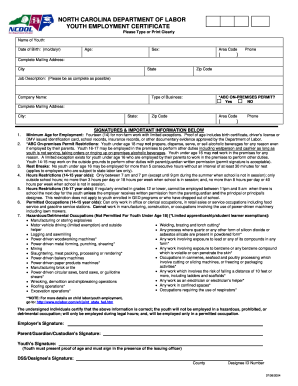
Nc workers permit
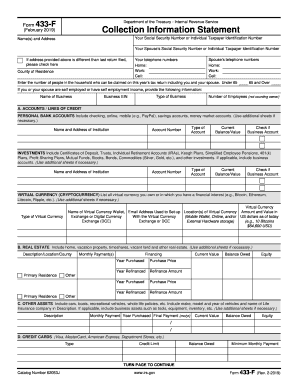
Irs form 433 f

Miscarriage doctors note
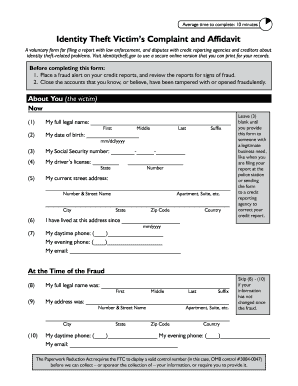
Identity theft affidavit

Champva application
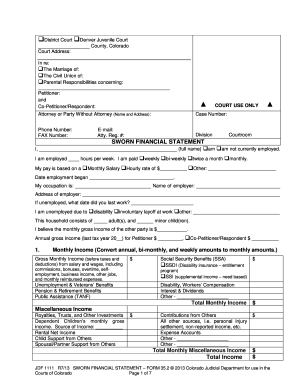
Sworn financial statement colorado

Dc lease agreement
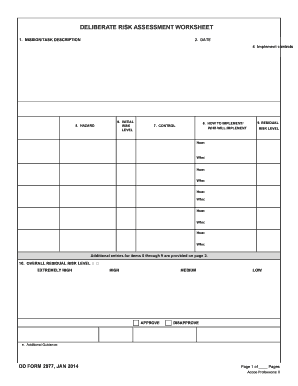
Dd form 2977
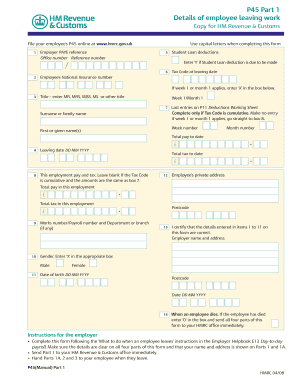
P45 form

1004
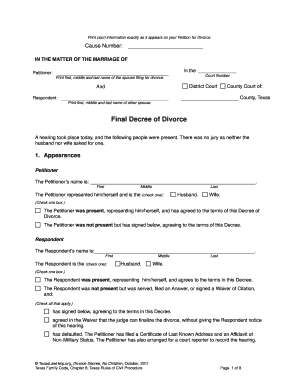
Final decree of divorce
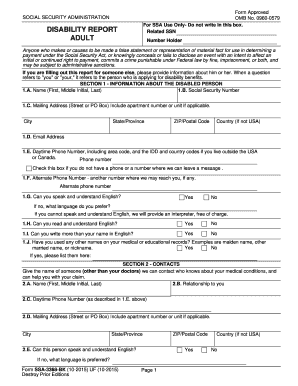
Ssa gov 3368

Standard form 410 t
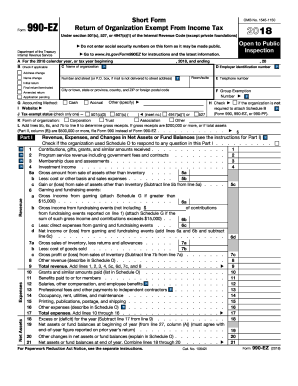
2015 form 990ez
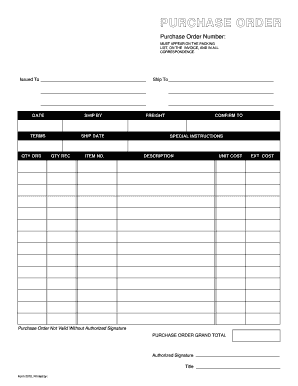
Purchase order template
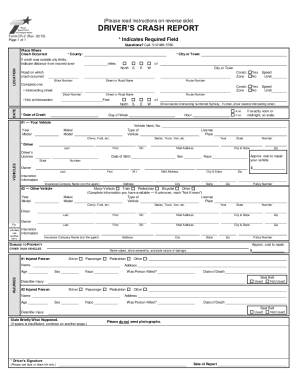
Texas blue form 2010

Ssa 3373
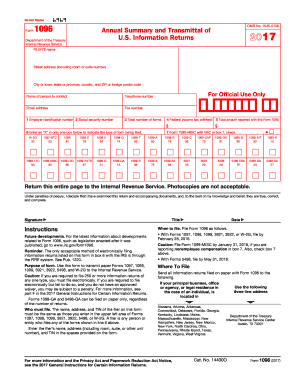
1096 online 2017 form
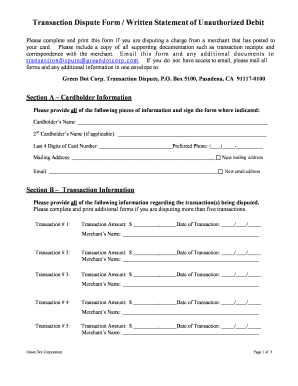
Rr greendot corp com
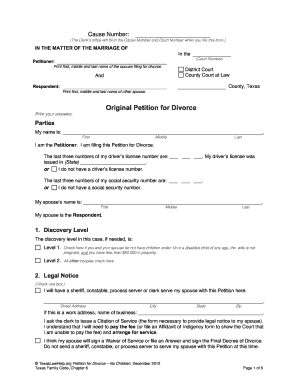
Petition texaslawhelp pdf
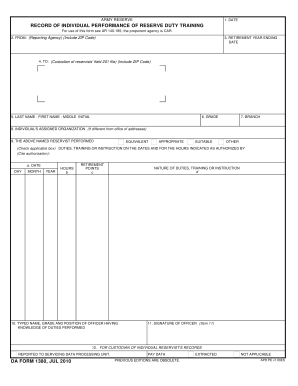
Da 1380
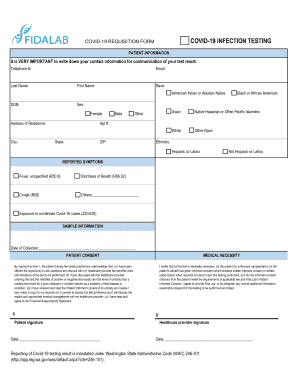
Negative covid test results template
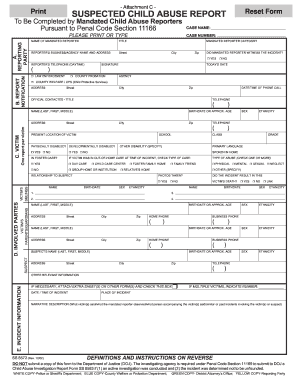
Ss8572
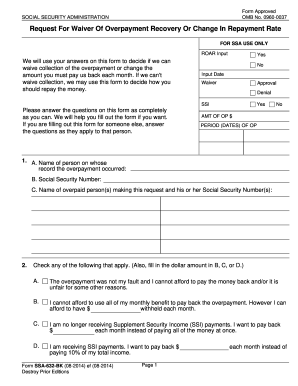
Ssa 632
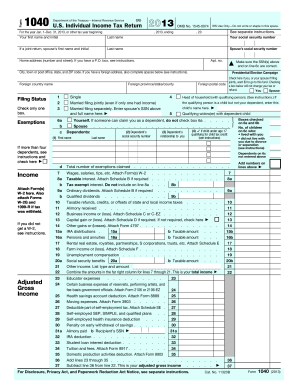
2013 forms

1096 2016 form
Benefit from the DocHub online library of fillable PDF forms
Searching the PDF forms doesn't have to be a tedious and time-consuming process. With the DocHub online library, it has become easier to find the fillable PDF forms and modify them in your browser. The service allows you to adjust the document to your needs using powerful editing tools.
You can use online document editing features to modify almost any type of document with ease. You just need to find the template of your choice, open it in the editor, and use the toolbar to make the necessary corrections.
Follow this guide to get your document done with DocHub:
- Find the PDF template you need.
- Click the Get Form button to open the file in the editor.
- Use the toolbar to fill out and edit the document.
- Easily add and highlight text, insert images, checkmarks, and symbols.
- Drop new fillable fields, and rearrange or delete pages from your file.
- Save changes and download your record.
DocHub empowers everyone to streamline document editing, signing, and distribution, and form completion. Create an account and benefit from our well-organized PDF Forms library and comprehensive editor.