




01. Edit your forms 2013 online
Type text, add images, blackout confidential details, add comments, highlights and more.

Type text, add images, blackout confidential details, add comments, highlights and more.

Draw your signature, type it, upload its image, or use your mobile device as a signature pad.

Send 2013 forms via email, link, or fax. You can also download it, export it or print it out.
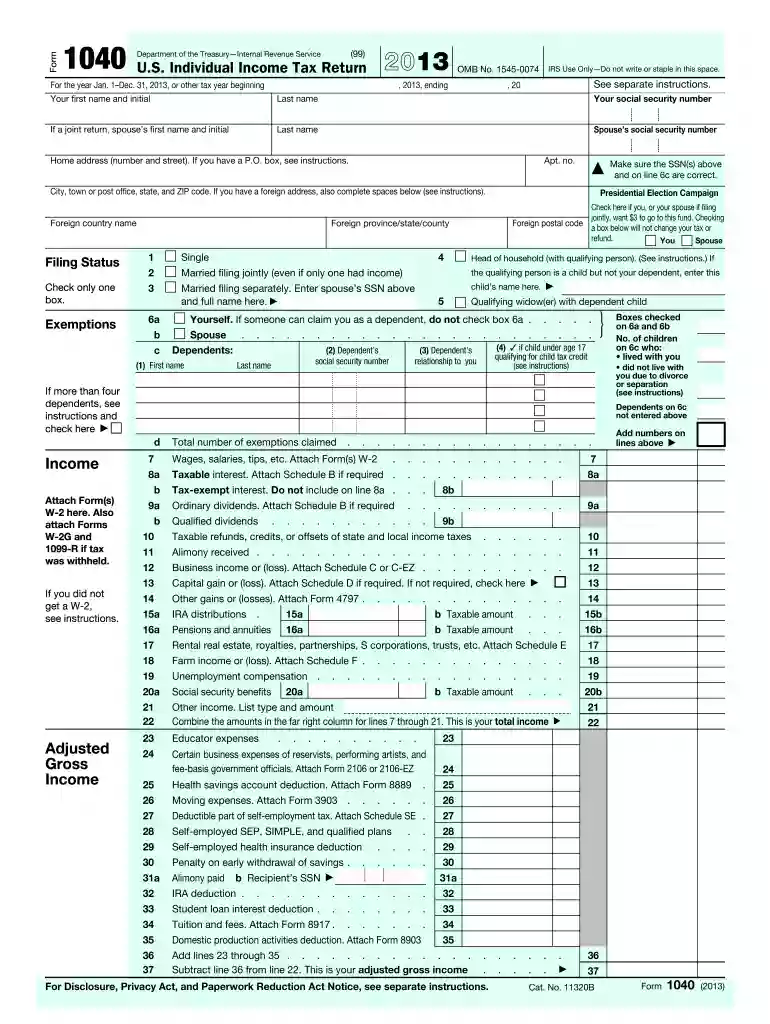
The 2013 forms, predominantly the U.S. Individual Income Tax Return Form 1040, are essential documents used by individuals for reporting their annual income, claiming deductions, and computing tax liabilities. These forms serve a critical function in the federal tax system, providing a standardized method through which taxpayers declare their financial activities for the year. Key sections of the 2013 Form 1040 include areas for personal details, filing status, income sources, and deductions such as student loans or mortgage interest.
To acquire the 2013 forms, you have several options. You can download them directly from the IRS website, which provides a repository of tax forms from various years, including 2013. Additionally, physical copies can be obtained at local IRS offices or mailed to you upon request. Tax preparation software like TurboTax and QuickBooks also offer access to these forms during the tax filing process.
Completing the 2013 forms involves a sequence of steps to ensure accurate reporting. Here's a streamlined guide:
Gather all required documents, such as W-2s, 1099s, and any relevant receipts for deductions or credits.
Fill out personal information, including your name, address, and Social Security Number, on the top section of the form.
Determine your filing status as single, married filing jointly, married filing separately, head of household, or qualifying widow(er).
Enter your income details using the information from your W-2s and 1099s. This includes wages, tips, and any additional income sources.
Claim deductions and credits where applicable. Itemize deductions if they total more than the standard deduction.
Calculate your tax liability using the income and deduction details, then verify the accuracy by reviewing the form requirements.
Sign the form before submission, ensuring all the required sections are completed.
Several vital components are integral to the completion of the 2013 forms. These include:
Personal Exemptions: Taxpayers can claim exemptions for themselves, their spouses, and dependents to reduce taxable income.
Adjustments to Income: This section allows for deductions such as student loan interest or tuition fees, reducing the adjusted gross income.
Tax Credits: Credits like the Earned Income Tax Credit (EITC) are crucial, as they reduce the actual tax owed.
Payment and Refund Details: Taxpayers must include information about any tax payments already made and request refunds if applicable.
The IRS provides comprehensive guidelines to aid taxpayers in accurately completing their 2013 forms. These guidelines detail income limits for various deductions and credits, eligibility criteria for different filing statuses, and the documentation required for each claimed deduction or credit. Taxpayers should consult the 2013 Form 1040 instructions, available online, to ensure compliance with IRS rules and avoid errors that could result in penalties.
For the tax year 2013, the filing deadline was April 15, 2014. Extensions were available, allowing taxpayers an additional six months, extending the deadline to October 15, 2014. It is essential to note these dates to avoid late filing penalties, which can result in additional interest and fees. Failure to file or pay taxes on time can have significant financial consequences.
Various scenarios illustrate the use of 2013 forms. For instance, a self-employed individual would use Schedule C to report business income, whereas a retiree might focus on sections detailing pension distributions. A family claiming the Child Tax Credit would need to complete additional worksheets to calculate the precise credit amount based on their individual circumstances.
Taxpayers have the option to file their 2013 forms electronically or via paper. E-filing provides several benefits, including faster processing times and quicker refunds. Digital submissions are more accurate due to electronic error checks. Conversely, paper filings are more traditional and do not require technology but are prone to manual errors and take longer to process.
We've got more versions of the forms 2013 form. Select the right forms 2013 version from the list and start editing it straight away!
| Versions | Form popularity | Fillable & printable |
|---|---|---|
| 2025 | 4.9 Satisfied (56 Votes) | |
| 2024 | 4.5 Satisfied (50 Votes) | |
| 2023 | 4.9 Satisfied (56 Votes) | |
| 2022 | 4.3 Satisfied (60 Votes) | |
| 2021 | 4.8 Satisfied (50 Votes) | |
| 2020 | 4.4 Satisfied (257 Votes) | |
| 2019 | 4.2 Satisfied (85 Votes) | |
| 2018 | 4.4 Satisfied (346 Votes) | |
| 2017 | 4 Satisfied (21 Votes) | |
| 2017 | 4.4 Satisfied (458 Votes) | |
| 2016 | 4.4 Satisfied (657 Votes) | |
| 2015 | 4.3 Satisfied (174 Votes) | |
| 2014 | 4 Satisfied (48 Votes) | |
| 2013 | 4 Satisfied (70 Votes) | |
| 2012 | 4 Satisfied (28 Votes) |
At DocHub, your data security is our priority. We follow HIPAA, SOC2, GDPR, and other standards, so you can work on your documents with confidence.

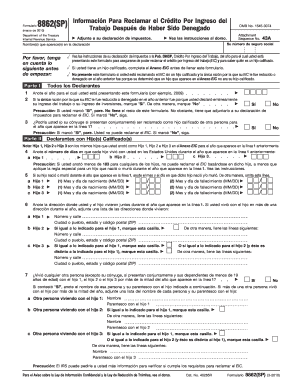

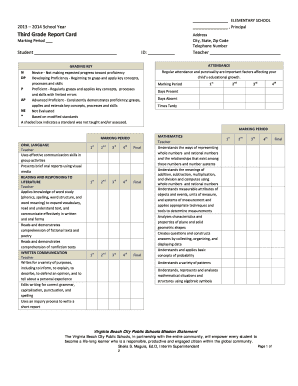

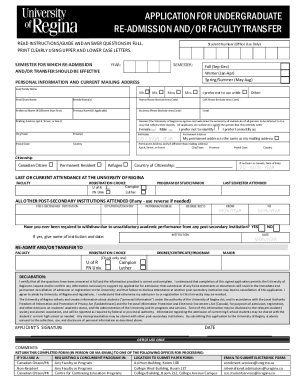

Form 1040EZ (2013). Page 2. Form 1040EZ (2013). Page 2. Use this form if. Your filing status is single or married filing jointly. If you are not sure aboutRead more
Use the 2013 forms for fiscal years which begin during calendar year 2013. Fiscal year returns are due on the 15th day of the 4th month following theRead more


