
Get any PDF form from the DocHub library of ready-made templates - Page 2

Tuesday of the Other June Reading Guide

Residential Lease Agreement Violation Notice

Victorian Sheep and Goat Consignment Declaration

Rental Agreement for SSI Benefit Protection
Joint Declaration for Foreign Spouse OCI Application

Marriage Certificate Request Form
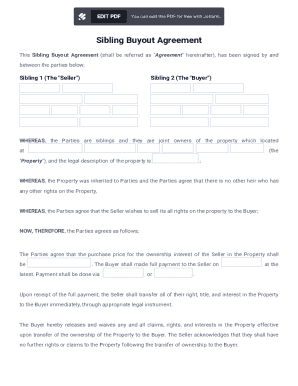
Sibling Buyout Agreement

California EDD DE 2525XX Form
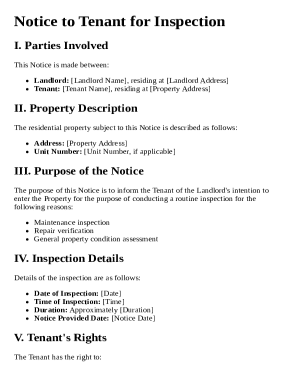
Notice to Tenant for Inspection Template
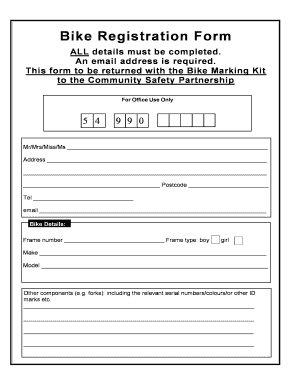
Bike Registration Form
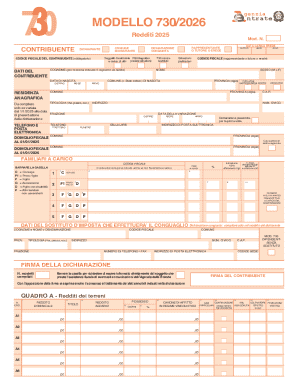
Modello 730 2026
Attestation homologu docx
Cerfa RF 11436 01042015
French Rental Authorization Form 15652*01
S6905c HOMOLOG doc
ANNEXE
Cerfa12725 DAJ 03 04 2015 corrig doc
Employment Pass application form (For sponsorship cases)
Cerfa 11531 LPJ
S3125(x)
Compte rendu financier (annexe) 2018 avec ressources indirectes docx
D claration de nationalit au titre du mariage avec un conjoint fran ais
Page 1
French Legal Aid Application Form
French Family Name Change Request Form
Cerfa 15789 03LPJ docx
French Civil Procedure Court Summons Form
10795 CHEMISE COMP 9
Contrat d apprentissage
RNIAM-MODELE DOUBLE RATTACHT 1
FACTURE TAXI V1 AVR08
Contrat vente quipements
ANNEXE
French Traffic Regulation Request Form
2025 Connecticut Annual Income and Expense Report

LCS Form 7 - Child Safety and Personal History Screening
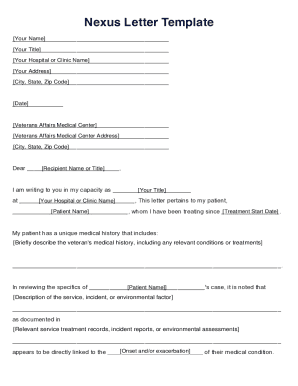
Nexus Letter Template

Namibia Student Application Form
Request for Foreign Title Transfer
A-G Requirement Checklist
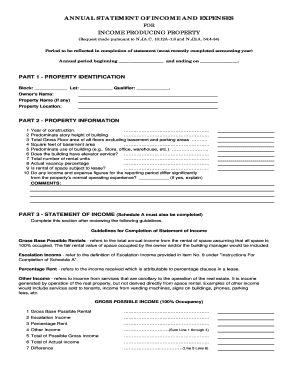
New Jersey Annual Statement of Income and Expenses
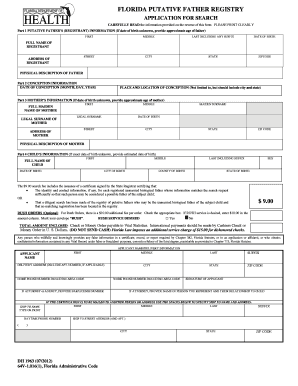
Florida Putative Father Registry Application
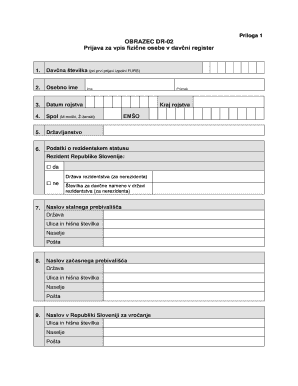
Slovenia Tax Registration Form DR-02
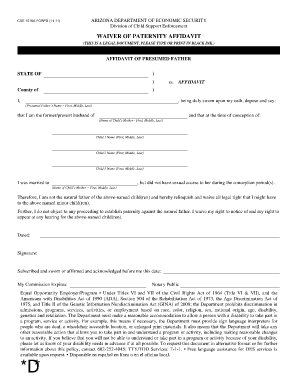
Arizona Waiver of Paternity Affidavit
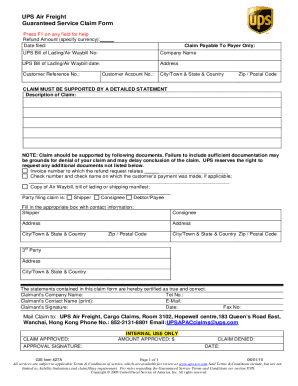
UPS Air Freight Guaranteed Service Claim Form

CareFirst BlueChoice Membership Change Form
Salvation Army Client Release of Information Form
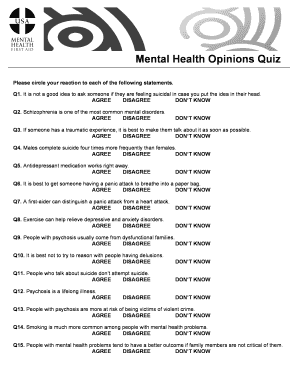
Mental Health Opinions Quiz
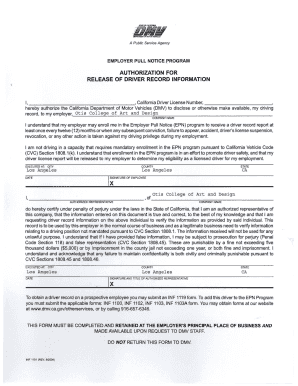
California Employer Pull Notice Authorization
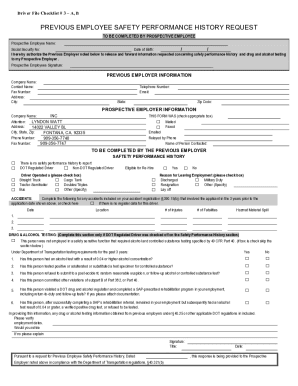
Previous Employee Safety Performance History Request
Return of Premium Surrender Form
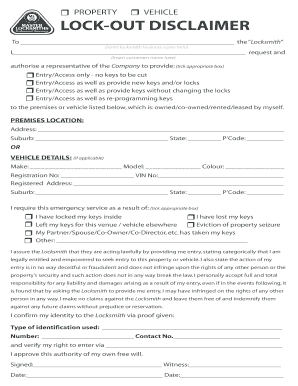
Lock-Out Disclaimer Form

PHQ-9 and GAD-7 Assessment Form
New Brunswick Drug Plans Special Authorization Request
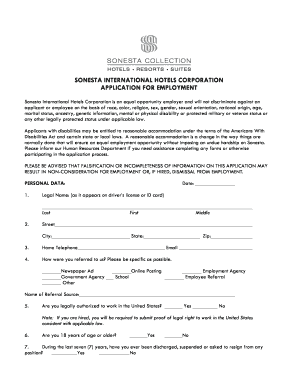
Sonesta International Hotels Employment Application
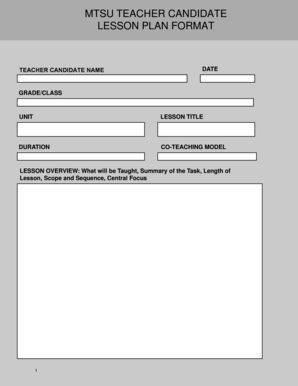
MTSU Teacher Candidate Lesson Plan Format
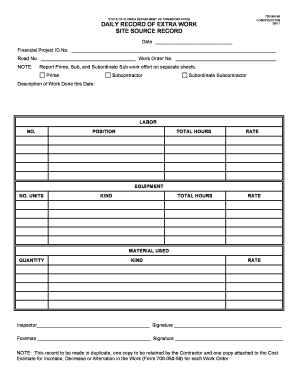
Florida Construction Daily Extra Work Record

Missouri Divorce Affidavit Form 1499
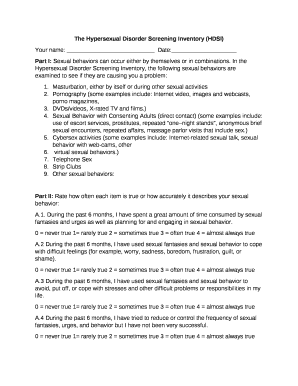
Hypersexual Disorder Screening Inventory
US Bankruptcy Court Voluntary Petition Form 201
10 Arrendamiento Vivienda Urbana Colombia
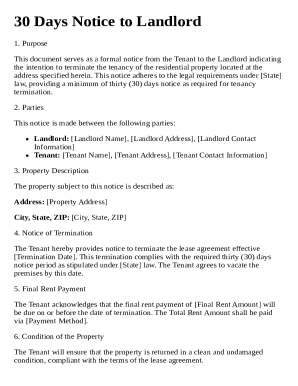
30 Days Notice to Landlord Template
Work Release Form Template

Illinois Funeral or Burial Claim

Power Mobility Device Face-To-Face Evaluation Form
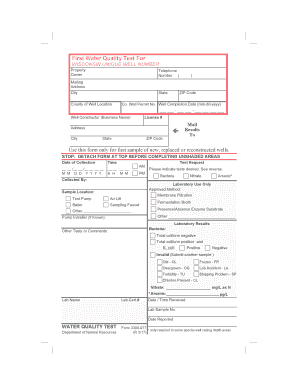
Wisconsin Well Water Quality Test Form

Brookside Laboratories Soil Test Form
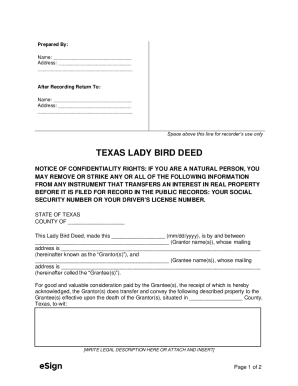
Texas Lady Bird Deed
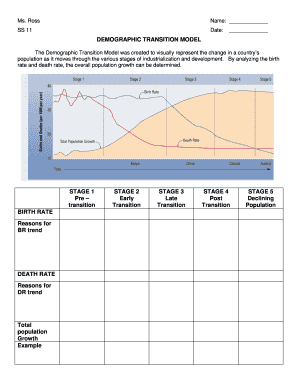
Demographic Transition Model Form

Generalized Anxiety Disorder (GAD 7) Scale
Chiropractic Informed Consent Form
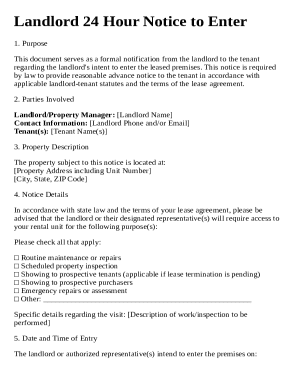
Landlord 24 Hour Notice to Enter Template
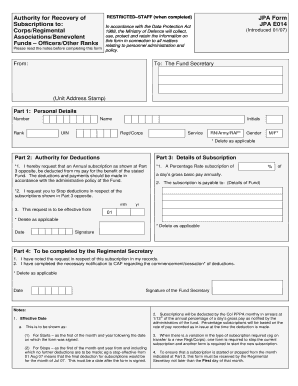
UK Ministry of Defence JPA Form E014

HIPAA Privacy Policy Training Attestation

Kinship Caregiver Affidavit

Undertaking for Tatkaal Scheme
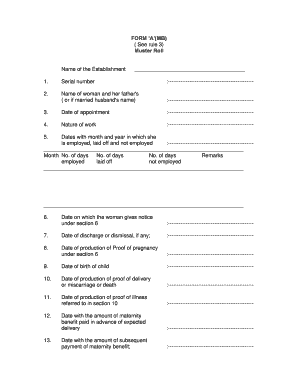
Maternity Benefit Muster Roll Form A
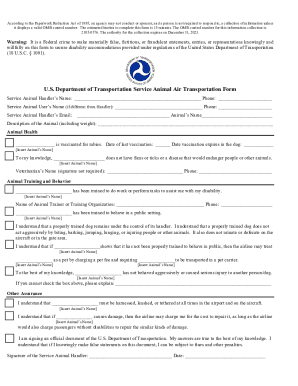
US DOT Service Animal Air Transportation Form
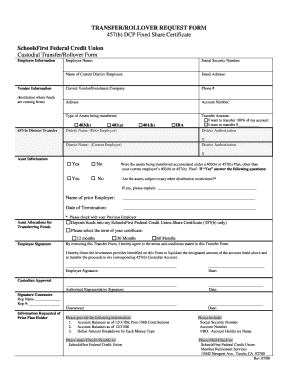
457(b) DCP Fixed Share Certificate Transfer Form
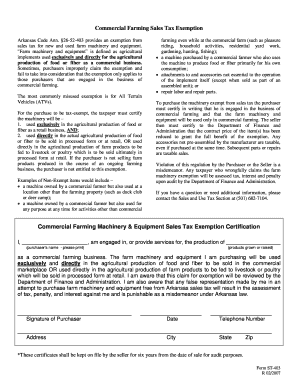
Arkansas Commercial Farming Sales Tax Exemption

Revocation of Medical Power of Attorney

Ontario Form 17F Confirmation
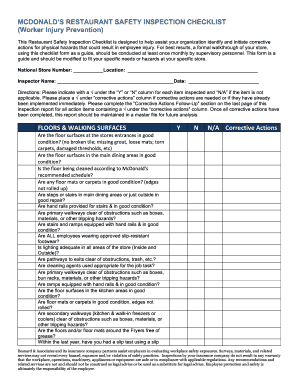
McDonald's Restaurant Safety Inspection Checklist
Residential Property And Owners' Association Disclosure Statement
StarTrack Transit Warranty Claim Form

Portuguese Tax Refund Claim Form 23-RFI

DMEPOS Prior Authorization Request Form
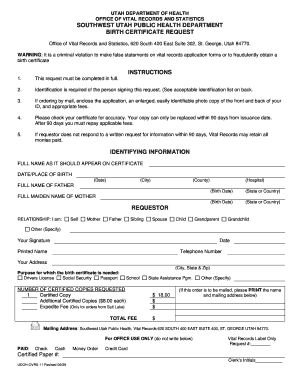
Utah Birth Certificate Request Form
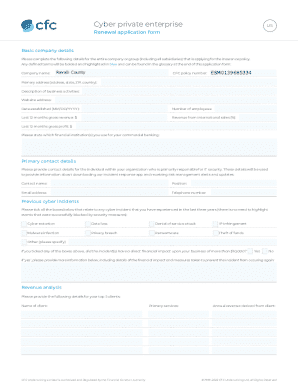
Cyber Private Enterprise US Renewal Application Form

US Department of State Restoration to Full Annuity Application
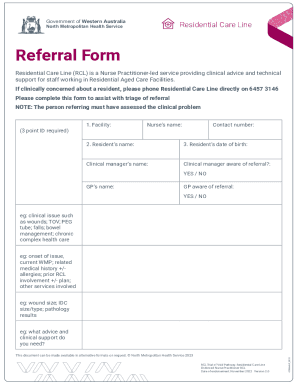
Residential Care Line Referral Form

Migraine Headache Diary
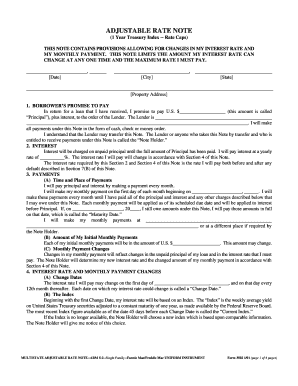
Adjustable Rate Note Template

New Mexico Uniform Traffic Citation

Respondent s Request for Production and Inspection
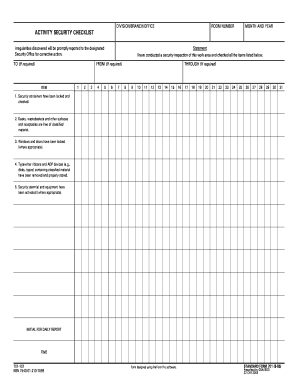
Security Checklist Form 701

VA Lender Certification Form
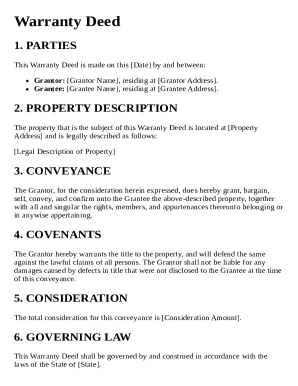
Warranty Deed Template
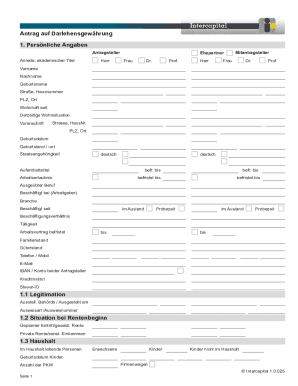
Antrag auf Darlehensgew hrung
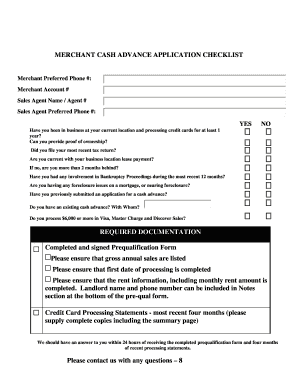
Merchant Cash Advance Application Checklist
Benefit from the DocHub online library of fillable PDF forms
Searching the PDF forms doesn't have to be a tedious and time-consuming process. With the DocHub online library, it has become easier to find the fillable PDF forms and modify them in your browser. The service allows you to adjust the document to your needs using powerful editing tools.
You can use online document editing features to modify almost any type of document with ease. You just need to find the template of your choice, open it in the editor, and use the toolbar to make the necessary corrections.
Follow this guide to get your document done with DocHub:
- Find the PDF template you need.
- Click the Get Form button to open the file in the editor.
- Use the toolbar to fill out and edit the document.
- Easily add and highlight text, insert images, checkmarks, and symbols.
- Drop new fillable fields, and rearrange or delete pages from your file.
- Save changes and download your record.
DocHub empowers everyone to streamline document editing, signing, and distribution, and form completion. Create an account and benefit from our well-organized PDF Forms library and comprehensive editor.