









Move PDF work forward with AI built into DocHub
Create & Analyze
Turn ideas into documents. Turn documents into answers. Describe what you need and let AI create the document for you. Get summaries, key insights, and answers without reading every page.
-
Generate Document
Describe the document you need and get a ready-to-use draft in minutes.
-
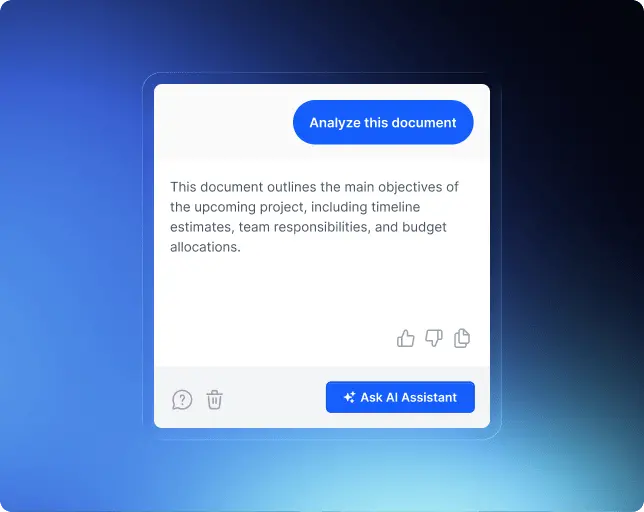
Assistant
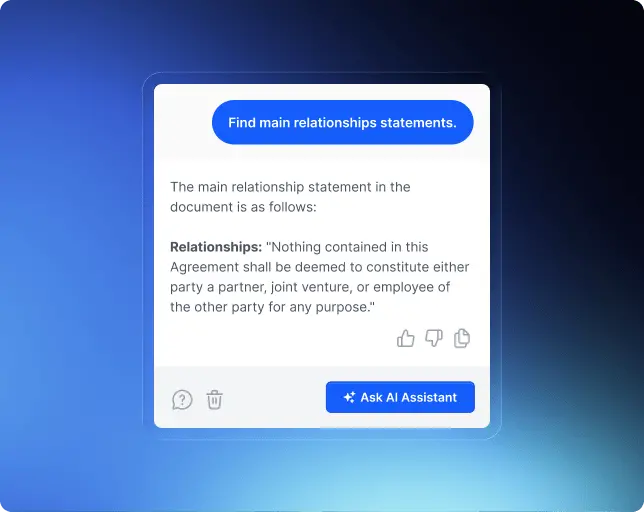
Get key takeaways and answers faster without reading the whole document. or Get through PDFs faster without reading every page.
Edit & Prepare
Make the changes. Get your document ready for what’s next. Fix grammar, adjust the tone, remove a background, or rework the entire layout with a simple prompt. Once everything looks right, use AI to get your document ready to sign.
-
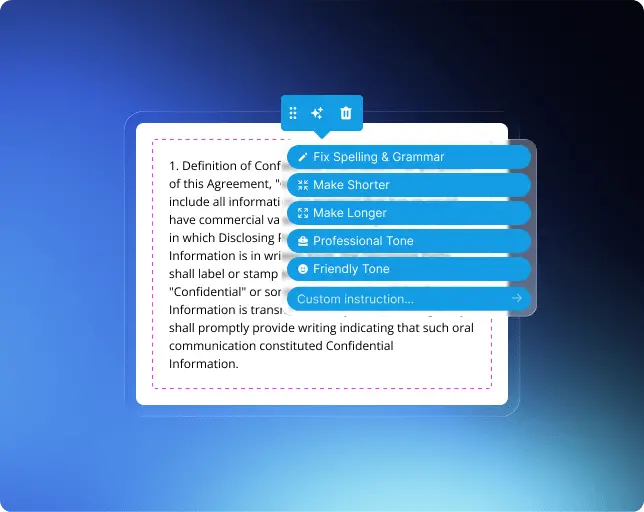
Smart Edit
Rewrite and improve text right in your PDF with a click or quick prompt.
-
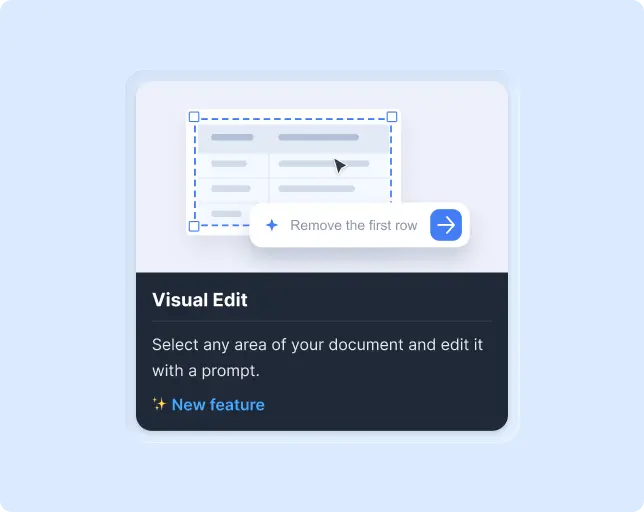
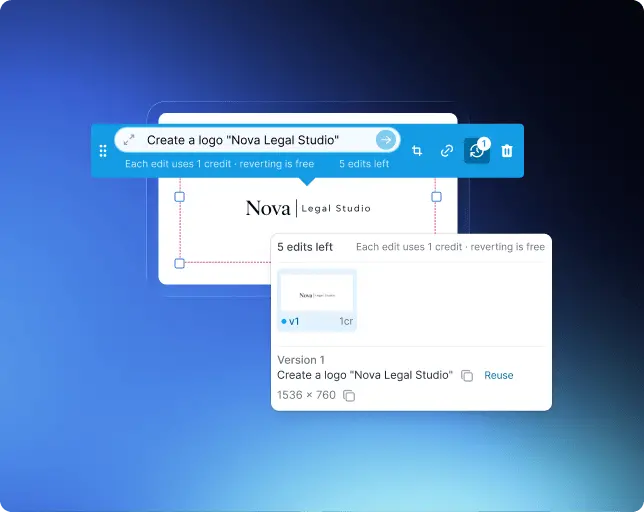
Visual Edit
Make complex PDF changes with a simple prompt. or Change the look and content of your PDF with a simple prompt.
-
Signature Assistant
Get your document ready for signature faster with AI-guided setup.
Organize & Find
Keep it organized. Find it when you need it. DocHub AI understands what's in your documents and suggests labels to help organize them. Search by label or document content, even if you don’t remember the exact file name.
-
Suggested Labels
Keep your documents organized and easy to find with AI-suggested labels.
-
Enhanced Search
Find the document you need without remembering its exact name. or Find documents faster by searching what’s inside them, not just their titles.
Explore DocHub Intelligence tools

Assistant

Smart Edit

Visual Edit

Signature Assistant

Enhanced Search

Suggested Labels
AI for the documents your work runs on
Education
Worksheets and handouts get reused every term. Update the dates, clean up the wording, and fix the layout with a prompt, then label them so they're easy to find next time.
“What I like best about DocHub are the myriad ways to edit and update documents. It is useful for companies that work with different clients and need documents for different contracts and payment arrangements.”

Legal
Contracts can be long and detail-heavy. Ask AI to find key clauses, pull out important details, or explain a specific section. Then prepare the final version for signature without all the manual setup.
“DocHub has made editing court forms a breeze during an already stressful time I was able to minimize technical issues and prepare court documents in a timely manner! Thanks”

Finance
Get the key points without reading every page. Let DocHub AI pull key insights from a quarterly report or budget proposal before a budget review or leadership meeting.
“As a CPA and CFO I need documents signed constantly. This app is so easy to use. I love it.”

HR
New hire starting Monday? Get the offer letter ready to sign faster. Have AI add and assign the fields, then use labels to keep each employee’s documents easy to find later.
“I have been using DocHub exclusively for all my work and manipulation of .pdf files. There was a bit of a learning curve after using an onboard application but I am finding my way around now and I am really pleased with the results. As with most web based apps that Google offers or promotes, this one is easy to use and offers results. I heartily recommend DocHub to anyone who is tired of updating onboard applications or are finding that their onboard versions are becoming glitchy as a result of lagging support. I recommend it to anyone who has work to do and wants to get it done easily. You will be very happy with your decision.”

Healthcare
Need to find a consent form or other document fast? Search by a name, procedure, or detail from the document. AI surfaces the closest matches so you can get to the right file faster.
“DocHub give me the ease and flexibility that I need to fill-in medical forms, employer personnel records, insurance questionnaires, government documents, etc., that my patients and various other entities require.”

Compare AI tools by plan
See which AI tools are included in Free and Pro plans, so you can choose the right level of automation for your document workflow.
| AI tool | What it does | Free | Pro |
|---|---|---|---|
| Assistant | Sums up documents, pulls out key insights, and answers your questions | Included , unlocks 30 days after you sign up. | Included |
| Smart Edit | Fixes grammar, adjusts tone or text length, and makes custom text edits | Included , unlocks 30 days after you sign up. | Included |
| Visual Edit | Makes complex PDF edits from a simple prompt | Limited use | Included |
| Signature Assistant | Gets your document ready to send for signature | Not included | Included |
| Enhanced Search | Finds files based on their content, not just the file name | Not included | Included |
| Suggested Labels | Suggests labels based on what’s in your document | Not included | Included |
* Unlocks 30 days after you sign up.