
Get any PDF form from the DocHub library of ready-made templates - Page 2334
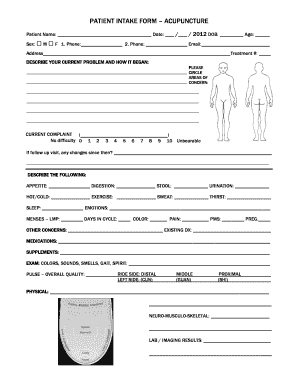
Acupuncture intake form template

Trailer condition report

Burlington county college transcripts
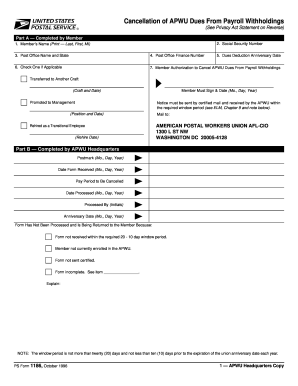
Form 1186
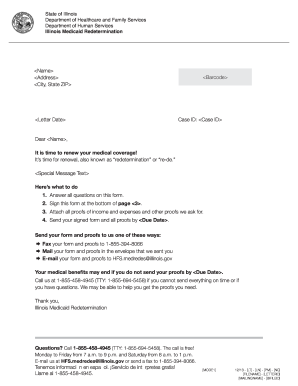
Illinois redetermination
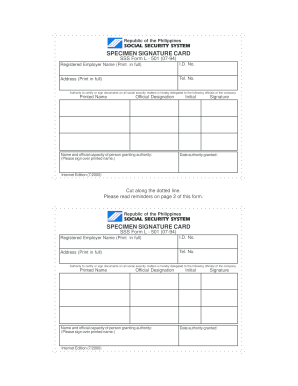
L501 sss

Certificates templates
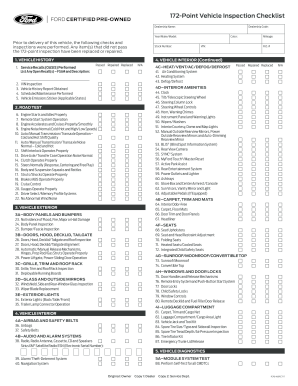
Used car checklist pdf
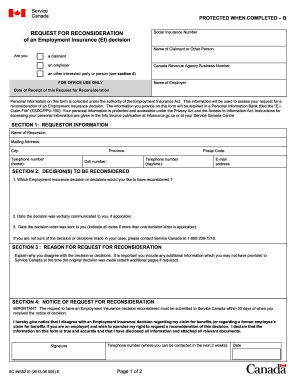
Ins5210
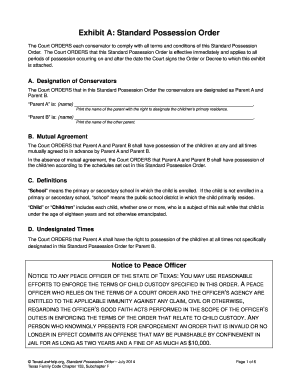
Texas standard possession order pdf
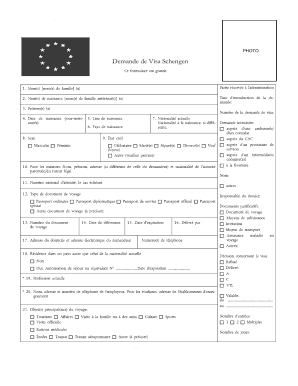
Formulaire de demande visa schengen format word
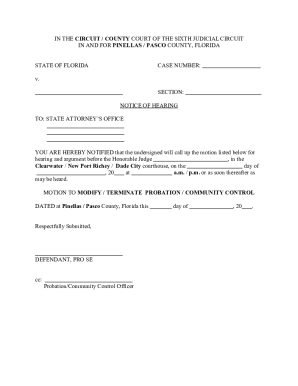
Sample letter for early termination of federal probation
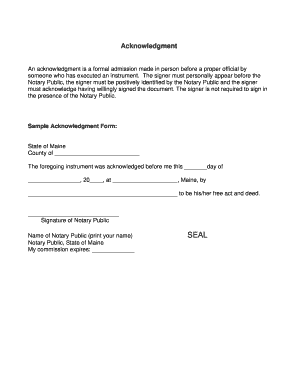
Printable notary forms
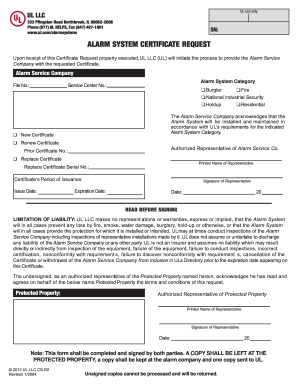
Alarm certificate for insurance
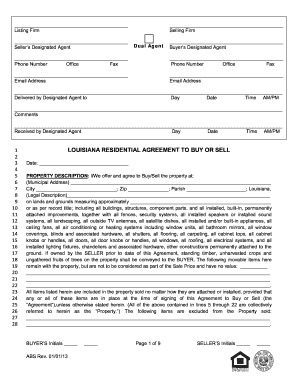
Louisiana agreement purchase 2013 form
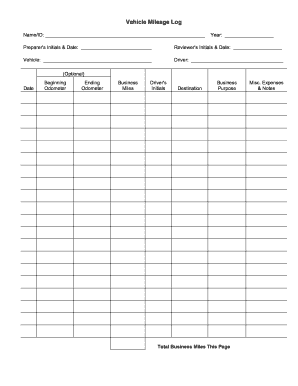
Printable mileage log

Michigan intrastate lease agreement

First report of injury georgia
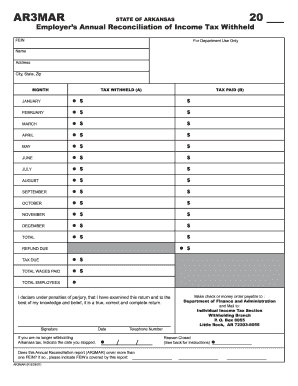
Ar3mar
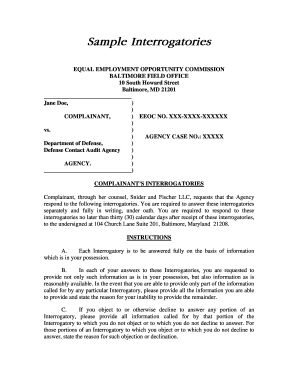
Interrogatories
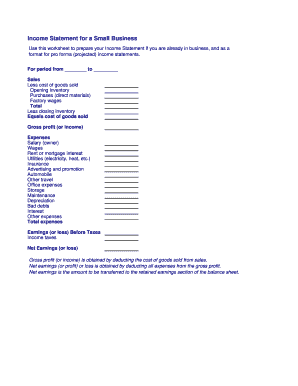
Business income statement
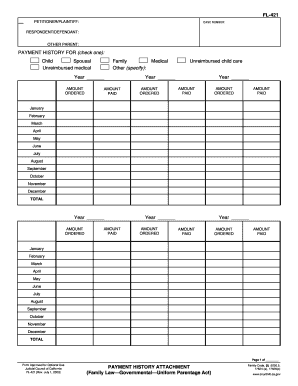
Fl 421
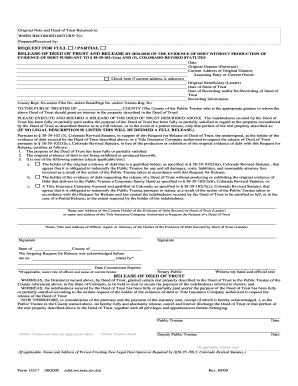
Co full deed

Imm 0008 form

Hvac air balance report template excel
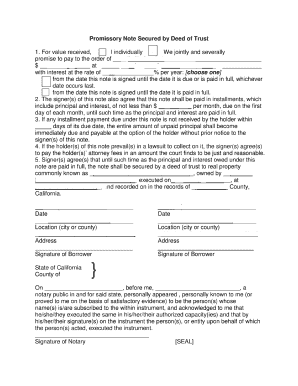
Deed of trust california
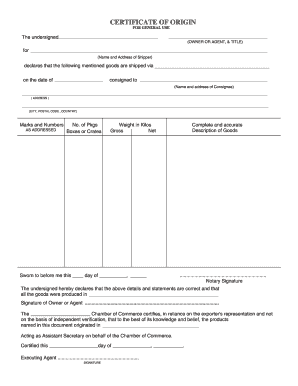
Certificate of origin template
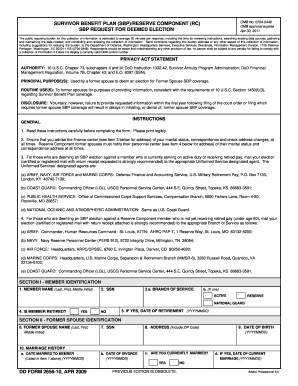
Dd form 2656 10
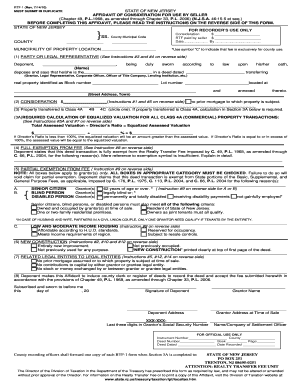
Affidavit of consideration nj

Officer evaluation report support form
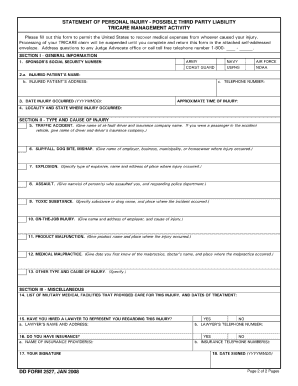
Dd 2527 fillable 2008 form
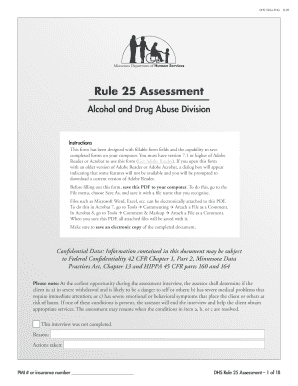
Rule 25 assessment form hennepin county 2009
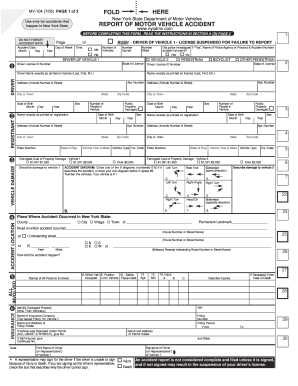
Dmv form mv 104 online
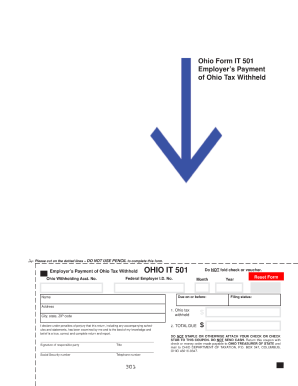
Ohio it 501
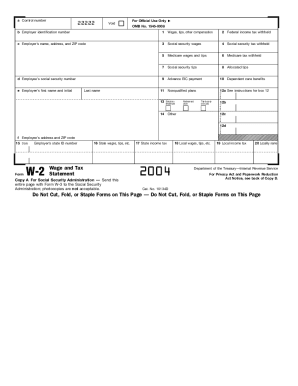
2004 w2 form
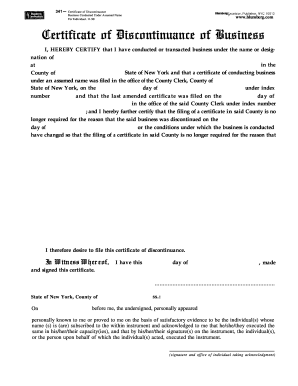
Discontinuance of business form
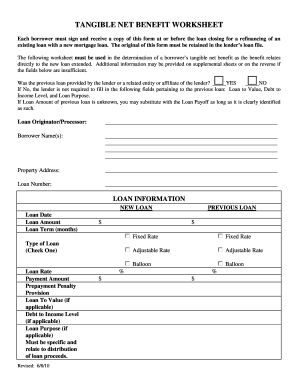
Net tangible benefit form pdf

Commercial loan broker agreement template
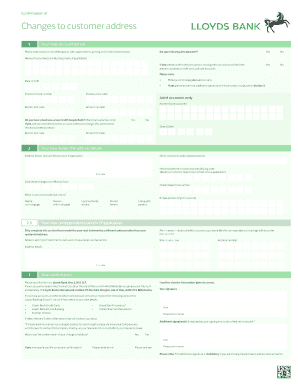
Changes customer address printable
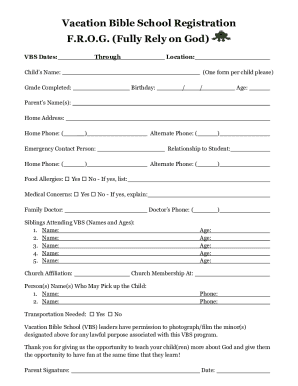
Vbs registration form
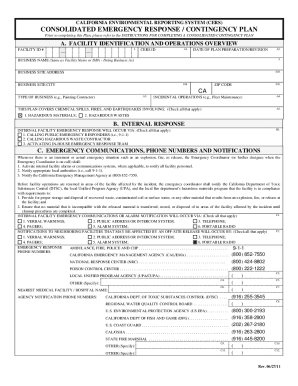
California cers consolidated
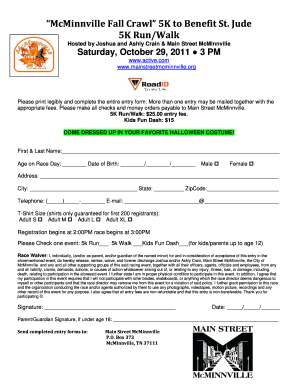
5k registration form template
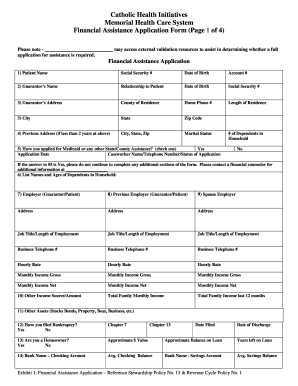
Financial assistance application
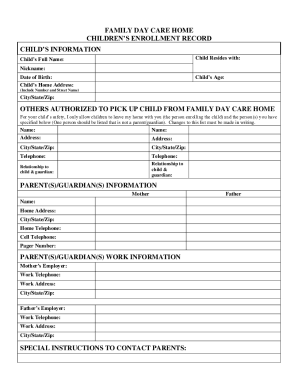
Editable parent handbook daycare
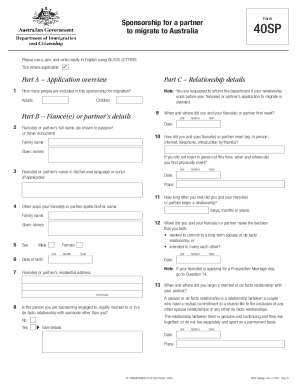
Form 40sp 2009

Consignment note template

The range application form
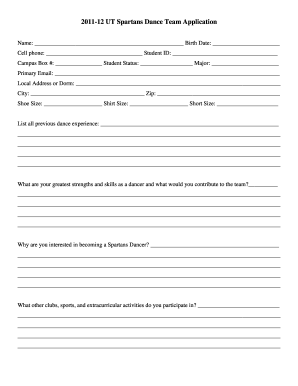
Dance team registration packet
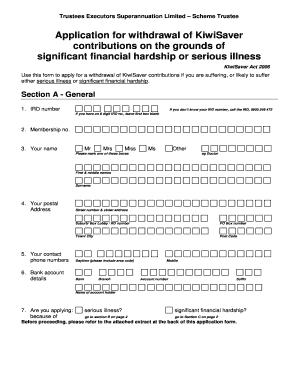
Kiwibank kiwisaver withdrawal

Drop ball certificate dhl
Montana state homestead
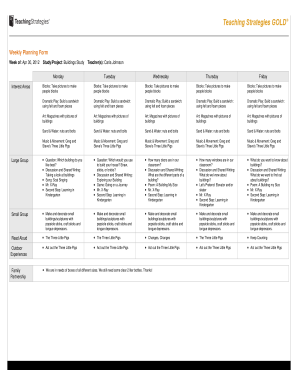
Weekly planning forms
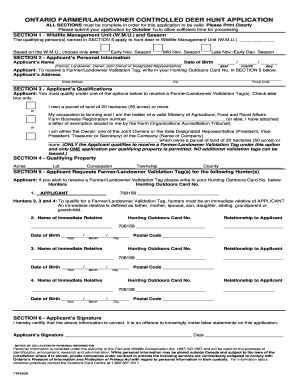
Ontario hunt controlled
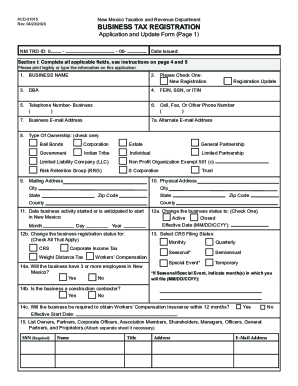
Acd 31015
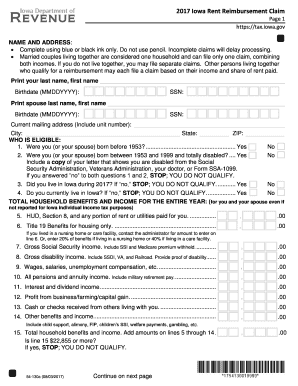
Iowa rent rebate 2017-2019 form
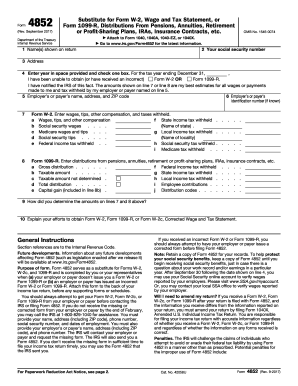
Form 4852 2017
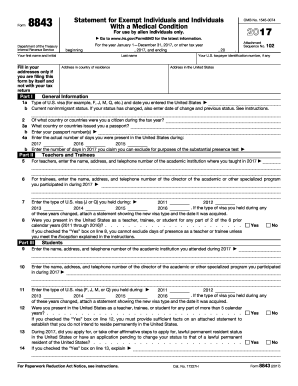
8843 2017 form
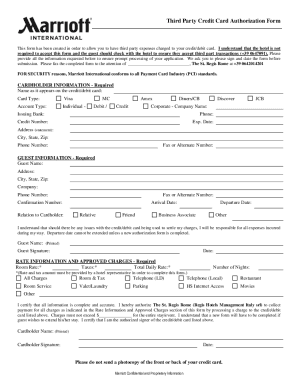
Marriott forms verification
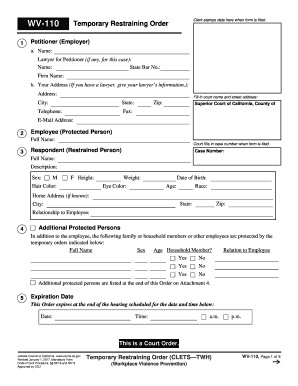
Restraining order template

Schedule se 2016
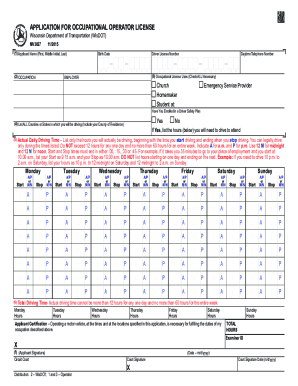
Form 3590

Ir742
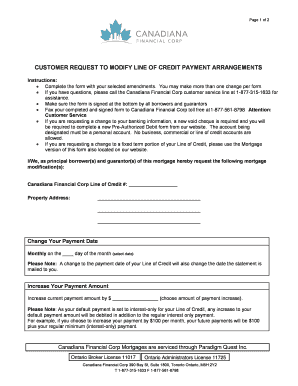
Financial Corp Customer Request to Modify Line of Credit Payment Arrangement

Va form 102

Real disclosure nys
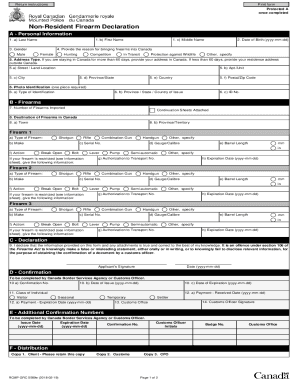
Canada non resident firearm declaration
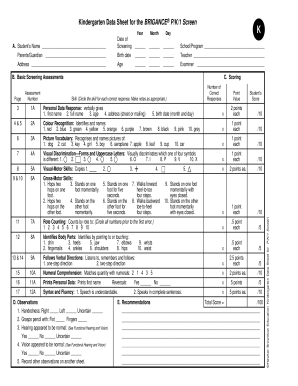
Brigance assessment pdf

Va form 40 10007 2016
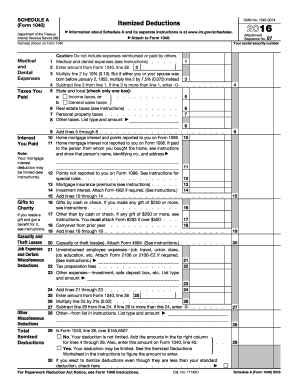
1040 schedule a 2016 form
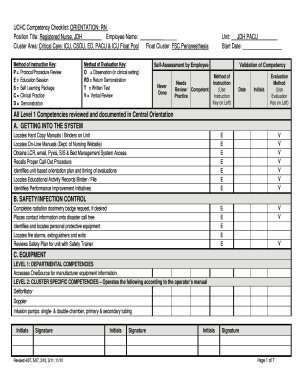
Annual nurse competency checklist

Nj matrimonial case information statement 2011
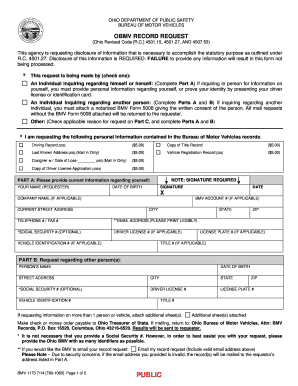
Bmv form ohio
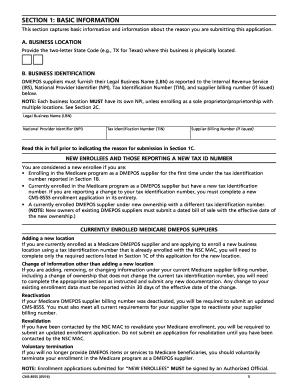
Dme form for medicare form
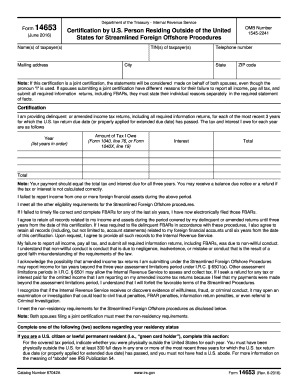
Form 14653 2016
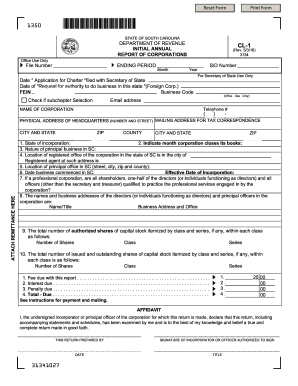
Cl 1 form sc

919 form

Llc 2015 form
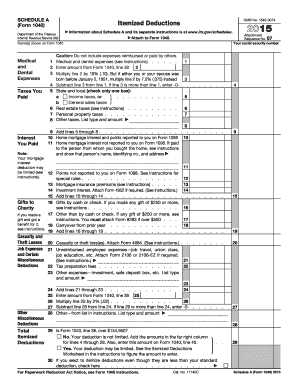
2015 1040 schedule a form
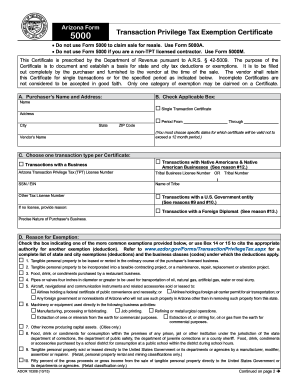
Form arizona 2015
Vu2
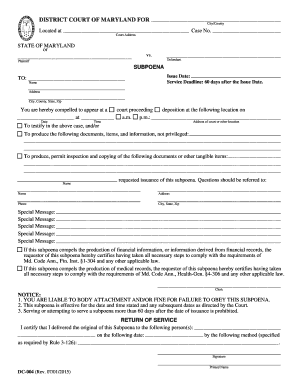
Maryland subpoena
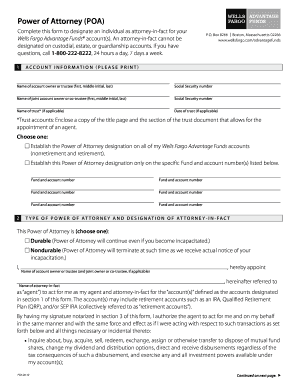
Wells fargo power of attorney
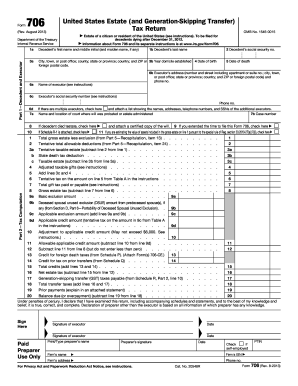
Form 706 2013

1120 h 2012 form

2012 schedule se form
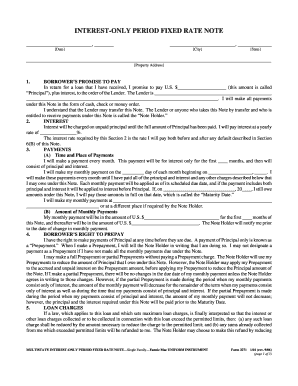
Note payments notice
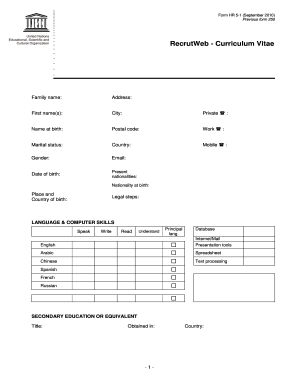
Cv format unesco

Refrigerator temperature log template excel

Long form financial statement maryland

Naa lease agreement pdf
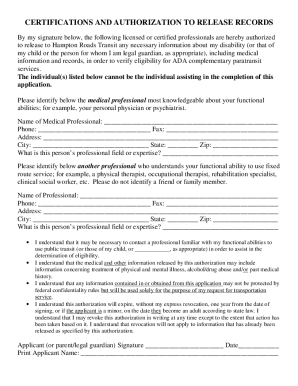
Handi ride
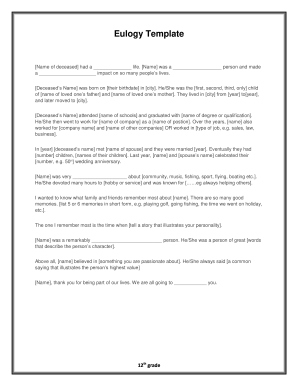
Eulogy generator
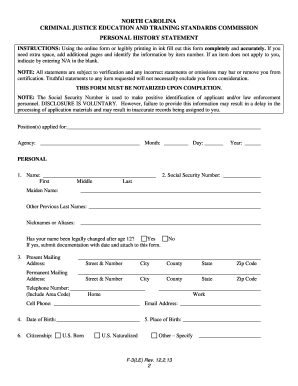
North carolina f 3 le
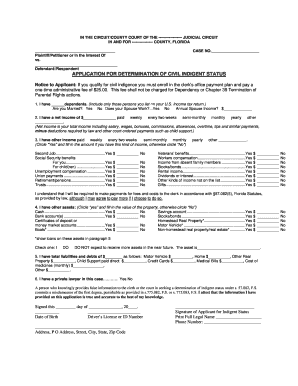
Fl indigent status

Certification of non receipt of original duplicate title certificate form vr 091
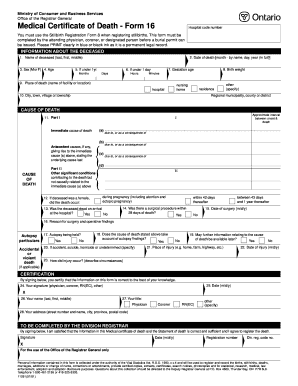
Death certificate ontario pdf

Weld county concealed carry
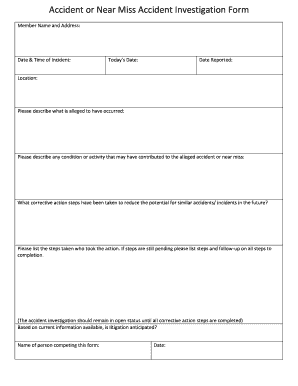
Near miss report template word

Wf plus mortgage program
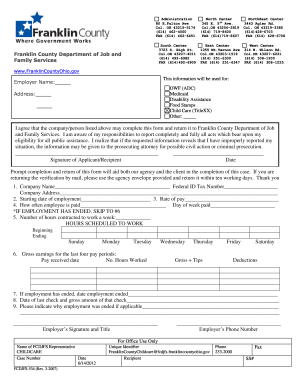
Franklin county odjfs form
Benefit from the DocHub online library of fillable PDF forms
Searching the PDF forms doesn't have to be a tedious and time-consuming process. With the DocHub online library, it has become easier to find the fillable PDF forms and modify them in your browser. The service allows you to adjust the document to your needs using powerful editing tools.
You can use online document editing features to modify almost any type of document with ease. You just need to find the template of your choice, open it in the editor, and use the toolbar to make the necessary corrections.
Follow this guide to get your document done with DocHub:
- Find the PDF template you need.
- Click the Get Form button to open the file in the editor.
- Use the toolbar to fill out and edit the document.
- Easily add and highlight text, insert images, checkmarks, and symbols.
- Drop new fillable fields, and rearrange or delete pages from your file.
- Save changes and download your record.
DocHub empowers everyone to streamline document editing, signing, and distribution, and form completion. Create an account and benefit from our well-organized PDF Forms library and comprehensive editor.