




Here's how it works

01. Edit your indigent status online
Type text, add images, blackout confidential details, add comments, highlights and more.

02. Sign it in a few clicks
Draw your signature, type it, upload its image, or use your mobile device as a signature pad.

03. Share your form with others
Send indigent status meaning via email, link, or fax. You can also download it, export it or print it out.
How to use or fill out fl indigent status with our platform

- Click ‘Get Form’ to open the fl indigent status application in the editor.
- Begin by filling out your personal information, including your name and case number at the top of the form.
- In Section 1, indicate the number of dependents you have and answer whether you are married. If applicable, provide your spouse's income.
- For Section 2, enter your net income and select how often it is paid. Ensure to include all sources of income as specified.
- In Section 3, detail any additional income sources by circling 'Yes' or 'No' for each type listed and providing amounts where applicable.
- Section 4 requires you to disclose any assets. Circle 'Yes' or 'No' for each asset type and provide values as necessary.
- Complete Section 5 by listing your total liabilities and debts accurately.
- Finally, sign and date the application in the designated area before submitting it for review.
Start using our platform today to fill out your fl indigent status application easily and for free!
Fill out fl indigent status online
It's free
It's free
Security and compliance
At DocHub, your data security is our priority. We follow HIPAA, SOC2, GDPR, and other standards, so you can work on your documents with confidence.
Learn more


Related forms

THE APPLICABLE LIMITS OF LIABILITY AND ARE SUBJECT TO THE RETENTIONS
The document is a regulatory liability application for Beazley Remedy Renewal, requiring detailed organizational and com ...

By Kathleen Kienitz, Esq , Certified Elder Law Attorney - Studylib
The document 'Debunking the Trust Myth' by Kathleen Kienitz critiques the widespread belief that everyone needs a trust ...

DOCUMENT STANDARDIZATION GUIDE
The Document Standardization Guide outlines the formatting requirements for documents to be recorded, including margin s ...
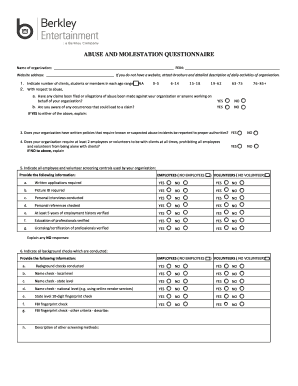
Seeking Safety - Utah Division of Substance Abuse and
The document is an Abuse and Molestation Questionnaire designed for organizations to assess their policies and practices ...

Facility Credentialing
The document outlines the application process for facility credentialing with Sanford Health Plan. It details the necess ...
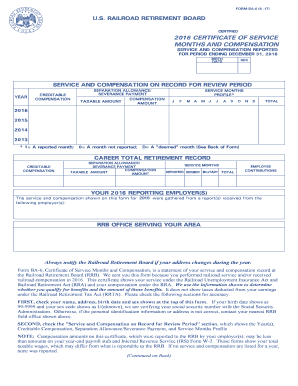
Rrb certificate
The document is Form BA-6, a Certificate of Service Months and Compensation issued by the U.S. Railroad Retirement Board ...
APPLICATION FOR A PLAYER TO
The document is an application form for players seeking to participate in a different age category in rugby, specificall ...
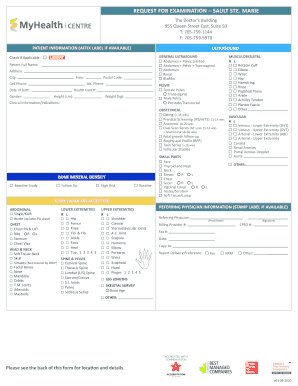
Sault Ste Marie - Health Services for North East
The document is a request form for various medical examinations at The Doctor's Building in Sault Ste. Marie, including ...