




01. Edit your nc training and standards forms online
Type text, add images, blackout confidential details, add comments, highlights and more.

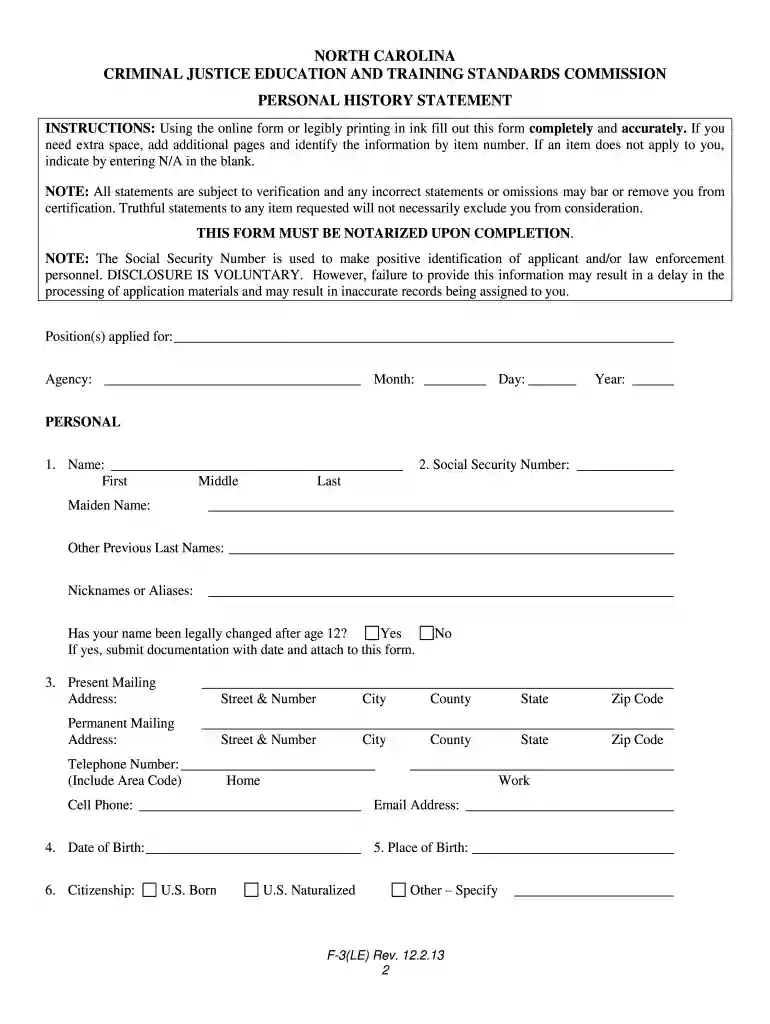
Type text, add images, blackout confidential details, add comments, highlights and more.

Draw your signature, type it, upload its image, or use your mobile device as a signature pad.

Send ncdoj forms via email, link, or fax. You can also download it, export it or print it out.

Start using our platform today to streamline your form completion process for free!
We've got more versions of the nc training and standards forms form. Select the right nc training and standards forms version from the list and start editing it straight away!
At DocHub, your data security is our priority. We follow HIPAA, SOC2, GDPR, and other standards, so you can work on your documents with confidence.
This form should only be completed by applicants for a Commission- certified position. Form F-3. (Rev. 04-2024). NORTH CAROLINA CRIMINAL JUSTICE. EDUCATION ANDRead more
Jan 11, 2022 File a Consumer Complaint, Submit Report a Robocall/Text, NCDOJ Robocall Hotline:(844)-8-NO-ROBO, All Other Complaints:(877)-5-NO-SCAM, Outside NC:919-716-6000.Read more
Respondents should be aware that notwithstanding any other provision of law, no person shall be subject to any penalty for failing to comply with a collectionRead more


