




Here's how it works

01. Edit your ar3mar form online
Type text, add images, blackout confidential details, add comments, highlights and more.

02. Sign it in a few clicks
Draw your signature, type it, upload its image, or use your mobile device as a signature pad.

03. Share your form with others
Send ar3mar via email, link, or fax. You can also download it, export it or print it out.
How to use or fill out ar3mar with our platform

- Click ‘Get Form’ to open the AR3MAR document in the editor.
- Begin by entering the year at the top of the form. This is essential for accurate record-keeping.
- Fill in your Employer Identification Number (FEIN) and your business name, address, city, state, and zip code in the designated fields.
- For each month listed from January to December, input the total Arkansas tax withheld in Column A and the net amount paid in Column B.
- Calculate and enter the total amounts for both columns at year-end. Ensure these totals match your W-2 forms.
- Provide details on total wages paid and total employees in their respective boxes.
- If applicable, indicate any refund due or additional tax owed based on your calculations.
- Complete the signature section and provide your contact information. If you stopped withholding taxes, include that date and reason.
Start using our platform today to simplify your AR3MAR form completion for free!
Fill out ar3mar online
It's free
It's free
Security and compliance
At DocHub, your data security is our priority. We follow HIPAA, SOC2, GDPR, and other standards, so you can work on your documents with confidence.
Learn more


Related forms

Acu release
The document is a form for students at Abilene Christian University to authorize the release of their education record i ...
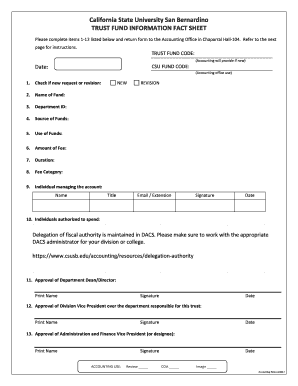
Forms & ResourcesCSUSB
The document is a Trust Fund Information Fact Sheet for California State University San Bernardino, outlining the proces ...
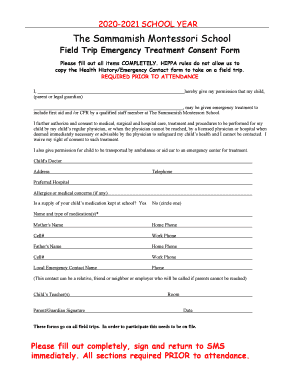
PLEASE COMPLETE, SIGN & RETURN
The document outlines the necessary emergency forms that must be completed and returned to Sammamish Montessori School p ...

Child abuse reporting form - Yakima School District
The document outlines the Child Abuse Reporting Form for the Yakima School District, detailing procedures for reporting ...
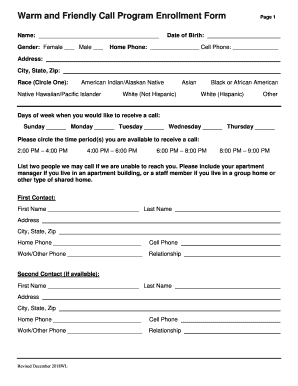
Phoenix cab coupon progam for older adults - City of Phoenix
The document is an enrollment form for the Warm and Friendly Call Program, designed to provide reassurance calls to indi ...

Ancillary Service One-to-One (1:1) Request Form YOUTH
The document is a request form for One-to-One (1:1) ancillary services for youth, requiring completion by the requesting ...
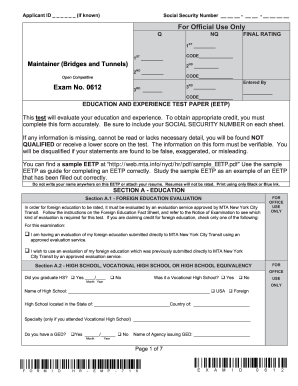
Maintainer (Bridges and Tunnels), Exam No
The document is a Notice of Examination for the position of Maintainer (Bridges and Tunnels) with Exam No. 0612, detaili ...
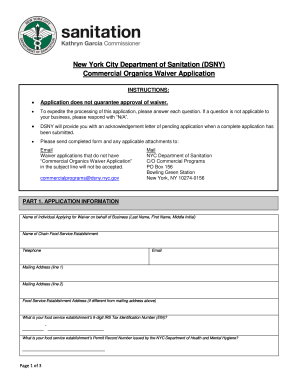
New York City Department of Sanitation (DSNY) Commercial
The document is an application form for the New York City Department of Sanitation's Commercial Organics Waiver. It outl ...