




Here's how it works

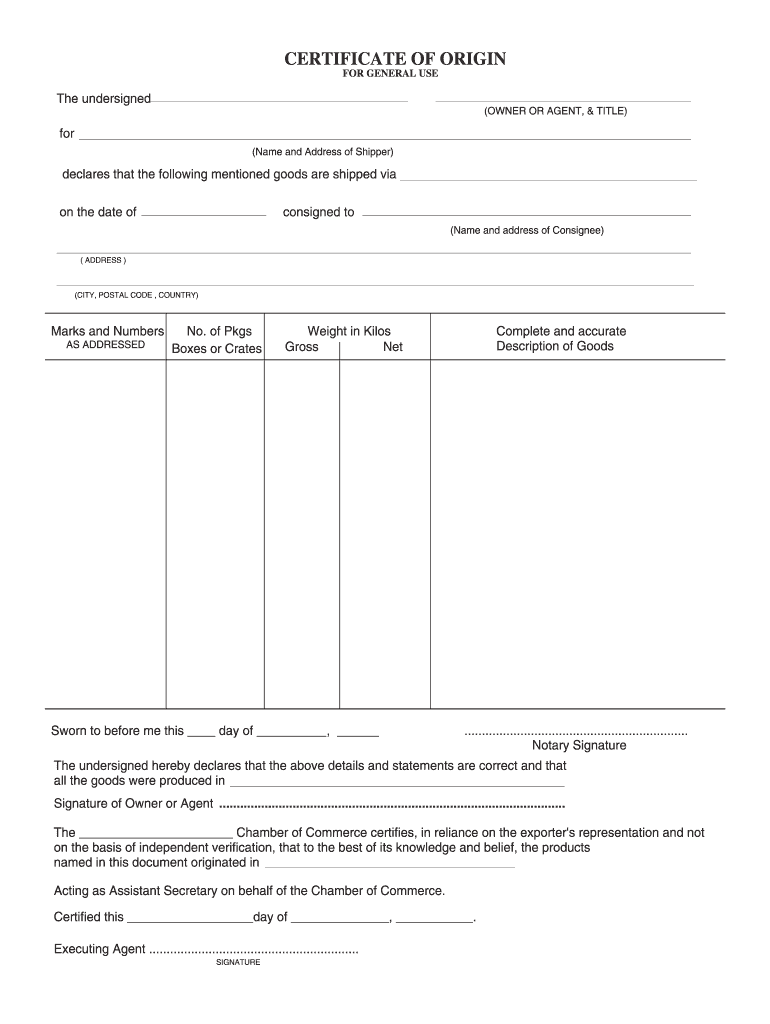
01. Edit your blank certificate of origin form online
Type text, add images, blackout confidential details, add comments, highlights and more.

02. Sign it in a few clicks
Draw your signature, type it, upload its image, or use your mobile device as a signature pad.

03. Share your form with others
Send fillable certificate of origin via email, link, or fax. You can also download it, export it or print it out.
How to use or fill out certificate of origin template with our platform

- Click ‘Get Form’ to open the certificate of origin template in the editor.
- Begin by entering the exporter’s details, including name, address, and contact information. This section is crucial as it identifies the party responsible for the goods.
- Next, fill in the consignee's information. This should include their name and address, ensuring that the recipient of the goods is clearly identified.
- In the description section, provide a detailed account of the goods being exported. Include quantity, type, and any relevant specifications to avoid confusion during transit.
- Complete any additional fields required by your specific jurisdiction or industry standards. This may include declarations or certifications that affirm the origin of the goods.
- Finally, review all entered information for accuracy before saving or exporting your completed certificate of origin. Ensure all signatures are obtained if necessary.
Start using our platform today to easily complete your certificate of origin template for free!
Fill out certificate of origin template online
It's free
It's free
Security and compliance
At DocHub, your data security is our priority. We follow HIPAA, SOC2, GDPR, and other standards, so you can work on your documents with confidence.
Learn more


Related forms

Problem Complaint Form
The document outlines a procedure established by the Vice Provost for Student Affairs and Enrollment Management for stud ...

Student Data hange Form Instructions - Palomar College
The document is a Student Data Change Form from Palomar College, used for students to request changes or corrections to ...
Burgers application employment
The document is an employment application form that collects personal, educational, and work history information from ap ...
Supervisor And Manager Training - Georgia Department of
The document outlines the performance evaluation process for administrative staff at Alabama A&M University. It includes ...
Note:Theapplicantmustalsoincludethemselvesinthissection
The document is a Client Intake Form for a food bank, requiring mandatory information from households to receive governm ...
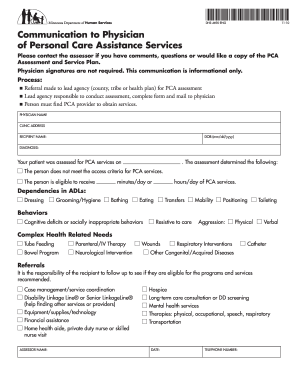
Communication to Physician
The document is a communication form (DHS-4690-ENG) intended for physicians regarding Personal Care Assistance (PCA) ser ...
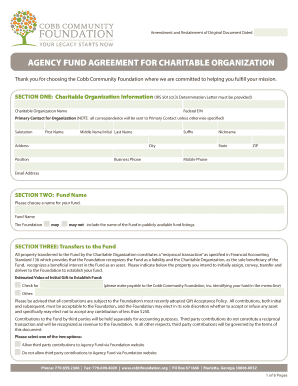
TABLE OF CONTENTS - GHS Health Sciences Center - Greenville
The document is an Agency Fund Agreement for a Charitable Organization with the Cobb Community Foundation. It outlines t ...
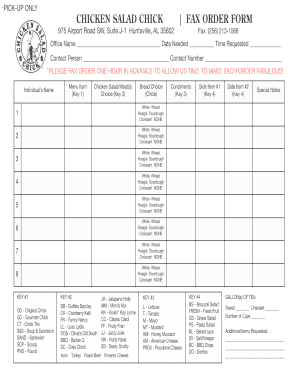
Chicken salad chick w2
The document is a fax order form for Chicken Salad Chick located in Huntsville, AL. It allows customers to place orders ...