




Here's how it works

01. Edit your submit mv 104 online online
Type text, add images, blackout confidential details, add comments, highlights and more.

02. Sign it in a few clicks
Draw your signature, type it, upload its image, or use your mobile device as a signature pad.

03. Share your form with others
Send can i file mv 104 online ny via email, link, or fax. You can also download it, export it or print it out.
How to use or fill out DMV Form MV 104 online with our platform

- Click ‘Get Form’ to open the DMV Form MV 104 in the editor.
- Begin by entering the accident date, including month, day, and year. Ensure accuracy as this is crucial for your report.
- Fill in the details for Vehicle 1, including driver information, vehicle registration details, and insurance information. Be precise with names as they appear on licenses.
- Proceed to describe any damages incurred by Vehicle 1 and select the appropriate cost range for property damage.
- In the Accident Location section, provide specific details about where the accident occurred, including county and street names.
- Complete the ALL INVOLVED section by listing all individuals involved in the accident along with their respective details.
- Finally, ensure that you sign the form digitally before submitting it through our platform to complete your report.
Start filling out your DMV Form MV 104 online for free today!
Fill out dmv form mv 104 online online
It's free
It's free
See more dmv form mv 104 online versions
We've got more versions of the dmv form mv 104 online form. Select the right dmv form mv 104 online version from the list and start editing it straight away!
Security and compliance
At DocHub, your data security is our priority. We follow HIPAA, SOC2, GDPR, and other standards, so you can work on your documents with confidence.
Learn more


Related forms

Directory of services monmouth county health department
The document is a Plan Review Application for public recreational bathing facilities issued by the Monmouth County Healt ...
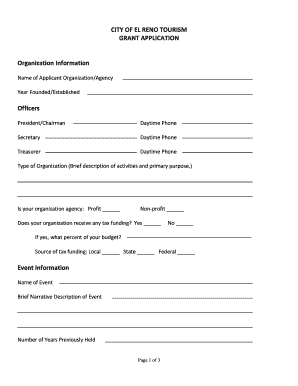
Is it true cityofelreno sites
The document outlines the grant application process for tourism-related events in El Reno, detailing the requirements fo ...
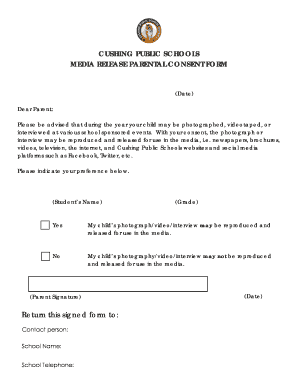
Division Department Goals
The document is a parental consent form from Cushing Public Schools, informing parents that their child may be photograp ...
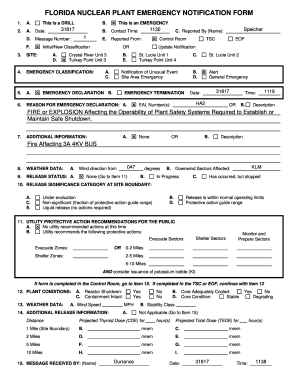
Florida Nuclear Plant Emergency Notification Form
The document is a Florida Nuclear Plant Emergency Notification Form used to report and classify emergencies at nuclear f ...

PERSONAL CONTACT INFORMATION - myfloridacfo
The document is a comprehensive application form for individuals seeking appointment to various commissions, boards, or ...
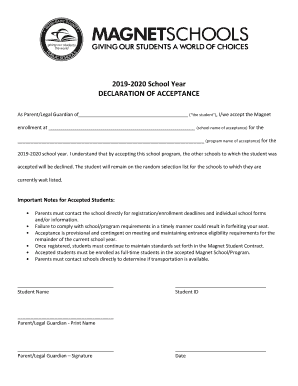
Declaration acceptance
The document is a Declaration of Acceptance for parents or legal guardians to confirm their child's enrollment in a Magn ...
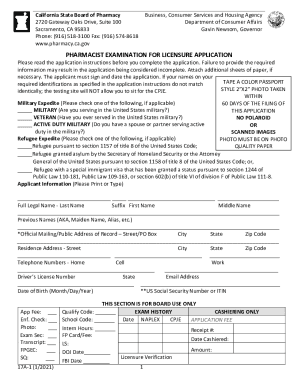
Fillable Online RPH Renewal - California State Board of
The document provides detailed instructions for applicants seeking licensure as pharmacists in California. It outlines t ...
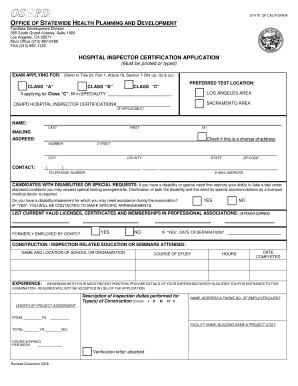
Application for Hospital Inspector Certification Application Hospital Inspector Certification
Application for Hospital Inspector Certification Application Hospital Inspector Certification
The document is an application form for Hospital Inspector Certification issued by the Office of Statewide Health Planni ...