
Get any PDF form from the DocHub library of ready-made templates - Page 426

Renew handicap placard online michigan: Fill out and sign

2024 California Form 3563 (541) Payment for Automatic Extension for Fiduciaries

2024 Form 3895 California Health Insurance Marketplace Statement

2024 Instructions for Form FTB 3843 Payment Voucher for Fiduciary e-filed Returns
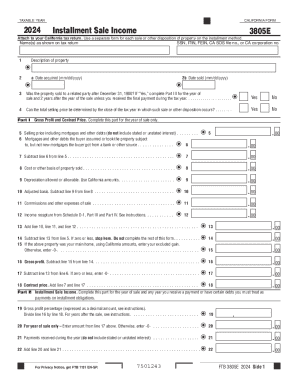
2024 Form 3805E Installment Sale Income

2024 Form 3502 Nonprofit Corporation Request for Pre-Dissolution Tax Abatement

Form IT-2663 Nonresident Real Property Estimated Income Tax Payment Form Tax Year 2025

2024 Form 3581 Tax Deposit Refund and Transfer Request

2024 Form 3800 Tax Computation for Certain Children with Unearned Income

2024 Form 3801-CR Passive Activity Credit Limitations

Instructions for Form IT-214 Claim for Real Property Tax Credit for Homeowners and Renters Tax Year
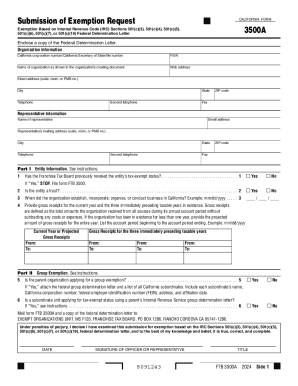
California Form 3500 A, Submission of Exemption Request

2024 Form 3832 Limited Liability Company Nonresident Members Consent

2024 Form 3805P Additional Taxes on Qualified Plans (Including IRAs) and Other Tax-Favored Accounts

Form ID K-1 and Instructions, Partner's, Shareholder's or

2024 form 199 California Exempt Organization Annual Information Return

Form IT-214 Claim for Real Property Tax Credit for Homeowners and Renters Tax Year 2024

2024 Form 540 2EZ California Resident Income Tax Return

2024 Schedule X California Explanation of Amended Return Changes

2024 Schedule K-1 (100S), Shareholder's Share of Income, Deductions, Credits, etc

2024 Form 3805Q Net Operating Loss (NOL) Computation and NOL and Disaster Loss Limitations Corporati

2024 Form FTB 3582Payment Voucher for Individual e-filed Returns 2024 Form FTB 3582Payment Voucher f

Instructions for Form IT-2663 Nonresident Real Property Estimated Income Tax Payment Form:Tax Year 2

Form IT-2664 Nonresident Cooperative Unit Estimated Income Tax Payment Form Tax Year 2024

5677

MO-1120V 2022 Corporation Income Tax Payment Voucher Instructions

Mo-1041

Missouri MO-1120 Corporation Income Tax Return

2024 Property Tax Credit Chart

2643 - Applicaition for Registration

Go to mytax

Personal Property Tax Waiver Application

2024 PA Schedule SP - Special Tax Forgiveness (PA-40 SP)

2024 PA Schedule UE - Allowable Employee Business Expenses (PA-40 UE)

Philadelphia BIRT Schedule SC 2023

2024 Instructions for Form FTB 3587 Payment Voucher for LP, LLP, and REMIC e-filed Returns

Determination of Apportionment Percentage - Insert Sheet - File with RCT-101 (RCT-106)

2025-26 - Measure O Senior Citizen Exemption

2024 SCHEDULE D (540NR) California Capital Gain or Loss Adjustment

Driver License Replacement Renewal Request While Out-of-State

CDTFA-447; Statement Pursuant to Section 6247 of the California Sales and Use Tax Law

2024 Form 540NR California Nonresident or Part-Year Resident Income Tax Return

Form 568, Limited Liability Return of Income

2360 Special Events Sales Tax Report

Form 2385 - Notice of Suspension or Revocation of Your Driving Privilege

Special resident retiree39s visa bapplicationb - Philippine Retirement bb
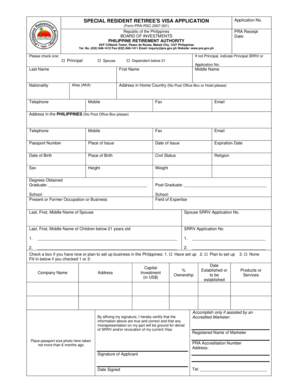
Srrv application form

Part two: Starting an appealGuide to procedures in

Earls application form

Worker's continuity report (Form REO6)

Small-claims-pamphlet

Adoption form

Petition to Adopt a Minor Stepchild Petition to Adopt a Minor Stepchild
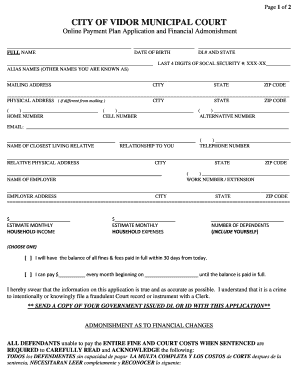
DL# AND STATE

Motion to Show Cause Form - NC Divorce Forum

Name, address, telephone number of Defendant - nccourts

Sample motion for order to show cause

MAINE JUDICIAL BRANCH FM-070, Rev 08 20 Page 1 of

FM-070 bMotionb to Enforce 01-09 - ptla

COMPLAINT FOR CERTIFICATE AFTER DEATH
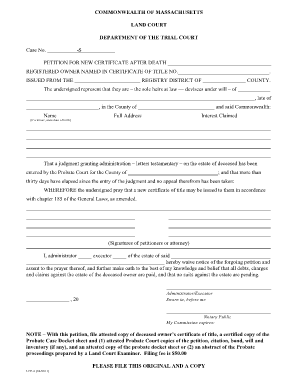
What is an s petition in mass land court

Eeo form

Legitimation dekalb county

Georgia Legitimation Packet

Download Word Document

Colorado Certificate of Mediation ADR Compliance

Certificate of Mediation ADR Compliance (CADR)

Guardianship Questionnaire - Kern County Superior Court

Adjusters International Client References

Preston County Dog License Application
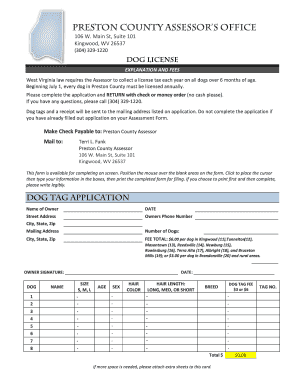
Dog License Form - Preston County, WV Assessor's Office

Cintex wireless login

DATA CORRECTION FORM (CANDIDATE'S USE ONLY) - NET

DATA CORRECTION FORM (CANDIDATE'S USE ONLY)

THISFORMISBEINGUSEDTOCORRECT CHANGE:

Brown Bag Food for Elders - The Food Bank of Western
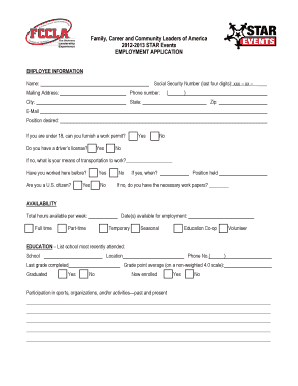
2012-13 Job Interview Application Form - Ohio FCCLA

UTA ID Number: Date of Birth (Month Day Year

Gross Premiums Tax - Foreign Casualty or Foreign Fire Insurance Companies (RCT-121C)

2024 Pennsylvania E-File Signature Authorization for PA S Corporation Partnership Information Return

2024 PA Schedule F G - Multiple Owner or Lessor Prorations Income Annualization (PA-1000 F G)

TAX YEAR WAGE TAX REFUND PETITION % %

Mason Individual Return 24
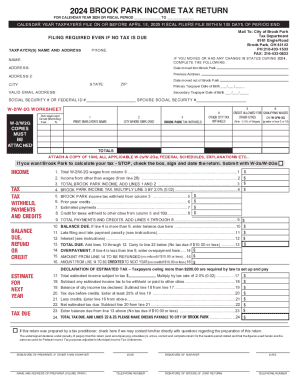
Brook Park Income Tax Return

Dayton Individual Return 24

City of Troy 2024 Individual Income Tax Return

APPLICATION FOR REFUND - Cleveland

City of Kettering Individual Tax Return 2024

Heath Individual Return 24

D5 Form Rev 5-2021 docx

2024 PA Inactive PA Corporate Net Income Tax Report (RCT-101-I)

City of Lorain Individual and Business Tax Return

Pennsylvania Local Earned Income Tax Return

ICE Form I-333

Troy WH Booklet LCK 25

State of missouri - caregiver background screening

Form 7484, Hospital Report for Newborn Child or Children

Free Cincinnati Income Tax New Account Application

PIT IT2210 2018 082118 indd

37-final-form
Benefit from the DocHub online library of fillable PDF forms
Searching the PDF forms doesn't have to be a tedious and time-consuming process. With the DocHub online library, it has become easier to find the fillable PDF forms and modify them in your browser. The service allows you to adjust the document to your needs using powerful editing tools.
You can use online document editing features to modify almost any type of document with ease. You just need to find the template of your choice, open it in the editor, and use the toolbar to make the necessary corrections.
Follow this guide to get your document done with DocHub:
- Find the PDF template you need.
- Click the Get Form button to open the file in the editor.
- Use the toolbar to fill out and edit the document.
- Easily add and highlight text, insert images, checkmarks, and symbols.
- Drop new fillable fields, and rearrange or delete pages from your file.
- Save changes and download your record.
DocHub empowers everyone to streamline document editing, signing, and distribution, and form completion. Create an account and benefit from our well-organized PDF Forms library and comprehensive editor.