






Definition & Meaning
Understanding what "form online" entails is crucial in navigating document workflows efficiently. An online form allows users to enter and submit data over the internet, facilitating immediate data collection and processing. Online forms are commonly used for various purposes, including tax filings, applications, surveys, and registrations. They differ significantly from traditional paper forms by offering greater flexibility, speed, and accessibility. For instance, online forms can include interactive elements such as dropdown menus and checkboxes, streamlining the data entry process for both the user and the recipient. They are also designed to function seamlessly across different devices, enhancing user accessibility.
How to Use the Form Online
Utilizing an online form begins with locating the form that matches your specific needs. Most organizations, including government entities and private businesses, provide digital versions of their forms on official websites. Once accessed, you start by filling in the required fields, which might include personal information, contact details, and any other relevant data based on the form's purpose. Next, review your entries for accuracy before submitting the form. Some platforms offer features that allow you to save your progress and return later, which is particularly useful for lengthy forms. Online instructions often accompany these forms, with tooltips or hover-over guides offering additional assistance when filling specific sections.
Steps to Complete the Form Online
- Access the Form: Visit the relevant website to access the form online.
- Review Instructions: Carefully read any guidance provided to ensure compliance with form requirements.
- Enter Data: Fill in all necessary fields accurately, using provided instructions to guide you.
- Add Attachments: If required, upload additional documents such as ID verification or financial statements.
- Review Entries: Double-check for any errors or omissions to prevent delays in processing.
- Submit: Once confident in the accuracy, submit the form following the website's prompts.
- Confirmation: After submission, you should receive a confirmation notice or reference number for future queries.
Key Elements of the Form Online
Key elements of an online form typically include essential fields such as:
- Contact Information: Collects basic personal or business details.
- Data Fields: Specific to the form's purpose, such as tax details or application data.
- Signature Block: For forms requiring authorization through electronic signatures.
- Attach Files: Allows for uploading necessary documents that support the form submission.
- Submit Button: Finalizes the submission process, often generating a receipt or confirmation page.
These elements support the form's goal of gathering relevant data swiftly and efficiently while offering flexibility and ease of use.
Who Typically Uses the Form Online
Online forms serve diverse groups depending on their specific needs. Common users include:
- Individuals: For personal tax filings, job applications, or service requests.
- Businesses: To submit corporate taxes, apply for permits, or conduct surveys.
- Educational Institutions: For student registrations and financial aid applications.
- Government Agencies: For processing public services and information dissemination.
The adaptability of online forms means they are suitable across various sectors, allowing for broader application and effectiveness.


Legal Use of the Form Online
Online forms, when used correctly, fulfill legal requirements just like their paper counterparts. They comply with regulations such as the ESIGN Act, ensuring that electronic signatures are legally binding. Furthermore, platforms that offer online forms often incorporate security measures like encryption to protect user data. Legal use also involves adhering to stipulated deadlines and submission guidelines set by the issuing authority, especially for forms with legal or tax implications.
State-Specific Rules for the Form Online
While online forms often adhere to national regulations, users must be aware of state-specific rules that may affect their completion and submission. Some states may have unique requirements regarding documentation, validation methods, or additional forms. For example, a state might require extra verifiable identification forms for certain applications that need personal validation. Checking state-specific guidelines helps ensure full compliance and prevents potential processing failures or rejections.
Required Documents
Completing an online form may require various supporting documents. These can include:
- Identification: Such as a driver's license or passport for identity verification.
- Financial Records: Including tax returns, pay stubs, or bank statements.
- Proof of Address: Utility bills or leasing agreements to validate residence.
- Authorization Documents: For legal representations or business-related forms.
Preparation of these documents in advance can expedite the form submission process, especially for forms requiring detailed validation. Electronic uploads should meet specified file format and size limitations to be accepted.
Software Compatibility
Many online forms are compatible with widely-used software platforms like TurboTax or QuickBooks, which are designed to facilitate efficient data entry and integration. This compatibility ensures that individuals and businesses can seamlessly transfer information from their accounting systems into the online forms, reducing manual entry errors and increasing processing speed. It’s essential to verify that your document software supports the specific form you’re working with, as compatibility may enhance functionality and ease of use.
Examples of Using the Form Online
Online forms have numerous practical applications. For example:
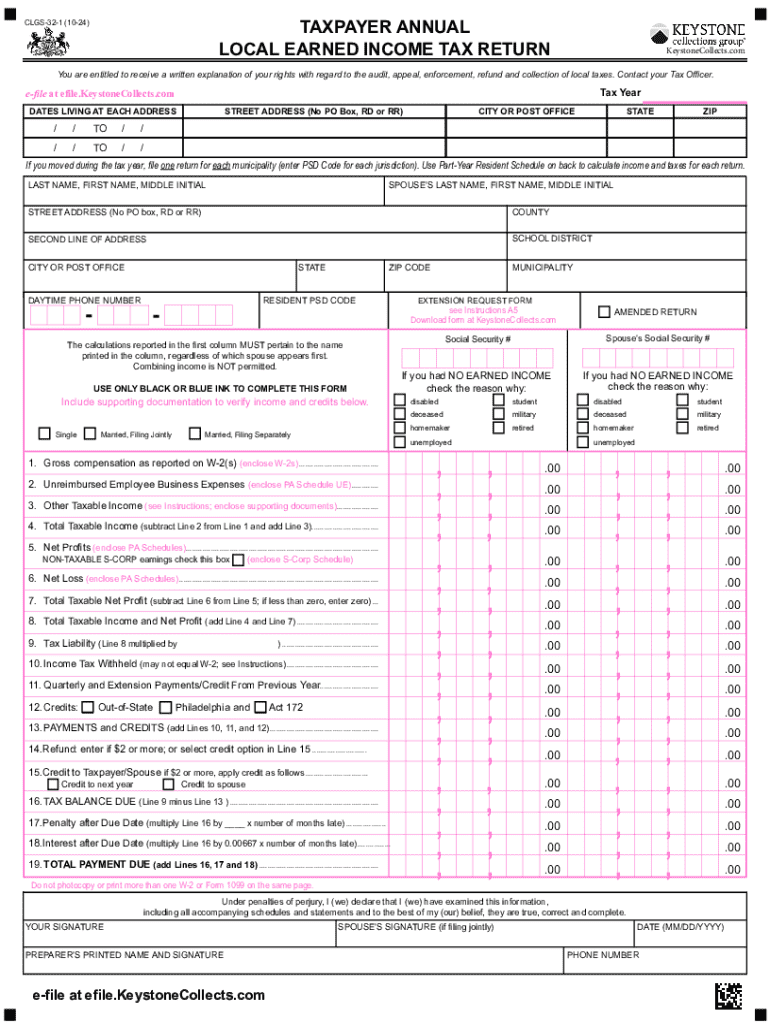
- Tax Filings: Individuals and corporations can file taxes quickly, with built-in calculations to reduce errors.
- Permits and Licenses: Businesses can streamline applications for operating permits or professional licenses.
- Surveys and Feedback: Organizations can gather customer feedback efficiently without extensive manual data entry.
- Registrations: Educational institutions can manage student enrollments and course sign-ups without extensive paperwork.
These examples illustrate the diverse usage scenarios where online forms provide distinct advantages over traditional methods by simplifying user interactions and optimizing backend processing capabilities.