




01. Edit your form online
Type text, add images, blackout confidential details, add comments, highlights and more.

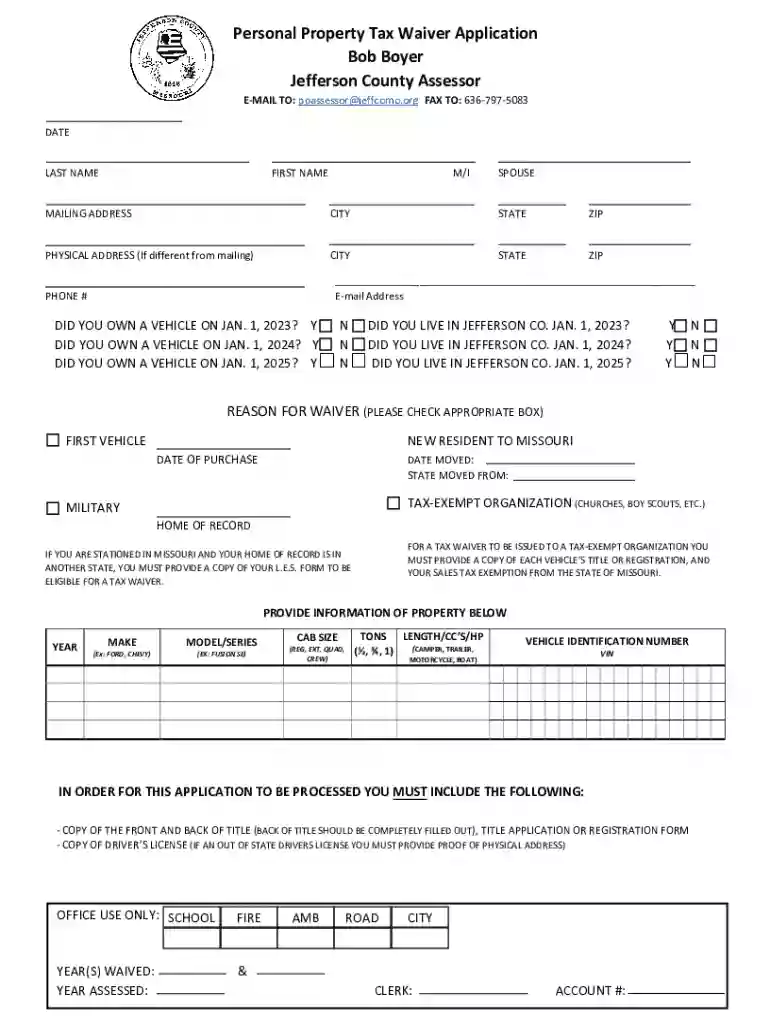
Type text, add images, blackout confidential details, add comments, highlights and more.

Draw your signature, type it, upload its image, or use your mobile device as a signature pad.

Send it via email, link, or fax. You can also download it, export it or print it out.
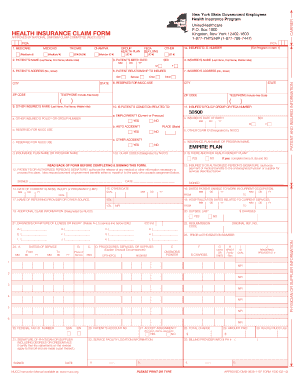
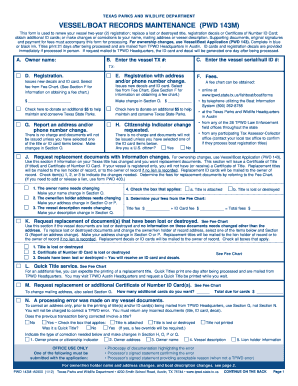
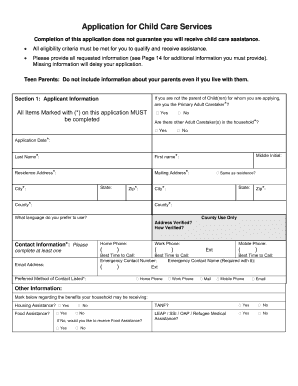
Forms online refer to electronic versions of documents that can be completed and submitted via the internet. In modern digital workflows, utilizing online forms streamlines data entry and processing, offering convenience over traditional paper-based methods. These forms are used for various purposes, such as tax filings, applications, surveys, and data collection, and are accessible through computers or mobile devices. Online forms typically feature interactive fields, such as text boxes and dropdown menus, that facilitate user input. This ensures that users can provide information accurately and efficiently.
Using an online form involves a few straightforward steps, making it accessible even for those less familiar with digital technology.
Access the Form: The initial step is visiting the website or platform where the form is hosted. Users need to ensure they have a reliable internet connection to prevent any interruptions during the process.
Fill in Required Fields: Users should diligently fill in all mandatory fields marked with an asterisk (*) or other indicators. The form might include text boxes for entering details like names and addresses, checkboxes for options selecting, and signature fields for validating the information.
Review the Information: It’s crucial to double-check all entries to avoid errors that could delay processing or require correction. Some platforms offer a summary view before submission, allowing users to review and modify their responses.
Submit the Form: Once verified, users can submit the form by clicking a designated button, usually labeled "Submit" or "Send".
Receive Confirmation: After submission, users typically receive a confirmation email or a message on the screen, indicating that the form has been successfully sent.
Obtaining forms online is a simple process that can be completed in a few steps:
Visit the Relevant Website: Forms are usually available on the official website of the organization that issues them. For government forms, this could be a specific department or agency's official webpage.
Browse or Search for the Form: Users can use navigation menus or search functions to locate the required form. These options may include categories or a search bar where form names or numbers can be entered.
Download or Access: Once located, forms can typically be downloaded directly to a user’s device or accessed through a web-based platform that allows direct interaction without the need for downloading.
Government Portals: Many government services offer portals where users can find and fill out necessary forms online.
Third-Party Services: Platforms like DocHub provide access to a vast library of forms, including the ability to fill them out directly on the platform.
Completing an online form requires careful attention to detail to ensure accurate submission:
Login or Register: Some forms require users to log in or create an account, ensuring secure access to sensitive information.
Enter Personal Information: Input fields typically prompt users to provide basic personal details, such as name, date of birth, and contact information.
Provide Detailed Information: Depending on the form's purpose, users may be required to enter specific details, such as financial data, employment history, or legal information.
Attach Supporting Documents: Users may need to upload documents to support their form submissions, such as identification proofs or financial statements. Compatible file formats should be verified beforehand.
Validate Data: Many platforms incorporate validation checks that highlight errors before submission. Users should correct any flagged errors to ensure the form meets all requirements.
Final Review and Submission: A final review page may provide an overview, allowing users to confirm their entries before submitting.
Filling forms online offers several advantages:
Convenience: Forms are accessible 24/7, allowing users to complete them at their convenience without having to visit offices or mail documents.
Efficiency: Pre-filled information and validation checks minimize errors and accelerate the completion process.
Cost-Effectiveness: Reduces the need for physical resources like paper and postage, lowering overall costs.
Instant Submission: Real-time transmission of completed forms means immediate processing, unlike traditional mailing systems where forms can take days to reach their destination.
Environmentally Friendly: Decreases the carbon footprint associated with paper forms, contributing to sustainability efforts.
Various individuals and organizations utilize online forms, including:
Individuals: Everyday users fill out forms related to taxes, applications, and information updates.
Businesses: Companies use online forms for employee data collection, client surveys, and administrative processes, benefiting from centralized data management.
Government Agencies: Public sector bodies employ online forms for efficient service delivery and citizen interaction.


Understanding key terms related to online forms can help users navigate them more efficiently:
Form Fields: Interactive elements in the form that accept user input, such as text boxes, radio buttons, and checkboxes.
Mandatory Fields: Fields that must be completed to submit the form successfully, often marked with an asterisk (*).
Form Validation: A process that checks the accuracy and completeness of the data entered by the user before submission.
Data Encryption: The method of protecting sensitive data entered in online forms, ensuring secure transmission over the internet.
Online forms include several essential components that facilitate efficient data collection:
User-Friendly Interface: An intuitive interface makes it easier for users to fill out forms without confusion.
Responsive Design: Compatibility with different devices ensures that forms can be accessed and filled out on both desktop and mobile.
Secure Data Handling: Encryption protocols protect sensitive information from unauthorized access.
Submission Confirmation: A summary or acknowledgement that the form has been successfully submitted and received.
Focusing on these elements and understanding the nuances of using forms online can significantly enhance user experience and accuracy.
At DocHub, your data security is our priority. We follow HIPAA, SOC2, GDPR, and other standards, so you can work on your documents with confidence.
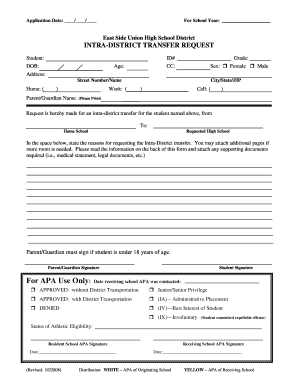


Instructions on Personal Property tax waivers and how to apply for one. Application for a tax waiver can be made in person, by mail, fax, or email. To apply
Sep 28, 2015 A precious few exemptions are automatic, meaning that the taxpayer is entitled to a property tax break without the need to file an applicationRead more
Nov 1, 2023 Review the comprehensive terms and conditions governing Adyens payment processing and related services updated November 2023.


