






Definition and Meaning of "Form Online"
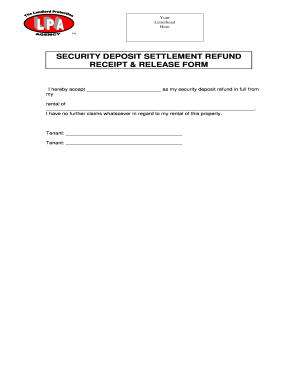
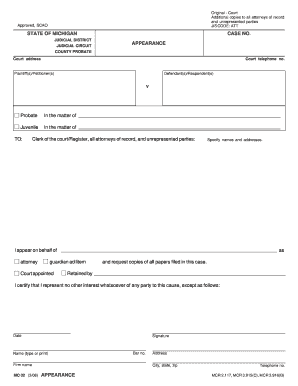
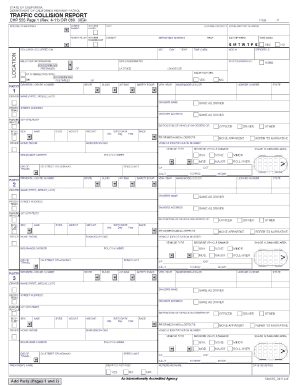
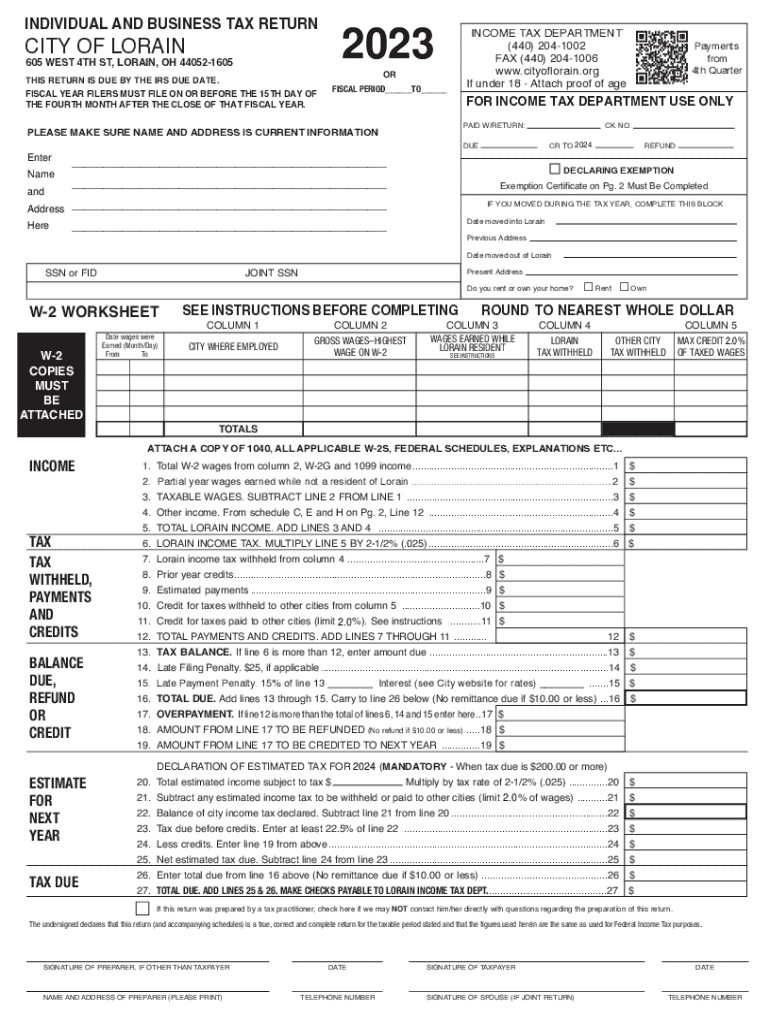
In today's digital age, a "form online" refers to electronic documents that can be filled out and submitted over the internet. These forms are designed for various purposes, such as tax filings, legal agreements, or application forms, and can be accessed via web browsers on both desktop and mobile devices. Unlike traditional paper forms, online forms enhance accessibility, allowing users to complete them anywhere with internet access.
Online forms often incorporate interactive elements like dropdown menus, checkboxes, and text fields to capture user information effectively. This digital approach not only simplifies user interaction but also streamlines data collection processes for businesses and governmental agencies. By integrating electronic signatures, online forms can be used for legally binding agreements, further expanding their applicability.
How to Use the Form Online
Using an online form involves several straightforward steps, often guided by intuitive design within the application:
-
Accessing the Form: Users can retrieve forms from official websites or through email invitations.
-
Filling Out the Form: Input required information into text fields, select options from dropdown menus, and check appropriate boxes.
-
Uploading Documents: If required, attach supporting documents by uploading files directly from your computer or cloud services.
-
Review and Edit: Before submission, review the entire form for accuracy, making edits as needed. Most platforms offer a preview function that allows users to see how the completed form will appear.
-
Submitting the Form: Once everything is complete and verified, submit the form through the platform's submission feature. Confirmation of receipt is often provided via email or a web notification.
-
Saving Progress: Many platforms offer the ability to save progress, allowing users to complete forms over multiple sessions.
How to Obtain the Form Online
Obtaining a form online typically requires visiting the specific website of the entity issuing the form. For government forms such as tax or legal documentation, official websites are the best sources:
-
Government Websites: Forms like tax returns can be accessed from official IRS or state websites.
-
Corporate Portals: Business-related forms may be available on corporate intranet sites or through specific business service platforms.
-
Document Management Tools: Platforms like DocHub offer templates that can be customized and used directly.
-
Email Invitations: Sometimes, specific forms are distributed via email, linked to secure portals where users can access and fill them out.
Steps to Complete the Form Online
Completing a form online follows a structured series of steps designed to ensure data accuracy and completeness:
-
Log In or Register: Depending on the platform, you may need to create an account or log in.
-
Navigate to the Form Section: Locate the specific form section on the website or within the application interface.
-
Input Data in Required Fields: Start filling out mandatory fields, marked by an asterisk or highlighted.
-
Make Use of Interactive Elements: Choose from dropdowns, tick checkboxes, and input data into interactive textboxes.
-
Attach Required Files: Upload any necessary additional documents as specified in the instructions.
-
Verify Accuracy and Completeness: Carefully re-check each filled section for errors or omissions.
-
Submit the Completed Form: Use the submission button, and ensure you receive a confirmation message or email.
Why You Should Complete Forms Online
Opting to complete forms online offers numerous advantages over traditional paper methods:
-
Efficiency: Faster processing of data and quicker turnaround times for responses or approvals.
-
Convenience: Fill forms from the comfort of your home, work, or anywhere with internet access.
-
Environmental Benefit: Reduces paper use, supporting eco-friendly practices.
-
Security: Online forms typically employ encryption methods to protect sensitive information.
-
Easy Access and Storage: Digital submissions are easier to store and retrieve than physical paperwork.
Who Typically Uses Online Forms
Online forms cater to a diverse audience, including:
-
Individuals: For personal matters like applying for jobs, college admissions, or governmental services.
-
Businesses: Use forms for employee onboarding, vendor registrations, and internal surveys.
-
Tax Professionals and Accountants: Rely on online forms for filing client taxes efficiently.
-
Government Agencies: Distribute and collect data for regulatory and compliance purposes.
-
Educational Institutions: Accept student applications and registrations via online forms.
Key Elements of Form Online
Certain features distinguish online forms and enhance their functionality:
-
Interactive Fields: These elements guide users through the form-filling process.
-
Conditional Logic: Some fields appear based on user responses, streamlining the process.
-
Autosave Feature: Prevents data loss by saving work automatically at set intervals.
-
Validation Checks: Ensures input is in the correct format, reducing errors.
-
Electronic Signatures: Legally binding signatures captured electronically.
Legal Use of Online Forms
Online forms are widely accepted for legal purposes due to their efficiency and the enforceability of electronic signatures. However, it is crucial to ensure:
-
Compliance with Laws: Forms must adhere to laws like the Electronic Signatures in Global and National Commerce (ESIGN) Act in the U.S.
-
Secure Data Handling: Personal and sensitive information must be encrypted and protected.
-
Retention Policies: Digital forms should be stored according to legal guidelines dictating duration and accessibility.
By meeting these standards, online forms enhance user convenience while maintaining legal integrity.