




01. Edit your 3843 online
Type text, add images, blackout confidential details, add comments, highlights and more.

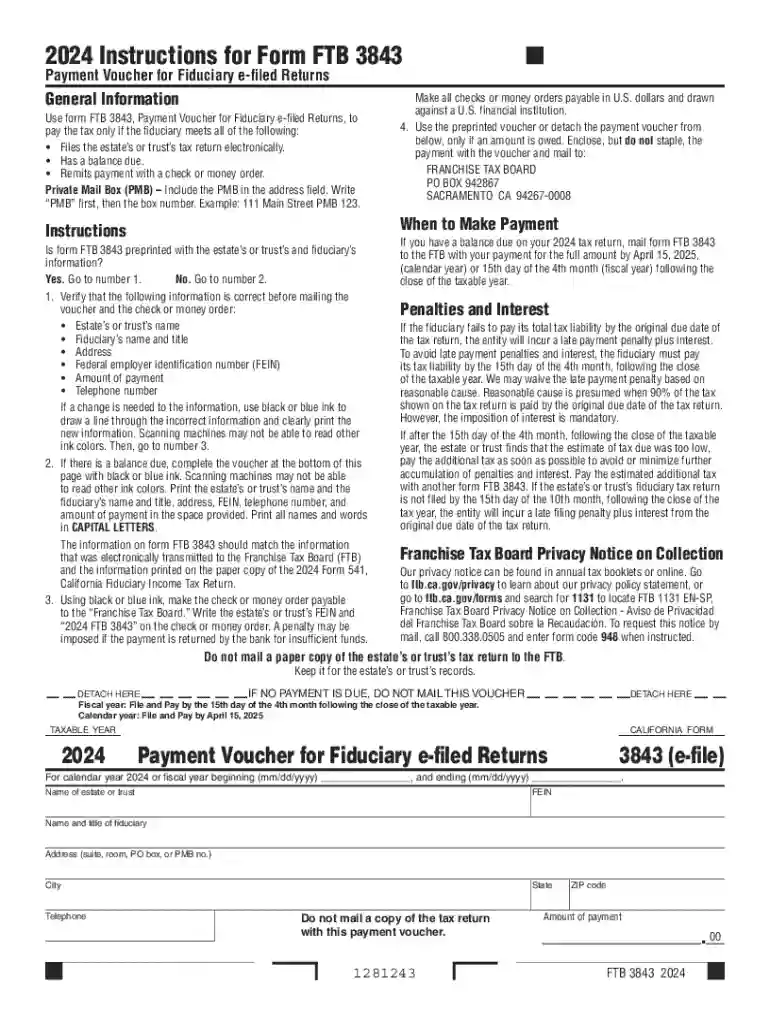
Type text, add images, blackout confidential details, add comments, highlights and more.

Draw your signature, type it, upload its image, or use your mobile device as a signature pad.

Send it via email, link, or fax. You can also download it, export it or print it out.
Form FTB 3843, the Payment Voucher for Fiduciary e-filed Returns, serves as a crucial tool for fiduciaries filing estate or trust tax returns electronically with an outstanding balance. It ensures proper crediting of payments towards taxes due on electronically filed fiduciary returns. The form facilitates the identification and allocation of electronic payments made by trusts and estates, aiding the streamlined processing of these transactions by tax authorities.
Failure to submit the required payment voucher or delayed payments can result in several penalties, such as:
California requires this specific form for fiduciaries managing estate or trust tax obligations within the state. Understanding state-specific tax laws and requirements is vital to ensure compliance with local tax obligations. Regulations may differ for other states, so access up-to-date guidelines from the relevant state tax authority when operating outside California.
Form FTB 3843 supports various financial software platforms, enhancing ease of completion and submission. Software options such as TurboTax and QuickBooks facilitate accurate calculations and electronic submissions, integrating seamlessly into the fiduciary's workflow for managing fiscal responsibilities.
Adhering to the ESIGN Act, electronically signed forms of FTB 3843 are legally binding, provided all documentation is accurately completed and submitted within specified guidelines. Compliance ensures fiduciary adherence to federal and state tax laws, safeguarding against legal repercussions and financial penalties.
We've got more versions of the 3843 form. Select the right 3843 version from the list and start editing it straight away!
At DocHub, your data security is our priority. We follow HIPAA, SOC2, GDPR, and other standards, so you can work on your documents with confidence.
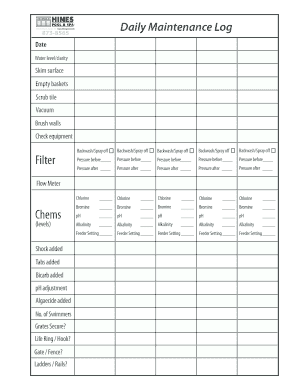


Draft versions of tax forms, instructions, and publications 3843-draft 2024 Payment Voucher for Fiduciary e-filed Returns 10/18/2024 2023, Payment Voucher
2024 approached 2025 approaches 2026 approaching 2027 appropiate 2028 3843 benifit 3844 benifits 3845 benign 3846 benito 3847 benjamin 3848 benjiRead more


