
Get any PDF form from the DocHub library of ready-made templates - Page 2336

Firehouse subs application pdf
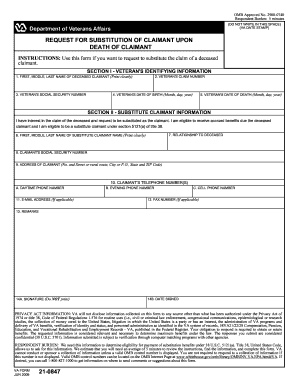
Va form 21 0847
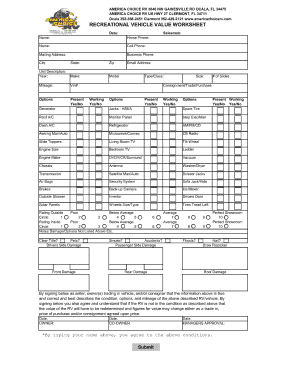
Rv appraisal form

Verification of mortgage form
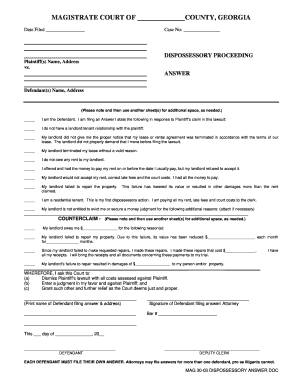
How to answer a dispossessory warrant online

Autozone credit card
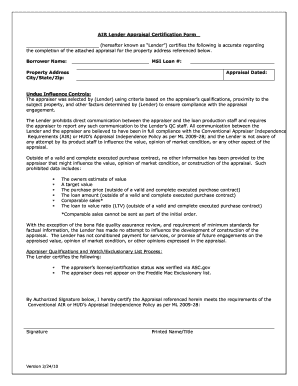
Air certification appraisal
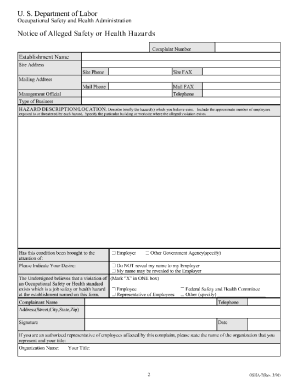
Osha complaint filing
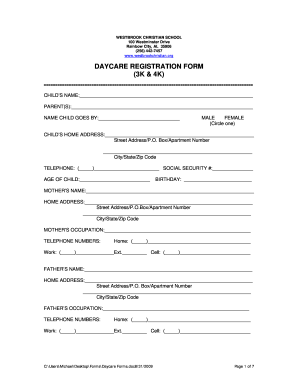
Pdf home daycare forms printable

Cde b1 4 2010 form

Naf application
Dot medical card ct

Dtf 802 blank formDocHubcom 2008
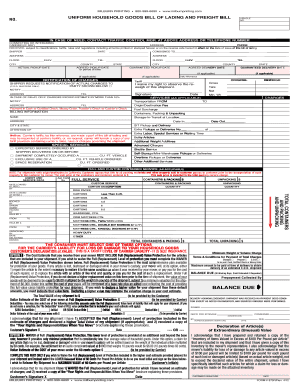
Milburn printing
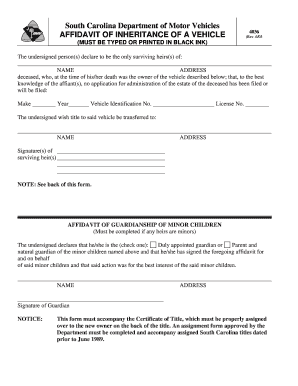
Inheritance format
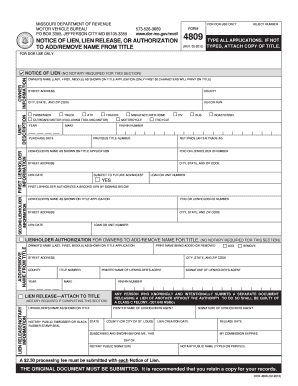
Missouri lien forms
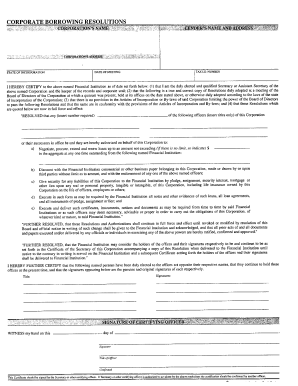
Corporate borrowing resolution pdf
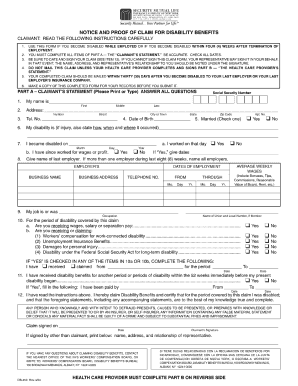
Ny form disability 2004-2019
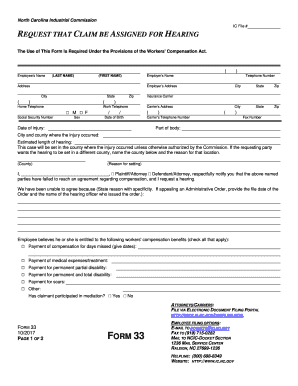
Nc form 33DocHubcom
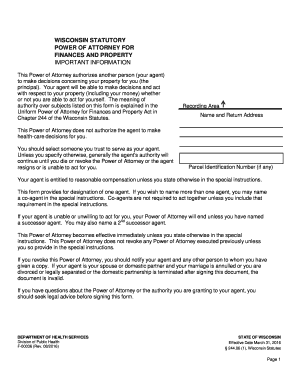
Activating poa in wisconsin

Mv104 form 2000
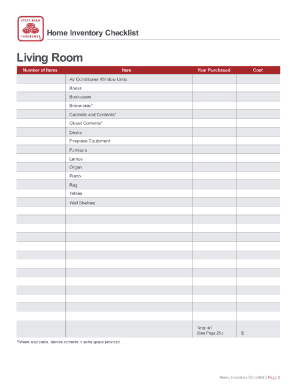
State farm contents inventory form
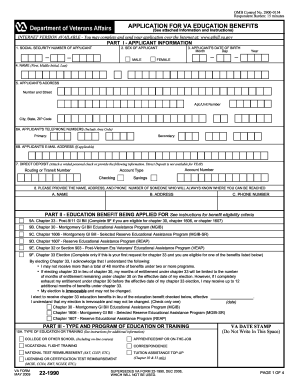
How to fill up sbi home loan application form 2009
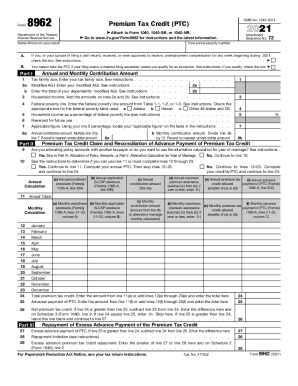
Form 8962
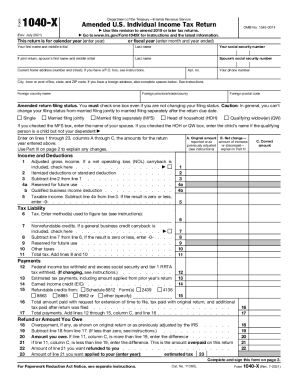
1040x form
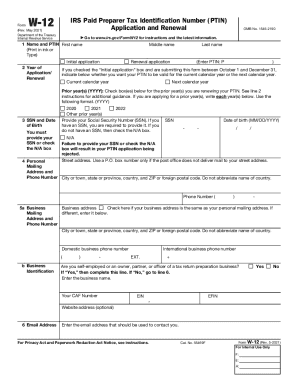
Irs w
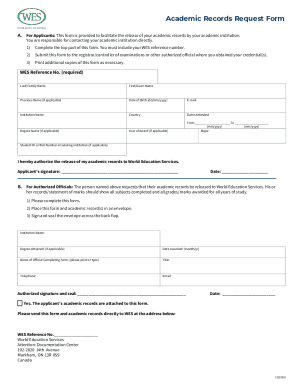
Wes academic request form

The illinois tax
Maryland tax form 502
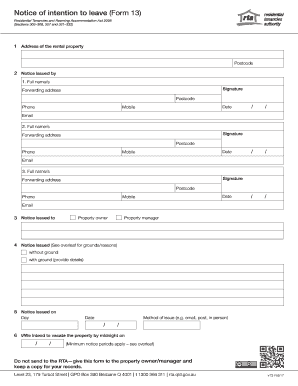
Intention leave form
Wisconsin transfer by affidavit
Child service report for daycare example
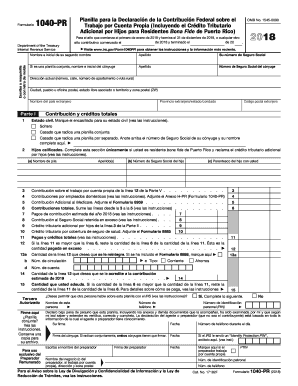
Forma 1040 pr 2018

Vote proxy form
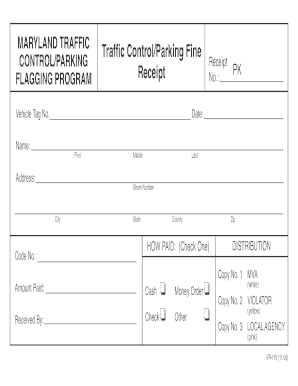
Traffic fine receipt download
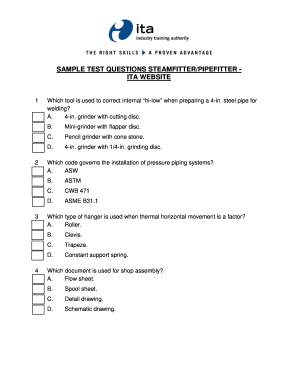
Pipefitter practice test with answers

Get a copy of my ged
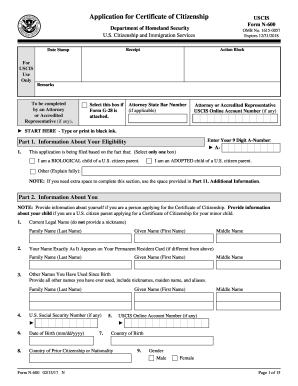
Enter Your 9 Digit A-Number:
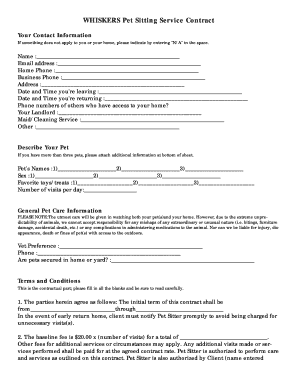
Printable pet sitting forms

Alabama bill of sale
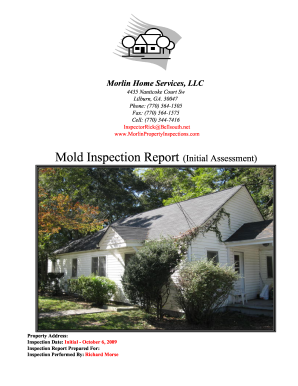
Mold inspection report template
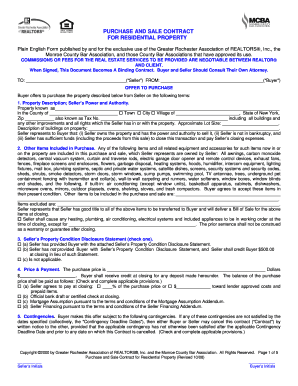
Mcba real estate forms
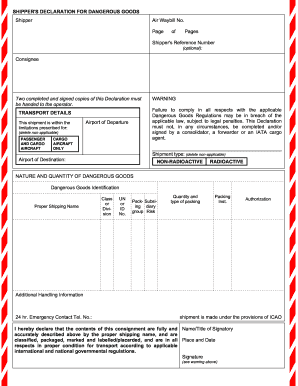
Declaration dangerous goods
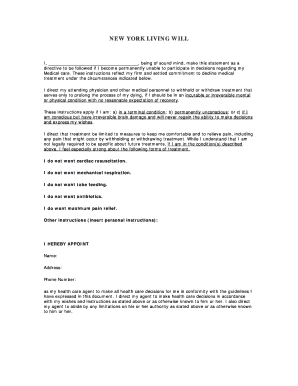
New york state living will pdf

Medical diagnosis template

Motorcycle test ride waiver form
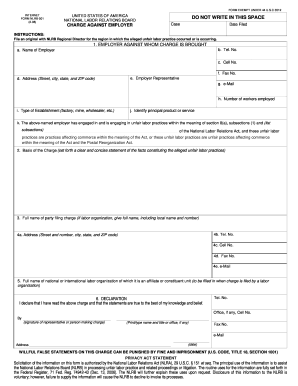
Nlrb form
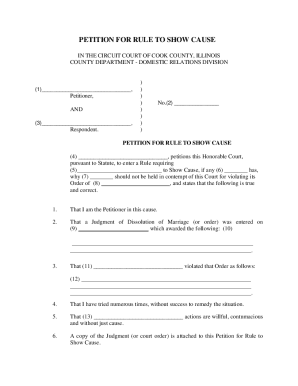
Form rule to show cause

Bno countersign form download

Agreement to amend contract nc
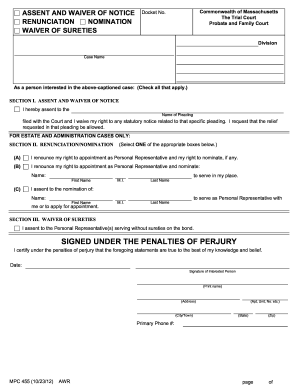
Mpc 455
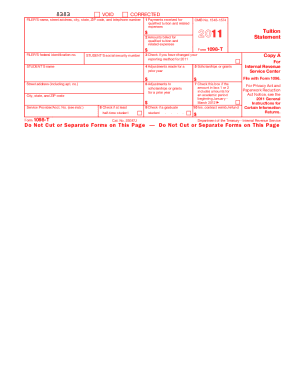
1098t 2011 form
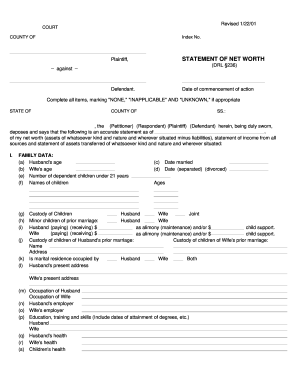
Net worth statement form

Contract sale residential

Once upon a child job application
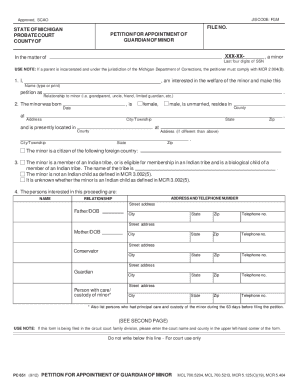
Indiana guardianship forms
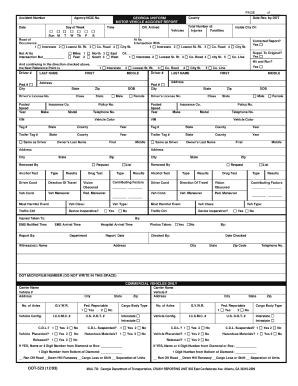
Georgia motor vehicle crash report
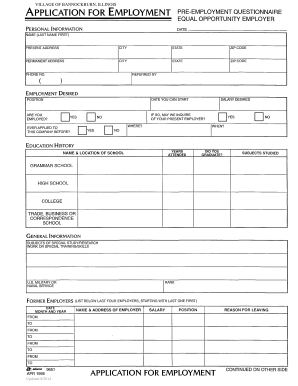
9661 employment applications
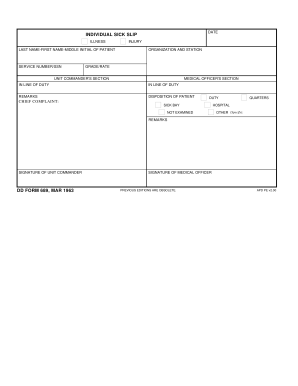
Form sick
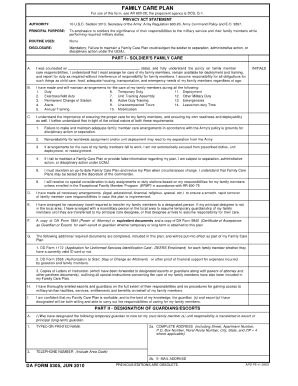
Da form 5305
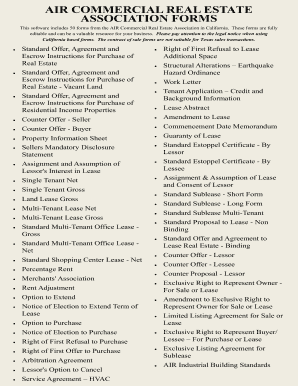
Air commercial real estate forms
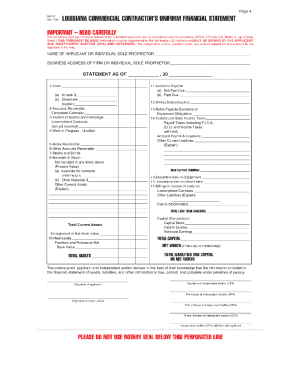
Document cb ca1
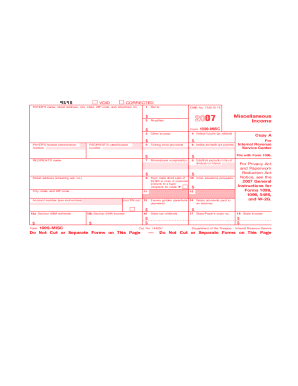
2007 form
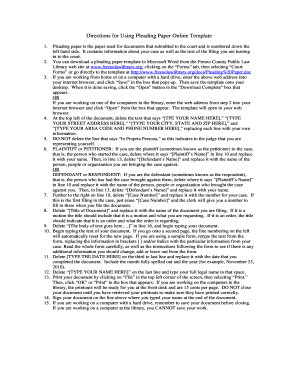
Blank page to type
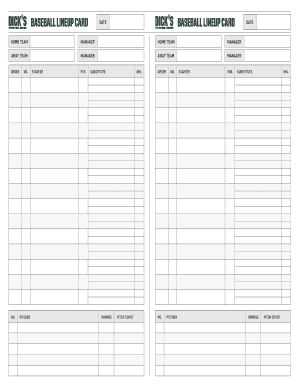
Online baseball lineup card

Il religious form
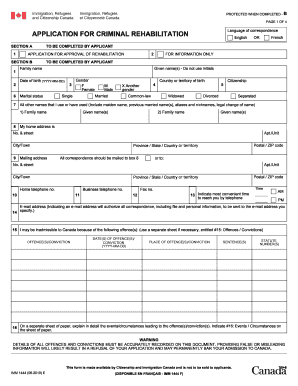
Canada imm 1444

Foreign fmp

Turo inspection

Special benefit review form
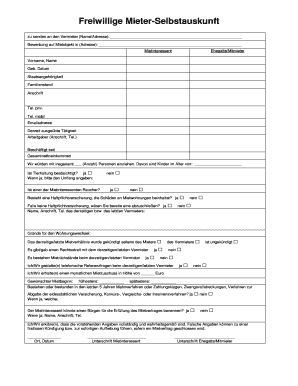
Mieterselbstauskunft online ausfüllen
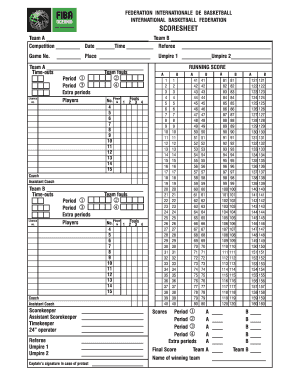
Basketball score sheet 2020 pdf

Positive pregnancy blood test results template
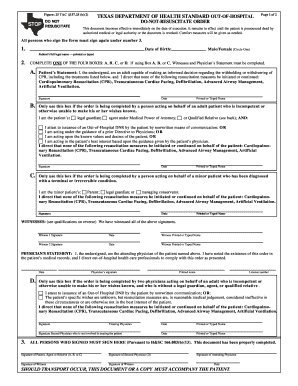
Dnr form texas

Swimming pool contract agreements

Unimed claim form

Craft fair application
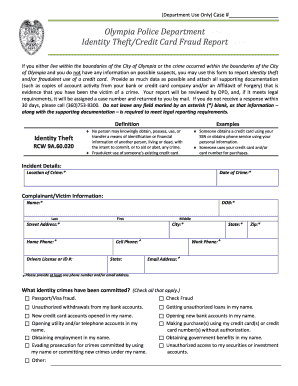
Police report identity theft template illinois
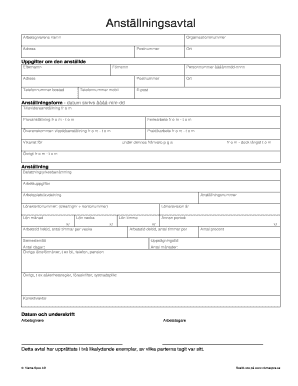
Anställningsavtal pdf
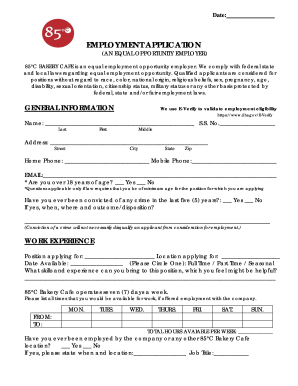
85 degrees application
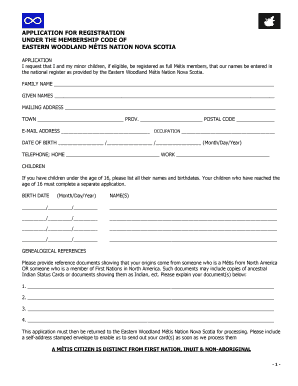
Métis card application nova scotia

Ca2048
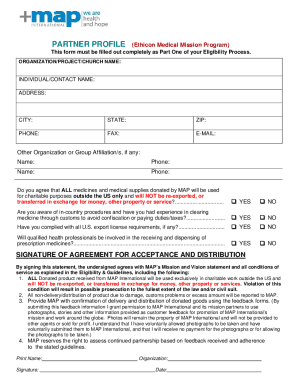
Map ethicon

Mvt 10 1a
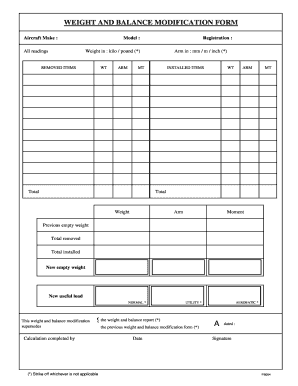
Blank aircraft weight and balance revision form
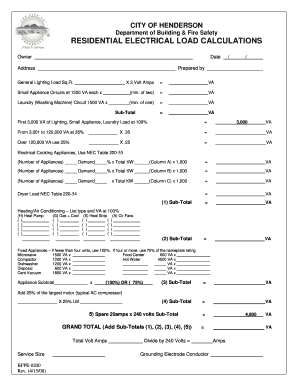
Commercial electrical load calculation worksheet excel
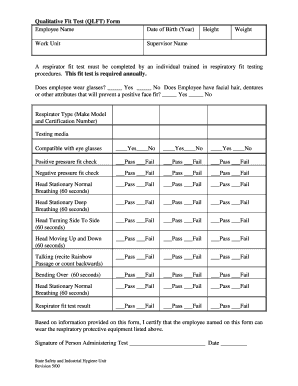
3m face fit test certificate template
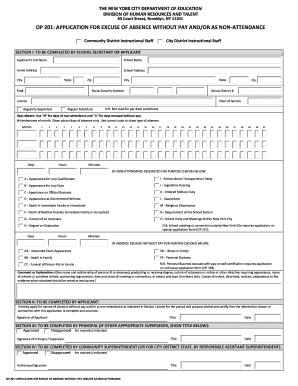
Op201
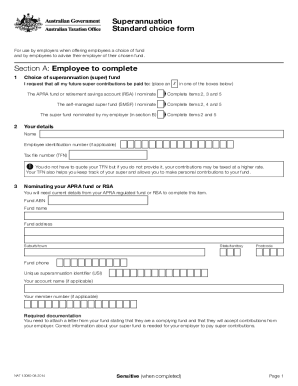
Superannuation form
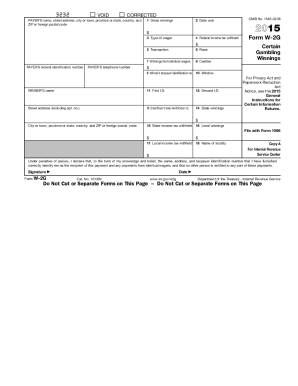
16 Local winnings
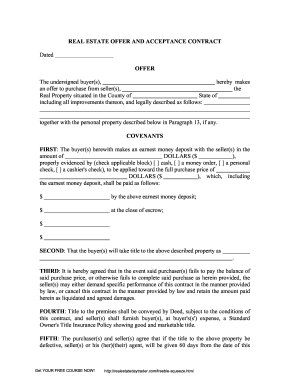
Offer and acceptance form
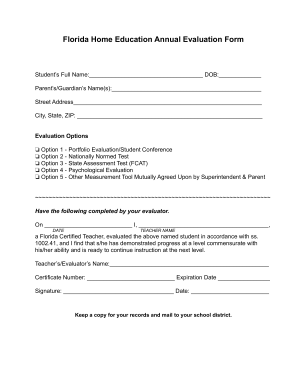
Florida homeschool evaluation form pdf
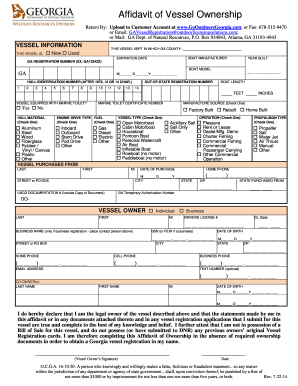
Georgia vessel
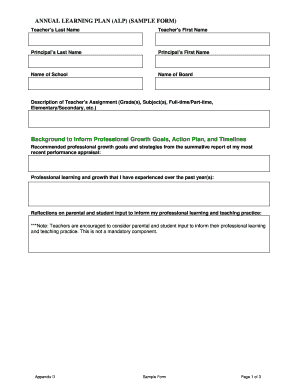
Annual learning plan generator
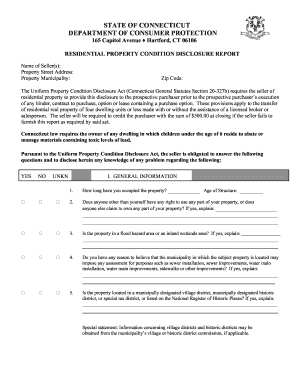
Ct residential disclosure form
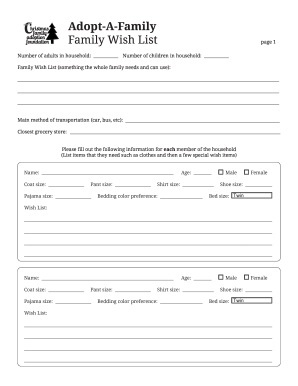
Adopt a family wish list template
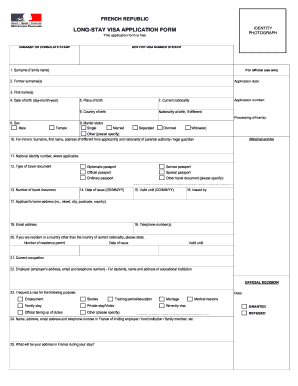
Application france i
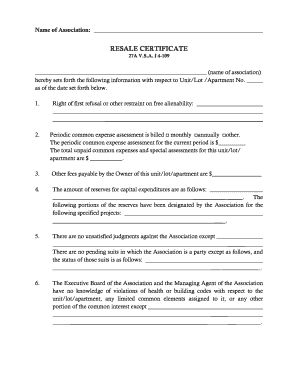
Hoa resale certificate example
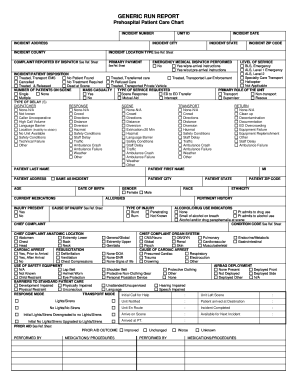
Generic run report

Aagla rental agreement
Benefit from the DocHub online library of fillable PDF forms
Searching the PDF forms doesn't have to be a tedious and time-consuming process. With the DocHub online library, it has become easier to find the fillable PDF forms and modify them in your browser. The service allows you to adjust the document to your needs using powerful editing tools.
You can use online document editing features to modify almost any type of document with ease. You just need to find the template of your choice, open it in the editor, and use the toolbar to make the necessary corrections.
Follow this guide to get your document done with DocHub:
- Find the PDF template you need.
- Click the Get Form button to open the file in the editor.
- Use the toolbar to fill out and edit the document.
- Easily add and highlight text, insert images, checkmarks, and symbols.
- Drop new fillable fields, and rearrange or delete pages from your file.
- Save changes and download your record.
DocHub empowers everyone to streamline document editing, signing, and distribution, and form completion. Create an account and benefit from our well-organized PDF Forms library and comprehensive editor.