




Here's how it works

01. Edit your sample petition for rule to show cause illinois online
Type text, add images, blackout confidential details, add comments, highlights and more.

02. Sign it in a few clicks
Draw your signature, type it, upload its image, or use your mobile device as a signature pad.

03. Share your form with others
Send rule to show cause form via email, link, or fax. You can also download it, export it or print it out.
How to use or fill out form rule to show cause with our platform

- Click ‘Get Form’ to open the Petition for Rule to Show Cause in the editor.
- Begin by entering your name in the designated field, ensuring accuracy for identification.
- Input the case number from your Judgment of Dissolution of Marriage or attach a copy of the relevant order.
- Fill in your ex-spouse's name and specify their gender using 'he' or 'she' as appropriate.
- Provide the date of the Judgment or Order you are enforcing, followed by details of the specific provision being violated.
- List instances where your ex-spouse failed to comply, including dates and actions taken.
- Complete any remaining fields, sign and date the form at the end, affirming that all information is true.
Start using our platform today to efficiently complete your Petition for Rule to Show Cause online for free!
Fill out form rule to show cause online
It's free
It's free
See more form rule to show cause versions
We've got more versions of the form rule to show cause form. Select the right form rule to show cause version from the list and start editing it straight away!
Security and compliance
At DocHub, your data security is our priority. We follow HIPAA, SOC2, GDPR, and other standards, so you can work on your documents with confidence.
Learn more


Related forms

Summer Program Student Declaration and Parent Guardian Consent Form
The document is an application form for the Wingara Mura – Bunga Barrabugu Summer Program 2019, aimed at Indigenous Aust ...

Psychiatry - Certificate Course
The document is an application form for the 2020 Certificate Course in Mental Health offered by The Chinese University o ...
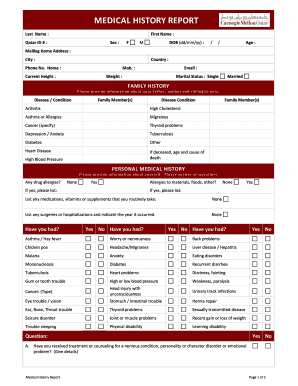
Medical commission result
The document is a Medical History Report that collects personal and family medical history, immunization records, and pr ...

Oncokids test requisition patient information sample
The document is a test requisition form for the OncoKids® test at Children's Hospital Los Angeles, detailing shipping in ...

Breast MRI: EUSOBI recommendations for women's information
The document is a Prior Authorization Request Form for Magnetic Resonance Imaging (MRI) related to breast cancer detecti ...
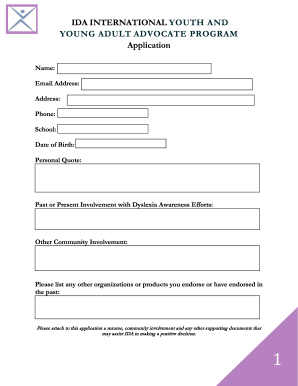
International Dyslexia Association - until everyone can read!
The document outlines the application process for the IDA International Youth and Young Adult Advocate Program, requirin ...

Bcbs certificate medical necessity
The document is a Certificate of Medical Necessity (CMN) form for oxygen therapy, which is completed by the ordering phy ...

Louisiana department of agriculture and forestry emergency
The document is a Reptile and Amphibian History Form designed for pet owners to provide detailed information about their ...