




Here's how it works

01. Edit your va form 10 7959f 1 online
Type text, add images, blackout confidential details, add comments, highlights and more.

02. Sign it in a few clicks
Draw your signature, type it, upload its image, or use your mobile device as a signature pad.

03. Share your form with others
Send 10 7959f 1 via email, link, or fax. You can also download it, export it or print it out.
How to use or fill out foreign fmp with our platform

- Click ‘Get Form’ to open the Foreign Medical Program (FMP) Registration Form in the editor.
- Begin by filling out the 'Veteran Information' section. Enter your last name, first name, and Social Security Number accurately.
- Provide your VA Claim File Number, physical address, and mailing address. Ensure that all addresses are complete and correct.
- Fill in your date of birth and contact information, including telephone number and email address. If any field is not applicable, type 'None' or 'N/A'.
- Sign and date the form at the bottom to certify that the information provided is true to the best of your knowledge.
- Once completed, save your document. You can then submit it via mail or fax as indicated on the form.
Start using our platform today for free to streamline your FMP registration process!
Fill out foreign fmp online
It's free
It's free
See more foreign fmp versions
We've got more versions of the foreign fmp form. Select the right foreign fmp version from the list and start editing it straight away!
Security and compliance
At DocHub, your data security is our priority. We follow HIPAA, SOC2, GDPR, and other standards, so you can work on your documents with confidence.
Learn more


Related forms
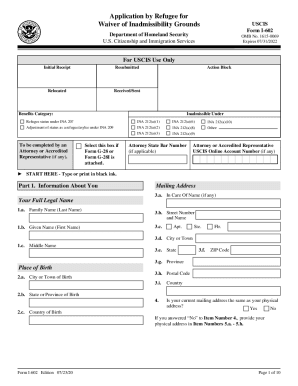
I 602 waiver
The document is the USCIS Form I-602, an application for a waiver of inadmissibility grounds for refugees. It outlines t ...

Instructions i 864w
The document provides instructions for completing Form I-864W, which is used by certain immigrants who are exempt from t ...

I 914 supplement b
The document is Supplement B of Form I-914, a declaration for law enforcement officers certifying victims of trafficking ...
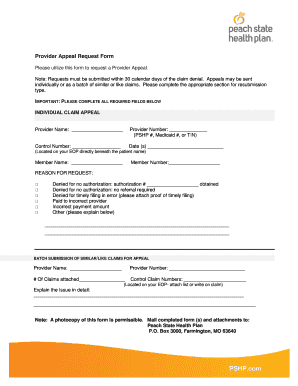
State health plan provider appeal form
The document is a Provider Appeal Request Form used to request an appeal for denied claims. It outlines the necessary in ...
Dr Joan G Calkins MD ReviewsHamburg, NYVitals
The document is a comprehensive patient information form for Dr. Joan G. Calkins, a pediatric rheumatologist. It include ...
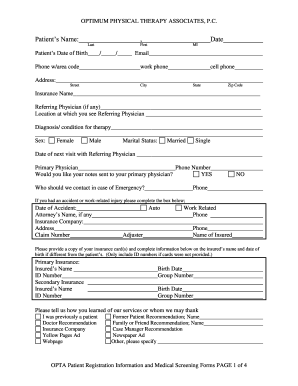
OPTIMUM PHYSICAL THERAPY ASSOCIATES, P
The document is a patient registration form for Optimum Physical Therapy Associates, P.C. It collects essential personal ...
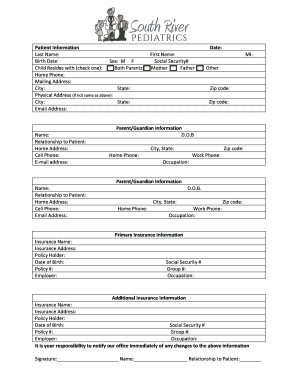
Conyers Pediatrics-- Patient Forms
The document is a comprehensive patient information and office policy form for South River Pediatrics. It includes secti ...
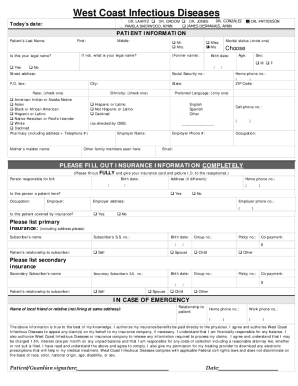
West Coast Infectious Diseases - Safety Harbor and New Port
The document is an informational packet from West Coast Infectious Diseases, welcoming new patients and outlining essent ...