
Get any PDF form from the DocHub library of ready-made templates - Page 151
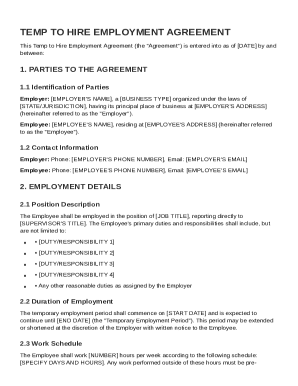
Temp To Hire Contract Template
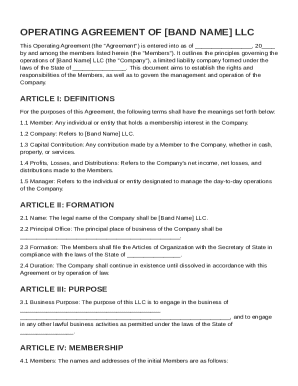
Band LLC Operating Agreement Template
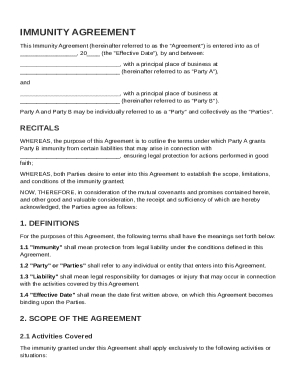
Immunity Agreement Template
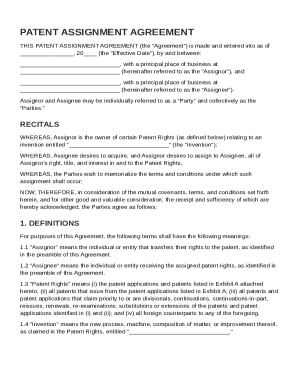
Patent Agreement Template
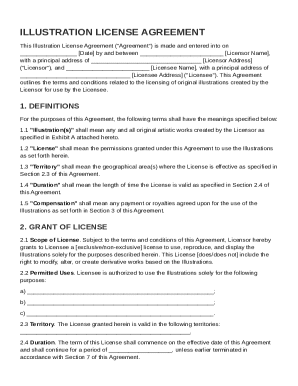
Illustration License Agreement Template
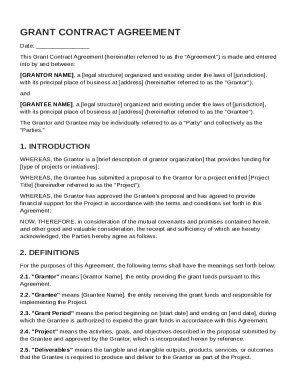
Grant Contract Template
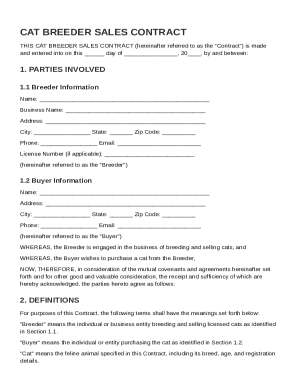
Cat Breeder Contract Template
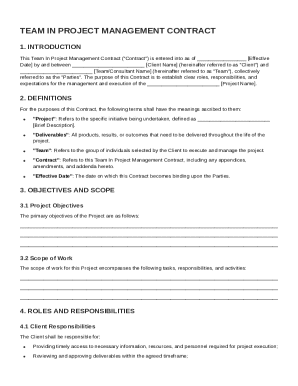
Team In Project Management Contract Template
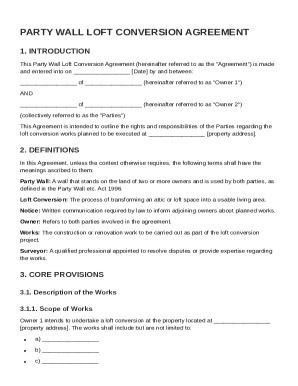
Party Wall Loft Conversion Agreement Template
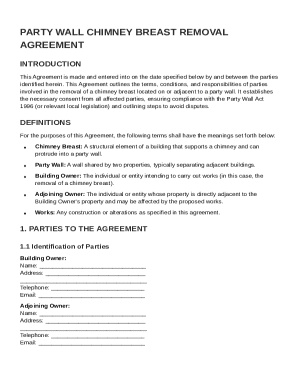
Party Wall Chimney Breast Removal Agreement Template
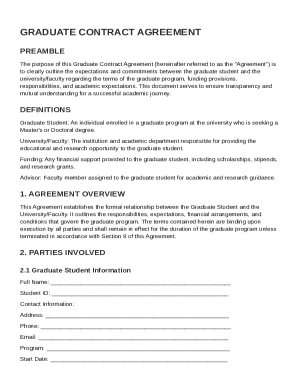
Grad Contract Template
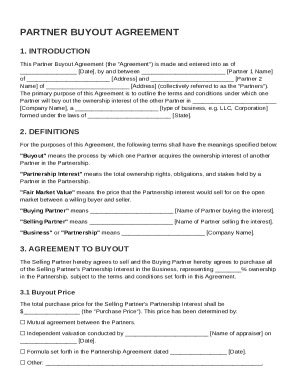
Partner Buyout Agreement Template
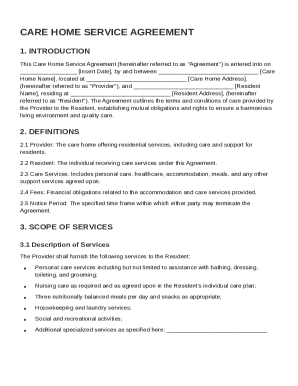
Care Home Contract Template
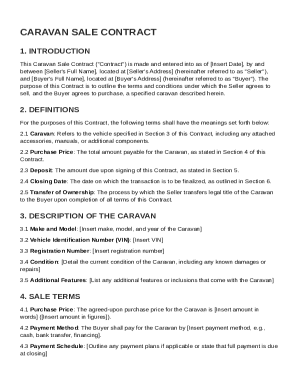
Caravan Sale Contract Template
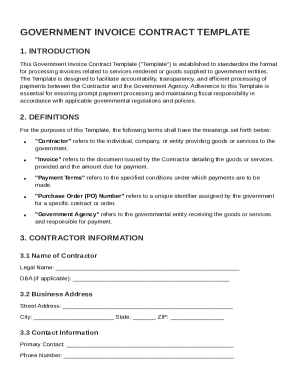
Government Invoice Contract Template
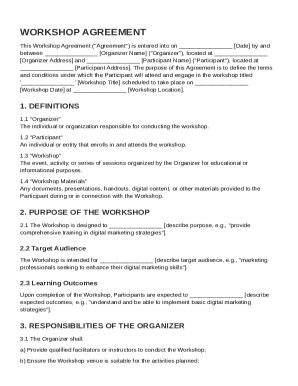
Workshop Agreement Template
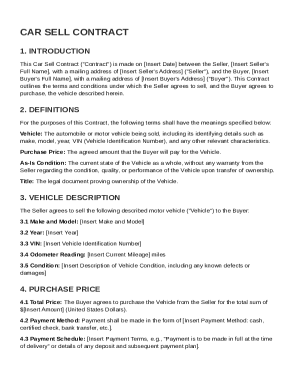
Car Sell Contract Template
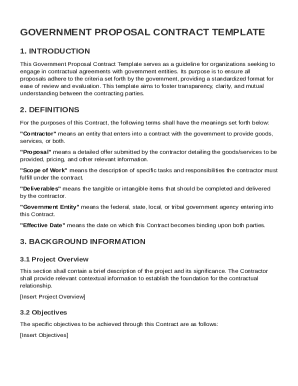
Government Government Proposal Contract Template
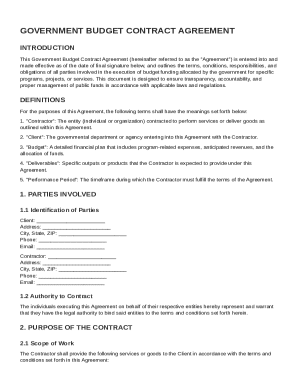
Government Budget Contract Template
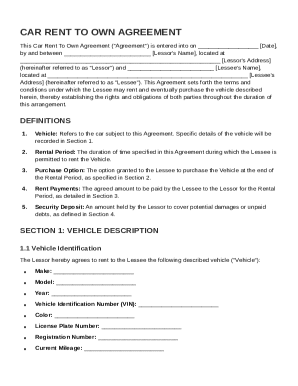
Car Rent To Own Contract Template
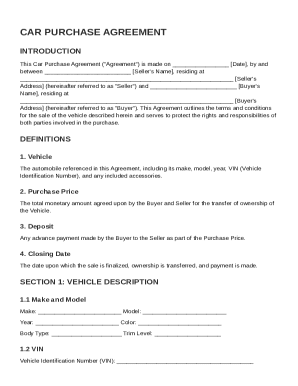
Car Purchas Contract Template
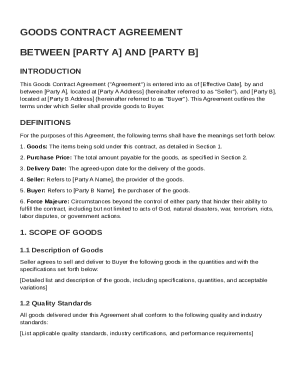
Goods Contract Template
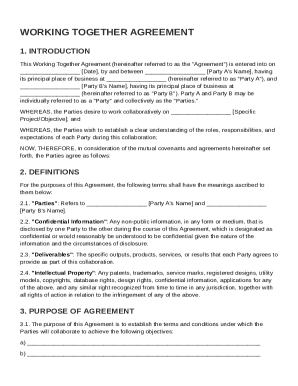
Working Together Agreement Template
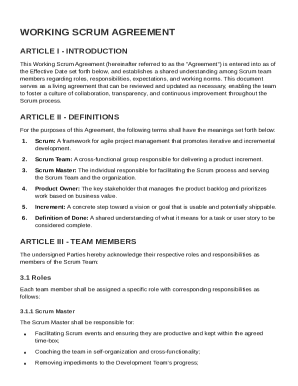
Working Scrum Agreement Template

Gift Of Equity Purchase Contract Template
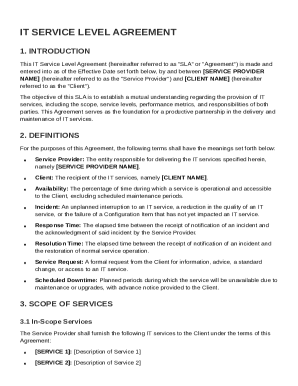
IT Service Level Agreement Template
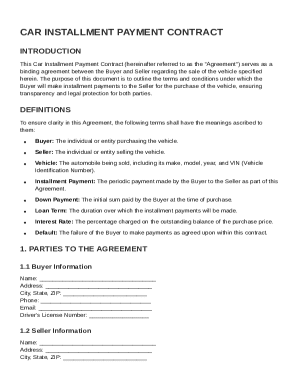
Car Installment Payment Contract Template
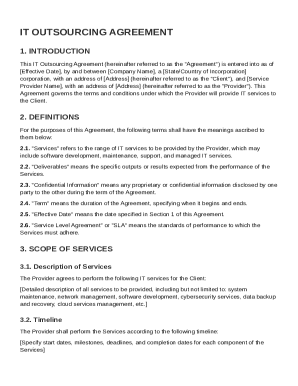
IT Outsourcing Agreement Template
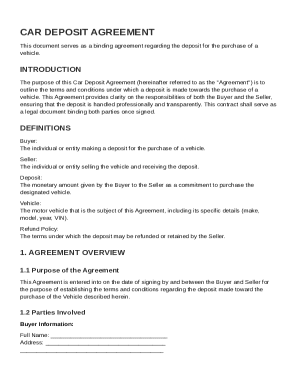
Car Deposit Contract Template
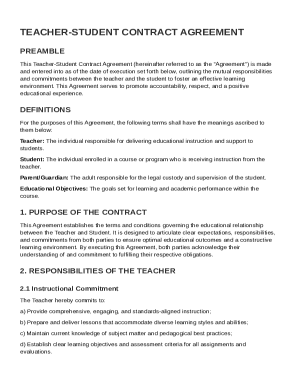
Teacher, Student Contract Template
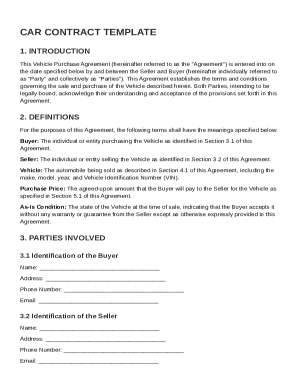
Car Contract Template
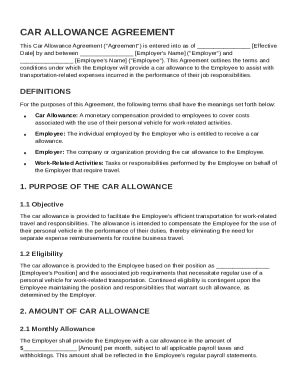
Car Allowance Contract Template
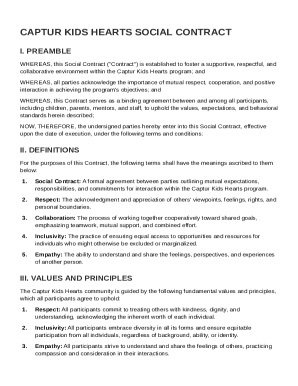
Captur Kids Hearts Social Contract Template
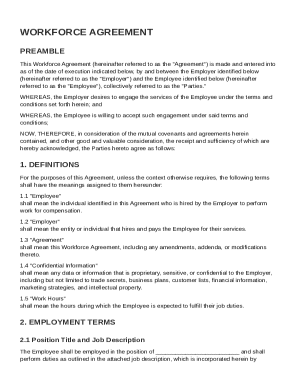
Workforce Agreement Template
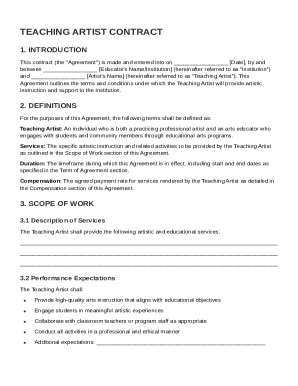
Teach Artist Contract Template
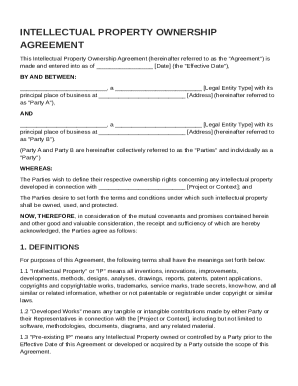
IP Ownership Agreement Template
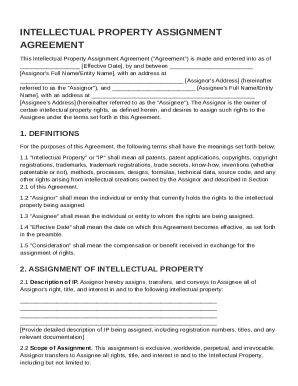
IP Assignment Agreement Template
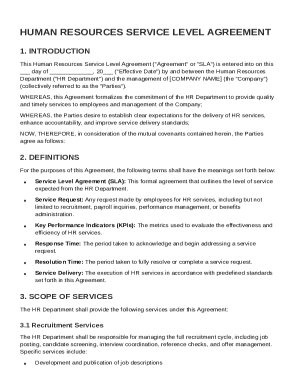
Human Resources Service Level Agreement Template
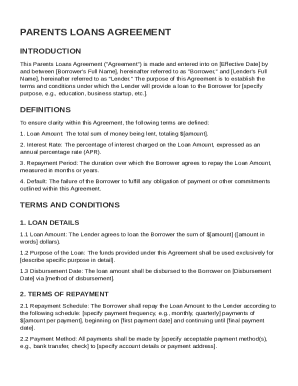
Parents Loans Agreement Template
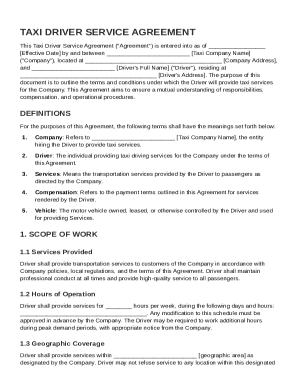
Taxi Driver Contract Template
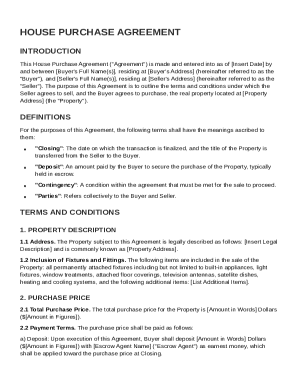
Housepurchase Agreement Template
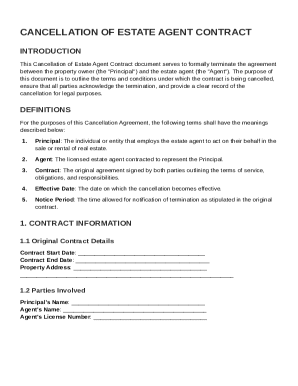
Cancel Estate Agent Contract Template
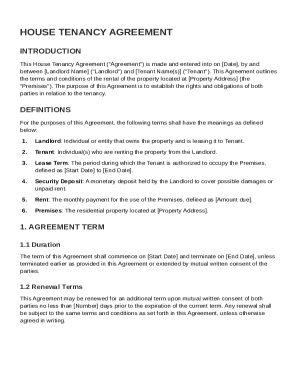
House Tenancy Agreement Template
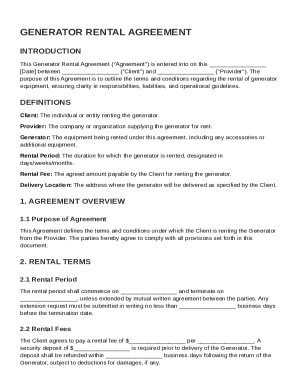
Generator Contract Template
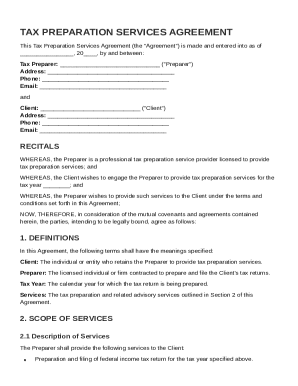
Tax Preparation Contract Template
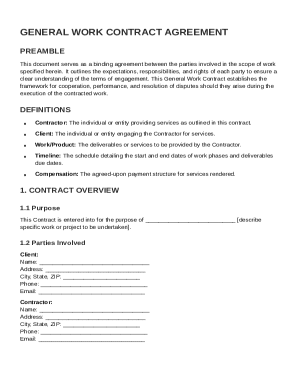
General Work Contract Template
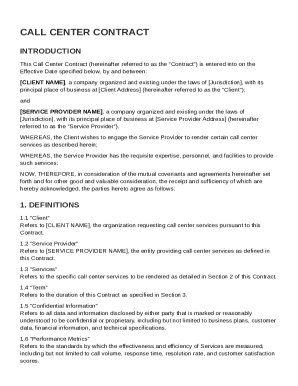
Call Center Contract Template
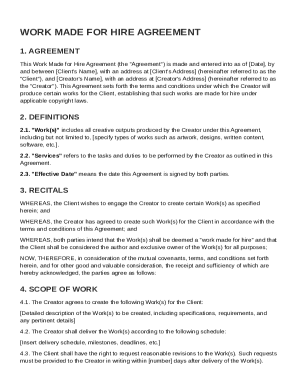
Work Made for Hire Agreement Template
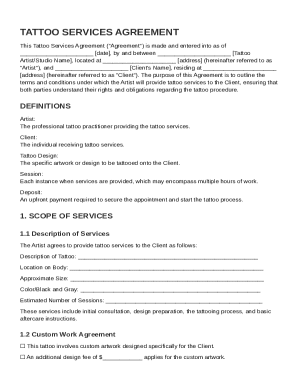
Tattoo Contract Template
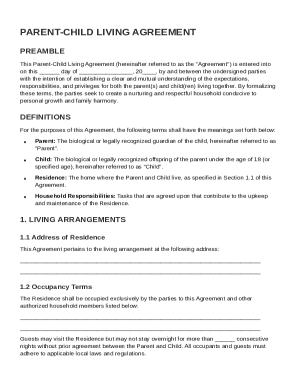
Parent Child Living Agreement Template
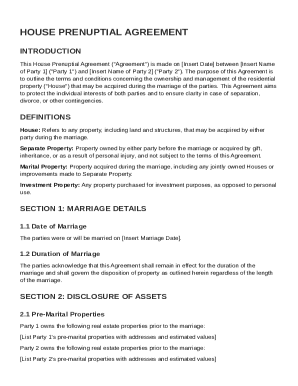
House Prenuptial Agreement Template
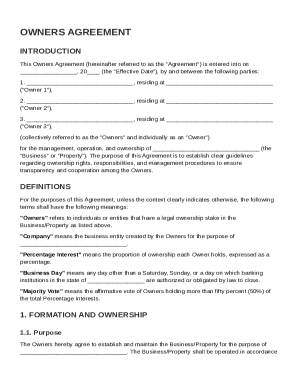
Owners Agreement Template
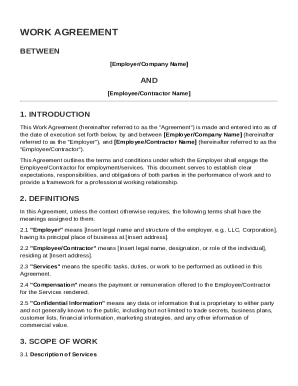
Work Agreement Template
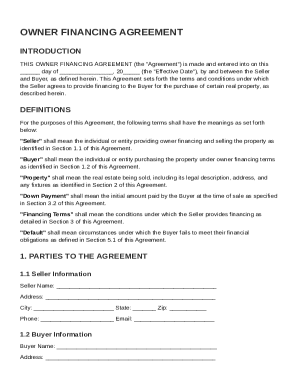
Owner Financing Agreement Template
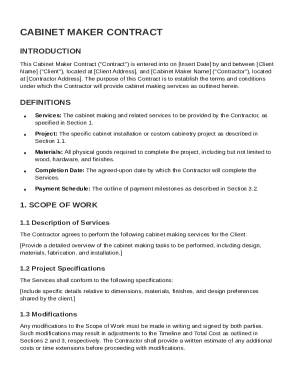
Cabinet Maker Contract Template
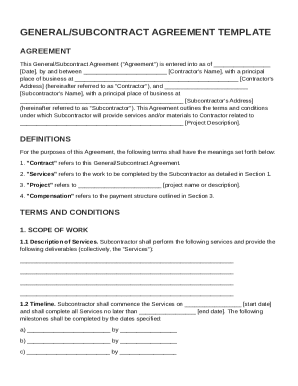
General Or Subor Contract Template
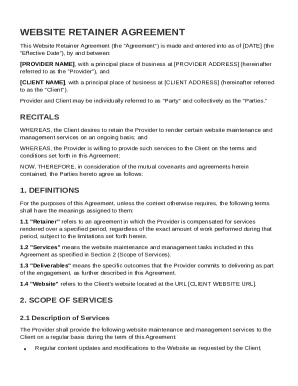
Website Retainer Agreement Template
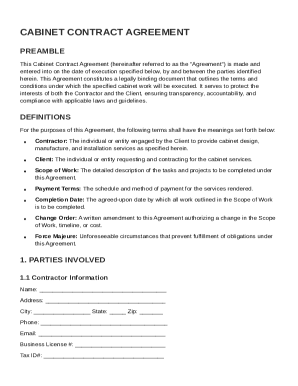
Cabinet Contract Template
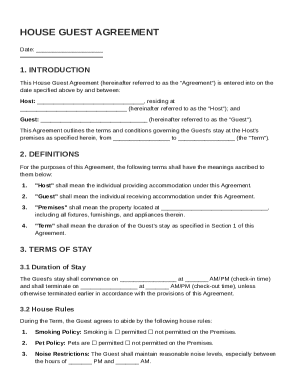
House Guest Agreement Template
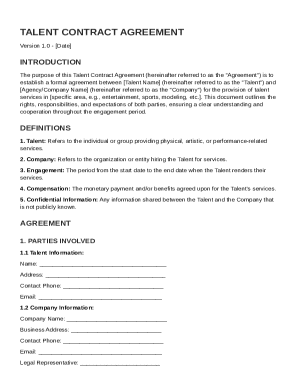
Talent Contract Template
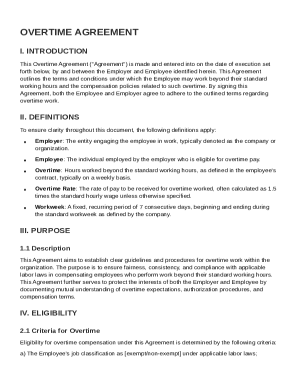
Overtime Agreement Template
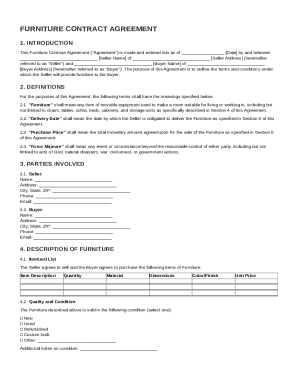
Furniture Contract Template
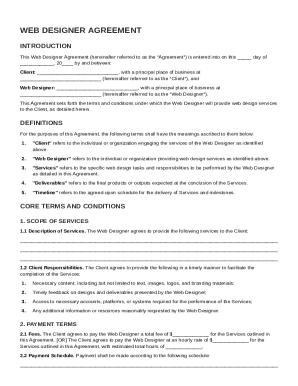
Web Designer Agreement Template
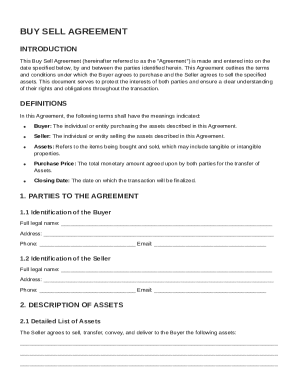
Buy Sell Contract Template
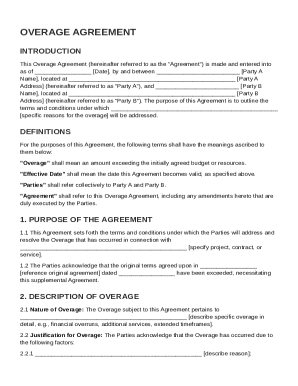
Overage Agreement Template
Wayleave Agreement Template
Swimm Pool Contract Template
Outsourcing Service Agreement Template
Business To Business Service Contract Template
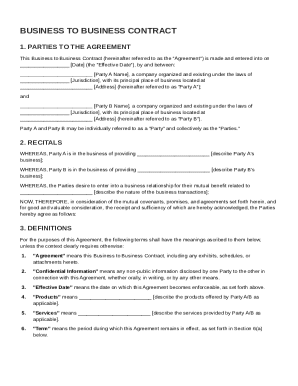
Business To Business Contract Template
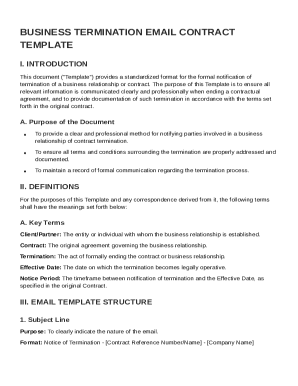
Business Termination Email Contract Template
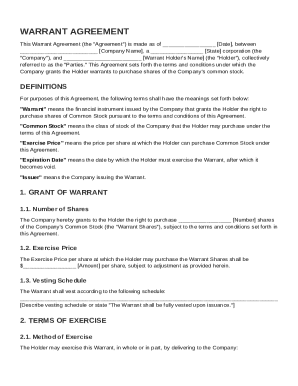
Warrant Agreement Template
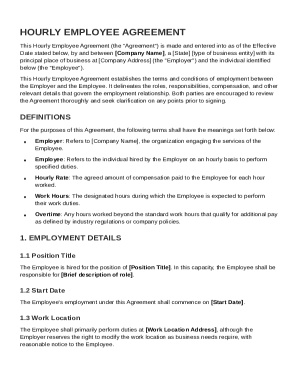
Hourly Employee Agreement Template
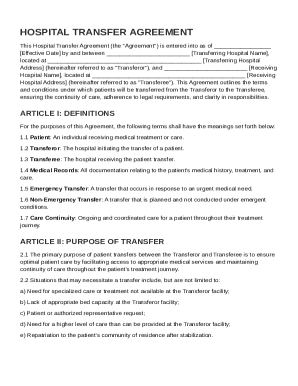
Hospital Transfer Agreement Template
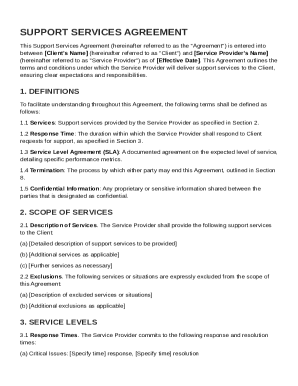
Support Contract Template

Freight Forwarder Contract Template
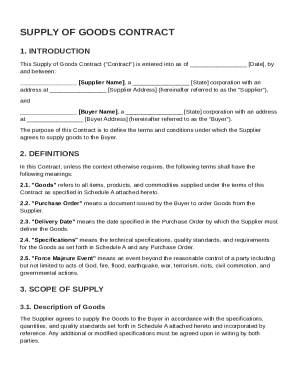
Supply Of Goods Contract Template
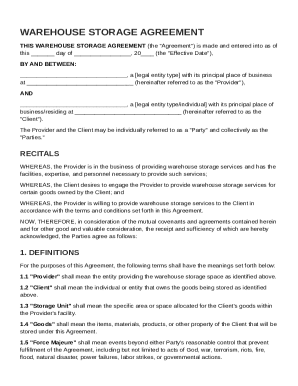
Warehouse Storage Agreement Template
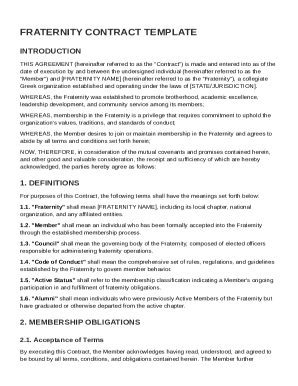
Fraternity Contract Template
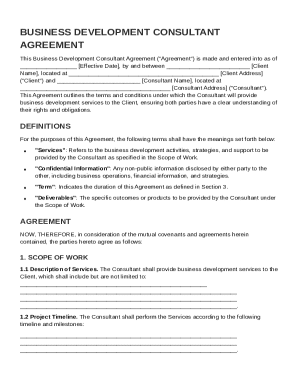
Business Development Consultant Contract Template
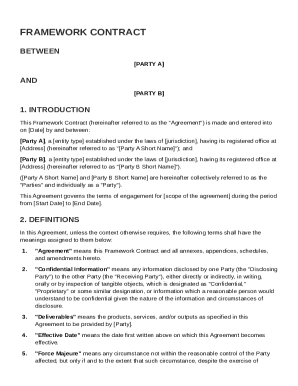
Framework Contract Template
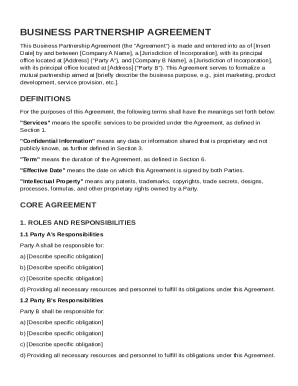
Business Between Two Companies Contract Template
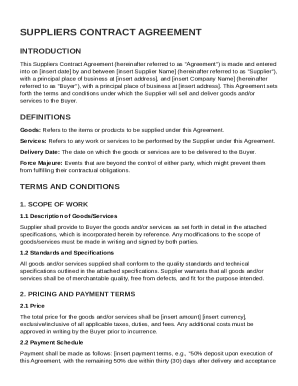
Suppliers Contract Template

Out of Court Settlement Agreement Template
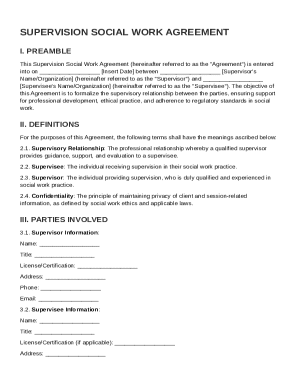
Supervision Social Work Contract Template
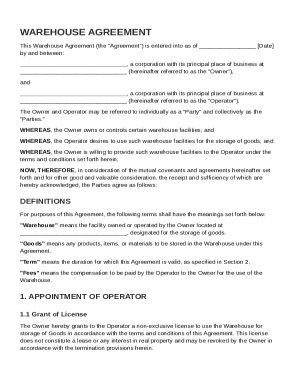
Warehouse Agreement Template
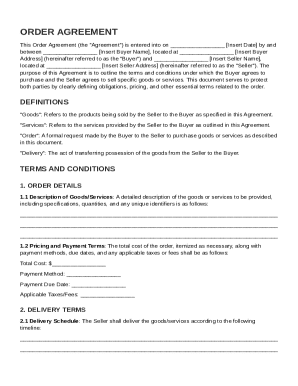
Order Agreement Template
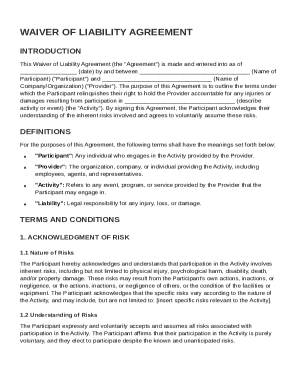
Waiver of Liability Agreement Template
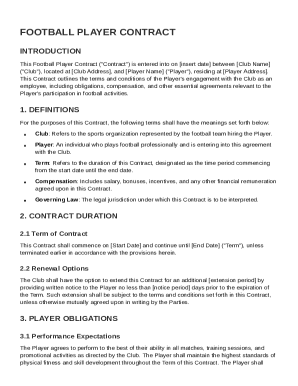
Football Contract Template
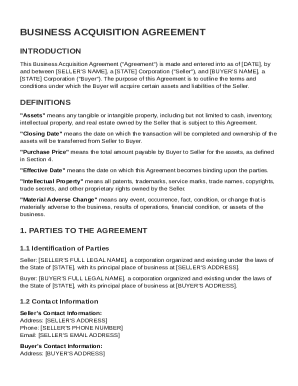
Business Acquisition Contract Template

Option Film Agreement Template
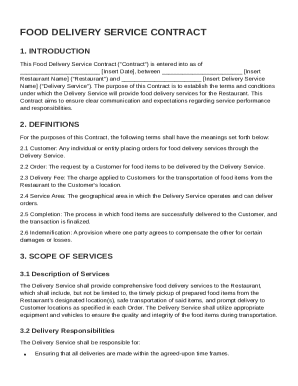
Food Delivery Service Contract Template
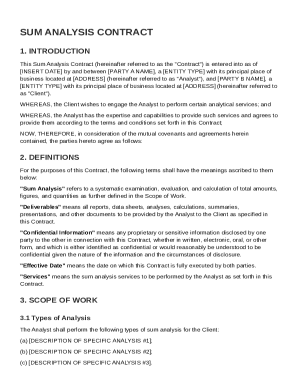
Sum Analysis Contract Template
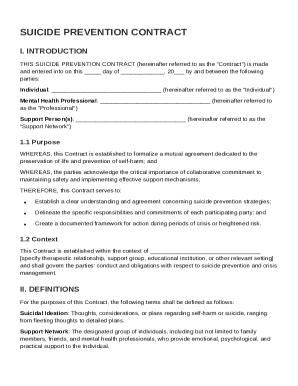
Suicide Prevention Contract Template
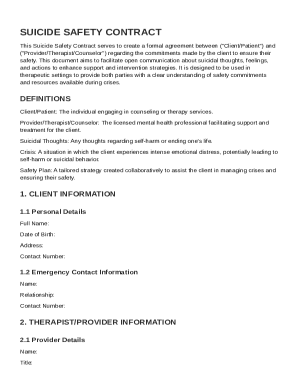
Suicide Contract Template
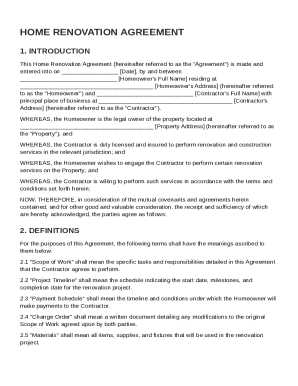
Home Renovation Agreement Template
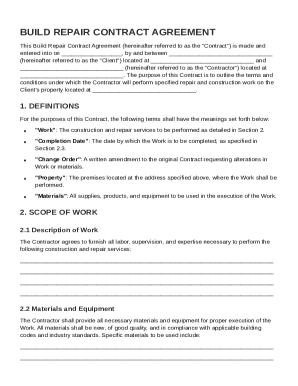
Build Repair Contract Template
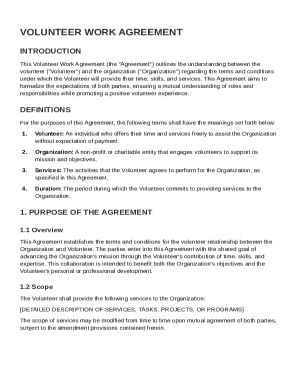
Volunteer Work Agreement Template
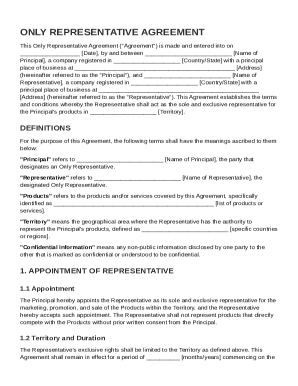
Only Representative Agreement Template
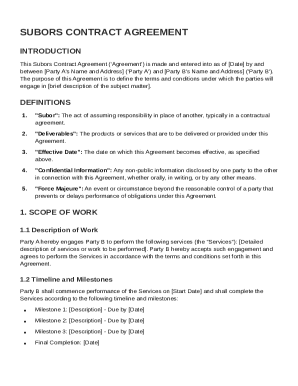
Subors Contract Template
Benefit from the DocHub online library of fillable PDF forms
Searching the PDF forms doesn't have to be a tedious and time-consuming process. With the DocHub online library, it has become easier to find the fillable PDF forms and modify them in your browser. The service allows you to adjust the document to your needs using powerful editing tools.
You can use online document editing features to modify almost any type of document with ease. You just need to find the template of your choice, open it in the editor, and use the toolbar to make the necessary corrections.
Follow this guide to get your document done with DocHub:
- Find the PDF template you need.
- Click the Get Form button to open the file in the editor.
- Use the toolbar to fill out and edit the document.
- Easily add and highlight text, insert images, checkmarks, and symbols.
- Drop new fillable fields, and rearrange or delete pages from your file.
- Save changes and download your record.
DocHub empowers everyone to streamline document editing, signing, and distribution, and form completion. Create an account and benefit from our well-organized PDF Forms library and comprehensive editor.