






Definition & Meaning
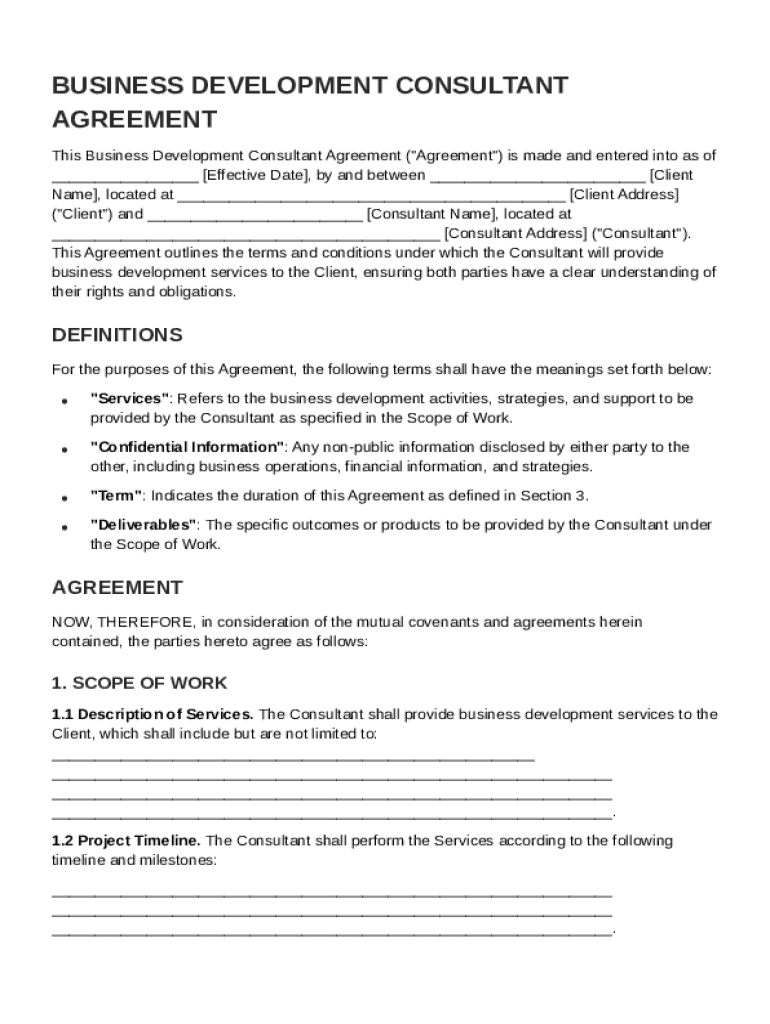
A Business Development Consultant Contract Template is a pre-structured document that establishes the legal framework for engaging a consultant to perform business development services. This template typically defines the roles and responsibilities of both the consultant and the client. It provides clarity on the scope of work, compensation terms, confidentiality obligations, and other essential legal provisions. By utilizing this template, businesses can streamline the drafting process while ensuring all critical elements are covered.
Key Elements of the Business Development Consultant Contract
Scope of Work
- Description of Services: Clearly outlines the business development activities the consultant will perform.
- Objectives and Goals: Specifies the target outcomes, such as increasing market share or improving customer acquisition.
- Timeline and Milestones: Details the delivery schedule and deadlines for specific tasks or projects.
Compensation Structure
- Payment Terms: Includes hourly rates, flat fees, or commission-based pay, and the payment schedule.
- Reimbursement Policies: Addresses any expenses the consultant may incur, such as travel or materials.
Confidentiality and Ownership
- Non-Disclosure Agreements (NDA): Ensures that proprietary information remains confidential.
- Intellectual Property: Clarifies ownership rights of any work products or developments created during the contract term.
Legal and Compliance Terms
- Indemnification Clauses: Protects both parties against potential claims or damages.
- Limitation of Liability: Specifies the extent to which each party is liable for breaches or damages.
- Governing Law: Determines the legal jurisdiction applicable to the contract.
How to Use the Business Development Consultant Contract Template
-
Customize the Template: Tailor the document to fit the unique requirements of the consulting agreement. This involves modifying sections to reflect specific services or payment arrangements.
-
Review with Legal Counsel: Engage a legal professional to ensure compliance with applicable laws and to address any potential legal risks.
-
Include Specifics: Ensure all necessary details are captured, such as specific deliverables, non-compete clauses, and termination conditions.
Steps to Complete the Business Development Consultant Contract Template
-
Insert Parties' Information: Enter the full legal names and contact details of both the consultant and the client.
-
Define Scope and Deliverables: Clearly articulate the responsibilities and expectations of the consultant's services.
-
Establish Payment Terms: Specify the method and frequency of payment, along with any invoicing requirements.
-
Sign and Date: Both parties must provide signatures and the date to validate the contract.
Legal Use of the Business Development Consultant Contract Template
- Compliance with Local Laws: Ensure that the contract adheres to state and federal laws governing consultant engagements.
- Binding Agreement: This document serves as a legally binding contract once signed by both parties, enforceable in a court of law.
- Audit Trail: Maintain records of contract changes and signing dates for potential audits or legal disputes.
Examples of Using the Business Development Consultant Contract Template
- Startup Expansion: A technology startup hires a consultant to strategize market entry into a new region.
- Sales Optimization: A retail company engages a consultant to improve its sales funnel and customer engagement strategies.
State-Specific Rules for the Business Development Consultant Contract
- California: Requires specific clauses for employee-like protections for freelancers.
- New York: May necessitate additional disclosures regarding commission arrangements.
Digital vs. Paper Version
- Digital Version: Offers greater flexibility, allowing easy edits, version tracking, and e-signature integration through platforms like DocHub.
- Paper Version: Useful for environments where digital tools are limited, though less efficient for updates and distribution.
Software Compatibility
- DocHub: Seamlessly edit and manage your contract template online with extensive annotation and collaboration features.
- Google Docs & Microsoft Word: Convert and edit templates in widely used word processors for drafting flexibility.