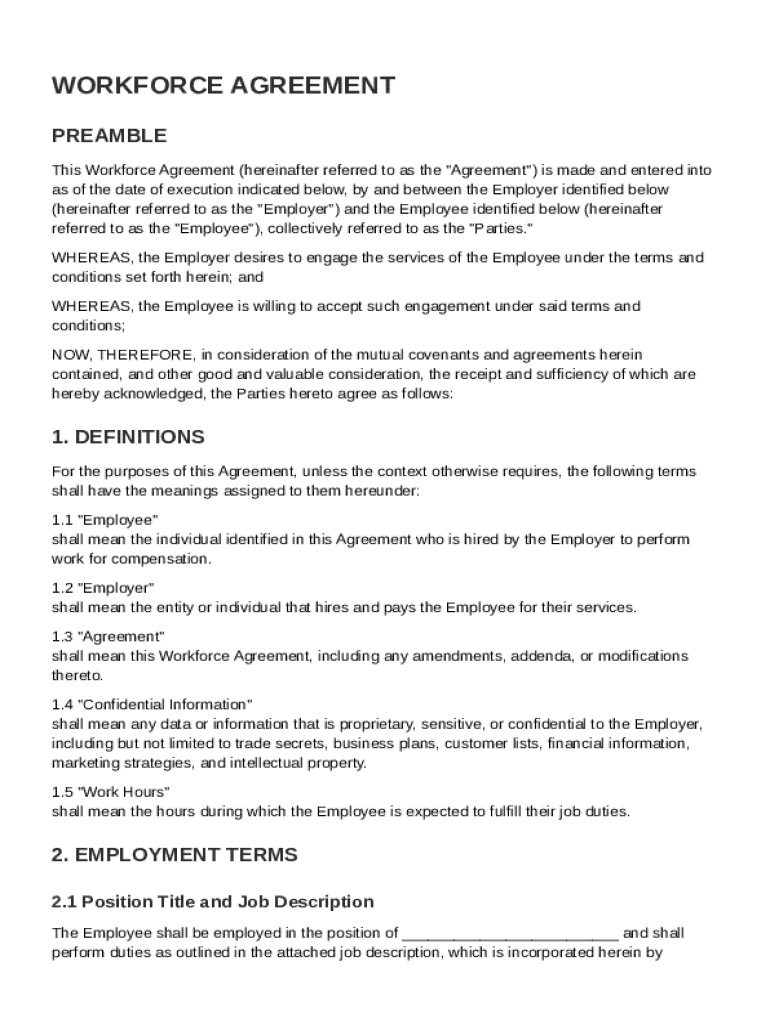







Definition and Meaning
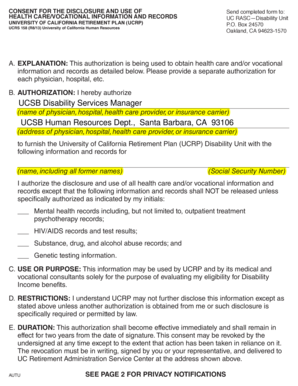
A Workforce Agreement Template is a formal document used to set out the terms and conditions of employment between an employer and employee. This template includes a comprehensive range of elements that govern the working relationship, ensuring clarity and legal compliance. The agreement typically covers aspects such as job position, duties and responsibilities, compensation, benefits, confidentiality obligations, and termination conditions. It is crucial for establishing mutual understanding and outlining expectations from both parties, thereby reducing the potential for disputes.
Key Elements of the Workforce Agreement Template
The Workforce Agreement Template comprises several critical components designed to formalize the employment relationship:
- Position and Compensation: Outlines the job title, salary, payment frequency, and any performance-related bonuses.
- Benefits: Specifies benefits that employees are entitled to, such as health insurance, retirement plans, and paid leave.
- Work Hours and Duties: Defines regular working hours, overtime requirements, and the specific tasks expected of the employee.
- Confidentiality and Non-Disclosure: Establishes obligations to protect company data and restricts information sharing with external parties.
- Termination Conditions: Lists valid reasons for termination, notice periods, and severance pay, if applicable.
- Dispute Resolution: Details the process for handling disagreements, potentially including arbitration or mediation options.
How to Use the Workforce Agreement Template
Using a Workforce Agreement Template involves several methodical steps to ensure it reflects both parties' interests accurately. Typically, the employer customizes the template to align with the organization's policies and the specific role being offered:
- Customization: Tailor sections such as compensation, role-specific duties, and applicable benefits to each employee.
- Review: Conduct a thorough review of the agreement with legal counsel to verify compliance with labor laws.
- Discussion: Discuss terms with the prospective employee, addressing any questions or concerns they may have.
- Finalization: Finalize the document after mutual agreement on all sections.
- Signatures: Both parties sign the agreement, thereby acknowledging and accepting all listed terms.
Steps to Complete the Workforce Agreement Template
Completing a Workforce Agreement Template requires accuracy and attention to detail at every stage:
- Insert Company Details: Begin by entering the employer's full legal name and address.
- Specify Employee Information: Include personal details such as employee's name, address, and position title.
- Define Compensation and Benefits: Precisely outline salary, benefits, and any conditions tied to bonuses or raises.
- Clarify Job Duties: Describe the role's responsibilities and tasks clearly to avoid future misinterpretations.
- Review Legal Terms: Ensure that sections concerning confidentiality and termination comply with state and federal labor regulations.
- Finalize Document: Both parties need to review the document thoroughly and resolve any discrepancies before signing.
Who Typically Uses the Workforce Agreement Template
Workforce Agreement Templates are typically used by employers across various industries, from small businesses to large corporations. Human resources professionals, business owners, and hiring managers commonly employ these templates when onboarding new employees to formalize the employment relationship. The templates are advantageous for ensuring consistency across the organization while safeguarding legal compliance and supporting employee onboarding.


Legal Use of the Workforce Agreement Template
The Workforce Agreement Template serves a pivotal role in maintaining legal compliance in employer-employee relationships. It acts as a binding contract that adheres to state and federal employment laws, including wage regulations, discrimination policies, and labor standards. Employers must ensure the template reflects current legislation and industry standards to avoid legal disputes. Consulting with employment law professionals during the drafting process is beneficial to mitigate risks and guarantee enforceability.
State-Specific Rules for the Workforce Agreement Template
Employment laws can vary significantly by state, affecting the composition of a Workforce Agreement Template:
- Minimum Wage Regulations: States may have different minimum wage requirements that must be adhered to in the compensation section.
- At-Will Employment: Some states have specific stipulations around at-will employment, impacting termination clauses.
- Employee Benefits Laws: Provisions like family leave may differ, necessitating adjustments to the benefits section.
Employers should consult regional labor laws to ensure their agreements comply with local requirements and industry norms.
Important Terms Related to the Workforce Agreement Template
Understanding critical terms related to the Workforce Agreement Template is crucial for both employers and employees:
- At-Will Employment: Refers to the employer's ability to terminate employment at any time without cause, with some exceptions.
- Non-Compete Clauses: Restrictions placed on employees to prevent them from joining competitors or starting a similar business post-employment.
- Severance Pay: Compensation provided upon involuntary termination, particularly in cases of layoffs or redundancies.
- Intellectual Property: Rights granted over creations of the mind, which employees may be restricted in claiming post-employment.
These terms aid in clarifying the rights and obligations inherent to the employment relationship, ensuring mutual understanding and compliance with legal standards.