
Get any PDF form from the DocHub library of ready-made templates - Page 2044
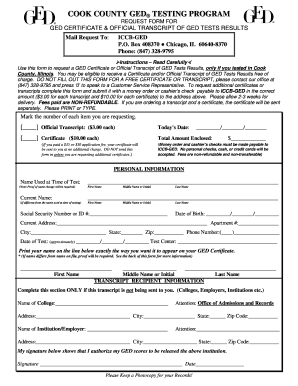
Cook county high school equivalency records office

Vanderbilt adhd test for adults pdf

Hup intranet

Examples of affidavits for child custody
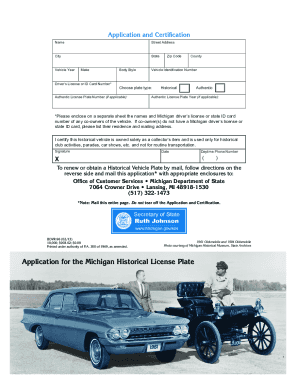
Application for the Michigan Historical License Plate - michigan
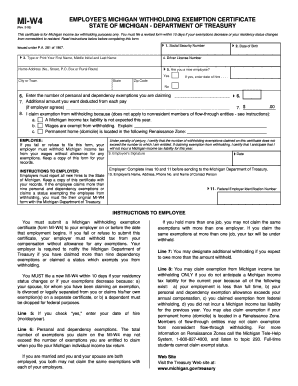
Michigan w4 form
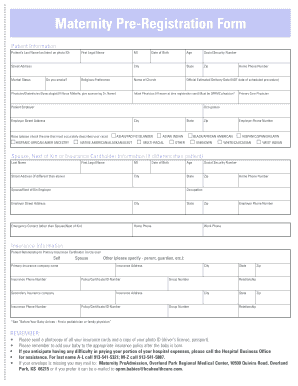
Hospital template
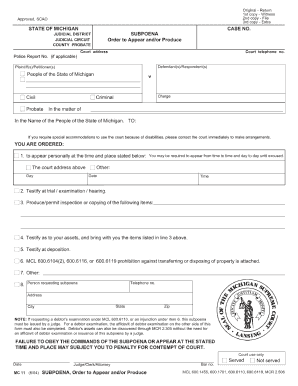
Mc11 form 2004
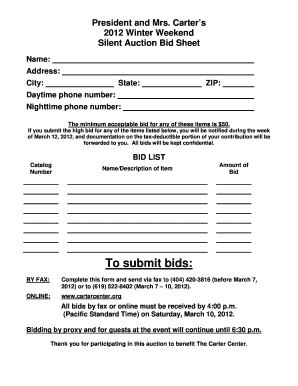
Silent auction bid sheet printable

Rc232 form
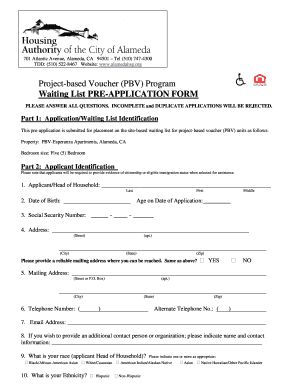
Alameda alamedahsgcom
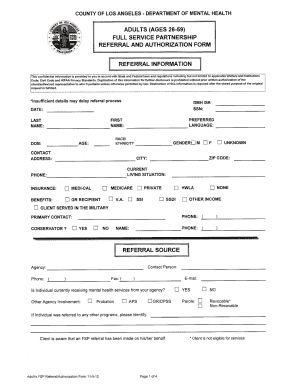
Fsp referral form 2010
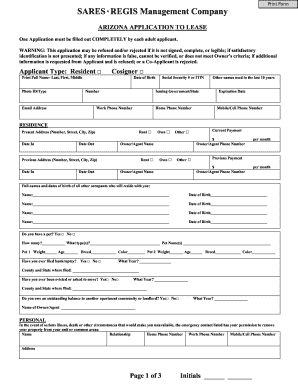
Arizona realtors residential lease agreement
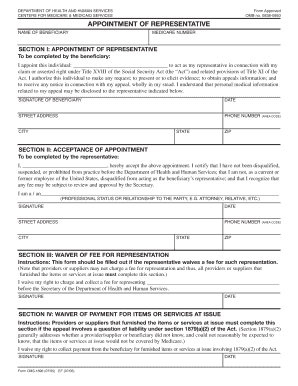
Form no 0938 0950
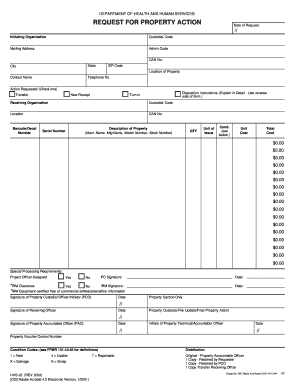
Hhs 22 form

Irb yosanirb application pdf
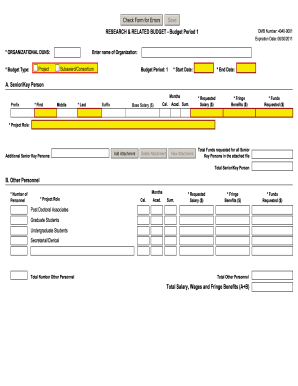
Omb number 4040 0001
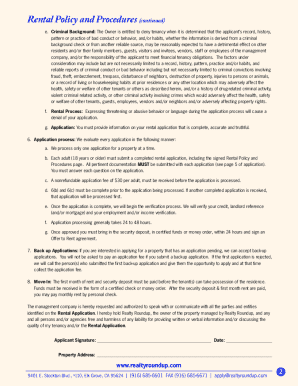
Realty roundup
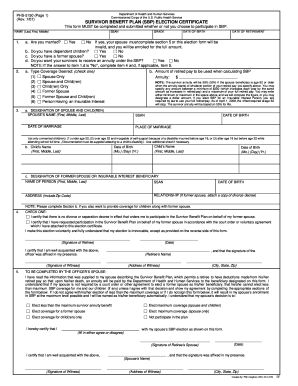
Form sbp

Arkansas Quitclaim Deed from Husband to Himself and Wife

Iowa vehicle bill of sale
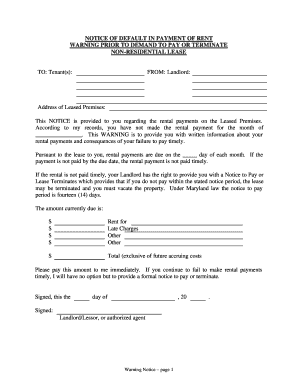
Commercial lease default notice
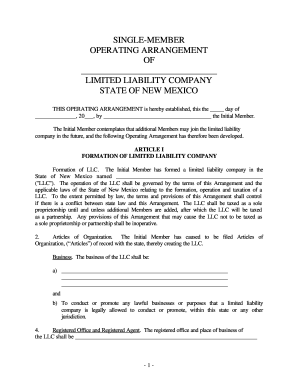
Nm operating arrangement
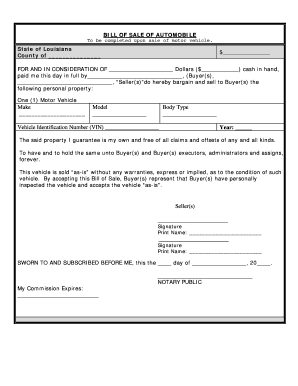
Blank bill of sale vehicle

Life tenancy agreement sample
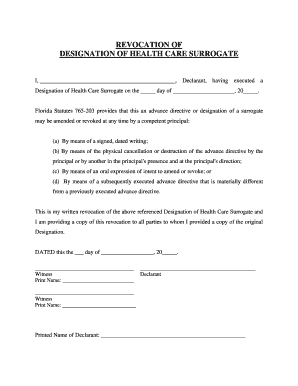
Health care proxy
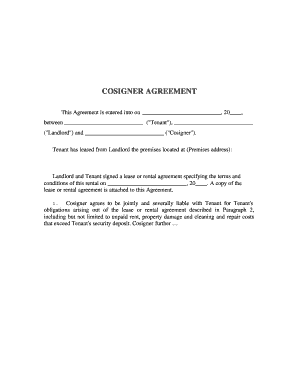
Co signer agreement

Tennessee Limited Liability Company LLC Operating Agreement
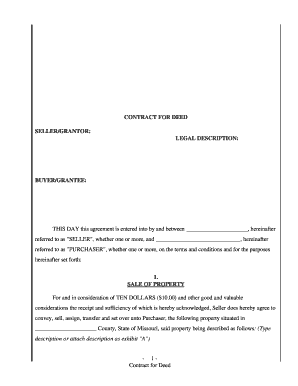
Purchase contract for land and homeaboutblank form

Georgia bill of sale
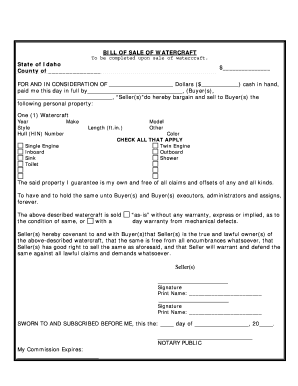
Idaho boat bill of sale
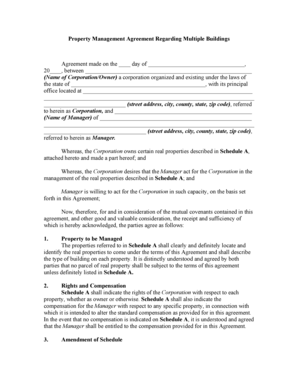
Property Management Agreement Regarding Multiple Buildings

Contractor affidavit form florida

South Dakota Legal Last Will and Testament Form for Divorced person not Remarried with Minor Children
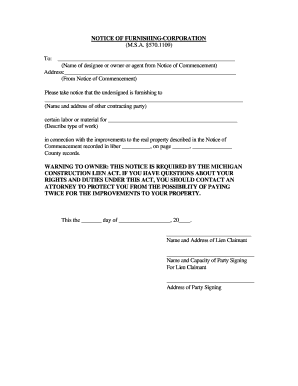
Michigan notice of furnishing form
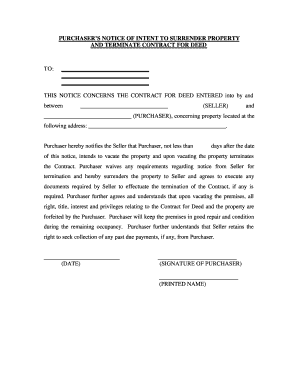
Georgia Buyer's Notice of Intent to Vacate and Surrender Property to Seller under Contract for Deed
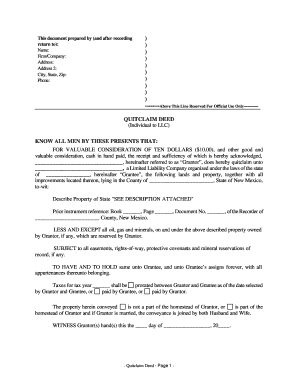
Quitclaim deed new mexico
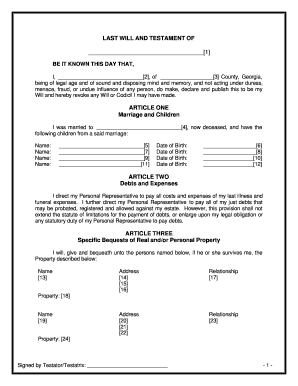
Printable last will and testament georgia
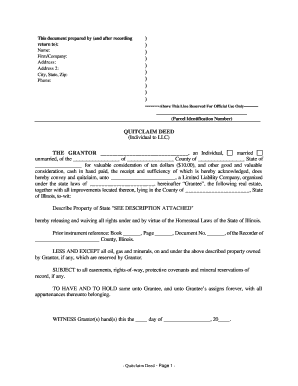
Illinois quit claim deed sample

AUTOMOBILE LEASE
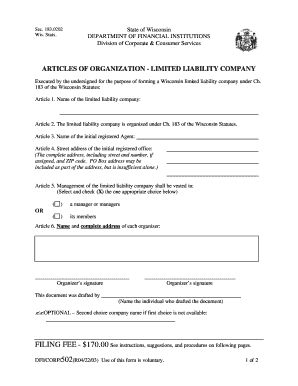
Articles of organization wisconsin
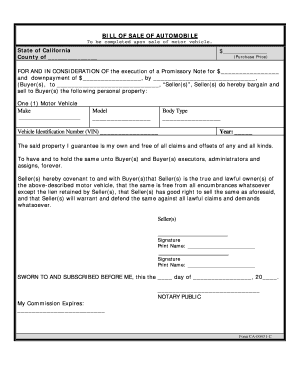
California Bill of Sale for Automobile or Vehicle including Odometer Statement and Promissory Note
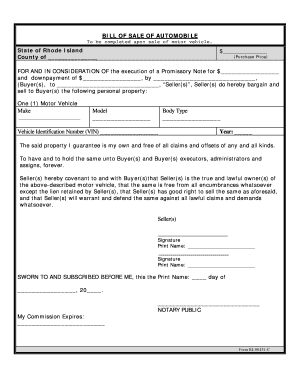
Rhode island bill of sale pdf
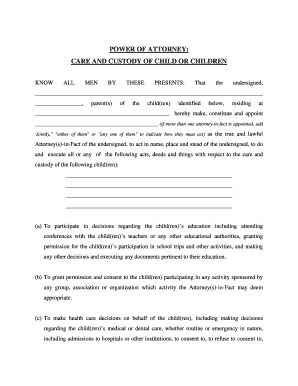
Maryland General Power of Attorney for Care and Custody of Child or Children
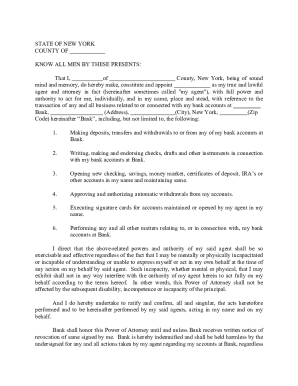
Special power of attorney for banking purposes

New Mexico Legal Last Will and Testament Form for Widow or Widower with Minor Children
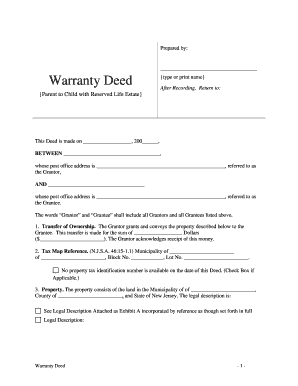
New jersey life estate deed form
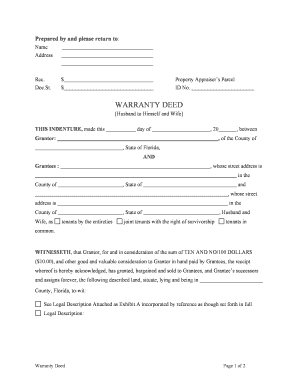
Broward county quit claim deed pdf
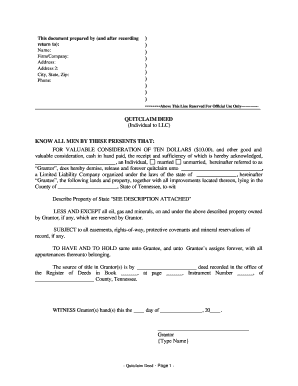
Tennessee quit claim deed form pdf

Bill of sale virginia
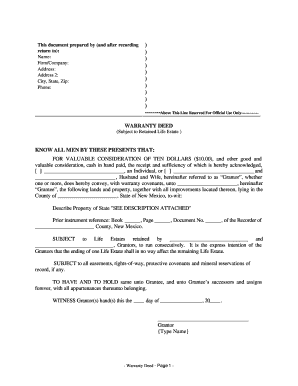
Life estate deed new mexico

Bill of sale virginia

Arkansas Contractor's Notice to Owner - Individual
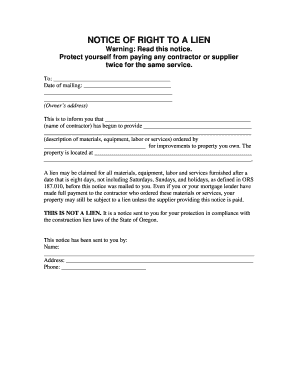
Right to lien

Georgia Change of Registered Agent
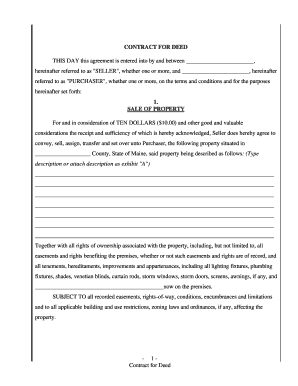
Contract for deed
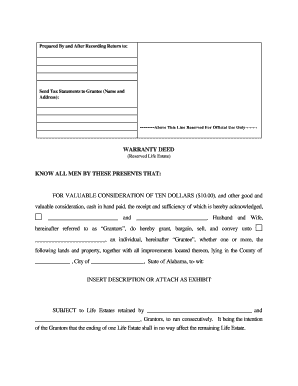
Life estate deed alabama

Indiana Legal Last Will and Testament Form for Widow or Widower with Minor Children
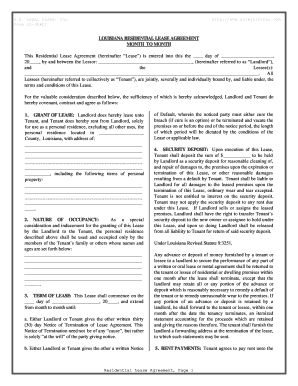
Louisiana month to month rental agreement

Delaware residential lease agreement
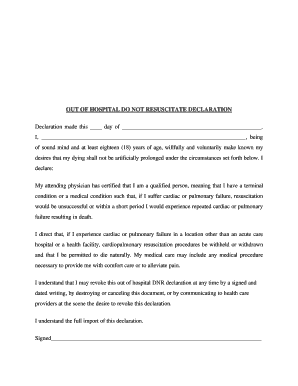
Form do not resuscitate

Rhode Island Quitclaim Deed from Individual to Husband and Wife
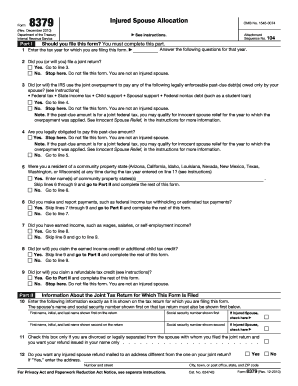
2010 8379 form

Kaiser california region group enrollmentchange form 2008
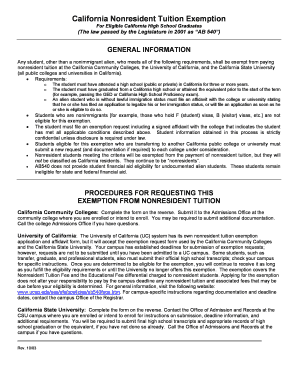
California nonresident tuition exemption request form
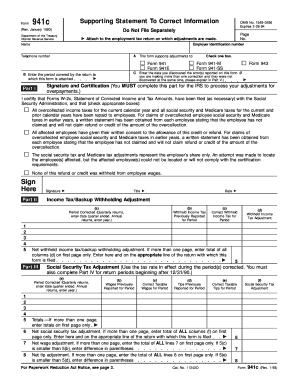
941c
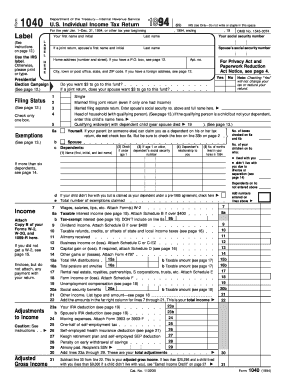
1994 1040 form
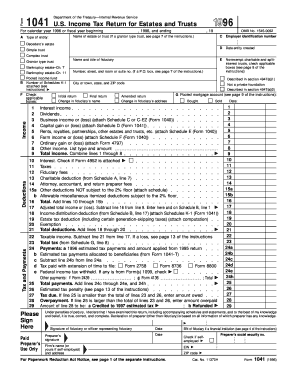
Irs form 1041 for 1996
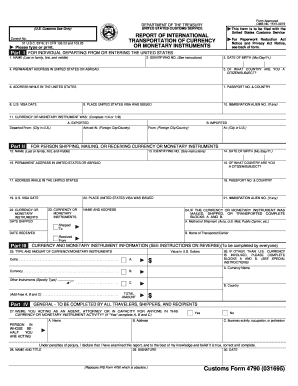
Customs form 4790

Irs form 12509 1999
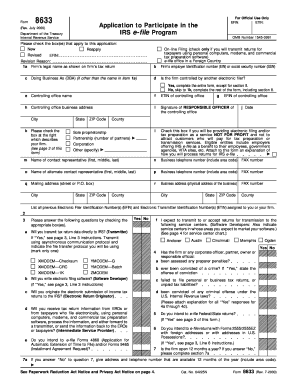
Irs form 8633
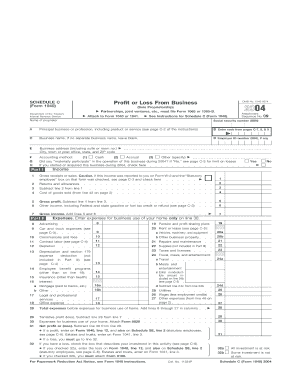
C from 2004

2290 ez
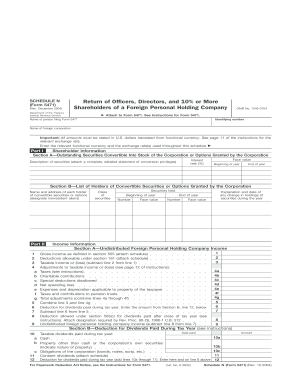
5471 schedule n
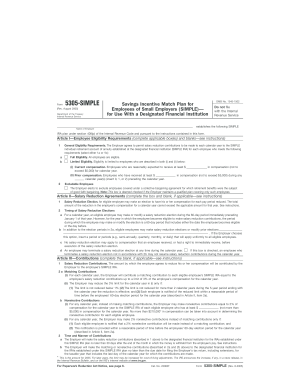
Simple ira august 2005 5305 form
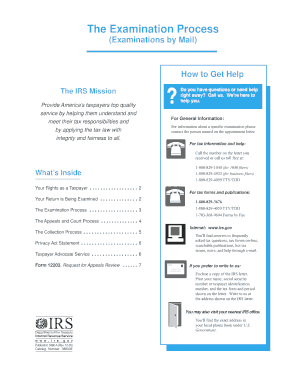
Publication 3498 a
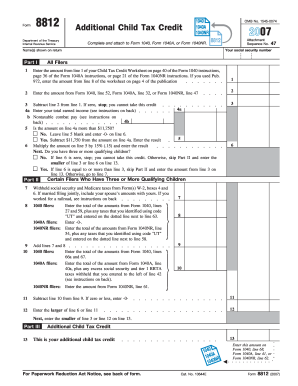
8812 2007 form
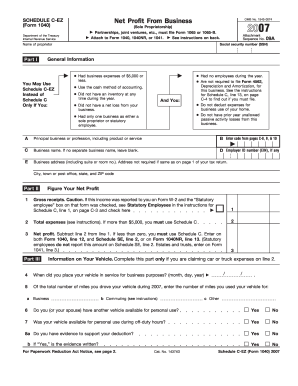
Printable schedule c ez 2007 form
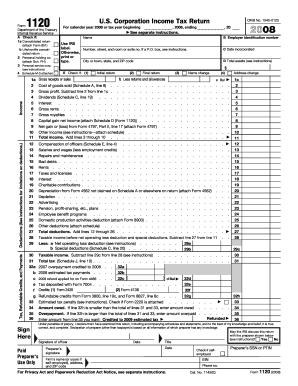
2008 form 1120
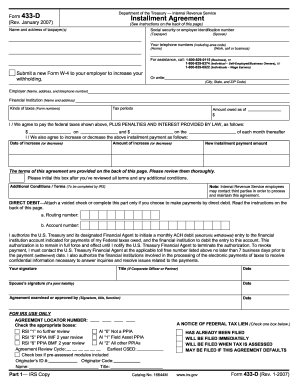
Form 433 d example 2007
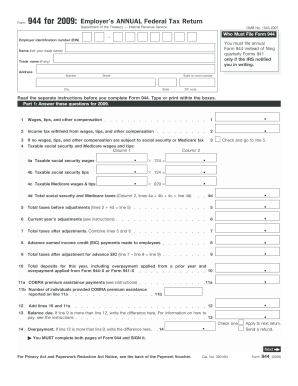
2009 form 944
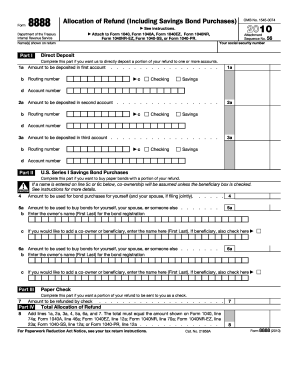
2010 8888 form
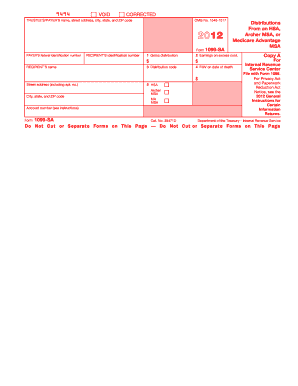
2012 1099 sa form
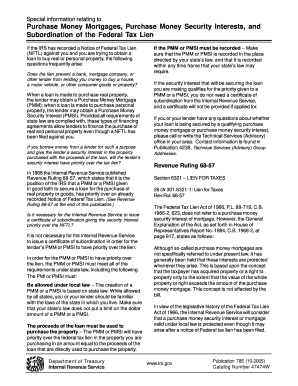
Publication 785
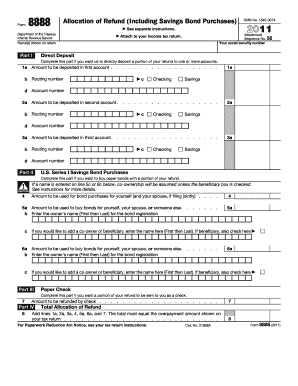
8888 2011 form
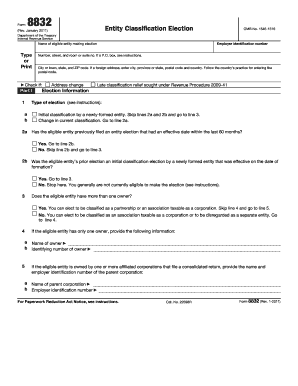
2011 form 8832
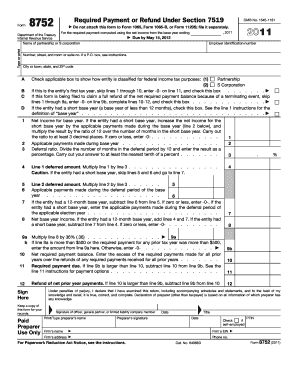
2011 form 8752
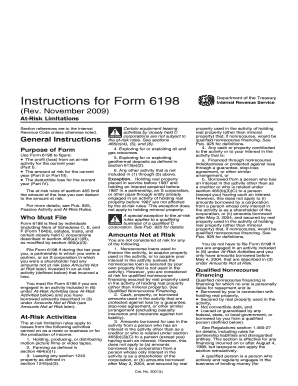
Form 6198 instructions
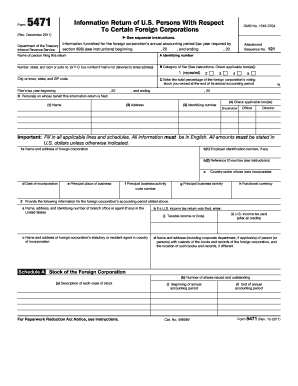
2011 form 5471
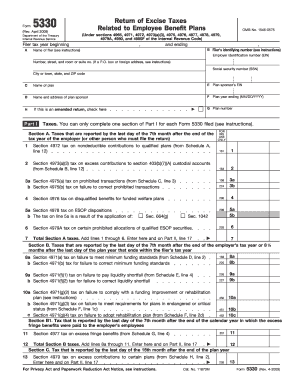
Form 5330 pdf
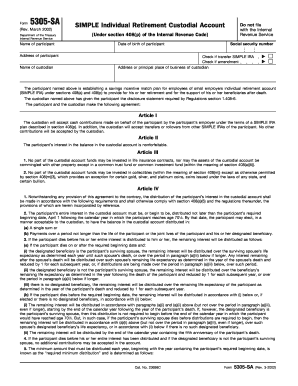
Form 5305 sa 2002
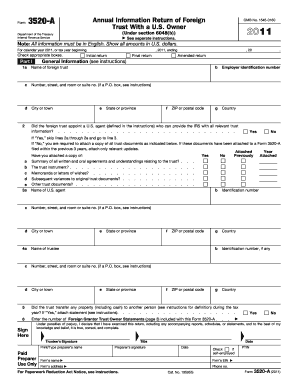
2011 form 3520
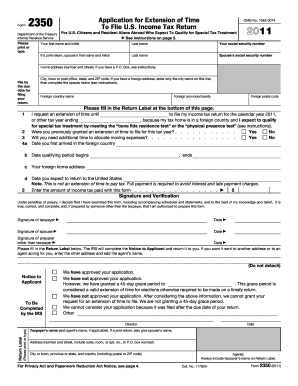
Tax exempt form 2350 fillable 2011

Joining instructions for form five students 2011
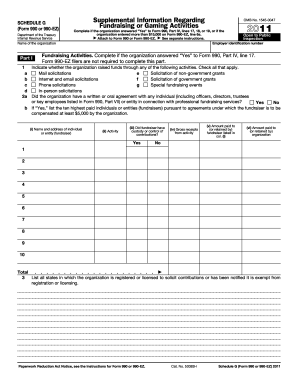
2011 990 form
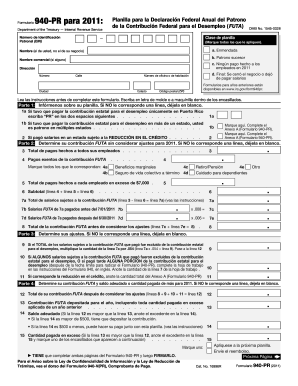
940 pr 2011 form
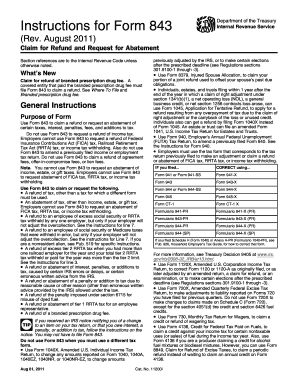
Form 843 instructions 2020
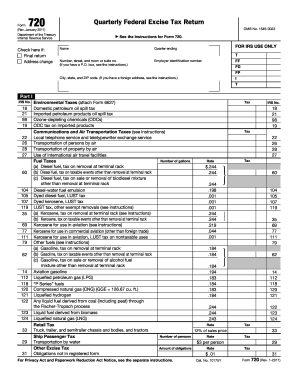
2011 720 form
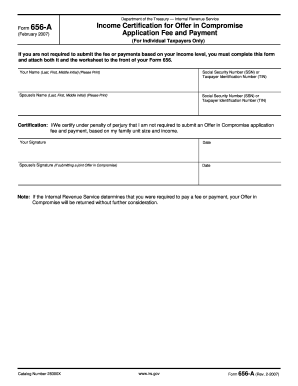
656 a form

2011 1040 v form
Benefit from the DocHub online library of fillable PDF forms
Searching the PDF forms doesn't have to be a tedious and time-consuming process. With the DocHub online library, it has become easier to find the fillable PDF forms and modify them in your browser. The service allows you to adjust the document to your needs using powerful editing tools.
You can use online document editing features to modify almost any type of document with ease. You just need to find the template of your choice, open it in the editor, and use the toolbar to make the necessary corrections.
Follow this guide to get your document done with DocHub:
- Find the PDF template you need.
- Click the Get Form button to open the file in the editor.
- Use the toolbar to fill out and edit the document.
- Easily add and highlight text, insert images, checkmarks, and symbols.
- Drop new fillable fields, and rearrange or delete pages from your file.
- Save changes and download your record.
DocHub empowers everyone to streamline document editing, signing, and distribution, and form completion. Create an account and benefit from our well-organized PDF Forms library and comprehensive editor.