
Get any PDF form from the DocHub library of ready-made templates - Page 2045
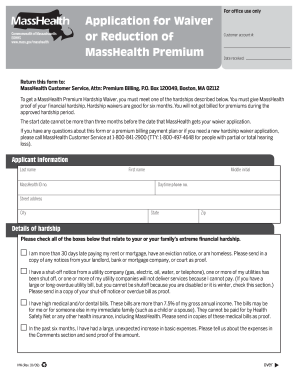
Masshealth premium
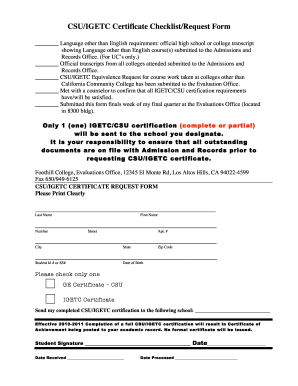
Igetc transfer sheet
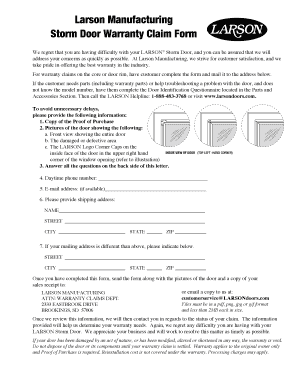
Larson storm door warranty
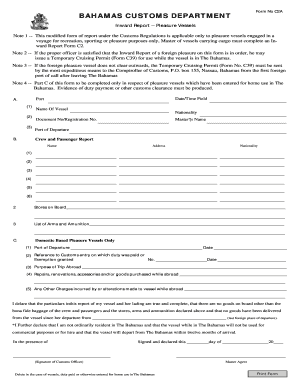
Bahamas form customs
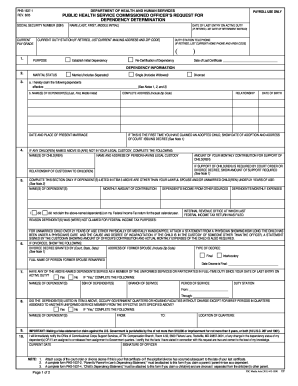
Phs 1637
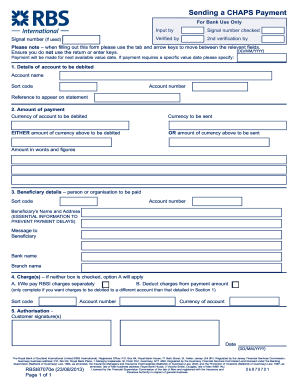
Natwest chaps payment form
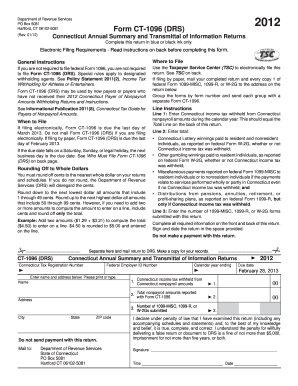
Ct 1096 form 2012
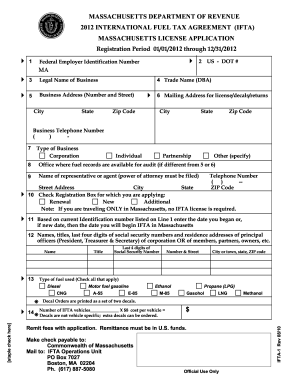
Rmv1 form
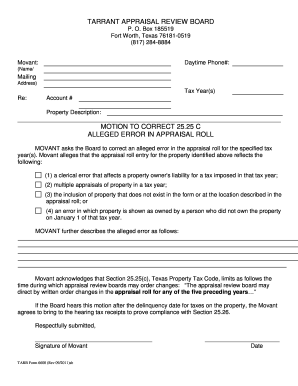
2525c form
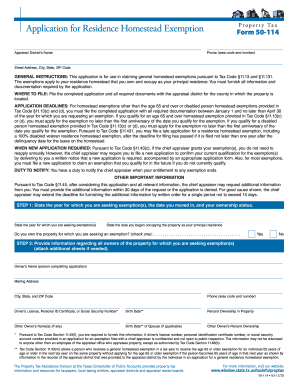
Homestead exemption form henderson county texas 2012
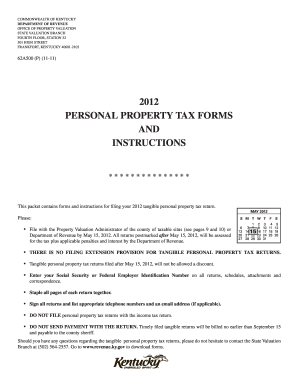
62a500 2012 form
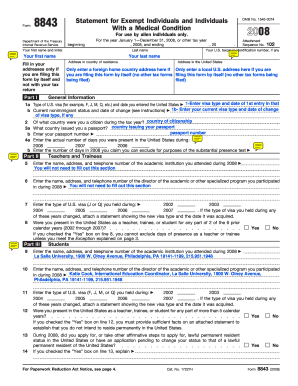
Example of FORM 8843 from year 2008 - La Salle University - lasalle
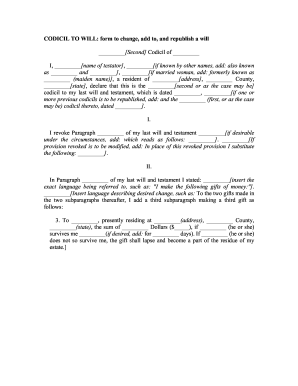
Florida codicil form
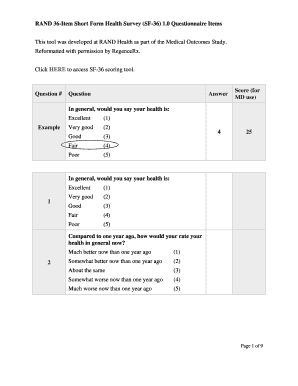
Sf 36 questionnaire word document
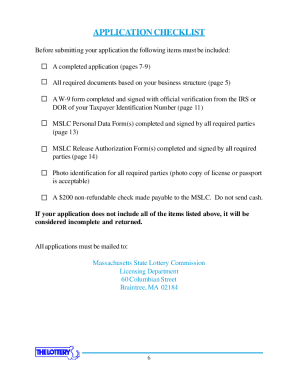
MASSACHUSETTS STATE LOTTERY COMMISSION LICENSE APPLICATION BOOKLET Supporting the 351 Cities and Towns of Massachusetts Timothy P

4675 Shoreditch Annual App 6pge - Soho House

Indiana university health 2011 application reference form
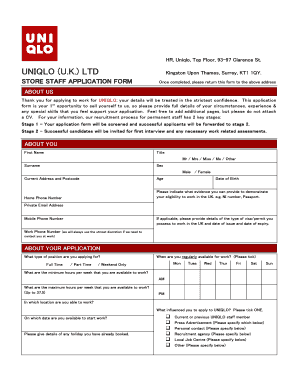
Uniqlo application form
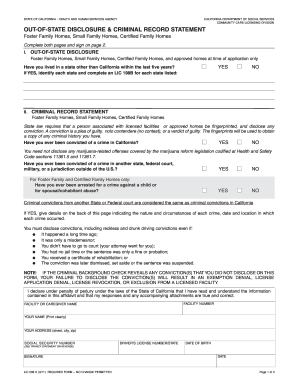
Lic 508 d form

Mass probate and family court sworn affidavit form pdf
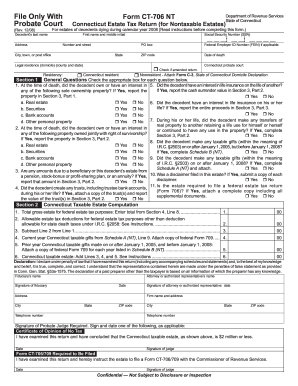
Form ct 706 nt 2008 fillable

St 340 2011 form
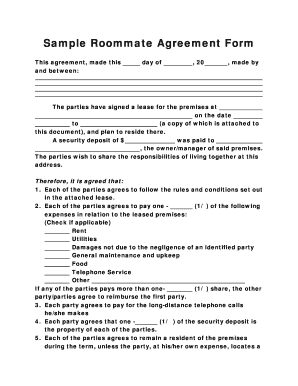
Roommate agreement bc
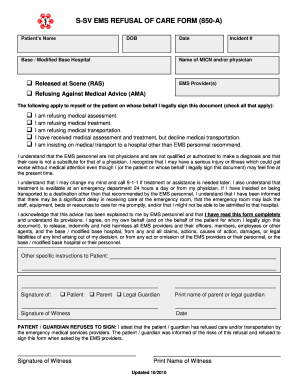
S-SV EMS REFUSAL OF CARE FORM (850-A) - S-SV EMS Agency
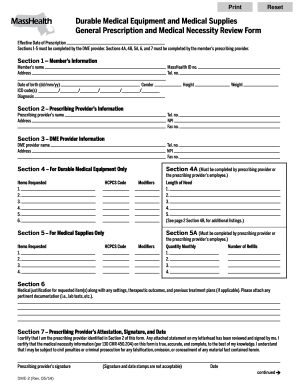
Masshealth dme form

Cv 405
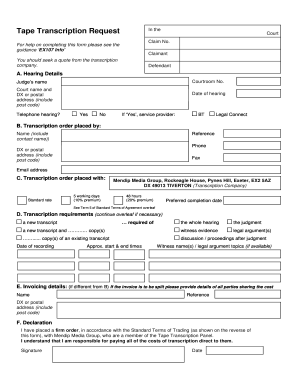
Ex107
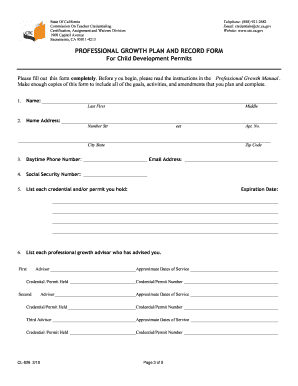
Professional growth plan and record form
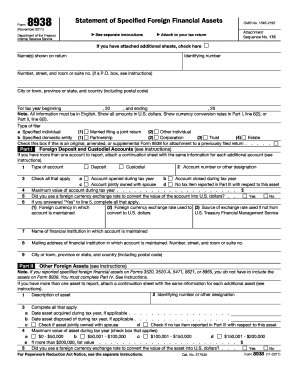
2011 8938 form
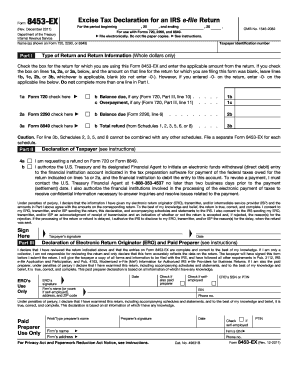
Form 8453 ex
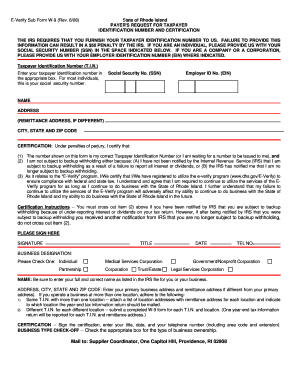
W9 form ri
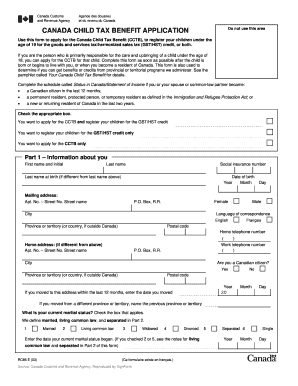
Child tax application form 2003
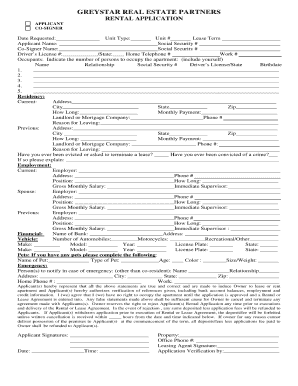
Greystar rental qualifications
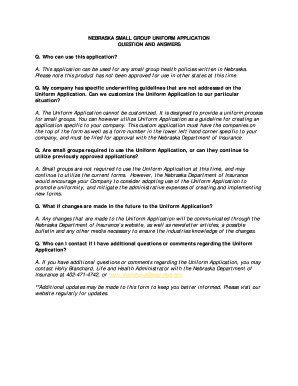
Nebraska health application
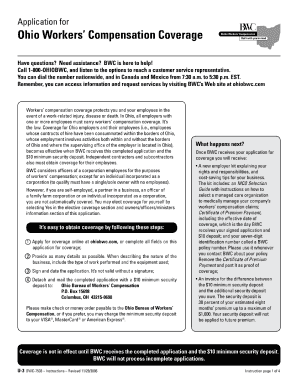
Notification of Policy Update (U-117) - Ohio BWC - Ohio.gov

Prison intake form

Corporation bank account opening
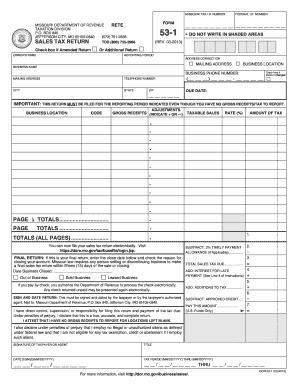
Missouri sales tax form 53 1 instruction 2011
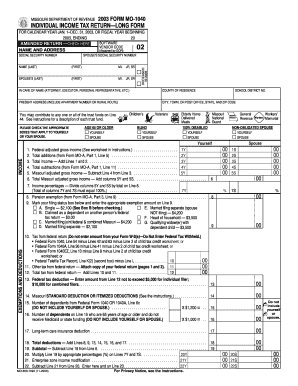
MISSOURI DEPARTMENT OF REVENUE 2003 FORM MO-1040 INDIVIDUAL INCOME TAX RETURN--LONG FORM FOR CALENDAR YEAR JAN - dor mo
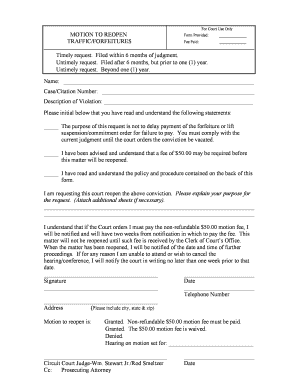
Motion to reopen bankruptcy case sample

Akc hunt test texas
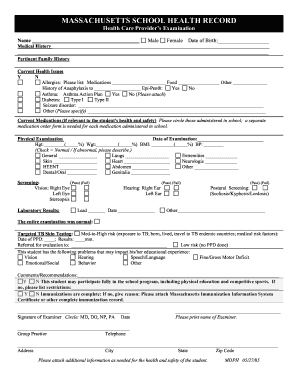
School health record format 2005
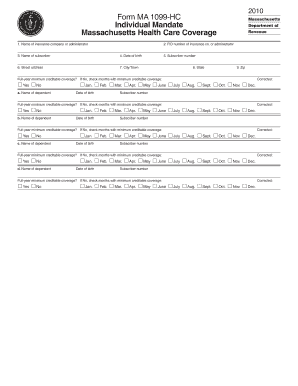
Harvard pilgrim federal id number 2020
Campground watoga state

Npi application fillable form
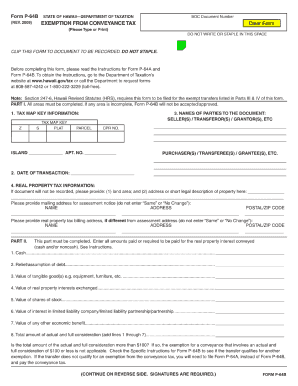
Form p 64b instructions 2009
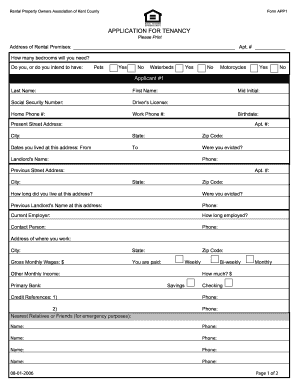
Printable section 8 application form montgomery county
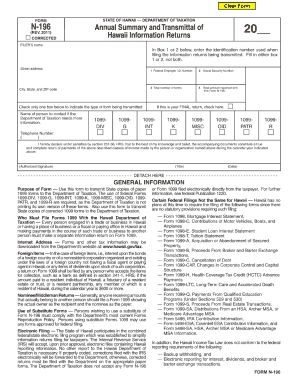
Form n 196 2011
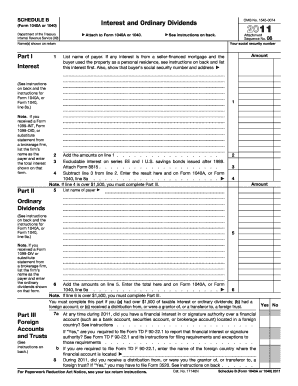
2011 irs schedule b form
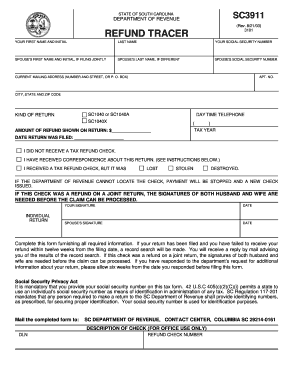
Sc3911
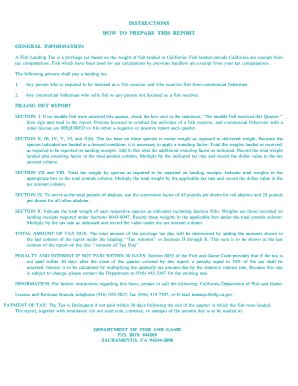
Fg 143 2007 form
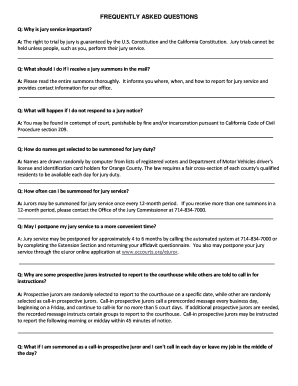
Wwwoccourts org ejuror

Subjects protection form
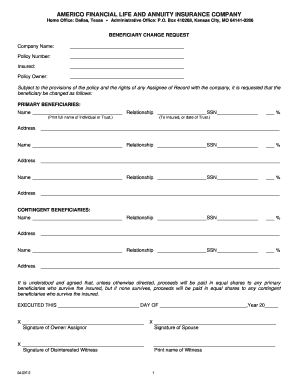
Americo beneficiary change form
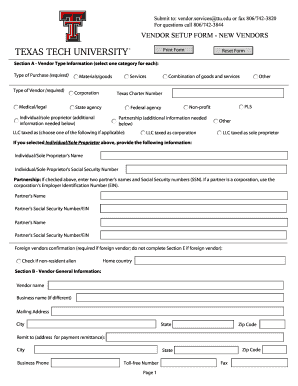
New vendor setup form
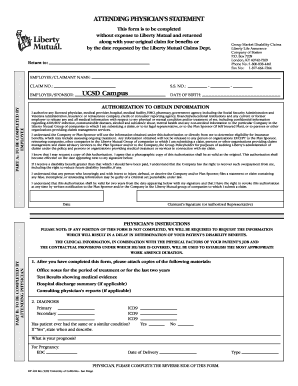
Liberty mutual dtp form
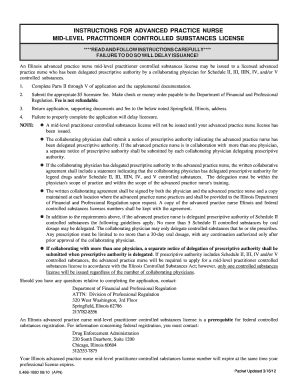
Apn cs form 2012
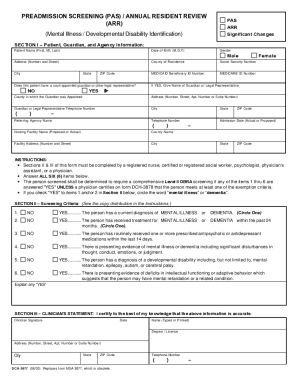
3877 form

Njfli form 2010-2019
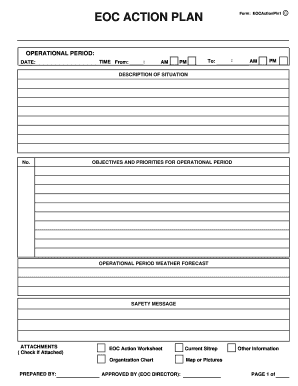
Eoc form
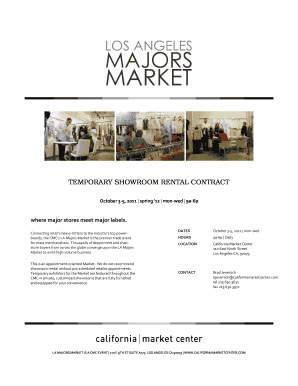
Showroom rental contract form
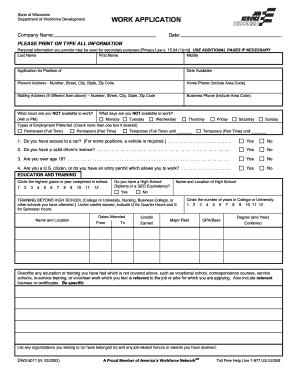
Dws 5011 wisconsin form
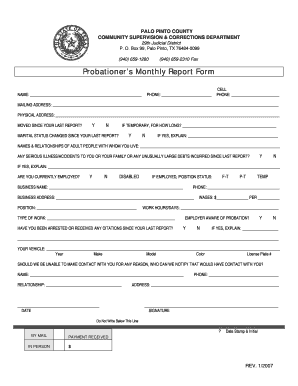
Palo pinto county probation
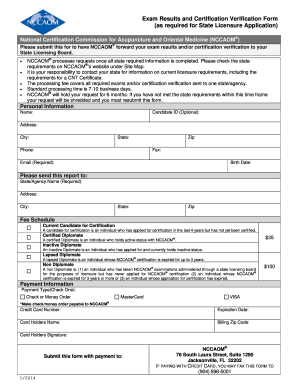
Nccaom results form online
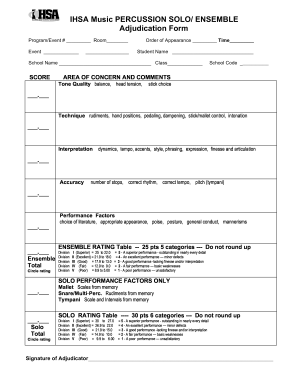
Solo and ensemble grading scale
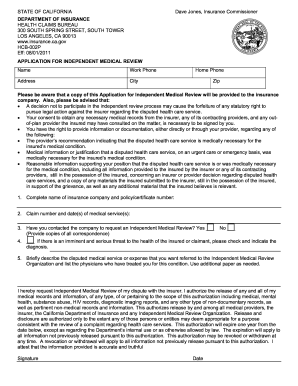
Form hcb 002p
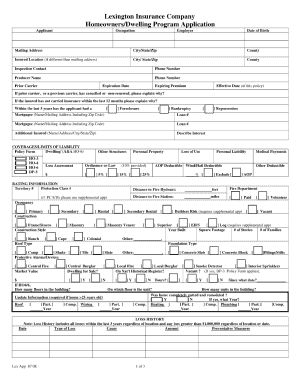
Lexington insurance company homeownersdwelling program application form
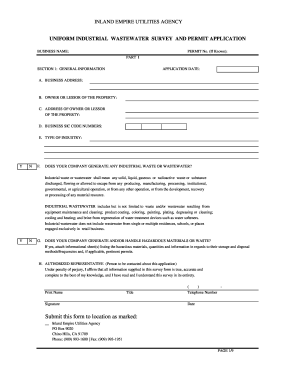
Hair salon industrial wastewater permit

Cdph 276c
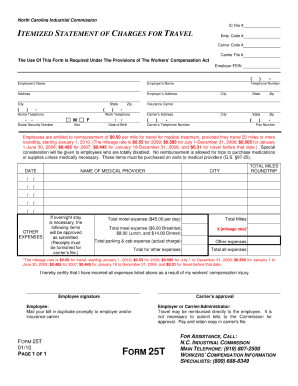
Ptintable form 25t 2010
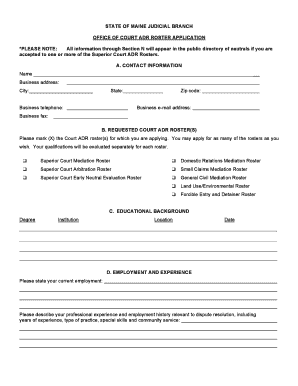
Cadres maine application form
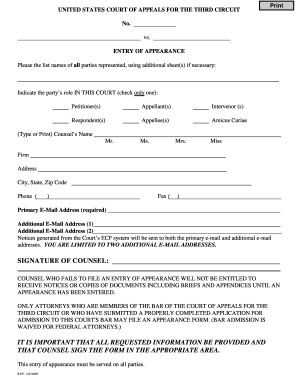
Court circuit entry appearance
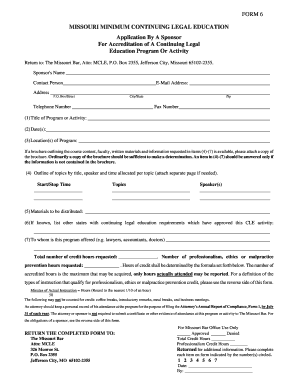
Missouri cle accrediation application document form 6

Ca7 form
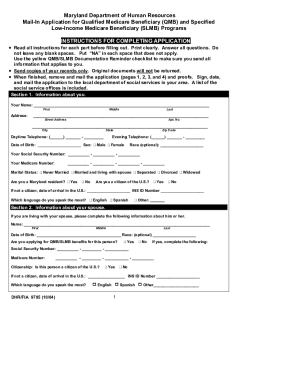
Qmb application maryland
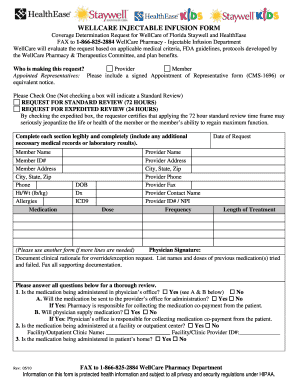
Injectable infusion form
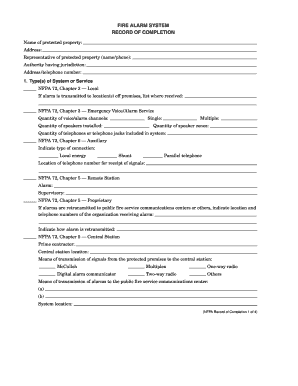
System record completion
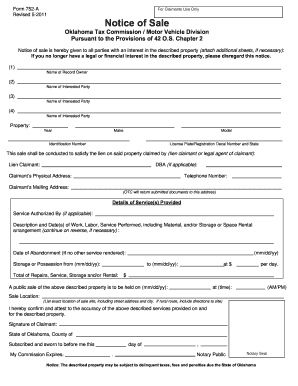
Filing title 42 in oklahoma 2011 form
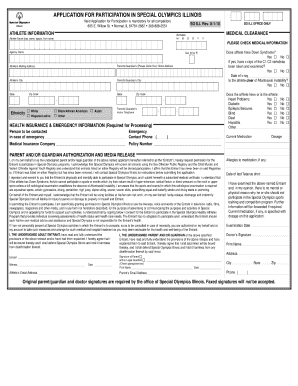
Special olympics physical form

Nebraska dhhs forms
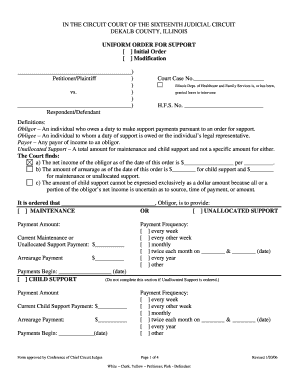
Illinois uniform order support
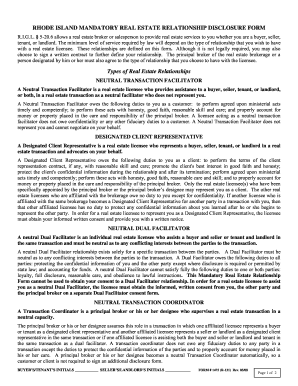
Ri relationship
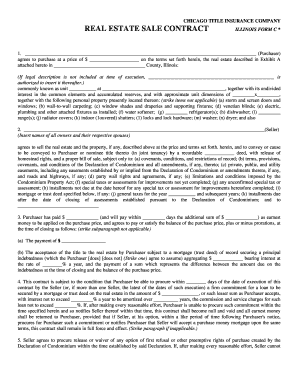
Chicago real estate contract
Cms855i 2006 form

Bop visitation form

Request for cash food and medical assistance form
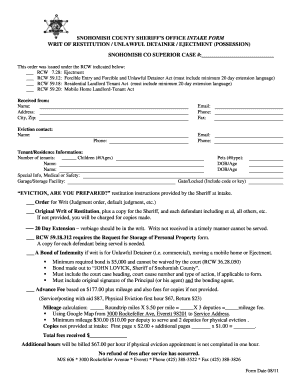
Writ restitution look online
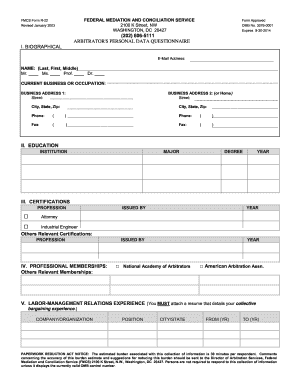
Form r 22
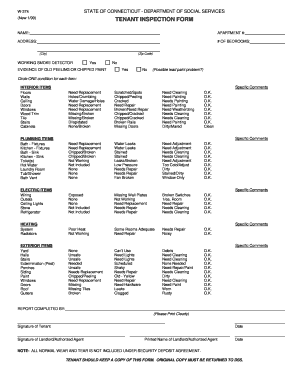
Ct tenant checklist form
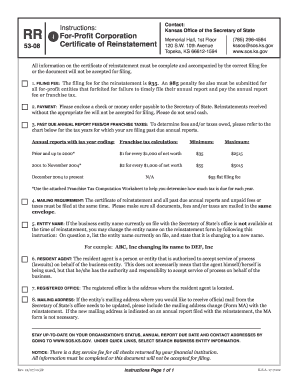
Kansas secretary of state corporations rr form 2010

Kansas sales tax return 2009 form
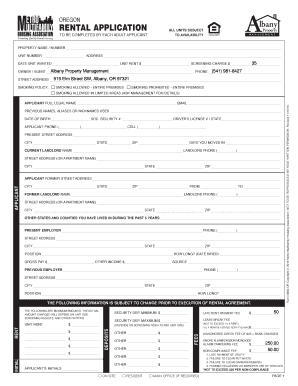
Oregon residential lease agreement
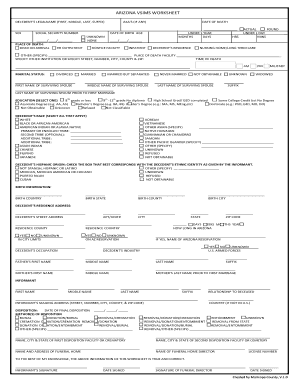
Az county vsims
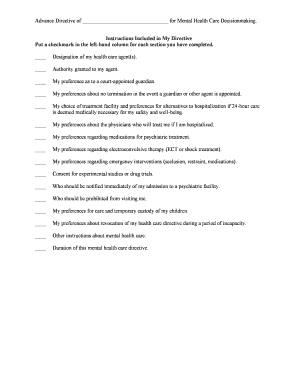
Psychiatric advance directive
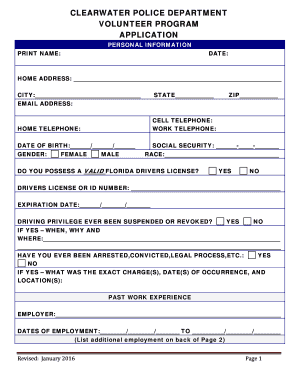
Police volunteer application form
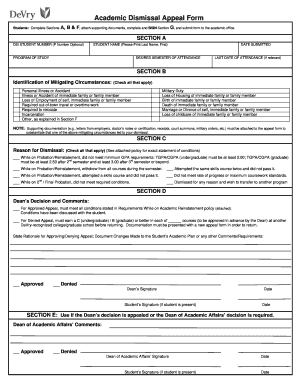
Devry appeal

Form 2271 2009
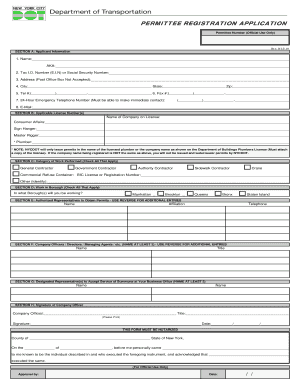
Dot permittee registration form

Welding application form

Statement of dissociation nc
Benefit from the DocHub online library of fillable PDF forms
Searching the PDF forms doesn't have to be a tedious and time-consuming process. With the DocHub online library, it has become easier to find the fillable PDF forms and modify them in your browser. The service allows you to adjust the document to your needs using powerful editing tools.
You can use online document editing features to modify almost any type of document with ease. You just need to find the template of your choice, open it in the editor, and use the toolbar to make the necessary corrections.
Follow this guide to get your document done with DocHub:
- Find the PDF template you need.
- Click the Get Form button to open the file in the editor.
- Use the toolbar to fill out and edit the document.
- Easily add and highlight text, insert images, checkmarks, and symbols.
- Drop new fillable fields, and rearrange or delete pages from your file.
- Save changes and download your record.
DocHub empowers everyone to streamline document editing, signing, and distribution, and form completion. Create an account and benefit from our well-organized PDF Forms library and comprehensive editor.