
Get any PDF form from the DocHub library of ready-made templates - Page 2043

Fill cp40615 116 get

2015 tclmaw american get
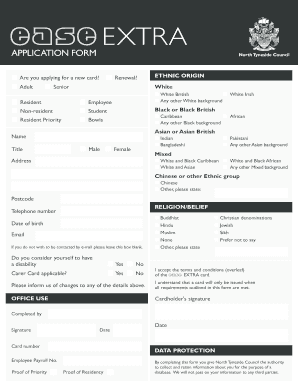
Ease card
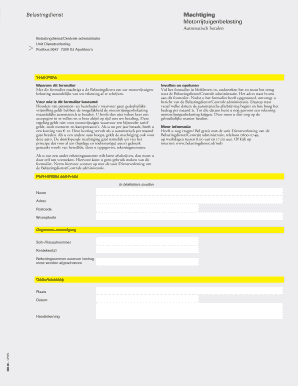
Machtigingsformulier motorrijtuigenbelasting
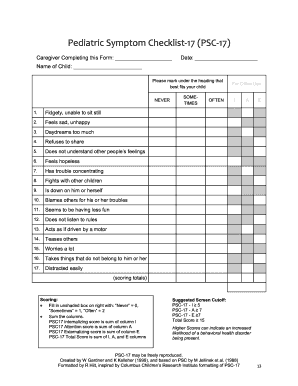
Buying a physical assessment checklist form
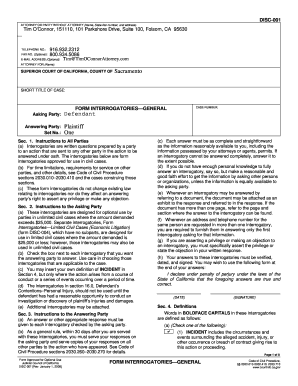
Disc001
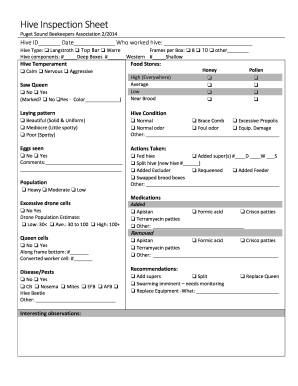
Beehive record sheet pdf
Aa4 8 form
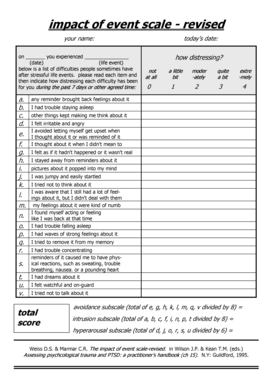
Ies r
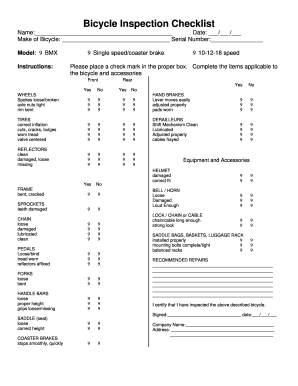
Bicycle Inspection Checklist - Camp Harmony - campharmony
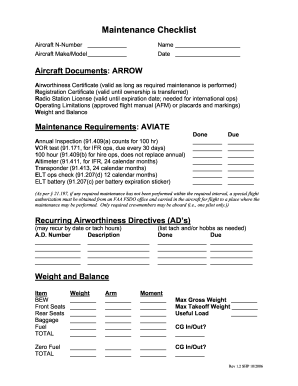
Lighting maintenance
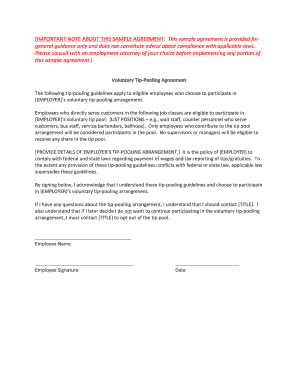
Tip pooling agreement
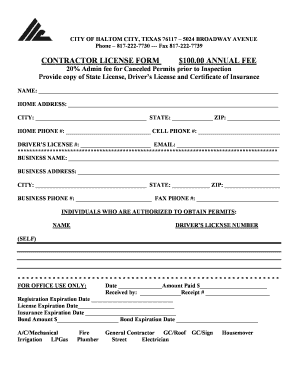
Haltom city contractor registration
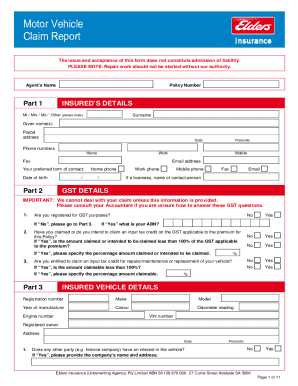
Elders insurance claim form

Certificated bellflower unified school
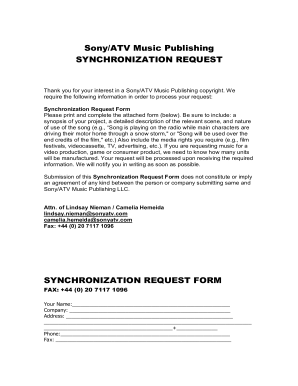
Music publishing contract template
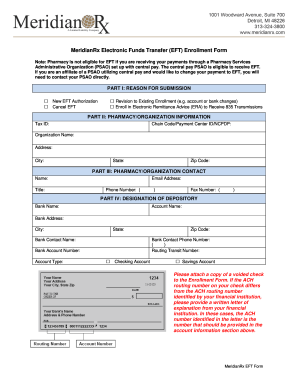
MeridianRx Electronic Funds Transfer EFT Enrollment Form

Ontario hockey federation

Helb schedule

Aep application form 2021
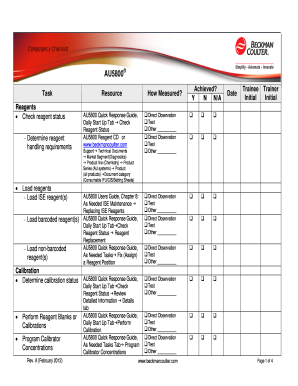
AU5800 Competency Checklist - Beckman Coulter

Frontal behavioral inventory pdf

Ethiopian embassy fingerprint form

Certification of Trust - centurionagencyltdcom

Application change support alberta
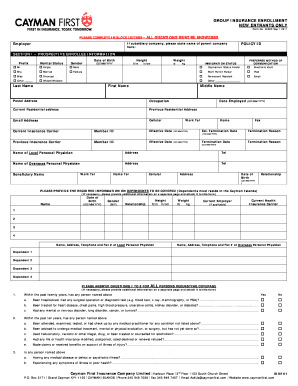
Cayman first insurance forms
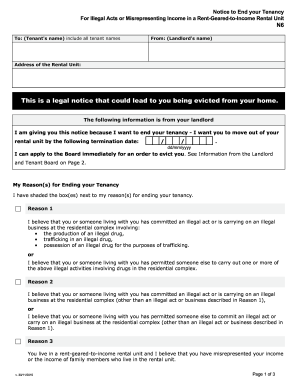
N6 form

N11 form pdf
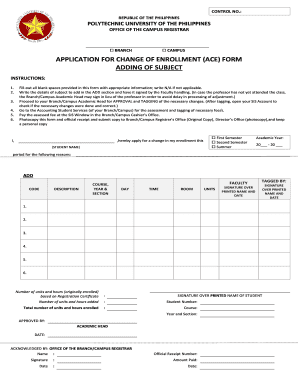
Ace form pup

Equinox form redemption
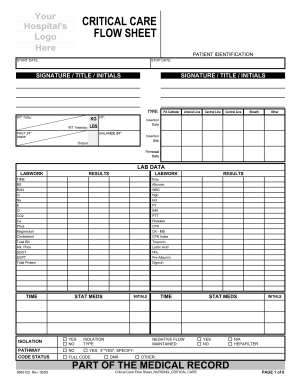
Icu flow sheet

AMERICAN INDUSTRIAL REAL ESTATE ASSOCIATION

Rov form
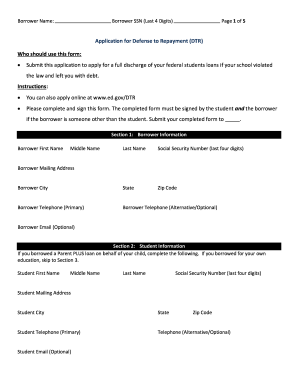
Dtr blank form

Waiver of liability form
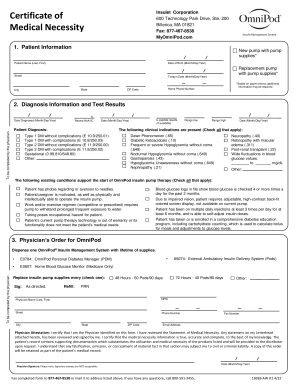
Omnipod training forms
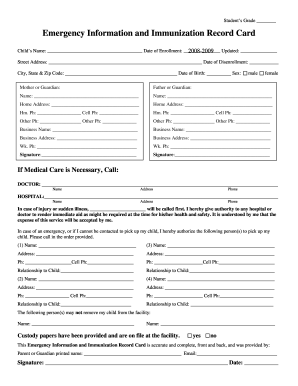
Emergency information and immunization record card
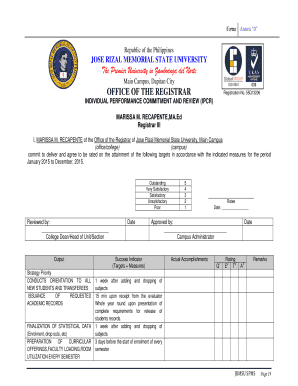
Jrmsu arms online enrollment 2022
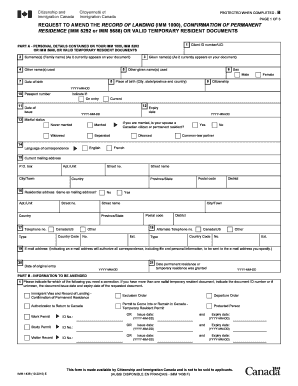
Imm1000
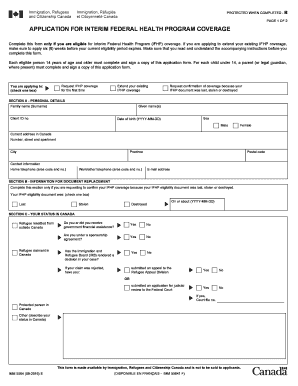
Imm 5564e pdf
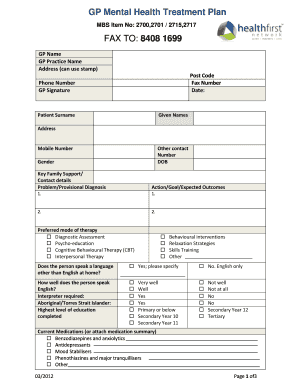
GP Mental Health Treatment Plan FAX TO 8408 1699 - healthfirst org
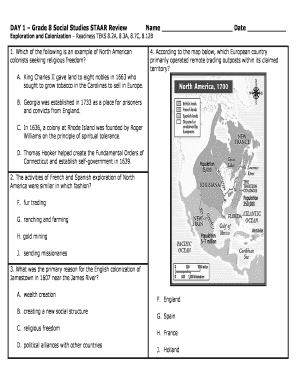
Grade 8 social studies staar review exploration and colonization answer key

Aaacom

Application To Become A Nessy Affiliate

Axa reimbursement form
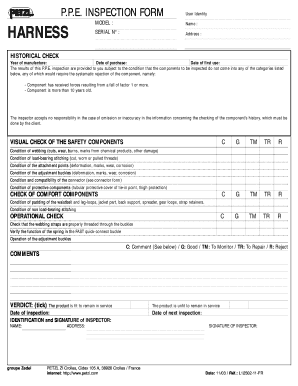
Ppe inspection form
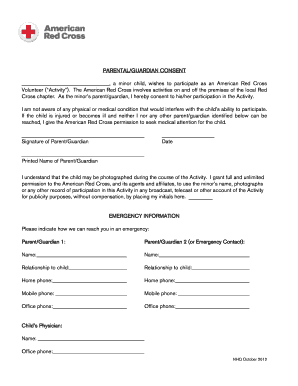
American red cross parental consent

Working with Real Estate Agents Brochure - Signature Real Estate
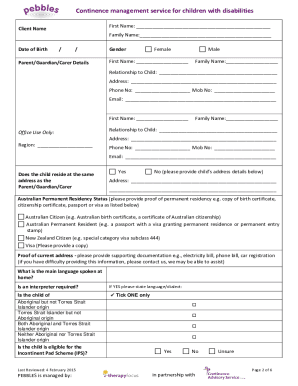
Pebbles therapy focus
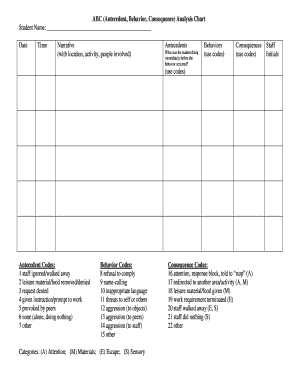
Abc narrative data form
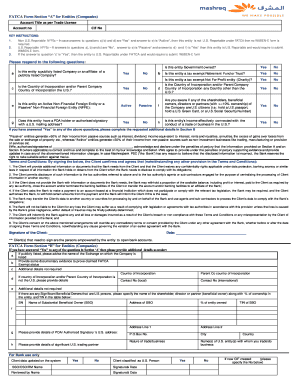
Fatca form mashreq
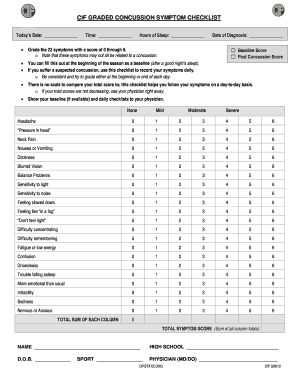
Concussion symptom checklist
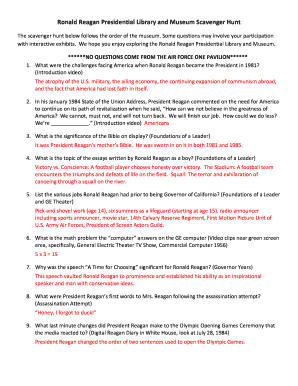
Ronald Reagan Presidential Library and Museum Scavenger Hunt
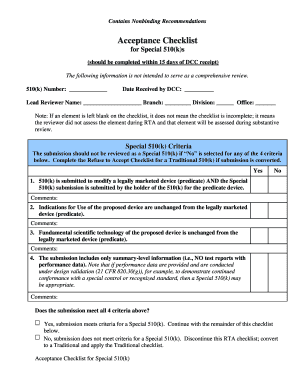
510k checklist

Proscreen drug result form

Jkuat admission letter download pdf 2021

Bill of lading english
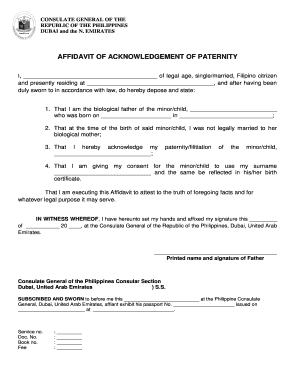
Example of affidavit of acknowledgement of paternity
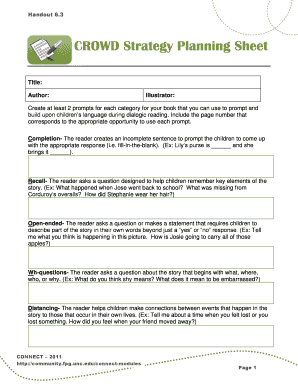
Crowd strategy planning sheet

Ajk university degree fee challan form

Nnei
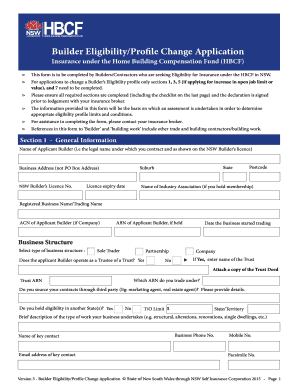
Hbcf eligibility application
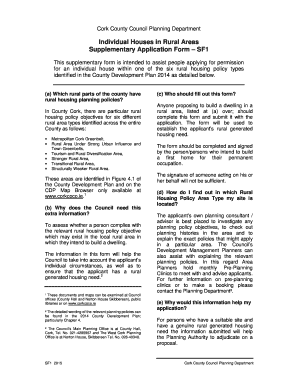
Form cork county
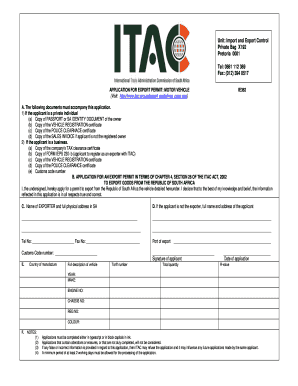
Itac application form for motor vehicle
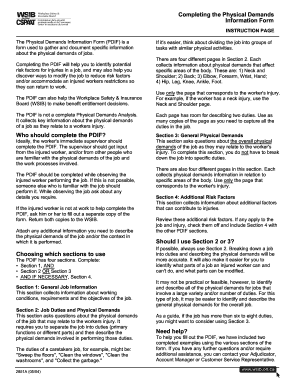
Demands information form

Manlift checklist pdf
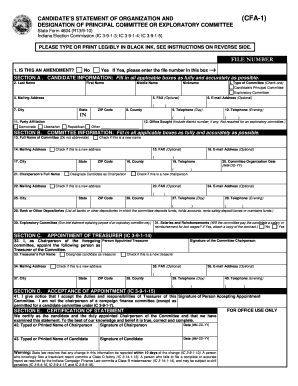
Indiana cfa 1
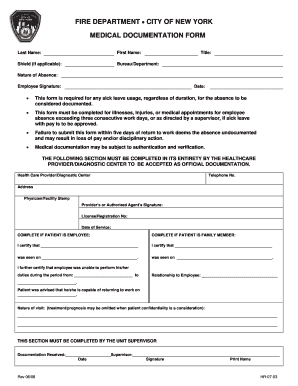
Medical documentation form
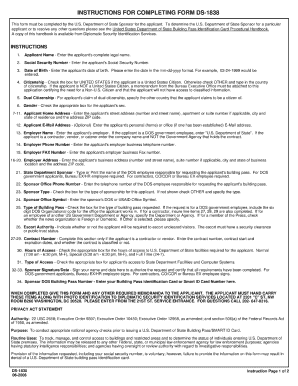
Ds 1838 2006 form
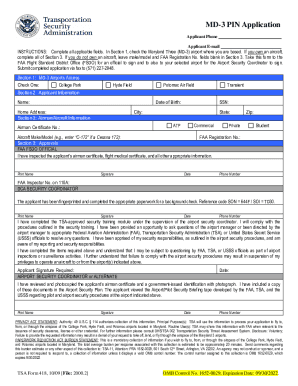
Three pin application form
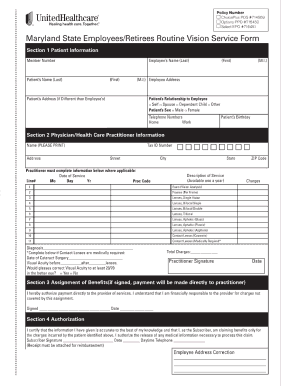
Maryland pv form
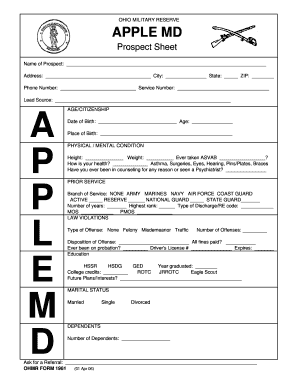
Applemdt
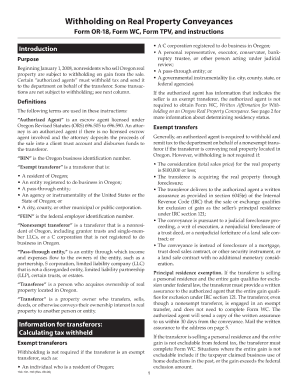
Oregon wc form 2009
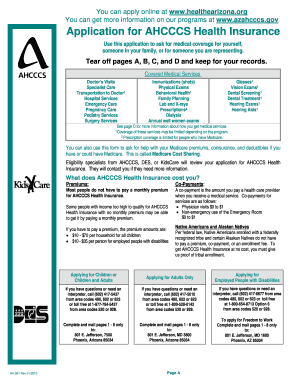
Ahcccs arizona application
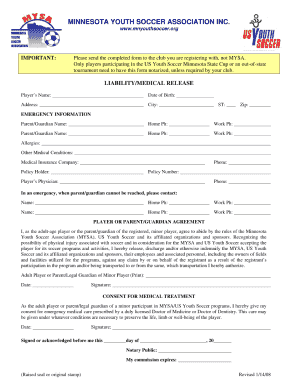
Liability medical release form
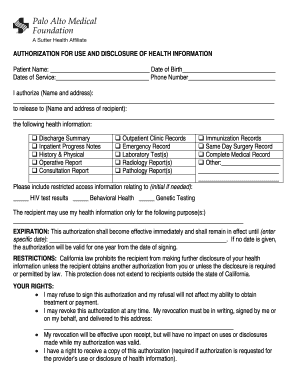
AUTHORIZATION FOR USE AND DISCLOSURE OF HEALTH INFORMATION. Release of Information for the Palo Alto Medical Foundation

277 boe form

Form app 109 2009
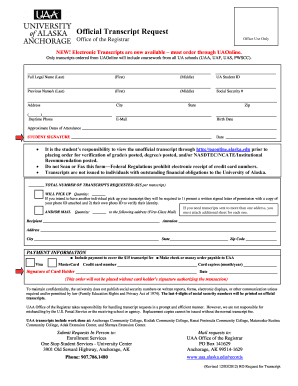
University of alaska anchorage download official transcript 2012 form
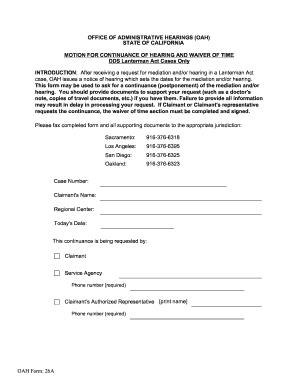
OAH Form: 26A OFFICE OF ADMINISTRATIVE ... - State of California - documents dgs ca
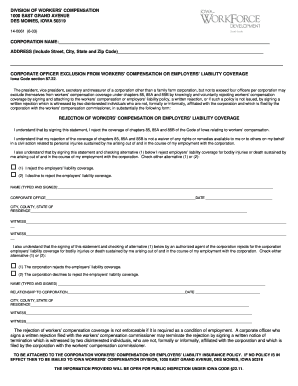
140061 insurance form
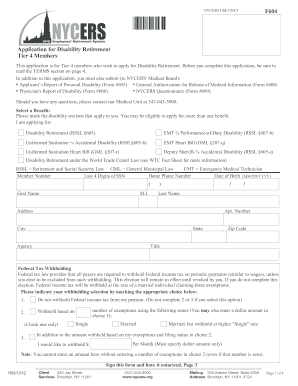
Nycers disability retirement

Tufts prior authorization form
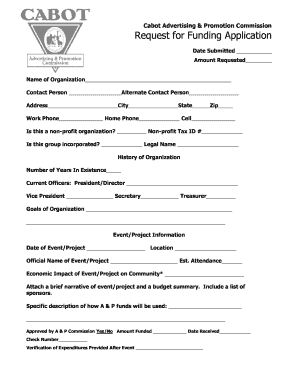
Cabot advertising promotion printable
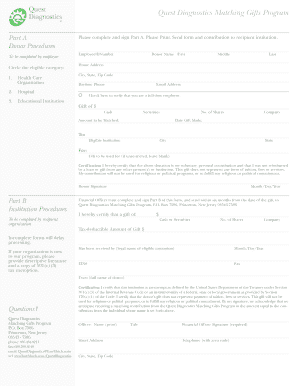
Quest diagnostics matching online
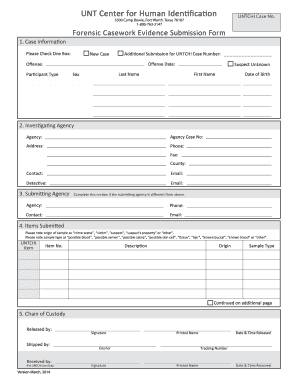
Bca submission form
Asap application form
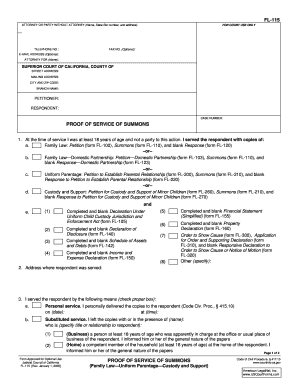
Fl 141

We click 4 pdf

Evaluation of social interaction esi assessment pdf
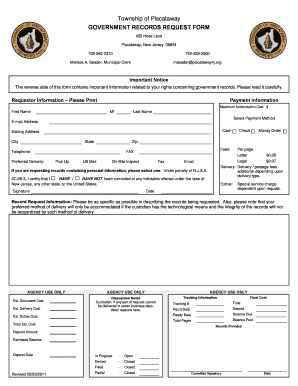
Opra request
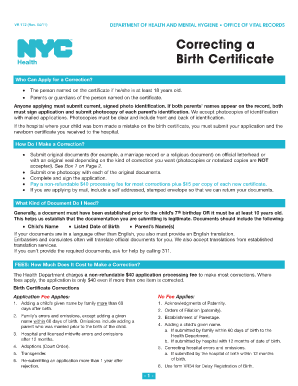
Form vr172 2011
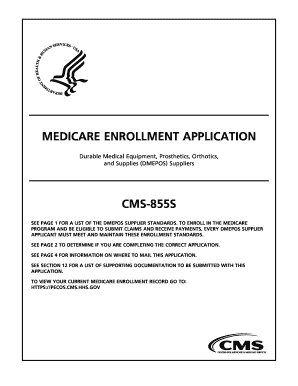
Cms 855s fillable form 2011
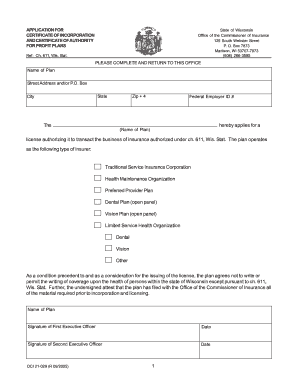
Wi oci 029 authority form

Information blank sheet
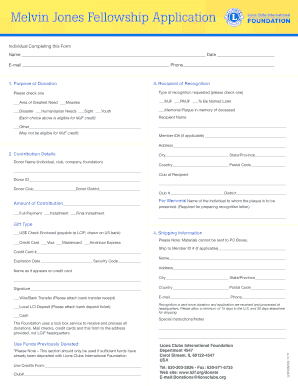
Melvin Jones Fellowship Application Form - Lions Clubs International - lionsclubs
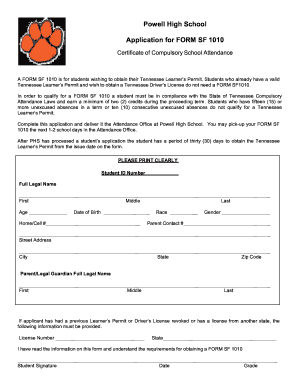
Sf 1010 form
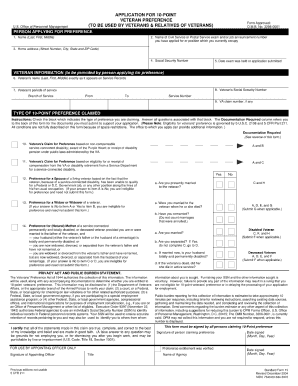
Sf 15 form va 2004
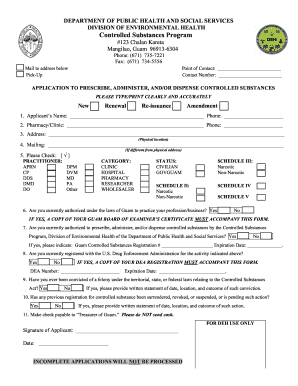
CSR Application Form 01 27 2011 - Department of Public Health ... - dphss guam

Website evaluation template
Benefit from the DocHub online library of fillable PDF forms
Searching the PDF forms doesn't have to be a tedious and time-consuming process. With the DocHub online library, it has become easier to find the fillable PDF forms and modify them in your browser. The service allows you to adjust the document to your needs using powerful editing tools.
You can use online document editing features to modify almost any type of document with ease. You just need to find the template of your choice, open it in the editor, and use the toolbar to make the necessary corrections.
Follow this guide to get your document done with DocHub:
- Find the PDF template you need.
- Click the Get Form button to open the file in the editor.
- Use the toolbar to fill out and edit the document.
- Easily add and highlight text, insert images, checkmarks, and symbols.
- Drop new fillable fields, and rearrange or delete pages from your file.
- Save changes and download your record.
DocHub empowers everyone to streamline document editing, signing, and distribution, and form completion. Create an account and benefit from our well-organized PDF Forms library and comprehensive editor.