
Medical Balance Sheet Templates
Obtain the best up-to-date Medical Balance Sheet Templates with DocHub online collection. Customize and work together on your financial statements with your team in real-time without losing crucial details.

Create a new Medical Balance Sheet Template

Personal financial statement template
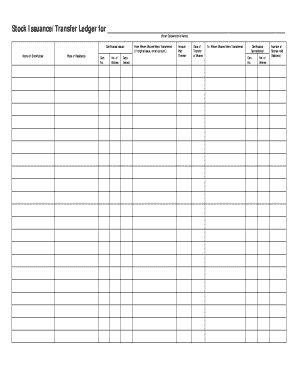
Stock ledger template
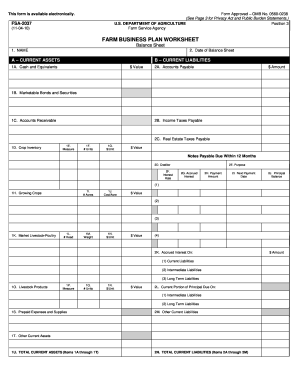
Fsa 2037
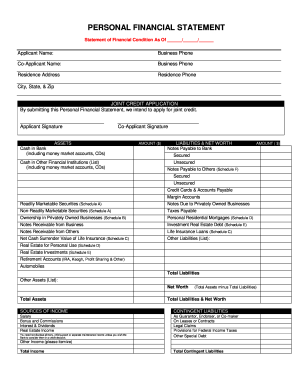
Personal financial statement
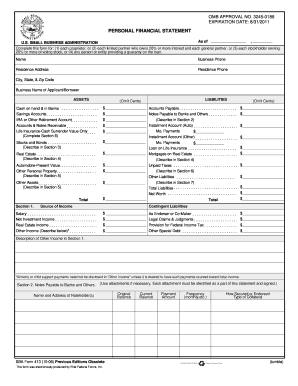
Personal financial statement template 2008 form
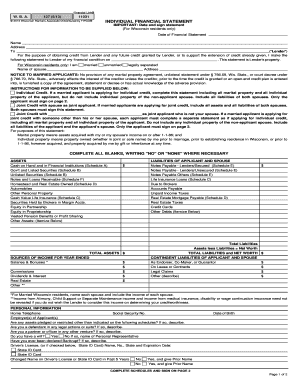
Individual financial statement
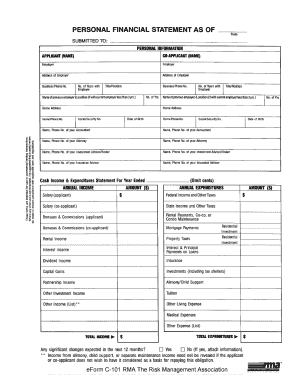
Rma personal financial statement pdf
Snap semi annual reporting online

Hvac air balance report template excel
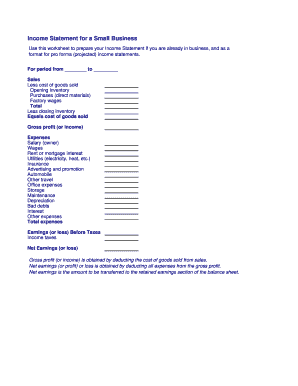
Business income statement
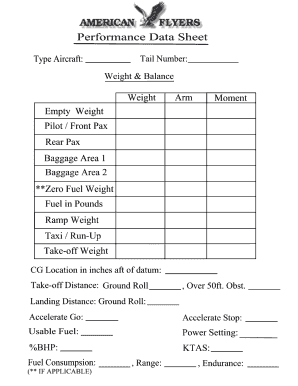
Weight and balance sheet
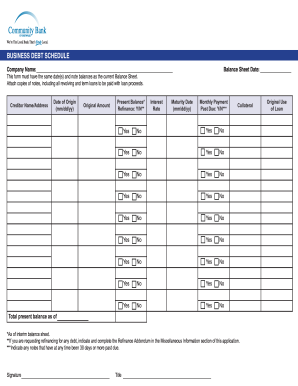
Debt schedule template excel
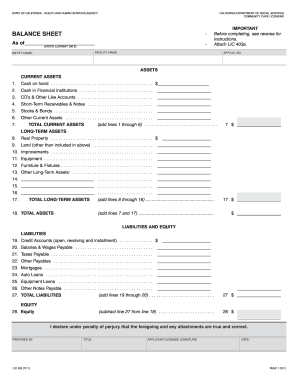
Lic 403
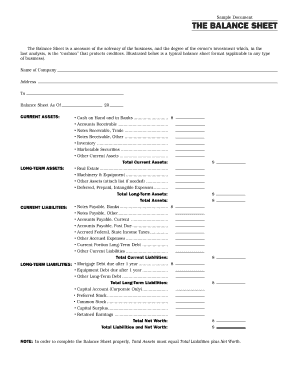
Interim ytd balance sheet pdf

Wis indebted rev
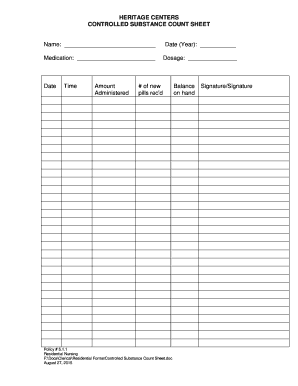
Printable narcotic count sheet

F financial statement
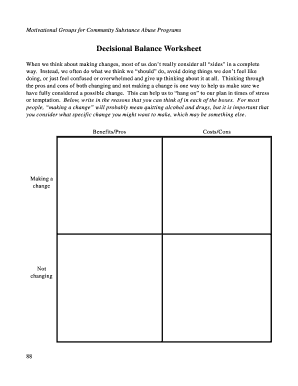
Decisional balance worksheet
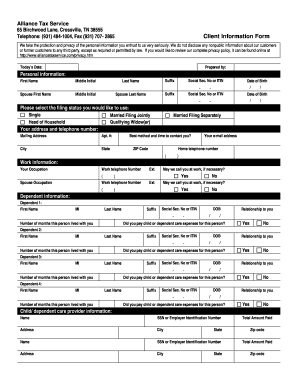
Client sign in accountant sheet pdf

Get wells fargo net worth calculation forms
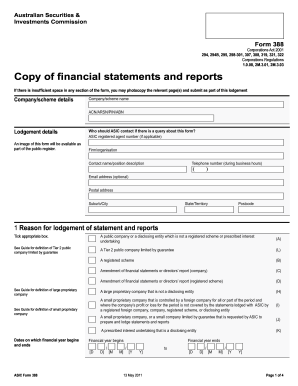
Form 388 - Australian Securities and Investments Commission - asic gov
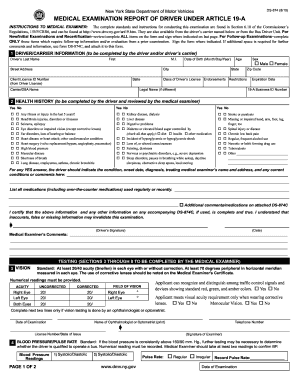
Genetic medical examination form
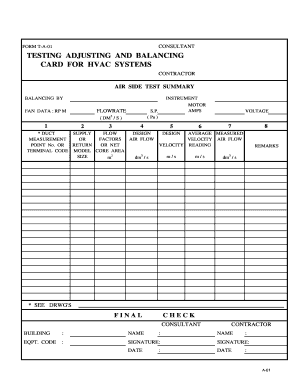
FORM T-A-01 TESTING ADJUSTING AND BALANCING CARD FOR HVAC
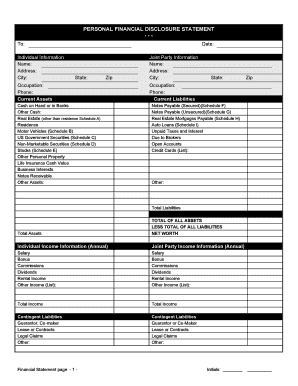
Financial statement form personal

PERSONAL ASSETS AND LIABILITIES STATEMENT
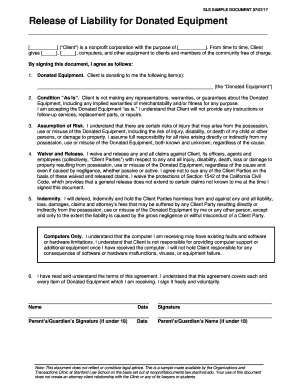
Release of Liability for Donated Equipment

Quick Referral Fax Cover Sheet
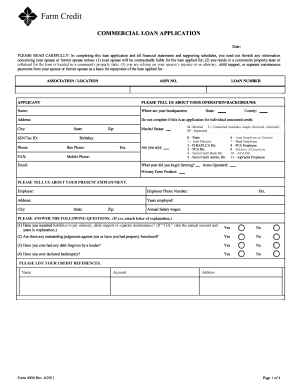
Farm credit form 4000
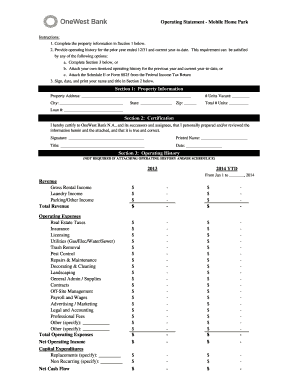
Project operating statement
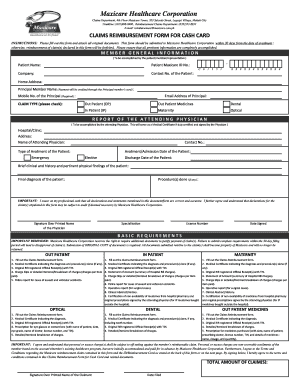
Maxicare dependent enrollment form
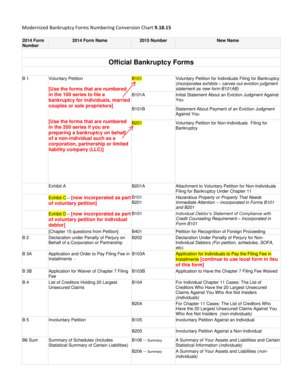
Official form 101
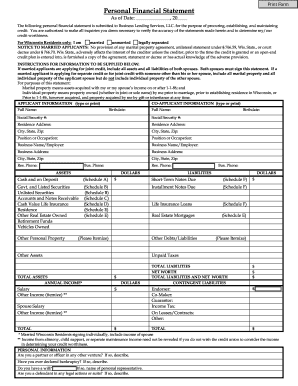
Personal Financial Statement - fortcommunitycom
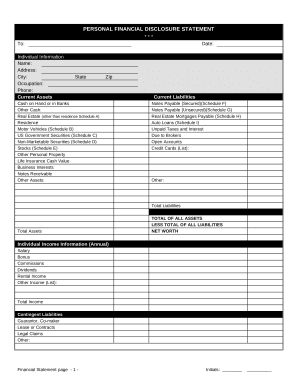
Financial form

Balance Sheet

Family Financial Statement
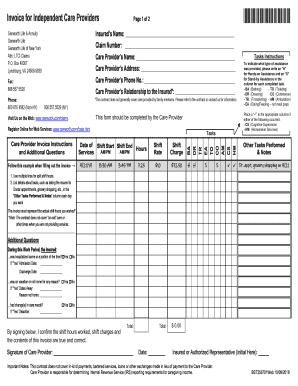
Health care invoice template
-
1
- 2
Enhance your form operations with Medical Balance Sheet Templates
Your workflows always benefit when you can easily locate all of the forms and documents you require at your fingertips. DocHub provides a a large collection forms to relieve your daily pains. Get a hold of Medical Balance Sheet Templates category and quickly browse for your form.
Begin working with Medical Balance Sheet Templates in a few clicks:
- Access Medical Balance Sheet Templates and locate the form you need.
- Click on Get Form to open it in our online editor.
- Start modifying your form: add fillable fields, highlight paragraphs, or blackout sensitive details.
- The application saves your changes automatically, and once you are ready, you are able to download or distribute your file with other contributors.
Enjoy easy record managing with DocHub. Check out our Medical Balance Sheet Templates online library and locate your form today!
Video Guide on Medical Balance Sheet Templates management

Commonly Asked Questions about Medical Balance Sheet Templates
Does QuickBooks create a balance sheet?
QuickBooks does the math for you and can rapidly turn out accurate balance sheets so you dont have to spend all that time crunching numbers.
Does QuickBooks have a balance sheet by class?
Learn what transactions create unclassified, unbalanced, or other incorrect amounts on Balance Sheet by Class report in QuickBooks Desktop. Balance Sheet by Class lets you see your balance sheet by fund, location, or other classes that you set up.
Does QuickBooks have a balance sheet template?
The QuickBooks Online balance sheet template makes it easy The difference between assets and liabilities is displayed at the bottom as the equity or net worth of the business. Simply choose Reports Balance Sheet in QuickBooks Online and the pre-installed template is populated with your data in seconds.
Is there a balance sheet template in Excel?
The Balance Sheet Template for Excel is a pre-designed spreadsheet that allows users to enter their companys financial information, including assets, liabilities, and equity. This template is useful for businesses of all sizes, as it can be customized to fit each companys specific needs.
Can I create my own balance sheet?
You can create a personal balance sheet by completing the following steps, including getting all relevant documents, listing your assets and liabilities, and calculating your net worth.
What is the simple format of a balance sheet?
What is the basic format of a balance sheet? The basic format of a balance sheet includes three main sections: assets, liabilities, and equity. Assets list resources owned, liabilities outline obligations, and equity shows net worth or ownership.
How do I create a monthly balance sheet in QuickBooks?
Start with a Balance Sheet Standard report. On the Display tab, change the From and To dates to include the months you want to report on. Choose Month for the Display columns by field. Click OK to run the report.
How do I customize my balance sheet in QuickBooks desktop?
Go to the Reports menu, then select Company Financial Profit Loss Standard. Select Customize Report. Go to the Display tab: Set the From and To date fields to the years you want to display on the report.
Related Templates
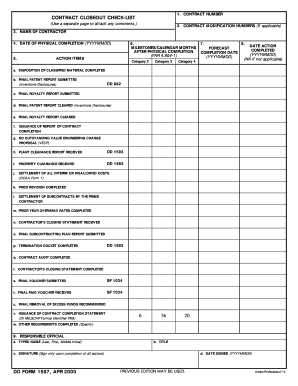
Dd 1597
The document is a checklist for the closeout of a contract, detailing required actions and milestones to be completed af ...
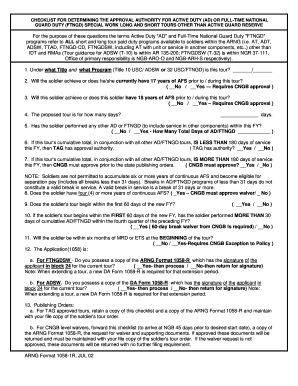
Arng format
The document is a checklist designed to determine the approval authority for Active Duty (AD) or Full-Time National Guar ...
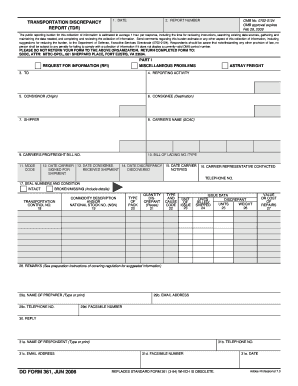
Dd form 361
The Transportation Discrepancy Report (TDR) is a document used to report issues related to transportation discrepancies, ...

Navy start guide
The document titled 'For Future Sailors' serves as a comprehensive guide for individuals entering the United States Navy ...
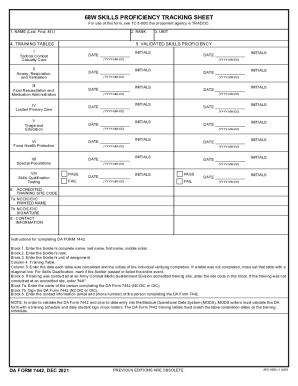
Army publishing directorate da
The document is a 68W Skills Proficiency Tracking Sheet used for recording and validating the training and skills profic ...
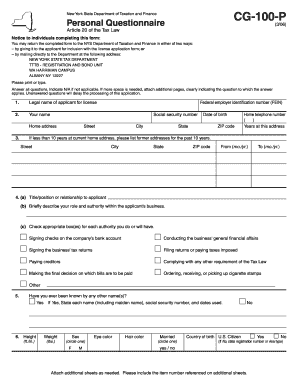
Ny personal questionnaire
The document is a Personal Questionnaire form from the New York State Department of Taxation and Finance, designed for i ...

Screening tests chlamydia
The document is a Morbidity and Mortality Weekly Report (MMWR) from the CDC, published on October 18, 2002, focusing on ...
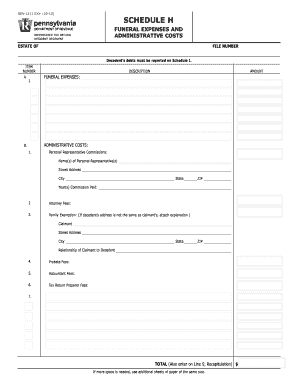
Rev 1511
The document is a form for reporting funeral expenses and administrative costs related to an inheritance tax return for ...