
Empty Balance Sheet Templates
Get all the appropriate tools when managing Empty Balance Sheet Templates and improve your efficiency. Edit and handle your financial statements online with a free DocHub account.

Create a new Empty Balance Sheet Template
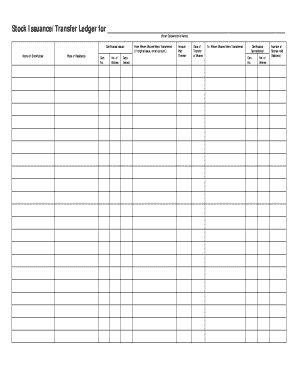
Stock ledger template
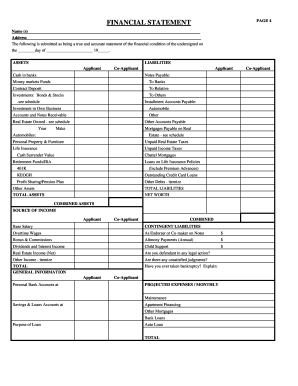
Rebny financial statement
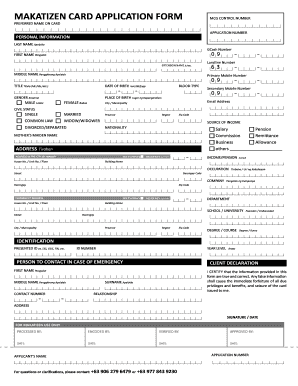
Makatulong
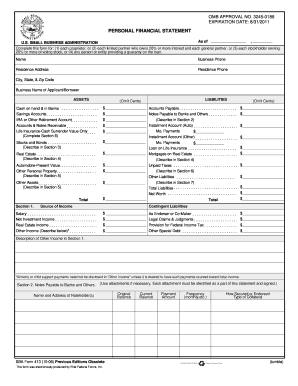
Personal financial statement template 2008 form

Cash count sheet
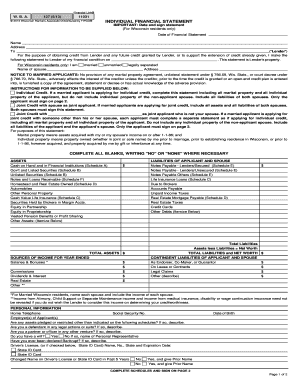
Individual financial statement

172 weight balance form
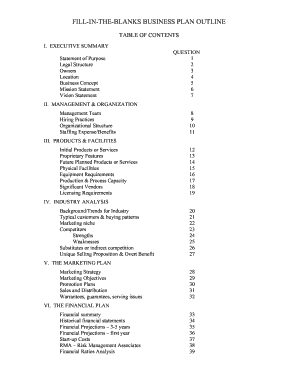
Fill in the blank business plan

Profit and loss statement for self employed hairdresser
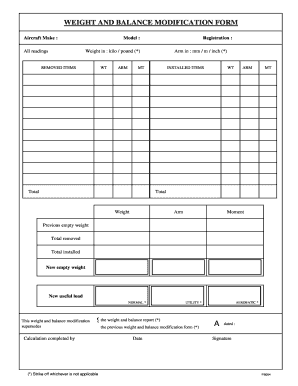
Blank aircraft weight and balance revision form
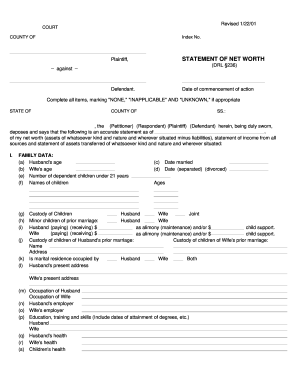
Net worth statement form

Hvac air balance report template excel
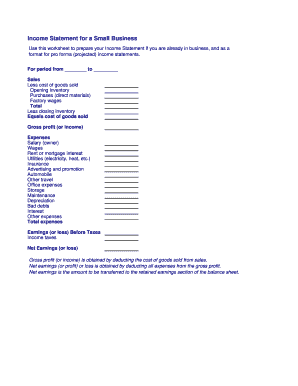
Business income statement
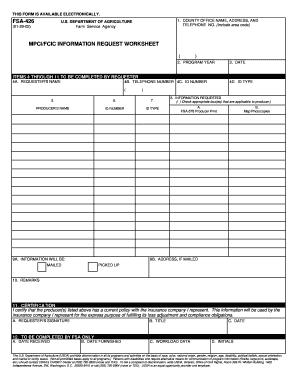
Fsa 426
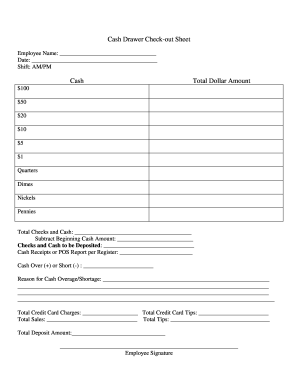
Cash drawer reconciliation template
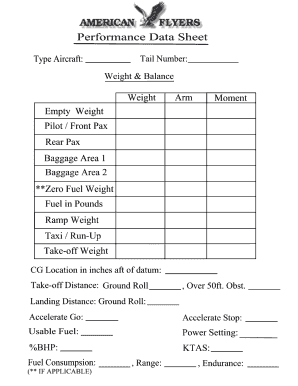
Weight and balance sheet
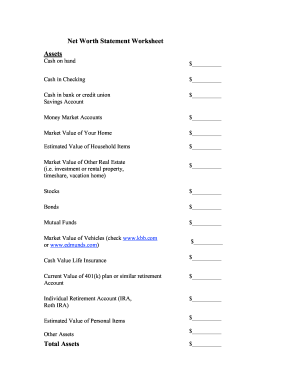
Net worth statement
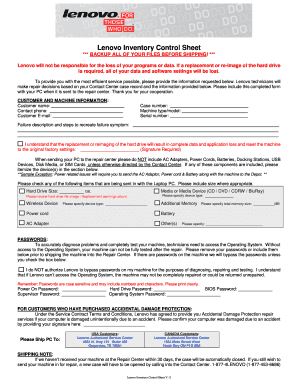
Lenovo inventory control sheet
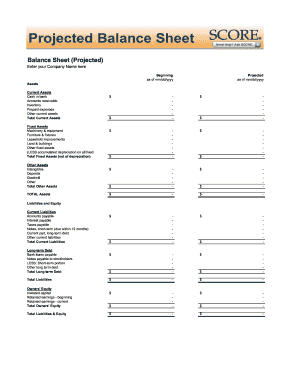
Balance sheet fill in the blank
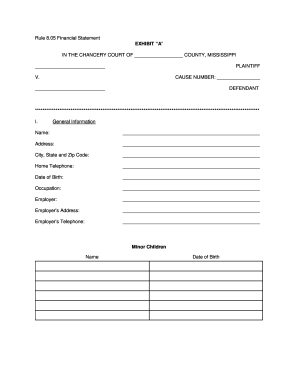
RULE 8.05 FINANCIAL DISCLOSURE - 2nd Chancery Court - 2ndchancerycourtdistrictms
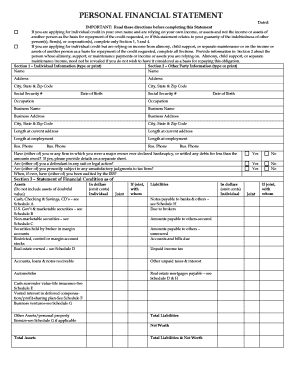
Personal financial statement form
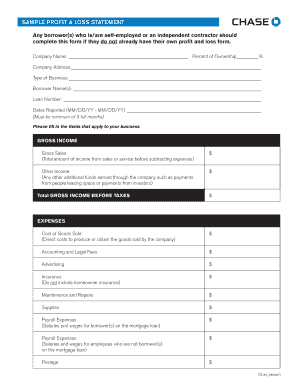
Sample Profit and Loss Statement PDF - Chase

Zero your account
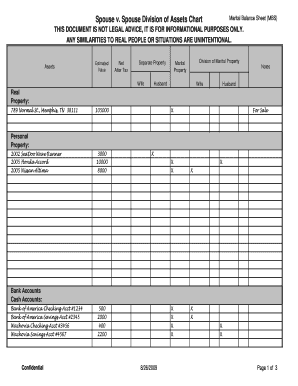
Marital balance sheet
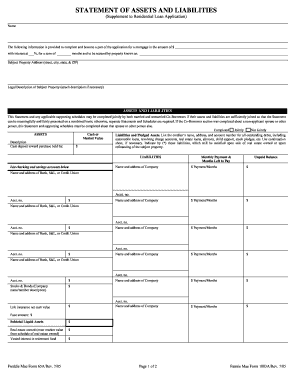
Form assets liabilities blank

Wheel of life template editable
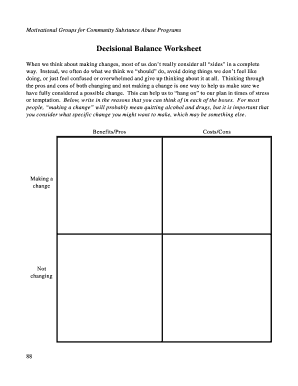
Decisional balance worksheet

Checkbook worksheet form blank
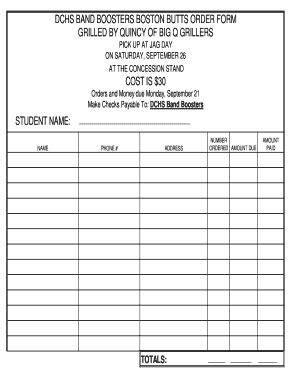
Boston Butt Order Form - bdcspridebbcomb
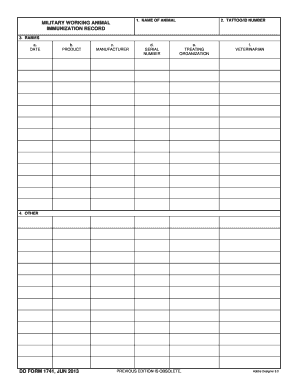
BDD Formb 1741 Military Working Animal Immunization Record June bb - dtic
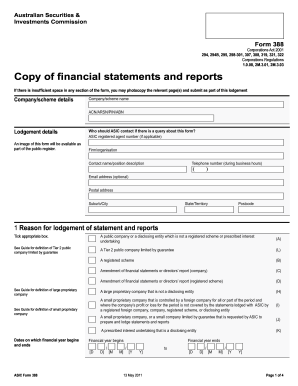
Form 388 - Australian Securities and Investments Commission - asic gov
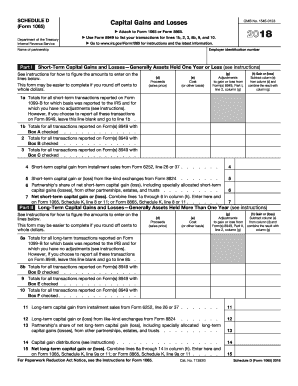
2012 irs 1065
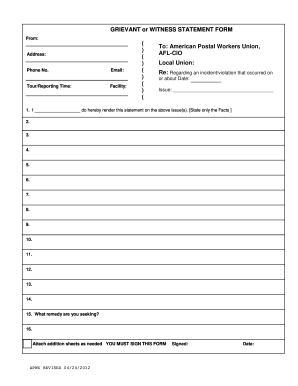
Blank statement form
BLANK T Account Form
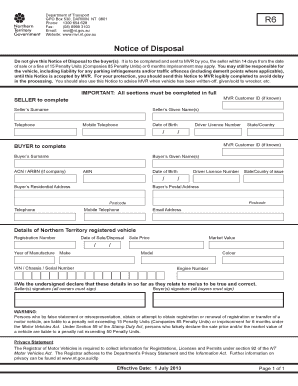
Notice of disposal nt
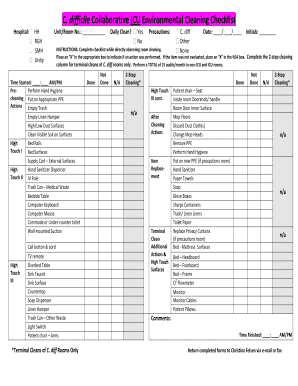
Icu cleaning checklist
-
1
- 2
Transform your template administration with Empty Balance Sheet Templates
Your workflows always benefit when you can easily discover all the forms and documents you may need at your fingertips. DocHub provides a a huge collection of form templates to ease your daily pains. Get hold of Empty Balance Sheet Templates category and quickly browse for your document.
Start working with Empty Balance Sheet Templates in several clicks:
- Browse Empty Balance Sheet Templates and get the form you need.
- Click Get Form to open it in our editor.
- Begin adjusting your file: add more fillable fields, highlight sentences, or blackout sensitive information and facts.
- The app saves your changes automatically, and once you are ready, you can download or distribute your file with other contributors.
Enjoy effortless form administration with DocHub. Discover our Empty Balance Sheet Templates category and locate your form today!
Video Guide on Empty Balance Sheet Templates management

Commonly Asked Questions about Empty Balance Sheet Templates
How do I customize my balance sheet in QuickBooks desktop?
Go to the Reports menu, then select Company Financial Profit Loss Standard. Select Customize Report. Go to the Display tab: Set the From and To date fields to the years you want to display on the report.
What is the simple format of a balance sheet?
What is the basic format of a balance sheet? The basic format of a balance sheet includes three main sections: assets, liabilities, and equity. Assets list resources owned, liabilities outline obligations, and equity shows net worth or ownership.
How do I create a monthly balance sheet in QuickBooks?
Start with a Balance Sheet Standard report. On the Display tab, change the From and To dates to include the months you want to report on. Choose Month for the Display columns by field. Click OK to run the report.
Does QuickBooks create a balance sheet?
QuickBooks does the math for you and can rapidly turn out accurate balance sheets so you dont have to spend all that time crunching numbers.
Does QuickBooks have a balance sheet template?
The QuickBooks Online balance sheet template makes it easy The difference between assets and liabilities is displayed at the bottom as the equity or net worth of the business. Simply choose Reports Balance Sheet in QuickBooks Online and the pre-installed template is populated with your data in seconds.
Can I create my own balance sheet?
You can create a personal balance sheet by completing the following steps, including getting all relevant documents, listing your assets and liabilities, and calculating your net worth.
Is there a balance sheet template in Excel?
The Balance Sheet Template for Excel is a pre-designed spreadsheet that allows users to enter their companys financial information, including assets, liabilities, and equity. This template is useful for businesses of all sizes, as it can be customized to fit each companys specific needs.
Does QuickBooks have a balance sheet by class?
Learn what transactions create unclassified, unbalanced, or other incorrect amounts on Balance Sheet by Class report in QuickBooks Desktop. Balance Sheet by Class lets you see your balance sheet by fund, location, or other classes that you set up.
Related Templates
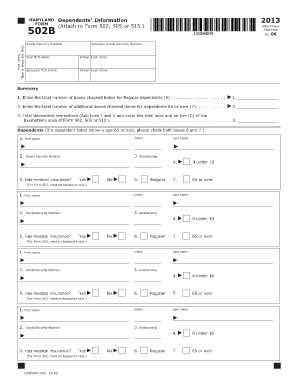
Black InkAll ProductsShepenco
The document is a Maryland tax form (502B) used for reporting dependents' information, including their names, Social Sec ...
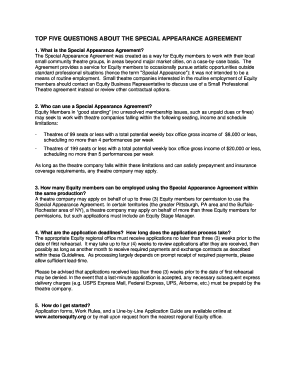
Special Appearance Agreement Application
The document outlines the Special Appearance Agreement, which allows Equity members to work with small community theatre ...

Termination agreement landlord tenant
The document outlines the agreed termination of a lease agreement between the landlord and tenant, specifying the effect ...

Wh1088
The document outlines employee rights under the Fair Labor Standards Act (FLSA), including regulations on overtime pay, ...

Form online

Administration aviation federal
The document is a form used by the U.S. Department of Transportation's Federal Aviation Administration (FAA) for the des ...
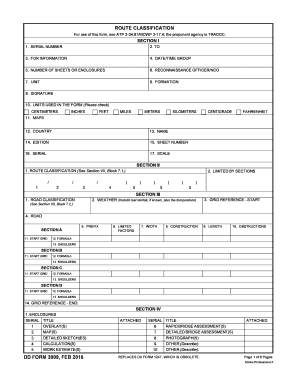
Dd 3009 form
The document outlines the procedures and forms for route classification, detailing sections for reconnaissance, road and ...
Cr 483
The document provides information on ignition interlock devices, including a list of authorized installers in Alaska, th ...