



Here's how it works



How to use or fill out rma personal financial statement pdf with our platform

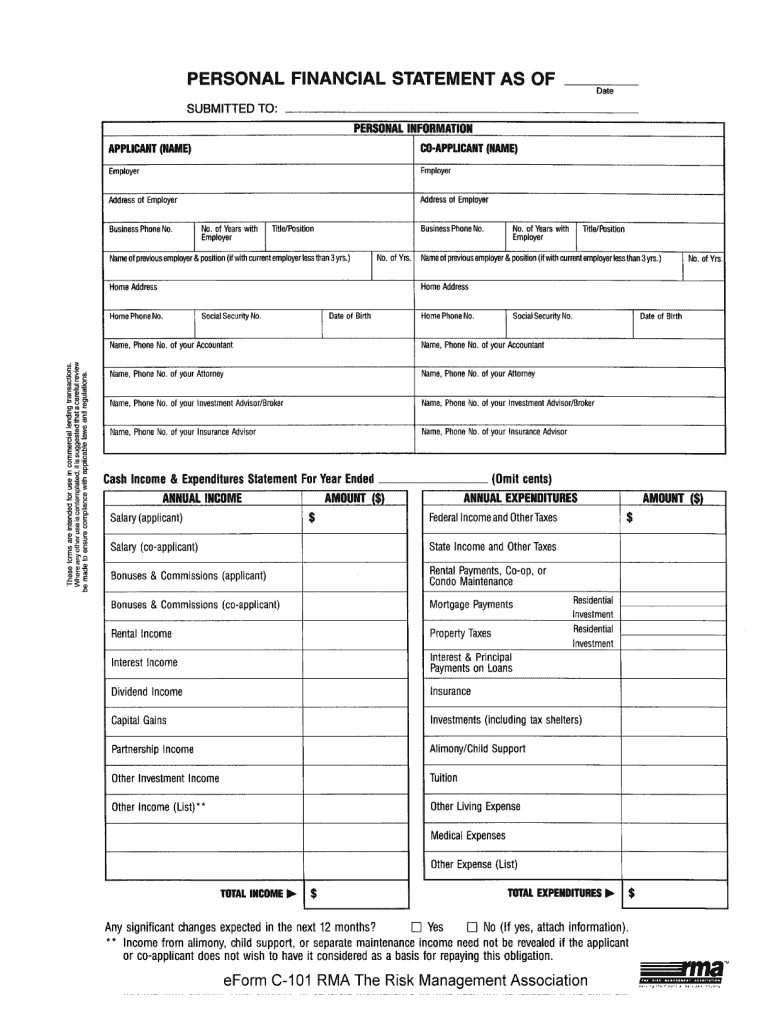
- Click ‘Get Form’ to open the rma personal financial statement PDF in the editor.
- Begin by entering your personal information in the designated fields, including your name, address, and contact details. Ensure accuracy as this information is crucial for processing.
- Proceed to the assets section. List all your assets such as cash, real estate, and investments. Use the provided fields to specify values clearly.
- Next, move to the liabilities section. Here, you will detail any debts or obligations you have. Be thorough to provide a complete financial picture.
- Finally, review all entered information for accuracy. Utilize our platform’s editing tools to make any necessary adjustments before saving or sharing your completed form.
Start using our platform today for free and streamline your document editing experience!
It's free
Got questions?
Can I sign my form investment on a mobile?
Sure, you’ll find many different applications for this on the web. Nonetheless, if you need to eSign your form investment without installing extra software, DocHub is the best choice you can make. This robust editor works on mobile devices just like on desktops. Open our editor in your preferred internet browser, register or sign in to your account, and start managing your paperwork.
How do you create an e-signature for the rma c101 personal on iOS?
In addition to a comprehensive toolset for editing PDFs on mobile phones, DocHub enables you to sign your rma c101 personal along the way. Open our editor in your internet browser, make modifications using DocHub’s toolset, and complete your editing by eSigning the finished form.
What are the 3 financial documents?
What are the 6 financial documents?
What are the 4 financial statements in order?
Security and compliance
At DocHub, your data security is our priority. We follow HIPAA, SOC2, GDPR, and other standards, so you can work on your documents with confidence.
Learn more