
Google docs household Balance Sheet Templates
Select and preview Google docs household Balance Sheet Templates online. Get a document appropriate to your situation, edit and sign it, and safely send it with your associates and financial institutions.

Create a new Google docs household Balance Sheet Template

Personal financial statement template
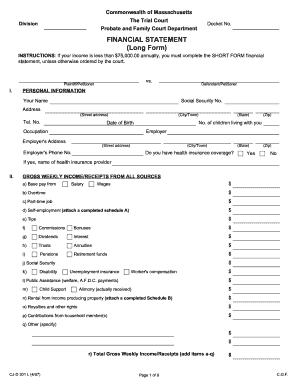
Financial statement long form

Sba form 413
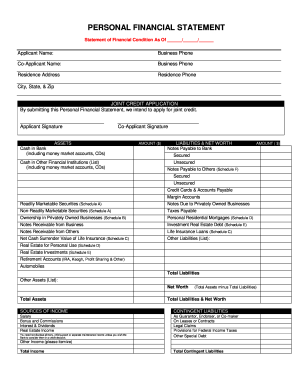
Personal financial statement

Fillable budget worksheet
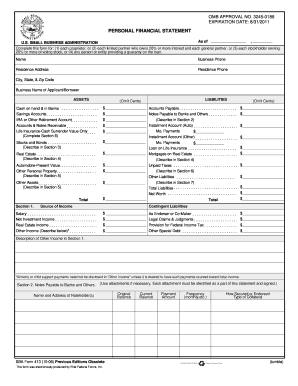
Personal financial statement template 2008 form
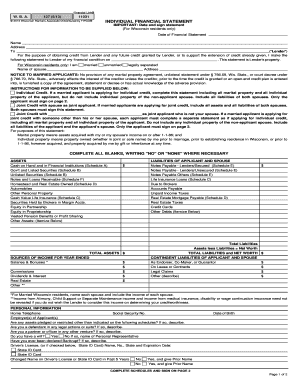
Individual financial statement
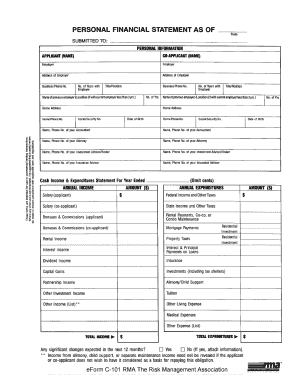
Rma personal financial statement pdf
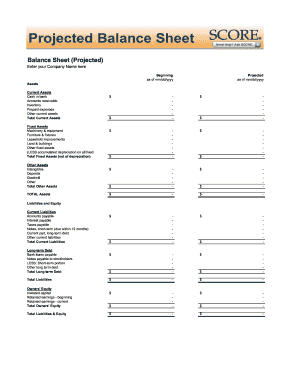
Balance sheet fill in the blank

Personal balance sheet pdf
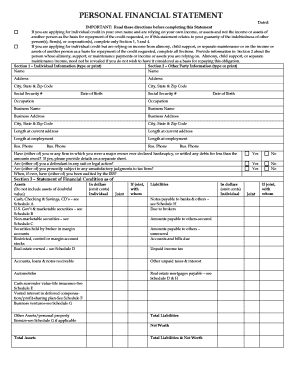
Personal financial statement form
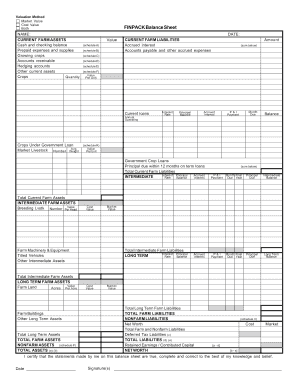
Finpack balance sheet
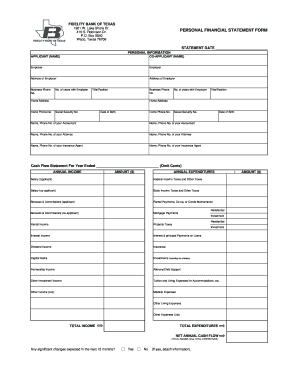
Personal financial statement form
Printable financial forms
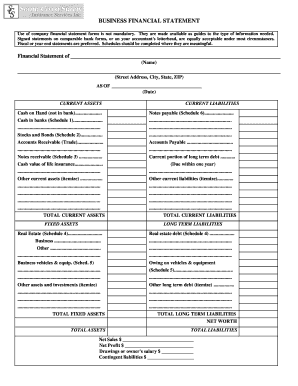
Business financial statement form

Financial statement of judgment debtor massachusetts form
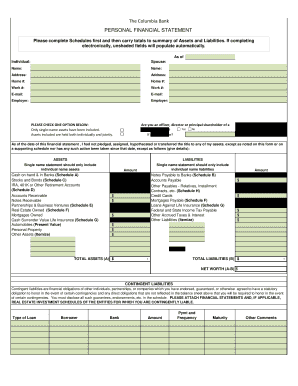
Columbia bank personal financial statement form
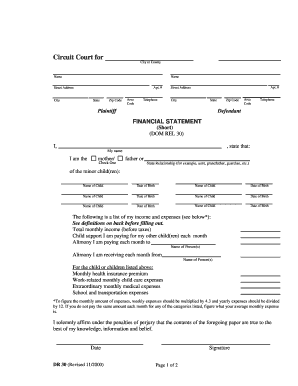
Financial statement short dr 30 form
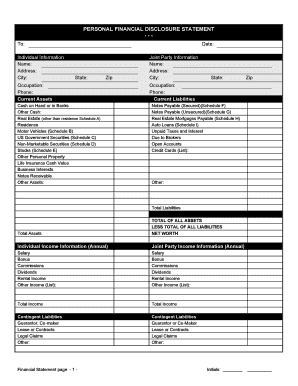
Financial statement form personal
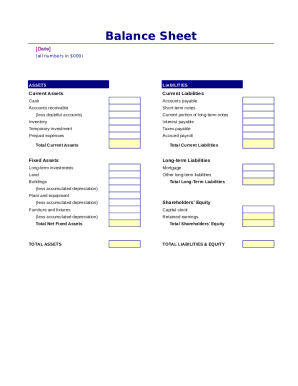
Simple balance sheet
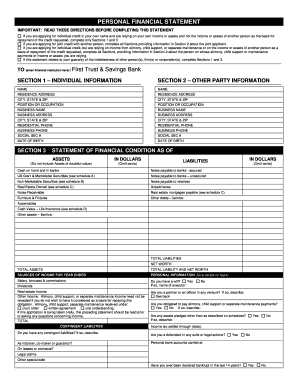
Personal financial statement - First Trust & Savings Bank

Fillable personal financial statement form
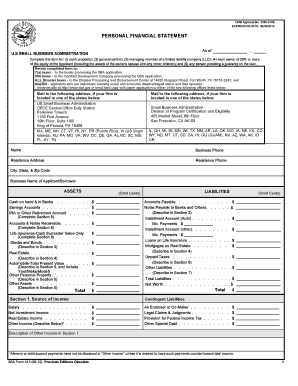
Sba personal financial statement form 5 12
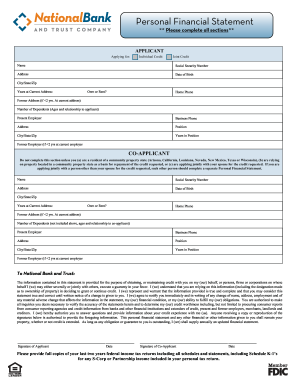
An automated Personal Financial Statement form. - National Bank ...
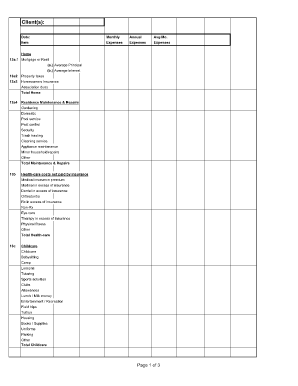
Divorce living expenses fillable worksheet form

Personal Financial Statement Form - FNB - Pacific Western Bank
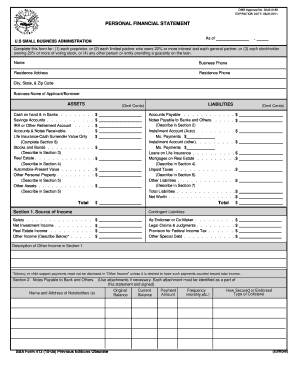
Omb personal financial statement instructions form
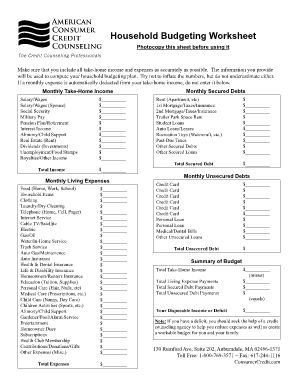
Household budgeting worksheet
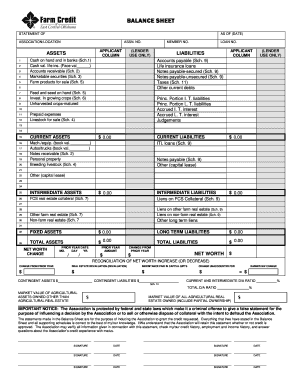
Download Financial Statement Form - Farm Credit
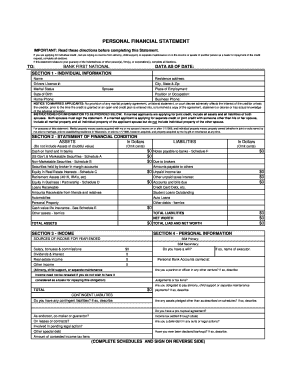
Personal Financial Statement (PDF) - Bank First National
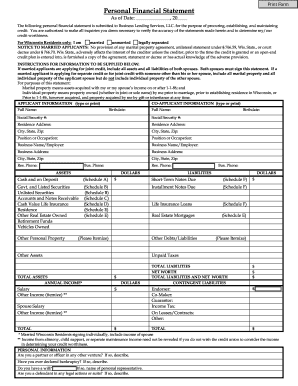
Personal Financial Statement - fortcommunitycom
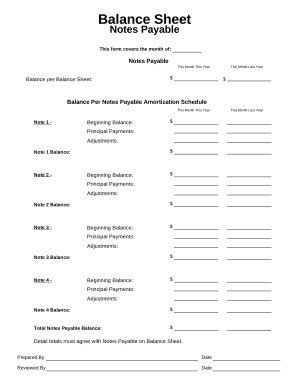
Balance sheet form
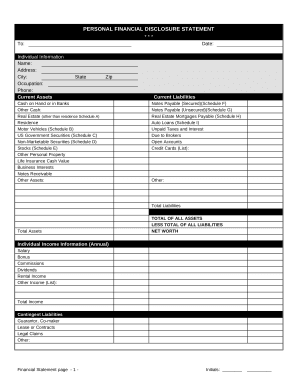
Financial statement form
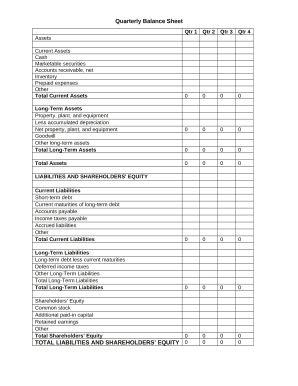
Quarterly Balance Sheet

Family Financial Statement

Sba form 413
-
1
- 2
Handle Google docs household Balance Sheet Templates easily online
Document managing can overwhelm you when you can’t discover all of the documents you need. Fortunately, with DocHub's vast form library, you can get all you need and easily manage it without switching among software. Get our Google docs household Balance Sheet Templates and begin utilizing them.
How to use our Google docs household Balance Sheet Templates using these simple steps:
- Browse Google docs household Balance Sheet Templates and select the form you need.
- Review the template and click Get Form.
- Wait for it to open in the online editor.
- Adjust your document: include new information and images, and fillable fields or blackout certain parts if needed.
- Prepare your document, conserve adjustments, and prepare it for sending.
- When you are ready, download your form or share it with other contributors.
Try out DocHub and browse our Google docs household Balance Sheet Templates category easily. Get a free account right now!
Video Guide on Google docs household Balance Sheet Templates management

Commonly Asked Questions about Google docs household Balance Sheet Templates
How do I create a balance column in Google Sheets?
0:18 0:59 And then select the first open cell in the income column then the minus sign on your keyboard. ThenMoreAnd then select the first open cell in the income column then the minus sign on your keyboard. Then select the first open cell in the debits column. Then hit enter.
How to make a simple balance sheet?
How to make a balance sheet Invest in accounting software. Create a heading. Use the basic accounting equation to separate each section. Include all of your assets. Create a section for liabilities. Create a section for owners equity. Add total liabilities to total owners equity.
How to create a balance sheet in Google Docs?
Google Sheets Balance Sheet Template Create a new Google Sheets Document. Name the Document as Balance Sheet. Setup Headers: Date, Description, Income, Expenses, Total. Enter initial balance as date and description. Input the income under the Income header for a specific date and description.
How to create a personal balance sheet?
Steps to Preparing a Simple Balance Sheet: Add the value of all assets. List total under assets. Add the total obligations owed. List total under liabilities. Subtract the liabilities from the total assets to determine net worth. List the amount under personal equity.
How to create a household budget in Google Sheets?
How to create a budget template for Google Sheets? Open a new sheet in Google Sheets. Decide on the budget categories and parameters you want to include, like income, expenses, spending, savings, etc. Settle on a budget period, like weekly, monthly, quarterly, or daily, and build out columns ingly.
How do you make a sheet on Google Docs?
To create a new spreadsheet: Open the Sheets home screen at sheets.google.com. Click New. . This will create and open your new spreadsheet.
Does Google Docs have a spreadsheet template?
Use a Google template On your computer, go to Google Docs, Sheets, Slides, or Forms. At the top right , click Template Gallery. Click the template you want to use.
Related Templates

Ex parte property
The document is an Ex Parte Petition for Approval of Sale of Personal Property, intended for use in the Superior Court o ...
Ca what proof private prevention
The document SV-200-INFO explains the process of 'Proof of Personal Service' for legal documents related to restraining ...
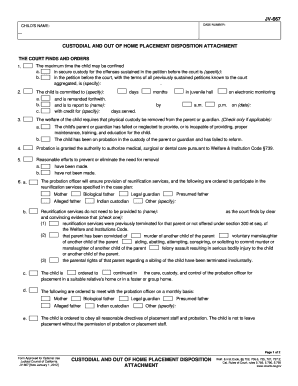
Placement disposition
The document JV-667 outlines the court's findings and orders regarding the custodial and out-of-home placement of a chil ...
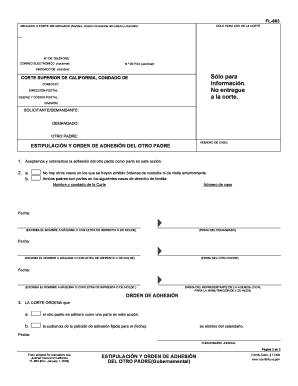
Padre orden casillero
El documento FL-663 es un formulario utilizado en la Corte Superior de California para formalizar la adhesión de un padr ...
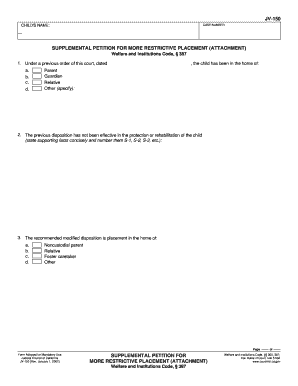
Supplemental petition california
The document is a Supplemental Petition for More Restrictive Placement (Attachment) under the Welfare and Institutions C ...

Alaska mc 615
The document is an application submitted to the Superior Court of Alaska for the approval of a 5-day emergency detention ...
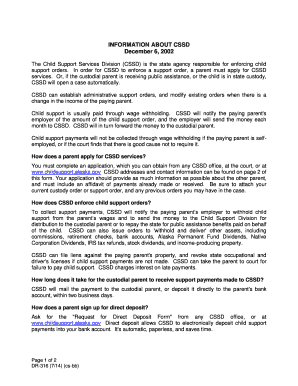
Alaska dr316
The document provides information about the Child Support Services Division (CSSD) in Alaska, detailing its role in enfo ...
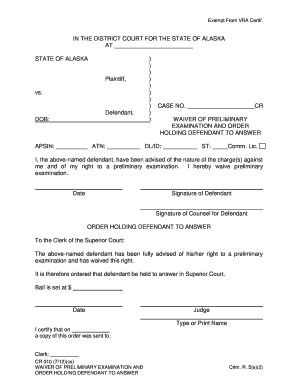
310 preliminary examination
The document is a legal waiver form in the District Court for the State of Alaska, where the defendant waives their righ ...