
Get any PDF form from the DocHub library of ready-made templates - Page 1730
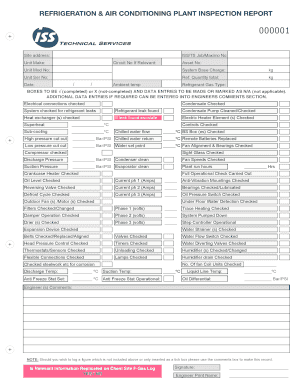
REFRIGERATION & AIR CONDITIONING PLANT INSPECTION REPORT
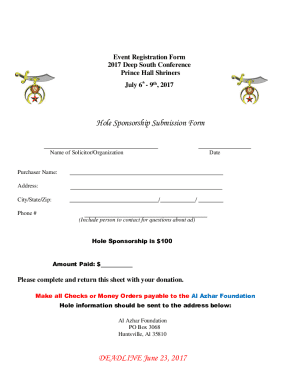
AL AZHAR SHRINERS FOUNDATION
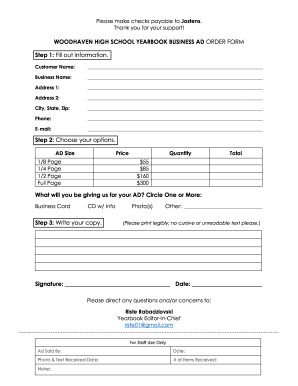
WOODHAVEN HIGH SCHOOL YEARBOOK BUSINESS AD ORDER FORM

Beauty pageant forms
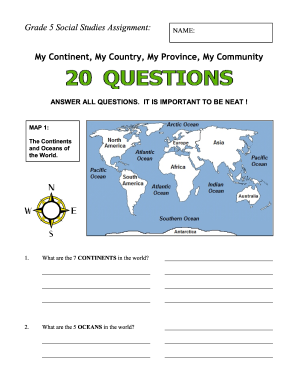
Grade 5 social studies

COHS FITNESS GRAM PRE/FINAL TEST SCORES

Roofers Questionnaire

Size photograph of

Tads form

Cser liberty

Number knowledge test
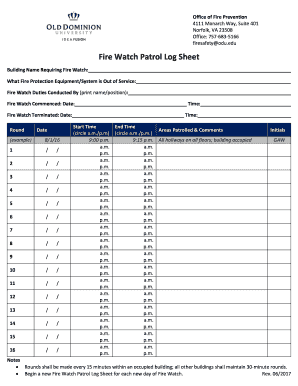
Watch patrol log sheet
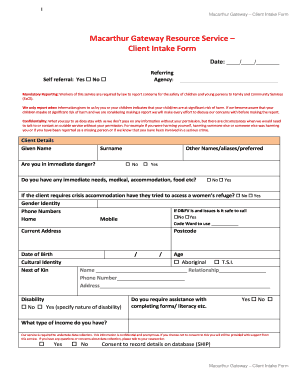
Intake forms for therapists

Wlhs biology oppelt
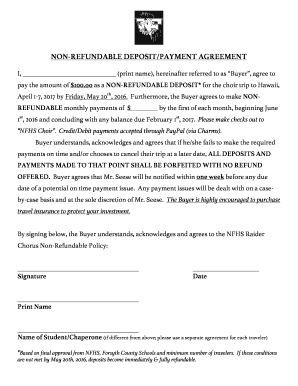
Non refundable deposit agreement pdf
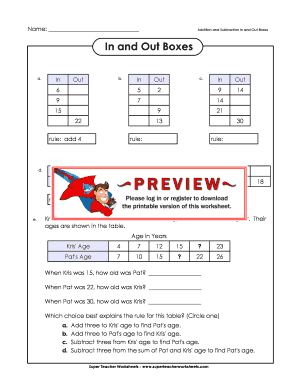
In and out boxes
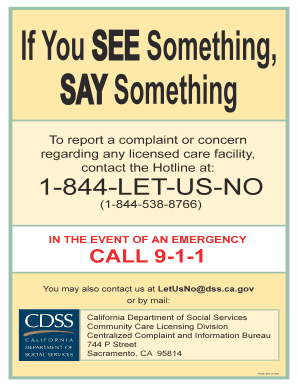
Licensing complaint poster
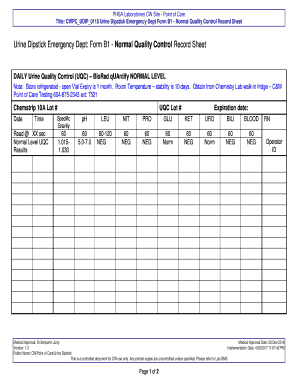
Title: CWPCUDIP0115 Urine Dipstick Emergency Dept Form B1 - Normal Quality Control Record Sheet

Urine control log sheets printable
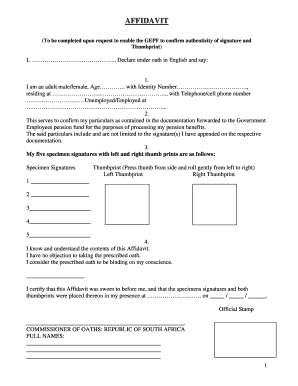
Gepf affidavit form
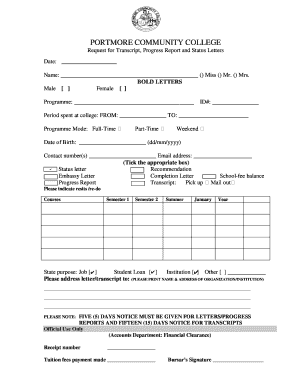
Portmore community college application form 2022
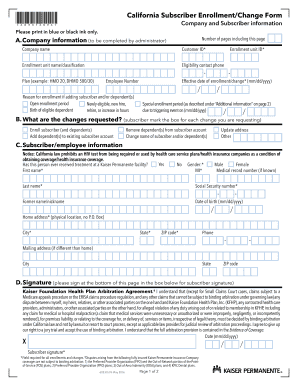
California subscriber enrollment change form

Soonerride reimbursement form
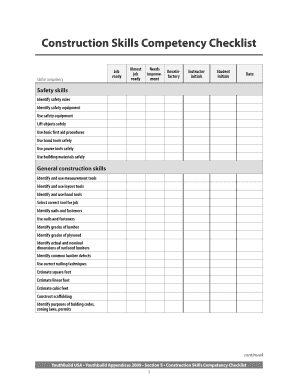
Construction skills competency checklist

FORENSIC SOCIAL WORK REFERRAL FORM

Managed care referral form
Bni referral tracking
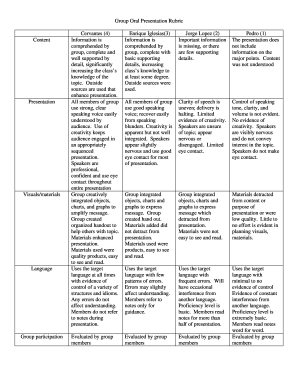
Group Oral Presentation Rubric
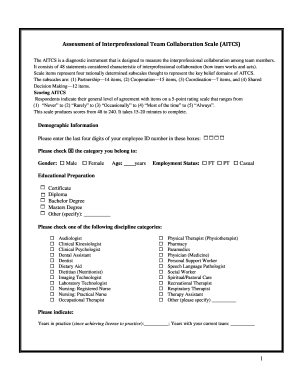
Canada scale aitcs
Vectorconnect
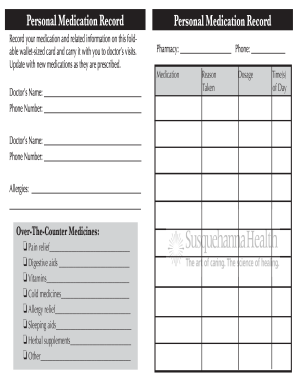
Record your medication and related information on this foldable wallet-sized card and carry it with you to doctors visits
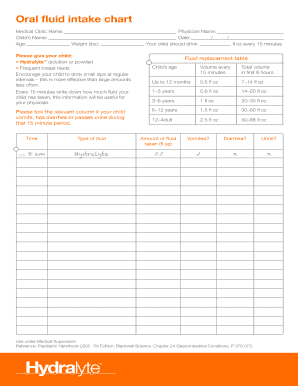
Id 622d9268715d7fcdddfa2c3786d2b461512dfcd5
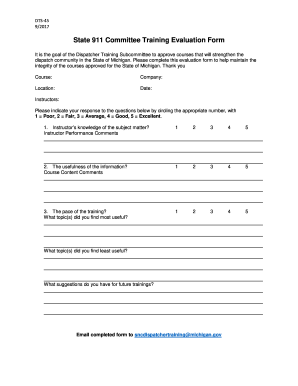
State 911 Committee Training Evaluation Form

Non mendelian genetics practice packet worksheet answer key
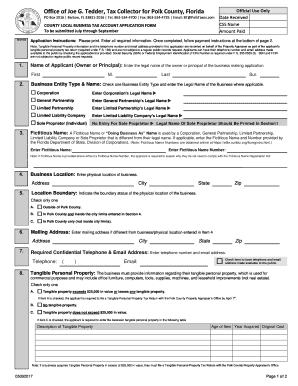
Polk county local business tax account application

TEACH HEALTHIER AFTER SCHOOL EMPLOYEE

Morphe wholesale
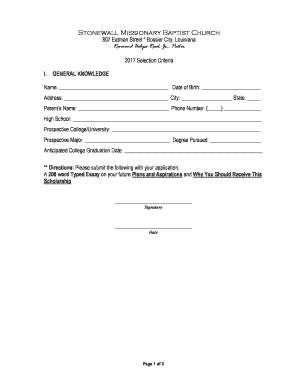
ALEX ROSS SCOTT SCHOLARSHIP

Avid community service log
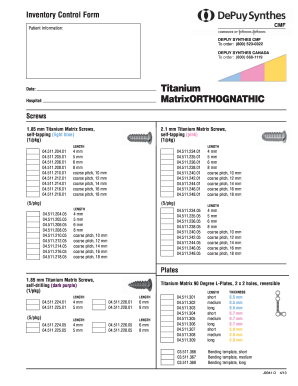
DEPUY SYNTHES CANADA
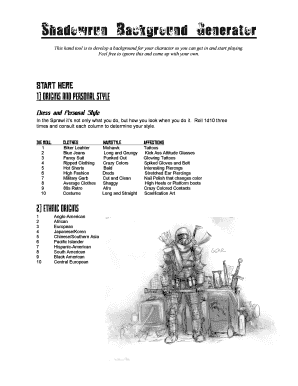
Shadowrun background generator
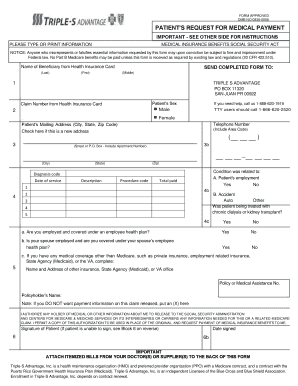
OMB NO 0938-0008
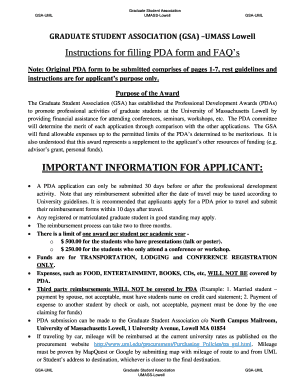
Pda form
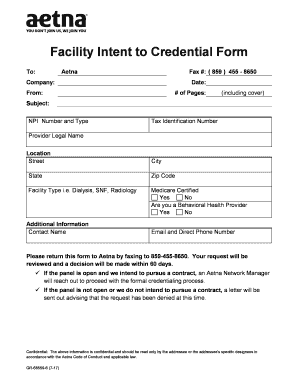
Facility Intent to Credential Form

Misp predator prey lab l1 answers

Predator prey worksheet
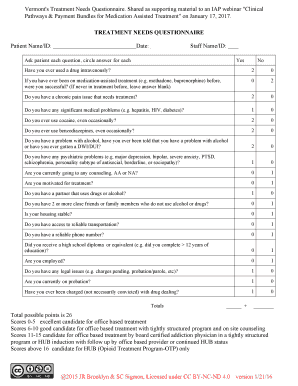
Treatment needs questionnaire
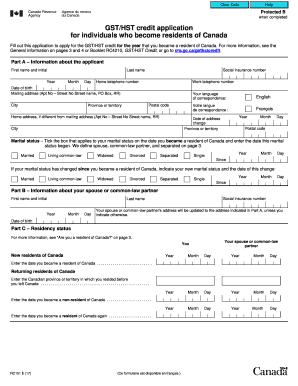
Rc151 2017-2019 form

We are excited to announce that we are accepting applications for

Applicants E-Mail Address
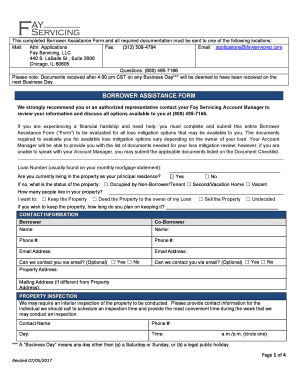
Applications fayservicing com
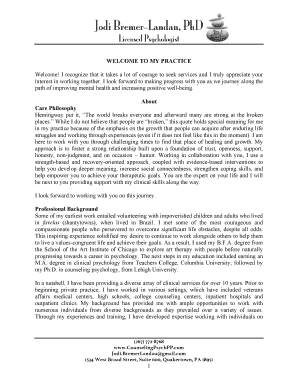
Jodi bremer landau

Docu-Sign Electronic Signature Instructions for Independent Contractor

IRA Standing Phone Distribution Instructions
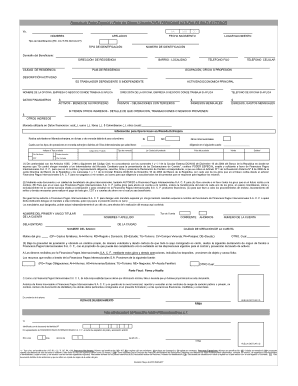
Formato de y cliente

Financial contract

Medical certificate of non-contraindication for the practice of

DEVELOPER/CONTRACTOR SUBMITTAL TRANSMITTAL FORM
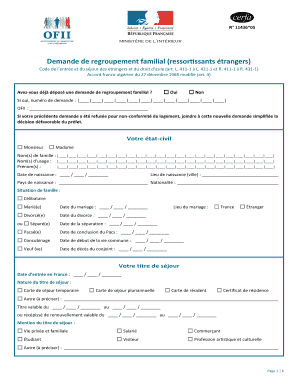
Cerfa n 11436 5
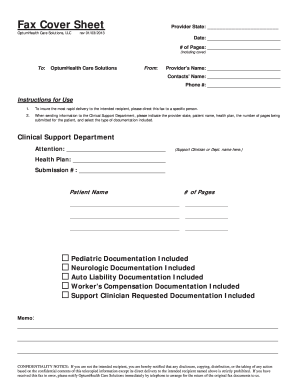
OptumHealth Care Solutions, LLC
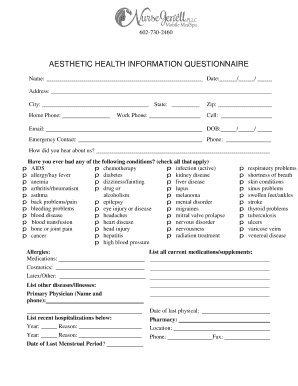
AESTHETIC HEALTH INFORMATION QUESTIONNAIRE
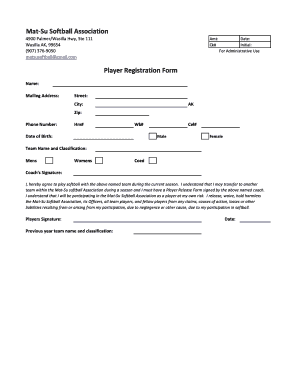
Matsu softball
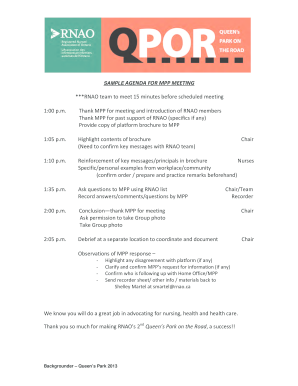
SAMPLE AGENDAFORMPPMEETING
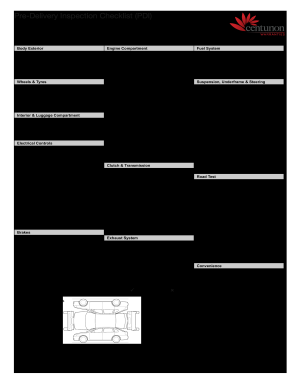
Pre-Delivery Inspection Checklist (PDI)

PARTIAL FURNISHED APARTMENT ADDENDUM
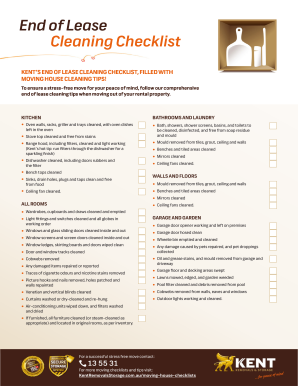
Kent removals lease cleaning
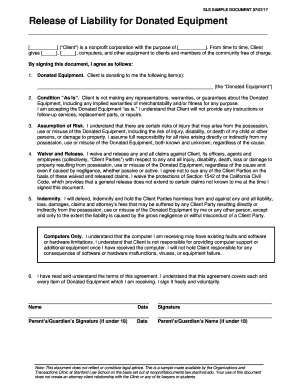
Release of Liability for Donated Equipment
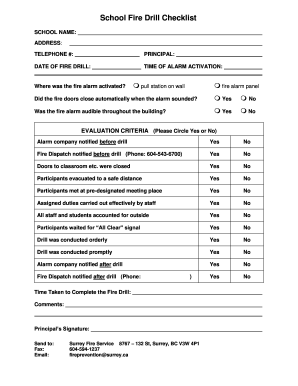
Fire drill surrey
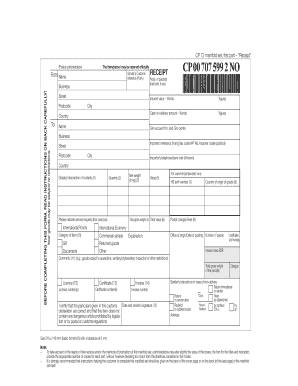
Cp72 form
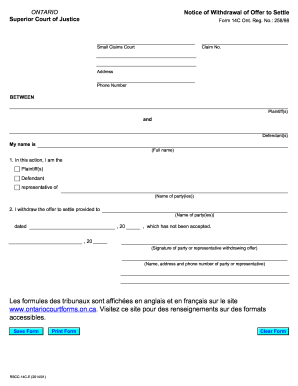
14c settle
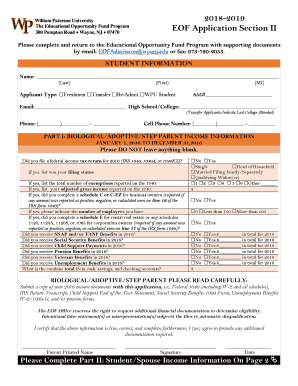
The Educational Opportunity Fund Program

COLLECTION AGENCY CONTRACT

APPLICATION FOR A CAYMAN ISLANDS
Irs 2017 forms
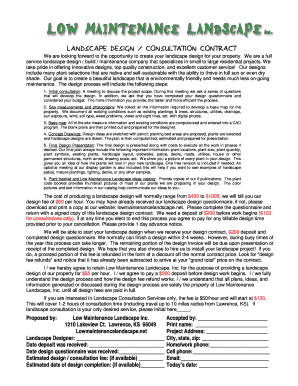
LANDSCAPE DESIGN / CONSULTATION CONTRACT
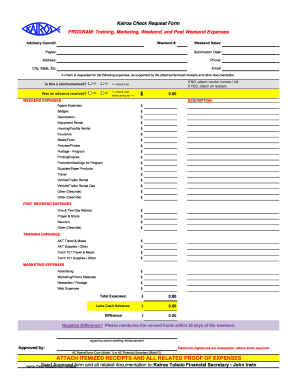
Kairos request form
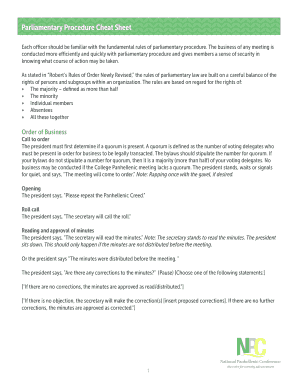
Parliamentary Procedure Cheat Sheet
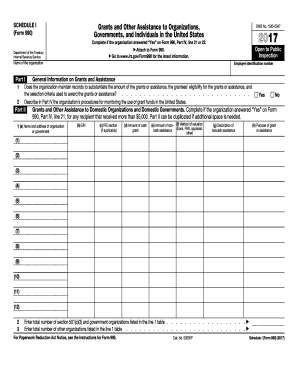
2017 schedule i form
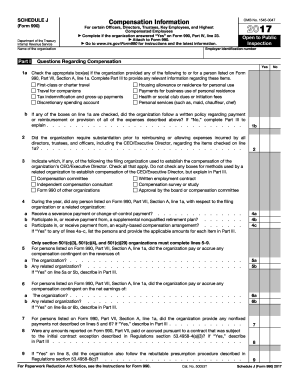
2017 schedule j form
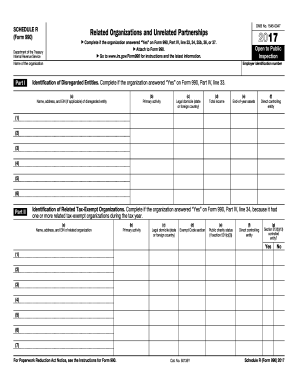
2017 schedule r form
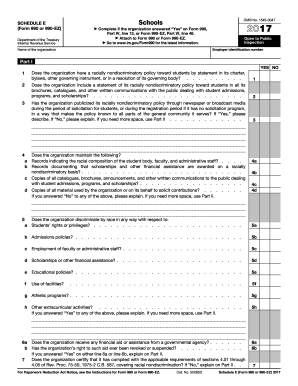
Schedule i 990 ez 2018
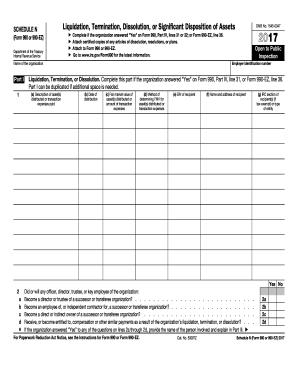
Asset(s) distributed or
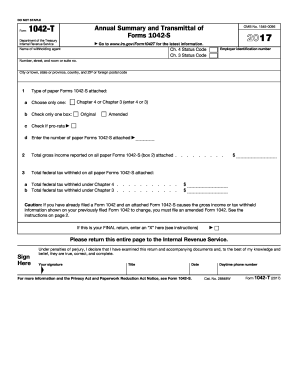
2017 1042 t form

2017 1094 b form
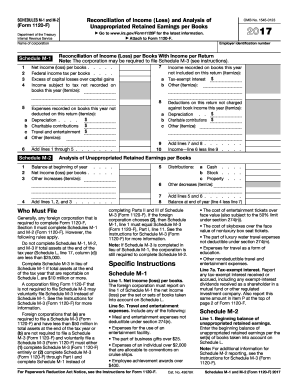
2017 form m 1

Form 720 2017

2016 form 8752 2017
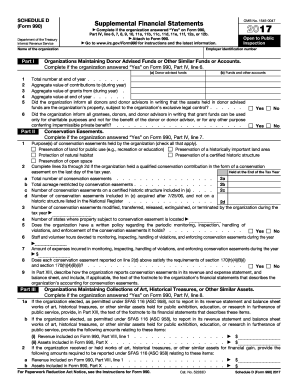
990 schedule dDocHubcom 2017 form
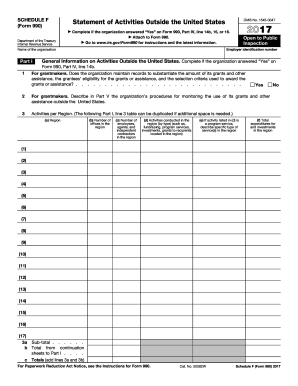
Irs schedule f 2017 form
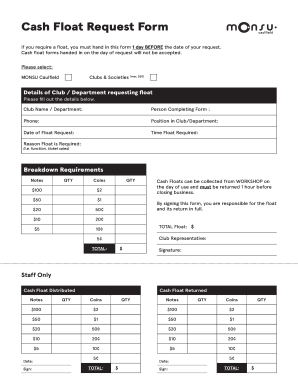
Cash float
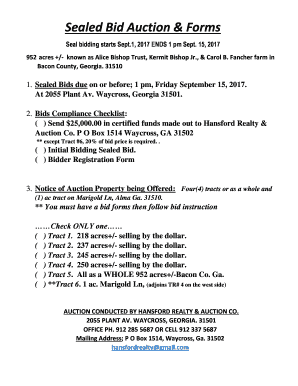
Sealed bid auction form
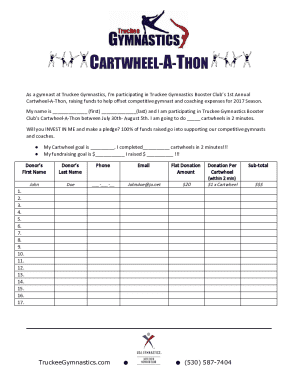
Cartwheel a thon
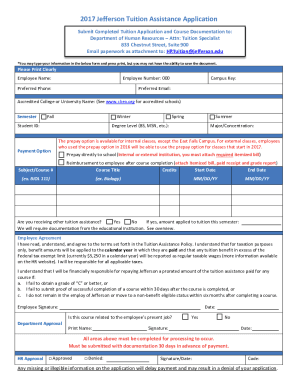
Jefferson tuition reimbursement
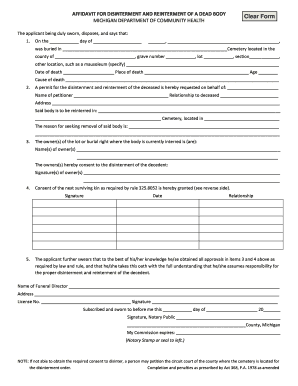
AFFIDAVIT FOR DISINTERMENT AND REINTERMENT OF A DEAD BODY
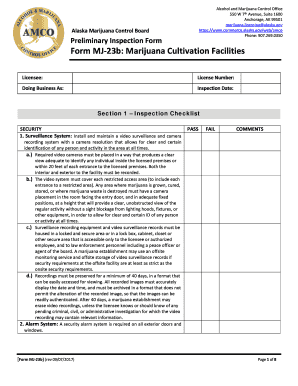
Form MJ-23b: Marijuana Cultivation Facilities
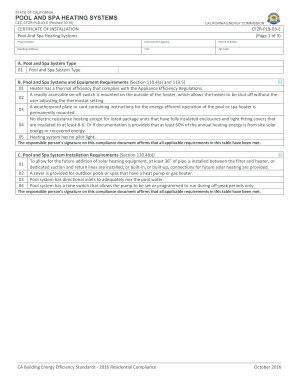
Cf2r plb 03
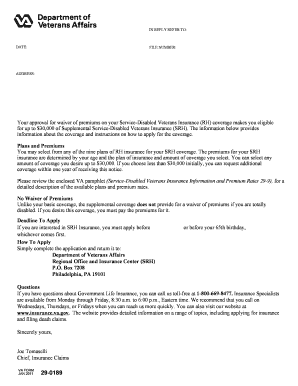
29-0189. Application for Supplemental Service-Disabled Veterans (SRH) Life Insurance

Tattoo apprentice contract
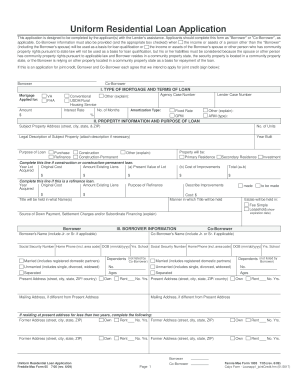
Calyx Form - Loanapp1jointCredit

For each item below specify the independent and dependent variables as well as constants
Benefit from the DocHub online library of fillable PDF forms
Searching the PDF forms doesn't have to be a tedious and time-consuming process. With the DocHub online library, it has become easier to find the fillable PDF forms and modify them in your browser. The service allows you to adjust the document to your needs using powerful editing tools.
You can use online document editing features to modify almost any type of document with ease. You just need to find the template of your choice, open it in the editor, and use the toolbar to make the necessary corrections.
Follow this guide to get your document done with DocHub:
- Find the PDF template you need.
- Click the Get Form button to open the file in the editor.
- Use the toolbar to fill out and edit the document.
- Easily add and highlight text, insert images, checkmarks, and symbols.
- Drop new fillable fields, and rearrange or delete pages from your file.
- Save changes and download your record.
DocHub empowers everyone to streamline document editing, signing, and distribution, and form completion. Create an account and benefit from our well-organized PDF Forms library and comprehensive editor.