
Get any PDF form from the DocHub library of ready-made templates - Page 1731

PILOT CLUB OF LEESVILLE, LOUISIANA, INC
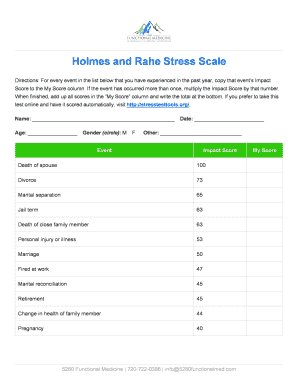
Holmes rahe stress inventory
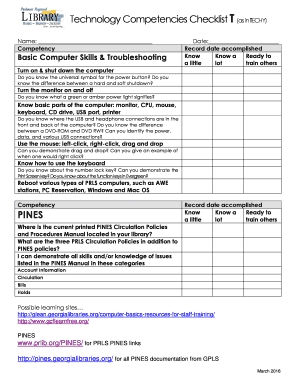
Technology Competencies Checklist T (as in TECHY)
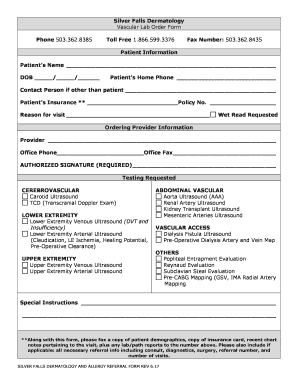
Vascular Lab Order Form
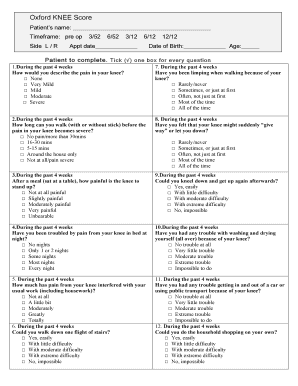
Oxford knee score pdf

Oxford hip score pdf

Mobi super
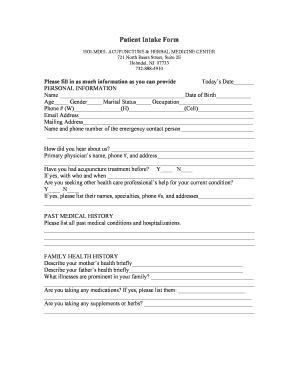
HOLMDEL ACUPUNCTURE & HERBAL MEDICINE CENTER
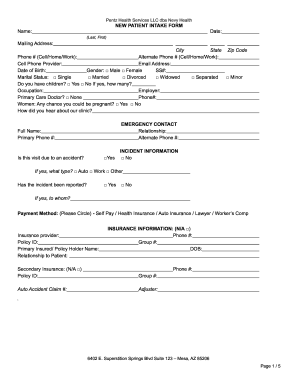
Pentz Health Services LLC dba Nevy Health
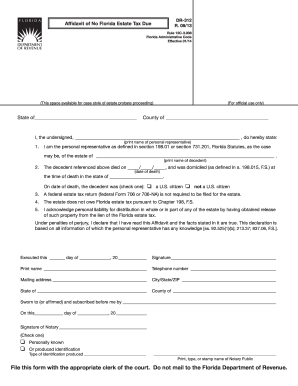
DR-312
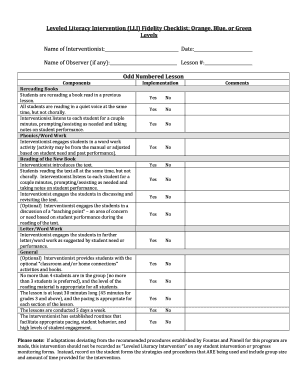
Fidelity checklist template
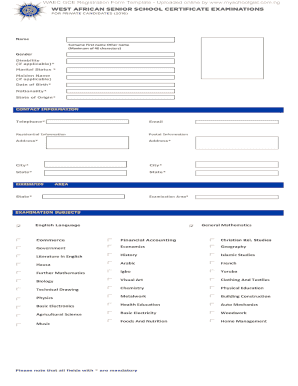
Waec form

ROCKY MOUNTAIN JET SKI RENTALS LLC

New Construction Contract Checklist

Nsw school planner
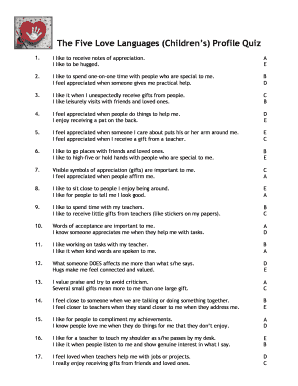
5 love languages quiz pdf
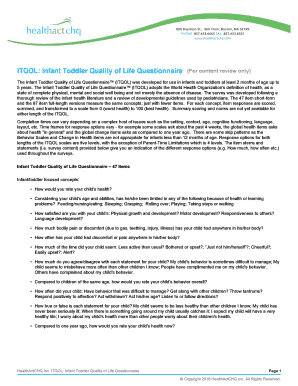
Itqol

Graduation speech outline pdf
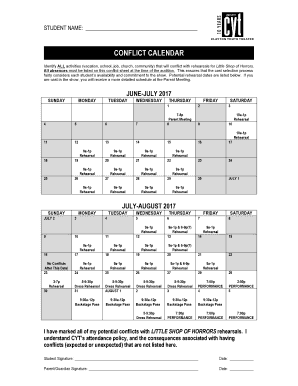
Conflict calendar template
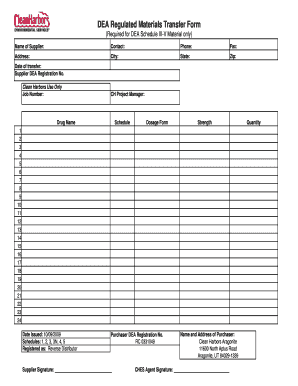
Material transfer form excel

Pet care emergency authorization form
Medical appointment forms pdf

Westchesterprep
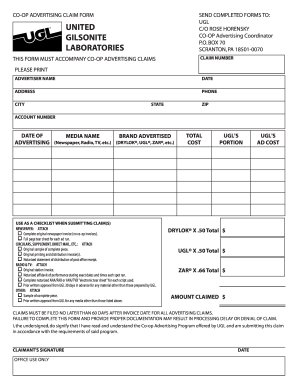
CO-OP ADVERTISING CLAIM FORM
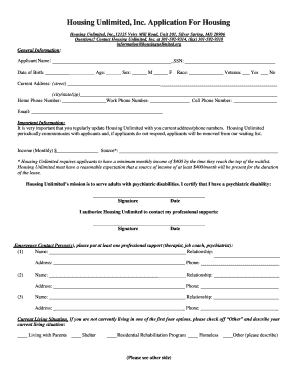
Housing unlimited

Stony brook form information

Tax tuscaloosa county form

Texas National Guard Yellow Ribbon Reintegration Program

Participant Agreement, Release and Assumption of Risk (The Agreement) Sky Zone Newnan
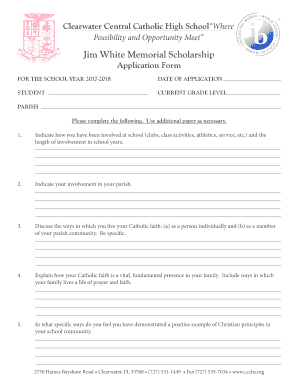
Clearwater Central Catholic High SchoolWhere
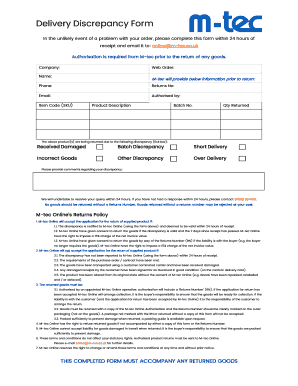
Delivery Discrepancy Form

Cdtfa 106
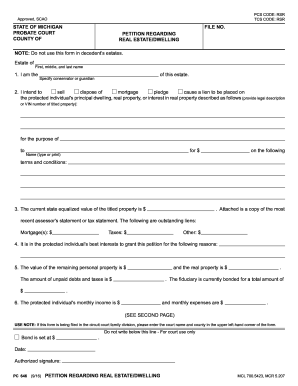
Mi form regarding
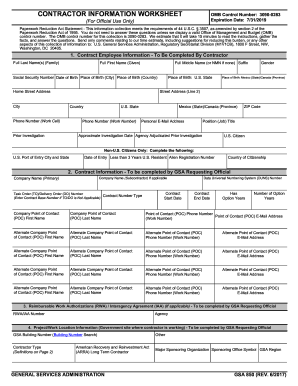
Gsa 850
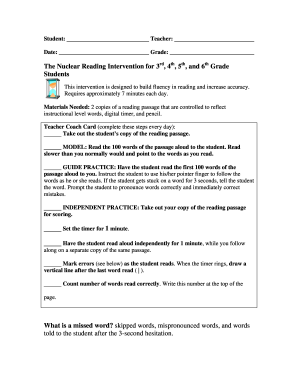
Nuclear reading
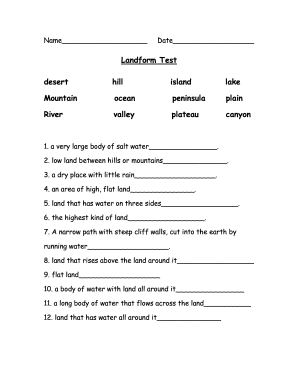
Landform Test

Pre-Employment Questionnaire / Equal Opportunity Employer
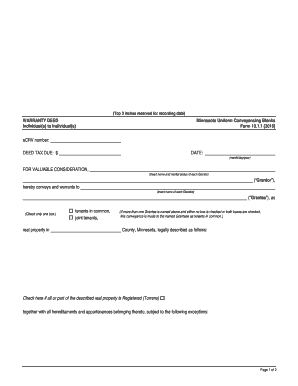
Mn warranty deed
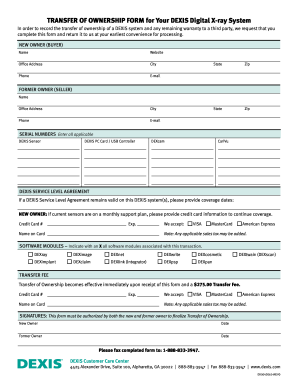
TRANSFER OF OWNERSHIP FORM for Your DEXIS Digital X-ray System
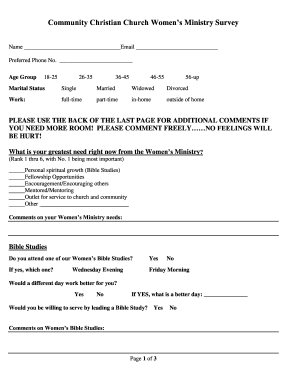
Community Christian Church Womens Ministry Survey

Ah counter excel sheet
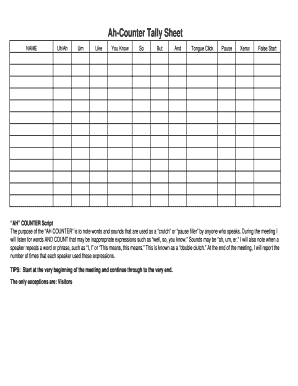
Ah counter excel sheet
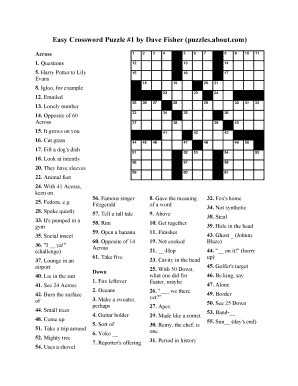
Easy crossword puzzles for beginners pdf

16x9 Storyboard Template

Filmsourcing accepts no legal responsibility for the use of Filmsourcing sample contracts or templates

Unmarried certificate format in sri lanka
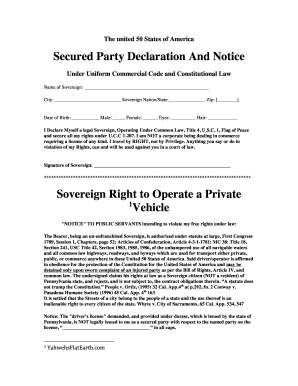
The united 50 States of America
Vocab Bubble Map:

Indian blouse measurement template

Top of the Rock 3-on-3 Basketball Tournament
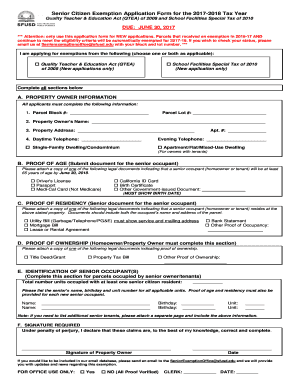
Senior citizen application
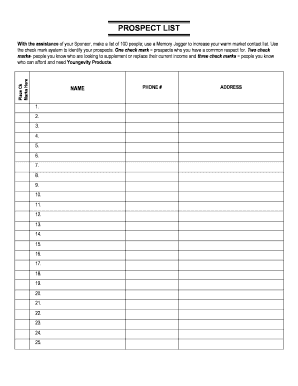
Ray higdon pdf
Special characters lol euw
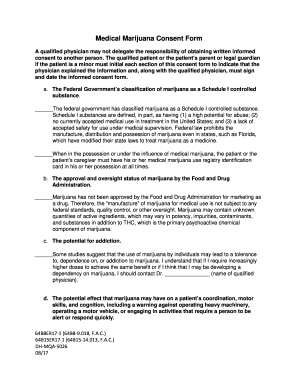
Florida Board of Medicine Links and Resources- Healthcare ...
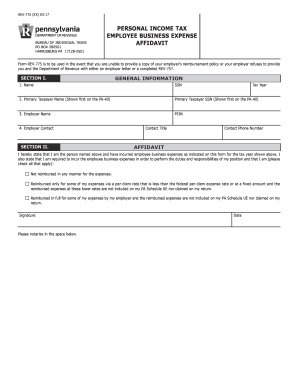
HARRISBURG PA 17128-0501
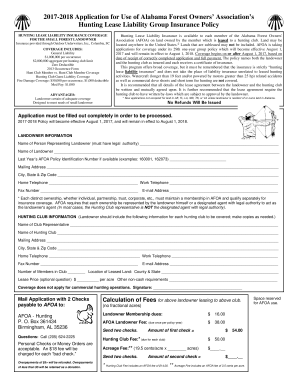
Hunting Lease Liability Insurance - Alabama Forest Owners ... - afoa
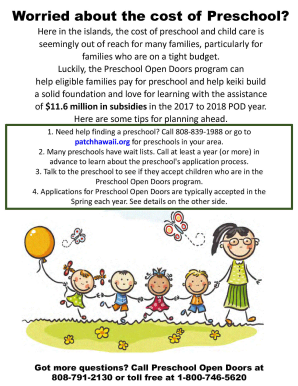
Hawaii preschool open door application

Caves and karst webquest answer key
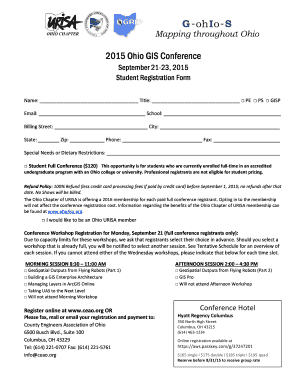
Dietary restrictions email sample
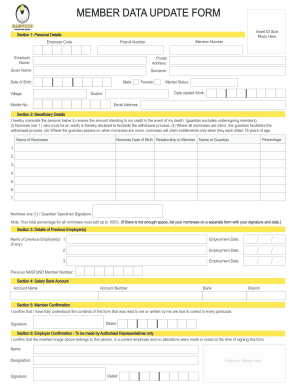
Nasfund member data update form

Nebraska Endocrinology Specialists
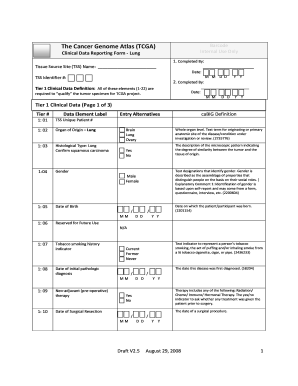
Clinical Data Reporting Form - Lung

MedsCheck and Diabetes MedsCheck consumer report template
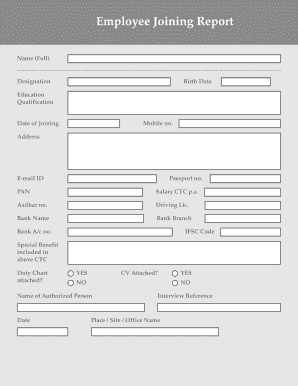
Joining form pdf
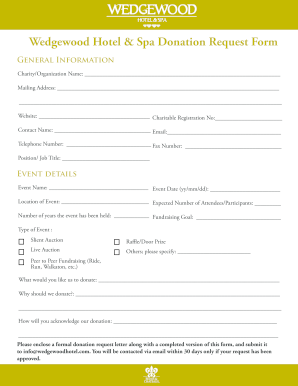
Wedgewood Hotel & Spa Donation Request Form
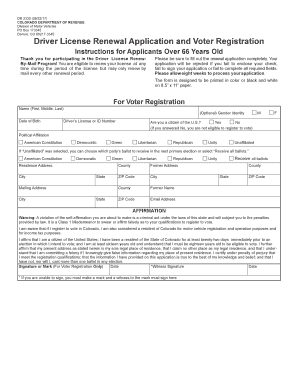
Driver License Renewal Application and Voter ... - Colorado.gov

Rsd secured website

Kbc sfs

Client intake form divorce
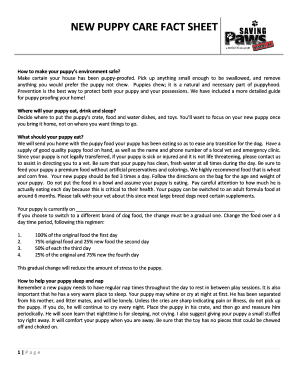
NEW PUPPY CARE FACT SHEET
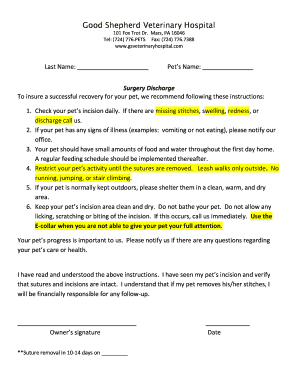
Forms and Discharge Instructions - Willamette Surgery Center

Name/address change application request for new/duplicate cna ...
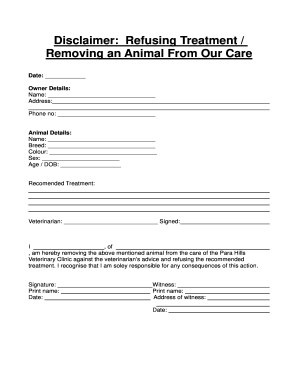
Refusing treatment removing form sample

Refusal of Treatment against Medical Advice

Client Discovery Interview Questions

Branding Checklist

PENSKE Discount Truck Rental Program

Writing a Reflection Paper
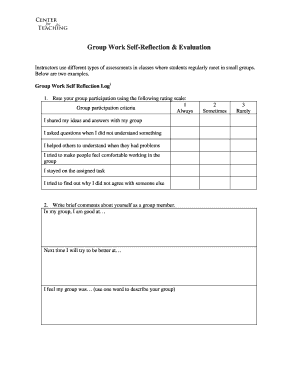
Group Work Self-Reflection & Evaluation
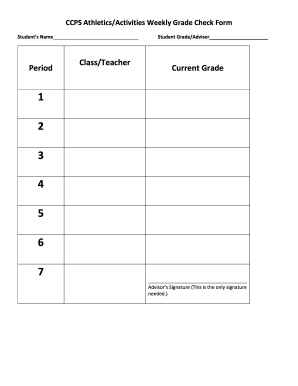
Weekly grade check form
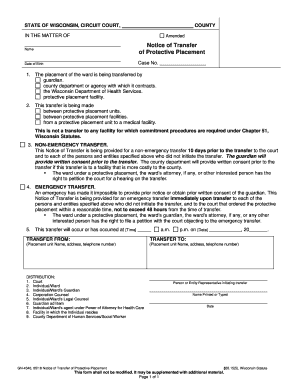
GN-4340: Notice of Transfer of Protective Placement
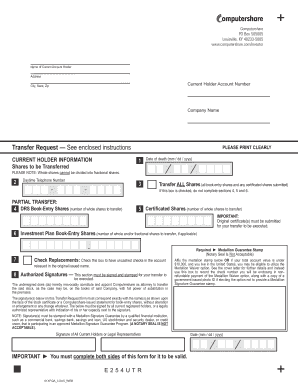
Louisville, KY 40233-5005

PO Box 505005
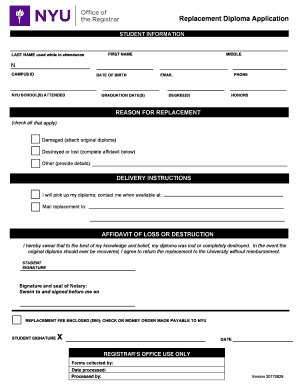
Nyu diploma template
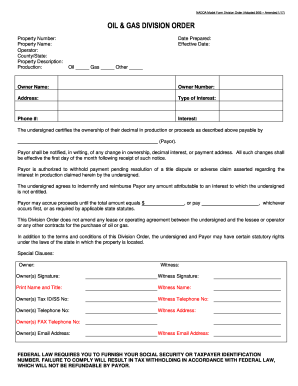
Nadoa model form division order 9 95
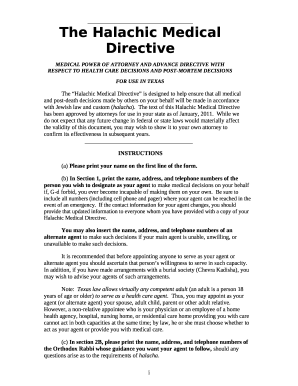
Texas halachic directive advance form
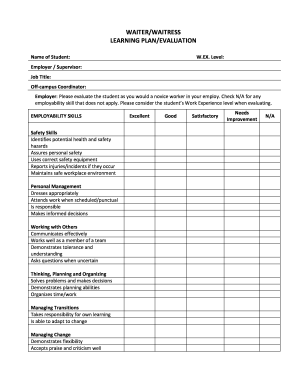
WAITER/WAITRESS
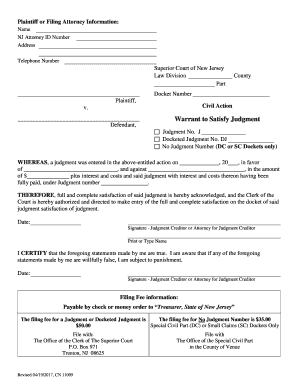
New jersey judgment
Da form 3294
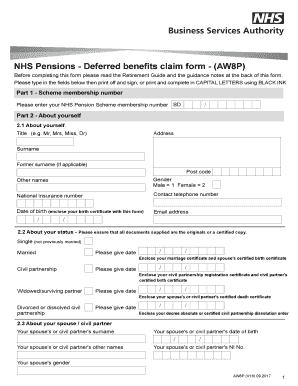
NHS Pensions - Deferred benefits claim form - (AW8P) - NHSBSA
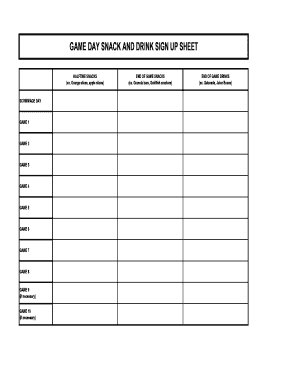
Game day snack sign up sheet
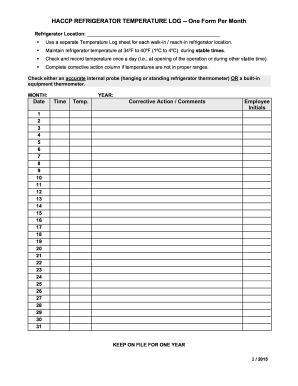
HACCP REFRIGERATOR TEMPERATURE LOG -- One Form Per Month

Temperature data log sheet

Day porter checklist
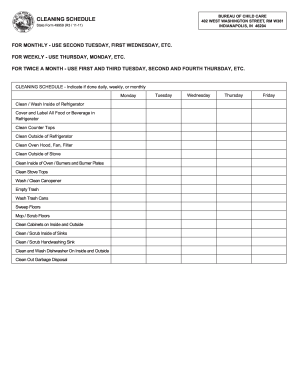
Form cleaning schedule
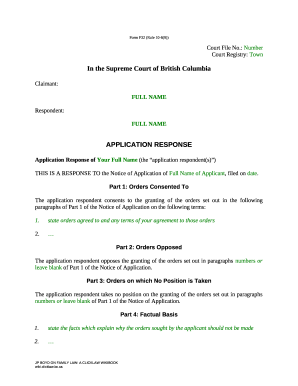
Form F32 (Rule 10-6(9))

Your information will be kept confidential
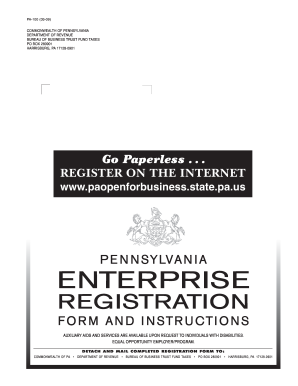
How do i sign the online pa100 2009 form
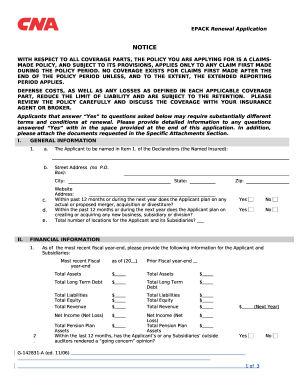
WITH RESPECT TO ALL COVERAGE PARTS, THE POLICY YOU ARE APPLYING FOR IS A CLAIMS-MADE POLICY, AND SUBJECT TO ITS PROVISIONS, APPLIES ONLY TO ANY CLAIM FIRST MADE DURING THE POLICY PERIOD

TEXAS STANDARD PROMISSORY NOTE
Benefit from the DocHub online library of fillable PDF forms
Searching the PDF forms doesn't have to be a tedious and time-consuming process. With the DocHub online library, it has become easier to find the fillable PDF forms and modify them in your browser. The service allows you to adjust the document to your needs using powerful editing tools.
You can use online document editing features to modify almost any type of document with ease. You just need to find the template of your choice, open it in the editor, and use the toolbar to make the necessary corrections.
Follow this guide to get your document done with DocHub:
- Find the PDF template you need.
- Click the Get Form button to open the file in the editor.
- Use the toolbar to fill out and edit the document.
- Easily add and highlight text, insert images, checkmarks, and symbols.
- Drop new fillable fields, and rearrange or delete pages from your file.
- Save changes and download your record.
DocHub empowers everyone to streamline document editing, signing, and distribution, and form completion. Create an account and benefit from our well-organized PDF Forms library and comprehensive editor.