
Get any PDF form from the DocHub library of ready-made templates - Page 1729

OREGON APPLICATION

Nat0046
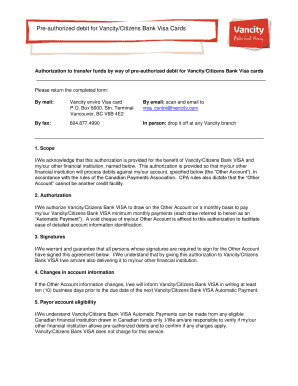
Vancity pre authorized debit form

INDEPENDENT CONTRACTOR AGREEMENT This ... - DriveCMS
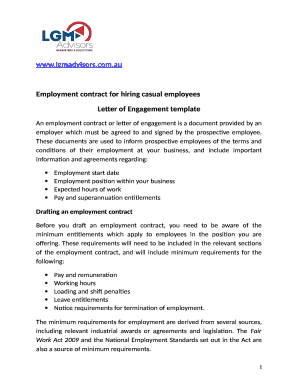
Lgm letter engagement
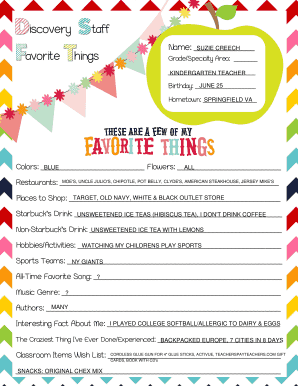
Grade/Specialty Area:
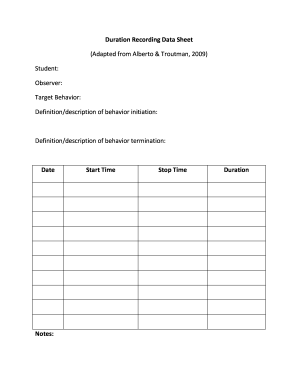
Duration Recording Data Sheet
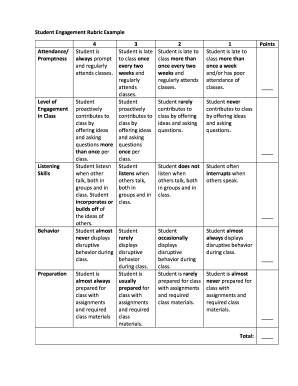
Student Engagement Rubric Example

Student Engagement Walk Through Observation Form

Birch grove crematory
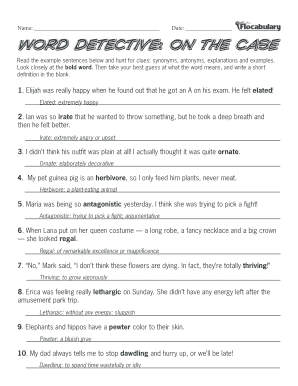
Medical term detectives worksheet answer key
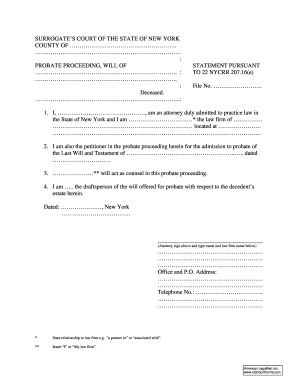
TO 22 NYCRR 207

Haralsoncountywaterauthority
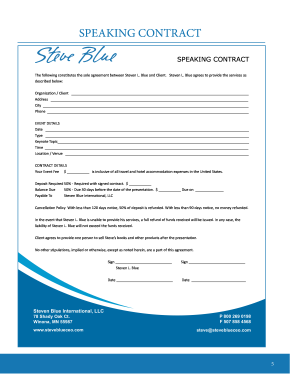
SPEAKING CONTRACT
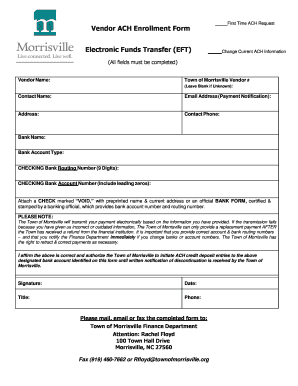
Vendor ACH Enrollment Form
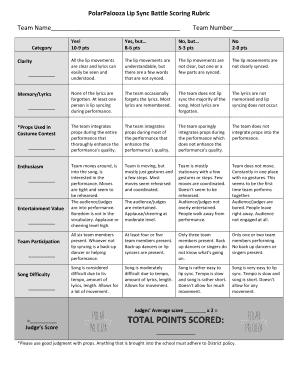
Lip sync battle rubric
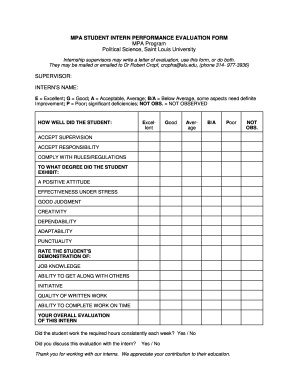
MPA STUDENT INTERN PERFORMANCE EVALUATION FORM
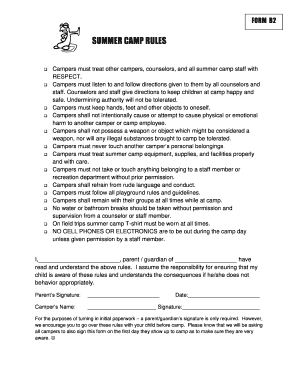
Camp rules template
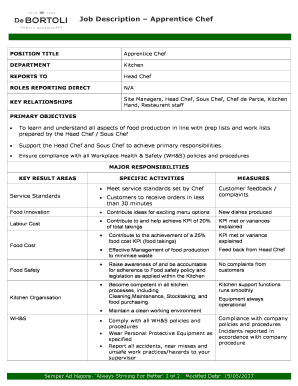
Job Description Apprentice Chef
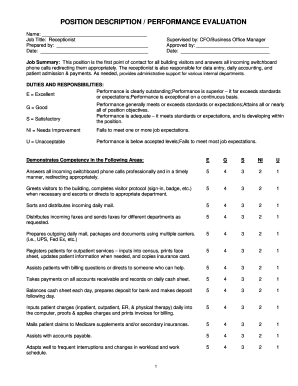
Supervised by: CFO/Business Office Manager

Joes party
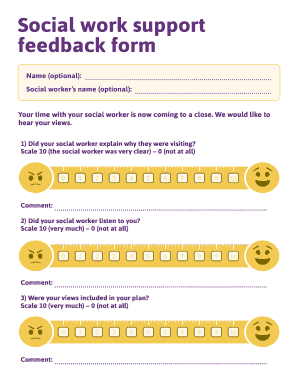
Social work support

Traditional Vows
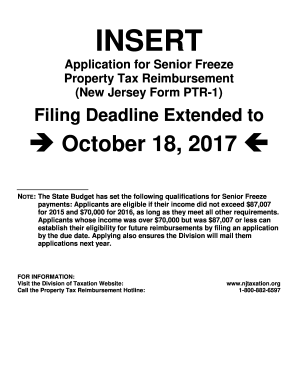
Form ptr 1 2016

Come worship with us. It's in the room... - Shana Wilson Williams
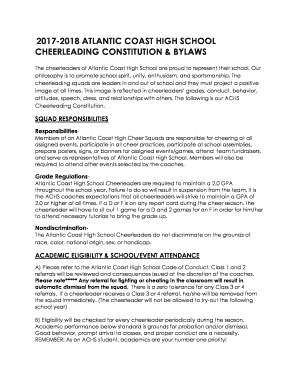
CHEERLEADING CONSTITUTION & BYLAWS

INTERPRETIVE DANCE CATEGORY
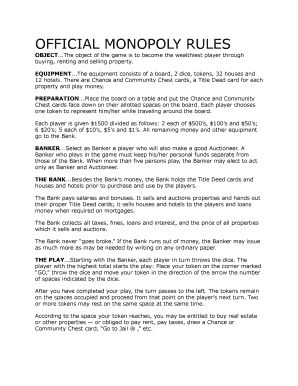
Monopoly rules pdf
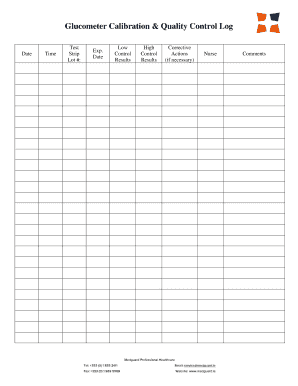
Glucometer calibration log
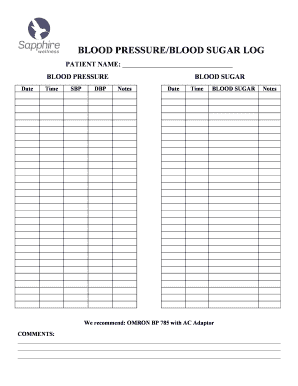
BLOOD PRESSURE/BLOOD SUGAR LOG

Occupational profile example
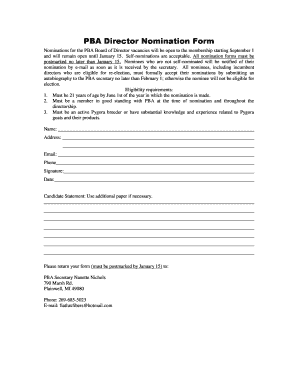
PBA Director Nomination Form
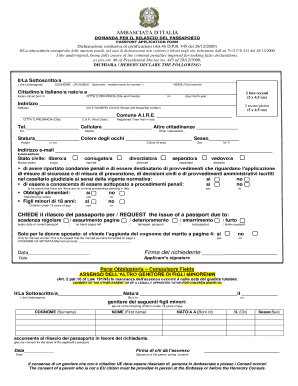
Rilascio passaporto

Additional Forms Study Permit

Burke reading
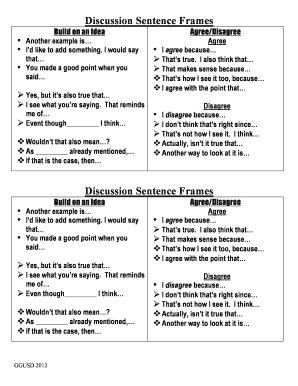
Discussion Sentence Frames
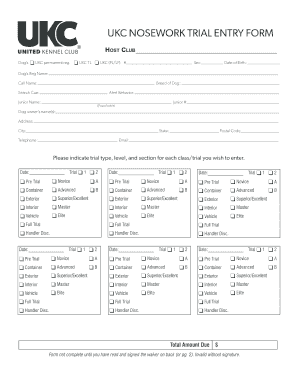
UKC NOSEWORK TRIAL ENTRY FORM

Telephone (305)795-2207 Fax (305)756-8972
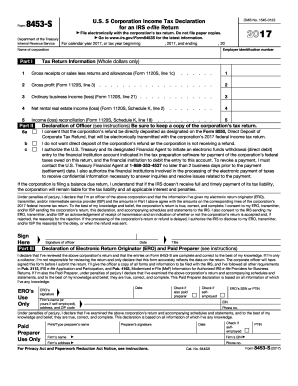
Corporate Tax Refund, that will be electronically transmitted with the corporations 2017 federal income tax return

The State of Queensland, do solemnly and sincerely declare as follows:-
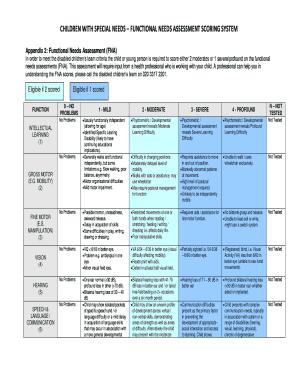
Appendix 2: Functional Needs Assessment (FNA)

Lessee, who hereby hires the following premises, viz (Apartment/Suite)
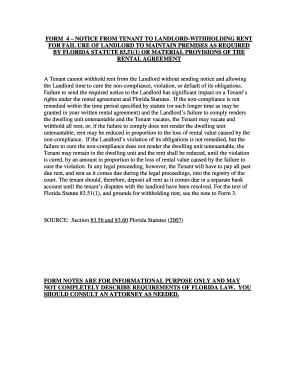
FORM 4 NOTICE FROM TENANT TO LANDLORD-WITHHOLDING RENT
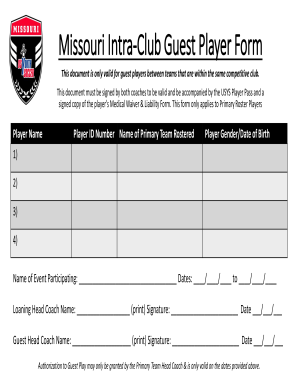
Missouri intra club player form
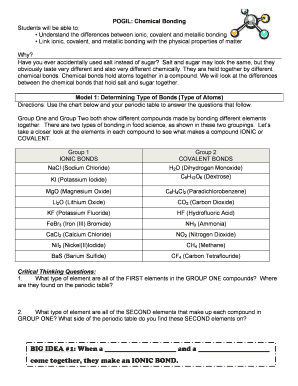
Ionic vs covalent pogil answer key
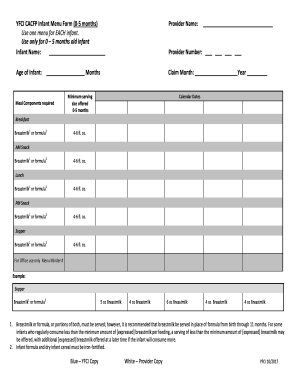
YFCI CACFP Infant Menu Form (0-5 months)
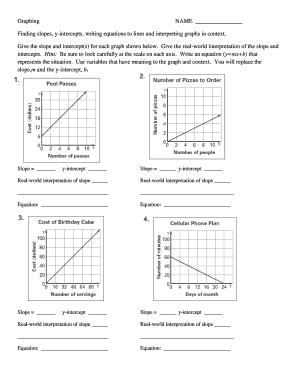
Finding slopes, y-intercepts, writing equations to lines and interpreting graphs in context

Certification Application (CA-265)

Systems of equations word problems worksheet

Write the temperature shown on each thermometer:

My goal pdf
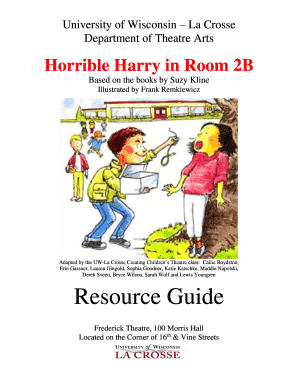
Horrible harry pdf
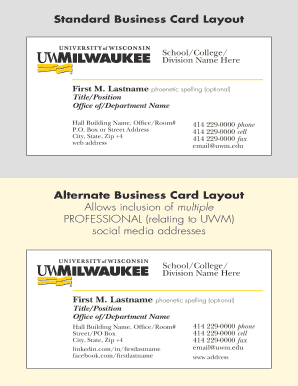
Standard Business Card Layout
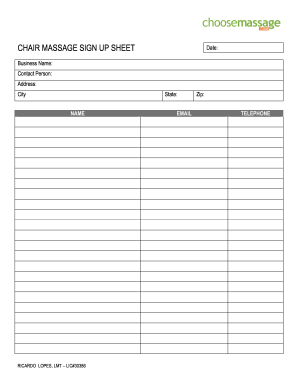
CHAIR MASSAGE SIGN UP SHEET

Nedbank internet banking application

KWL Chart Template
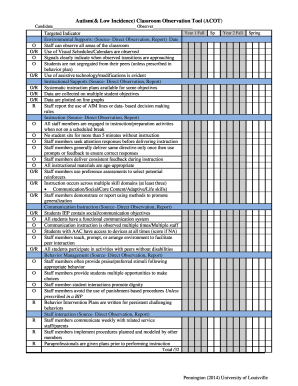
Autism screening questionnaire
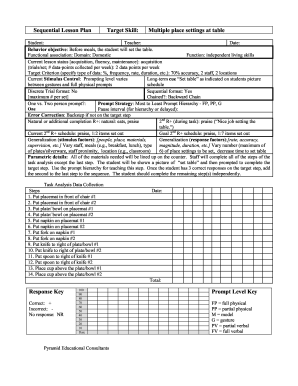
Pecs sequential plan printable

Walmart and sam's club vaccine administration record and informed consent

Advanced grammar in use supplementary exercises pdf
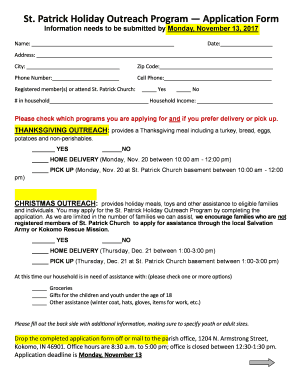
Patrick Holiday Outreach Program Application Form

Letter Writing Competition

Dance team contract template
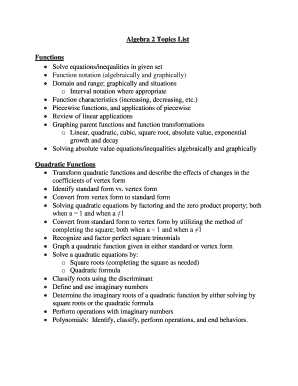
Algebra 2 topics
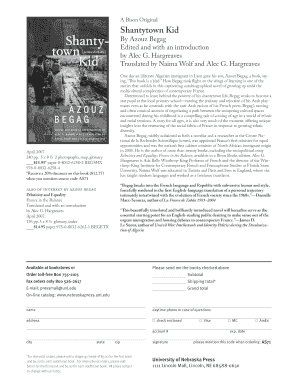
Shantytown kid pdf
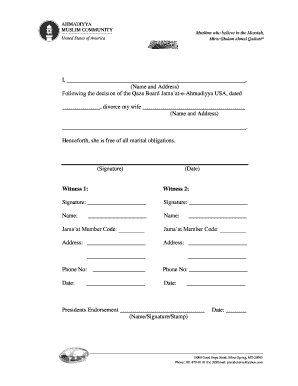
Ahmadiyya divorce form

1583 River Walk Drive Fortuna, CA 707-725-7025 FAX: 707-725-7088
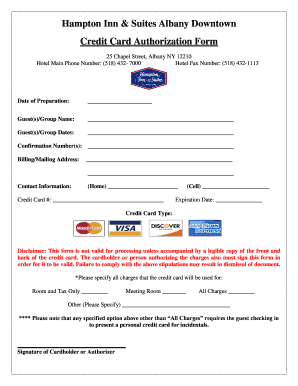
Hampton Inn & Suites Albany Downtown
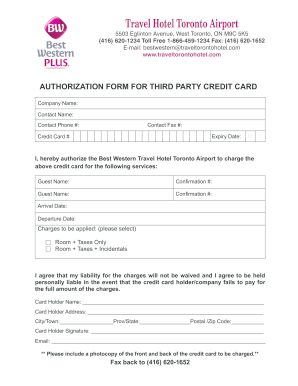
Toronto authorization third

CERTIFIED TRUE COPY OF ID-DOCUMENT

Vic roads photo
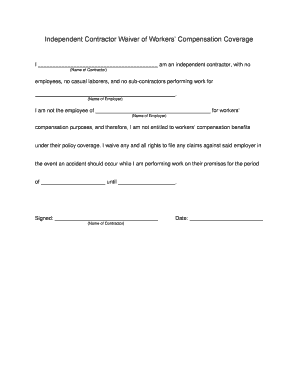
Waiver workers compensation form

Ejemplo de carta de aviso de desalojo

Instructions for Completing Form LLC-12NC

Corporations e biennial
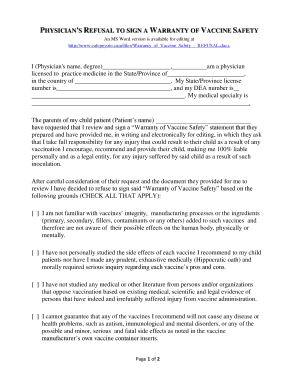
Vaccine warranty form
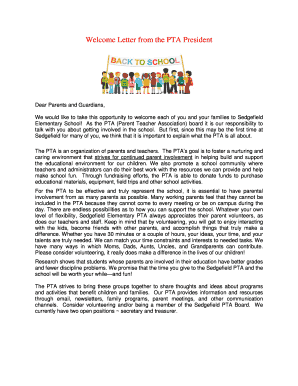
Pta president welcome address
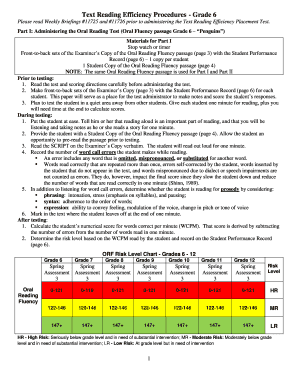
Text Reading Efficiency Procedures - Grade 6
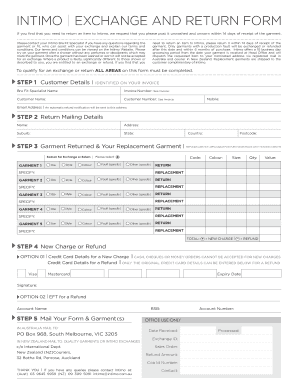
Intimo returns form

Four Areas of Evaluation:
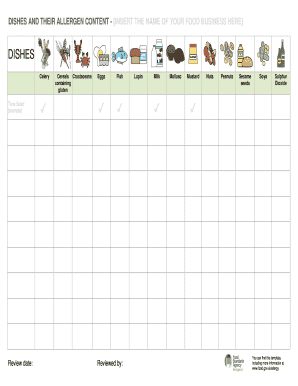
Printable allergen sheet template

Genkoyoushi pdf

Fee scale form

Kentucky Dental Screening/Examination Form for School EntryAugust 2010
Texas form 05 158 instructions 2018
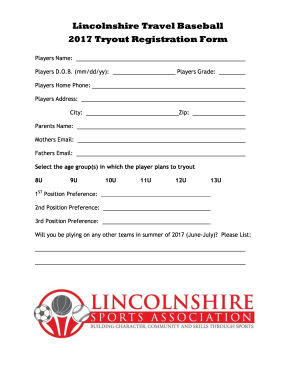
2017 Alliance Rule Book - Alliance Youth Sports North

AHA/ACSM Health/Fitness Facility Preparticipation Screening Questionnaire
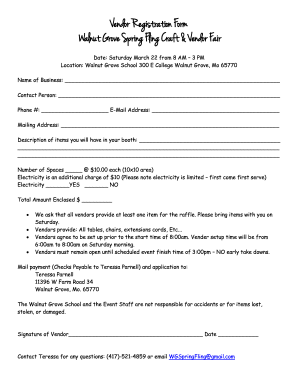
Walnut Grove Spring Fling Craft & Vendor Fair
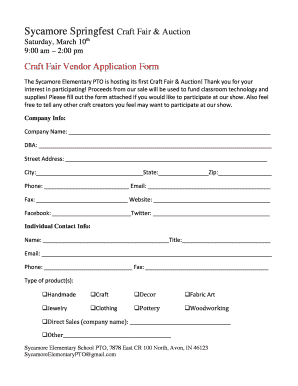
Sycamore spring fest

YATZY Score Sheet
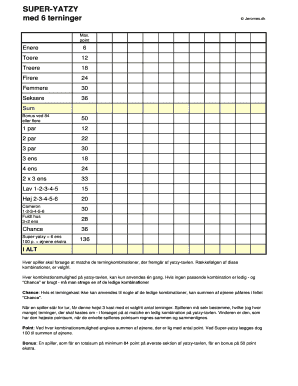
Yatzy blok online
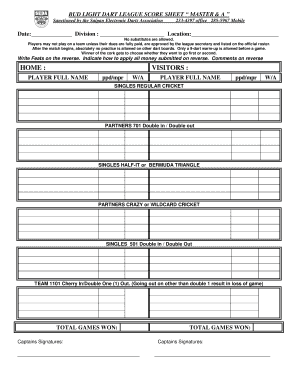
Dart league score sheets download

Kanga Cricket Score Sheet

Tavyside Badminton

Funeral Cost Estimates
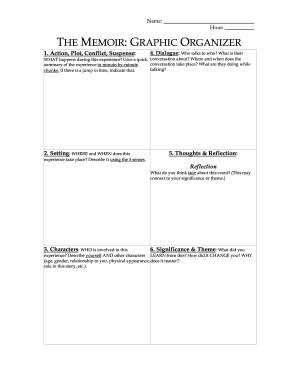
Memoir graphic organizer
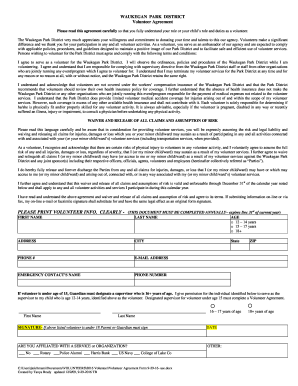
Please read this agreement carefully so that you fully understand your role or your childs role and duties as a volunteer

Nrcc lts e
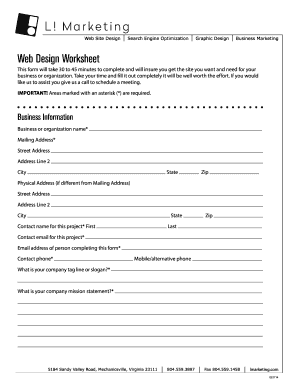
Web Design Worksheet

Use this power of attorney if you are going to move to someone, work, study or visit Sweden and you want someone
Benefit from the DocHub online library of fillable PDF forms
Searching the PDF forms doesn't have to be a tedious and time-consuming process. With the DocHub online library, it has become easier to find the fillable PDF forms and modify them in your browser. The service allows you to adjust the document to your needs using powerful editing tools.
You can use online document editing features to modify almost any type of document with ease. You just need to find the template of your choice, open it in the editor, and use the toolbar to make the necessary corrections.
Follow this guide to get your document done with DocHub:
- Find the PDF template you need.
- Click the Get Form button to open the file in the editor.
- Use the toolbar to fill out and edit the document.
- Easily add and highlight text, insert images, checkmarks, and symbols.
- Drop new fillable fields, and rearrange or delete pages from your file.
- Save changes and download your record.
DocHub empowers everyone to streamline document editing, signing, and distribution, and form completion. Create an account and benefit from our well-organized PDF Forms library and comprehensive editor.