
Get any PDF form from the DocHub library of ready-made templates - Page 1732
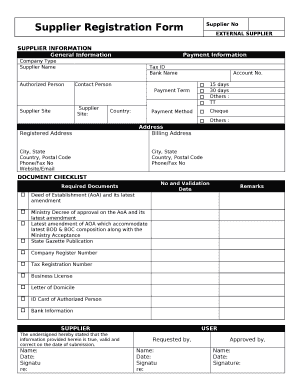
Others :
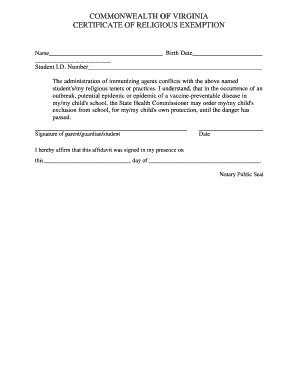
CERTIFICATE OF RELIGIOUS EXEMPTION
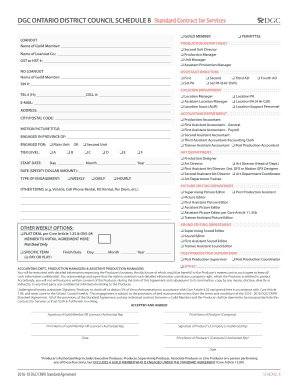
Dgc schedule 8

Central Office Receptionist

SAMPLE SHOW JUMPING SCORE SHEET

Form owner nsw

The Hazardous Waste Regulations 2005: Consignment Note

Position analysis questionnaire for job analysis
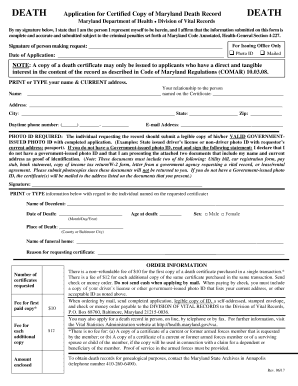
Maryland death form
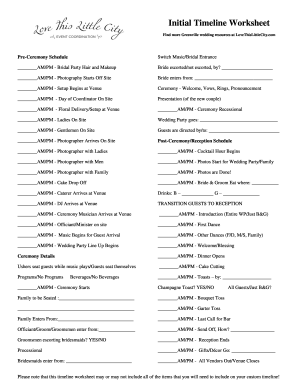
Initial Timeline Worksheet
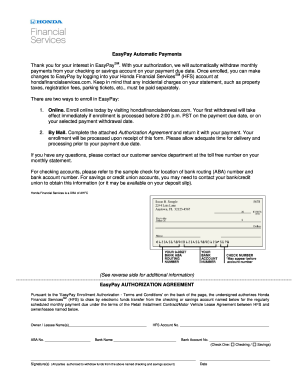
Hondafinancialservices com easypay
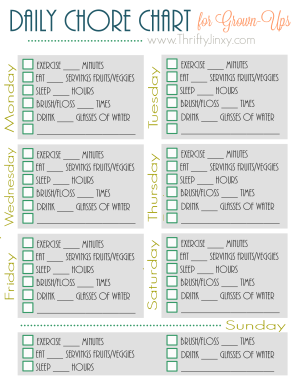
Daily Chore Chart
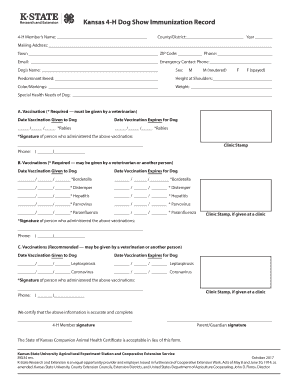
Kansas 4 h immunization
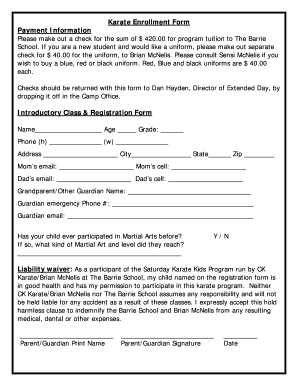
Karate Enrollment Form
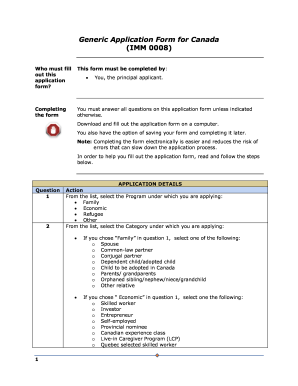
Generic Application Form for Canada (IMM 0008)
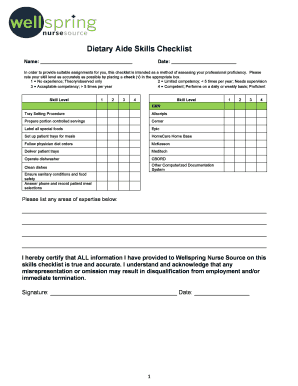
Dietary aide skills
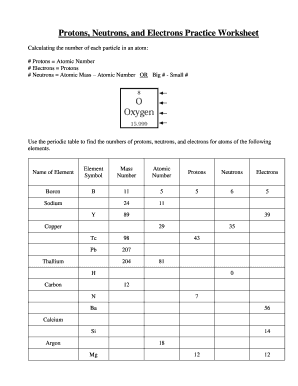
Protons neutrons and electrons practice worksheet with answers
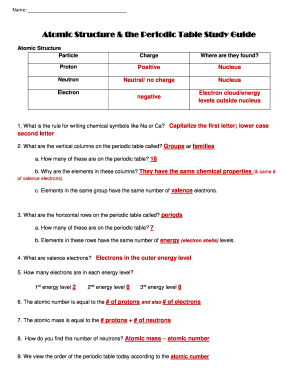
Periodic table study guide
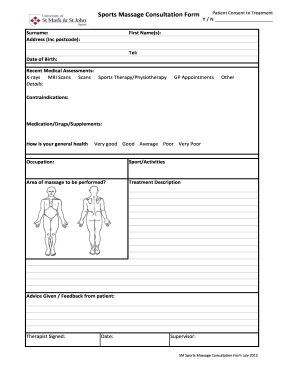
Sports massage consultation form
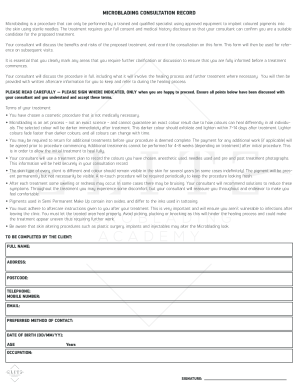
MICROBLADING CONSULTATION RECORD
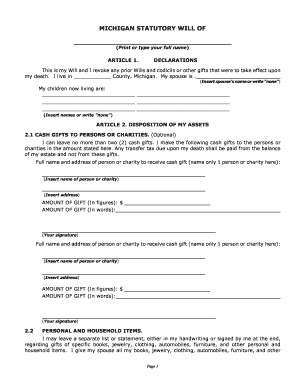
MICHIGAN STATUTORY WILL OF

(Type or Print in Ink)

Cell Phone Allowance Request
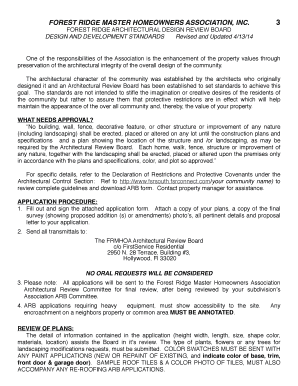
FOREST RIDGE MASTER HOMEOWNERS ASSOCIATION, INC

PERSONAL ASSETS AND LIABILITIES STATEMENT

Sbi education loan form filling sample pdf

ACT MATH FORMULA REVIEW

2017 PILOT PROGRAM: APPLICATION OVERVIEW

Application and return it to the Financial Assistance Department
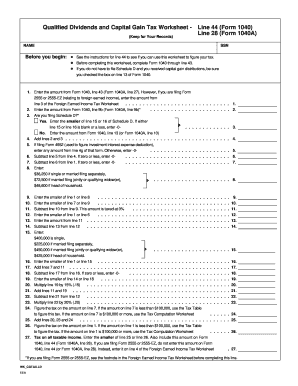
2021 qualified dividends and capital gains worksheet
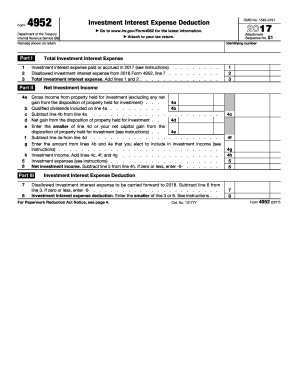
Form 4952 2017
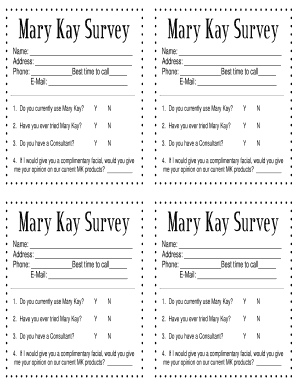
Mary kay printables
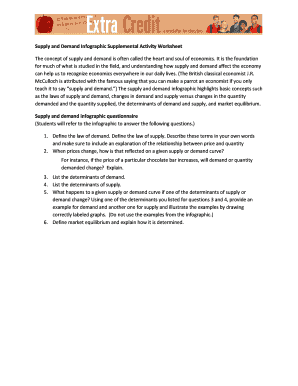
Supply and demand infographic supplemental activity worksheet

Tn advance plan health
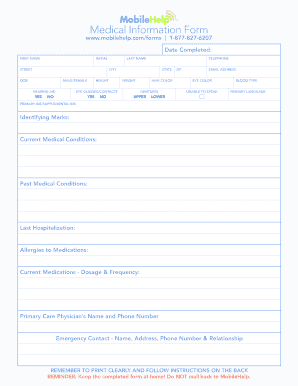
Com/forms 1-877-827-6207
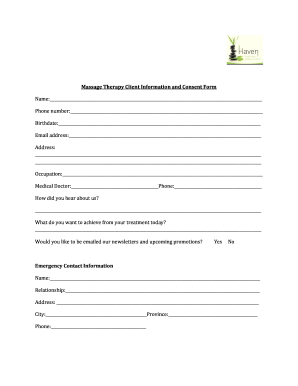
Massage Therapy Client Information and Consent Form

Scjaa
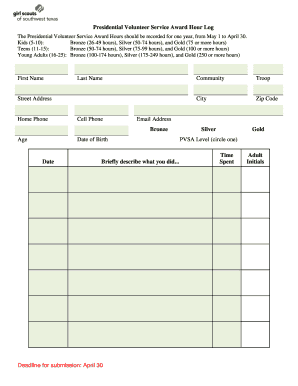
The Presidential Volunteer Service Award Hours should be recorded for one year, from May 1 to April 30

Medical report - OMERS total disability benefits
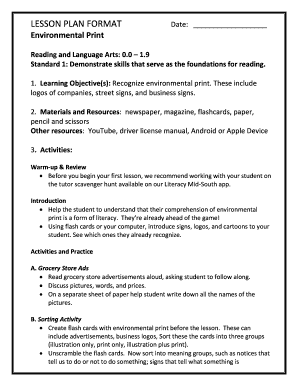
Environmental Print

STATE & NO

Argumentative Essay Graphic Organizer

Texas board dental examiners
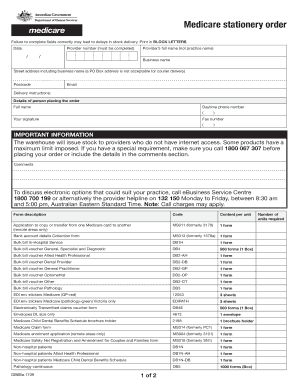
Db6ba medicare form

Impilo patient information form
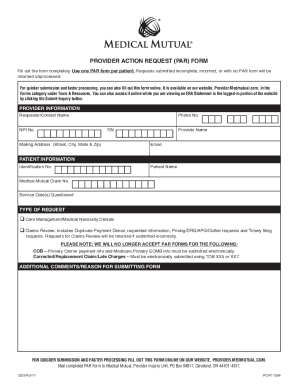
Medical mutual form

Appeal Satisfactory

Sample of Motion for Reconsideration
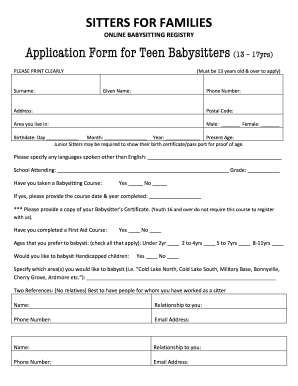
SITTERS FOR FAMILIES

VA NEAREST LIVING RELATIVE STATEMENT
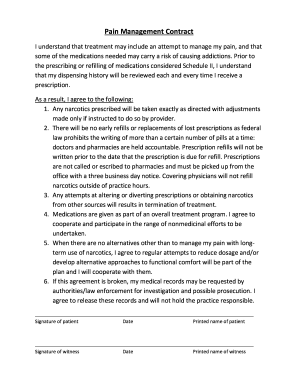
Pain Management Contract
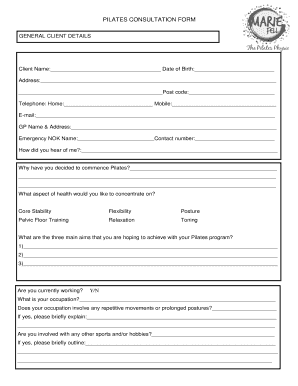
PILATES CONSULTATION FORM
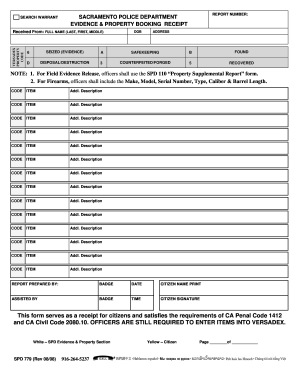
Received From: FULL NAME (LAST, FIRST, MIDDLE)
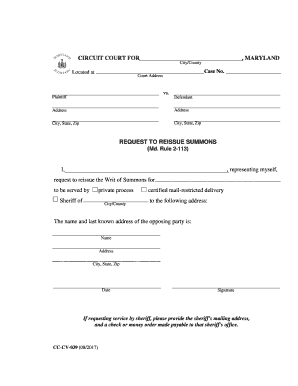
Application for reissue of summons format

Ct uct 212 form

HP41-REF
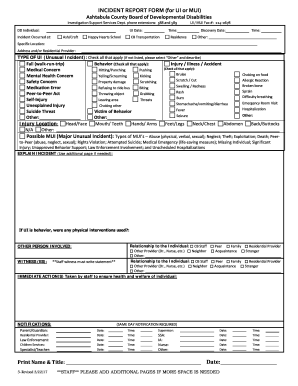
INCIDENT REPORT FORM (for UI or MUI)
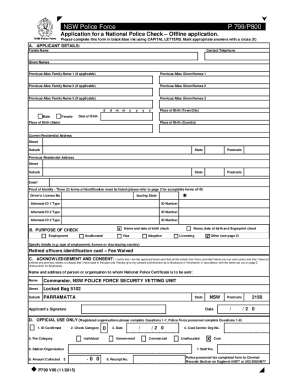
Police check form printable

325 melrose st providence ri 02907
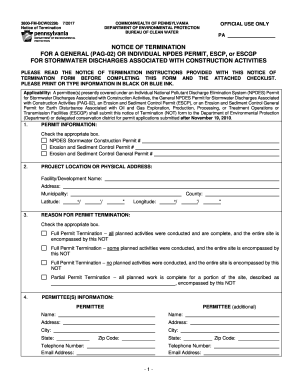
FOR A GENERAL (PAG-02) OR INDIVIDUAL NPDES PERMIT, ESCP, or ESCGP

REQUEST FOR DISMISSAL - SMALL CLAIMS
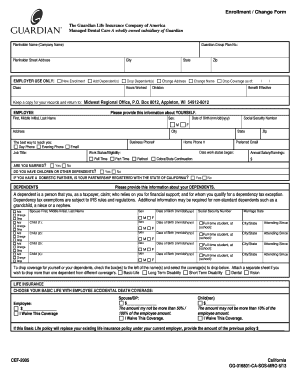
Managed Dental Care A wholly owned subsidiary of Guardian
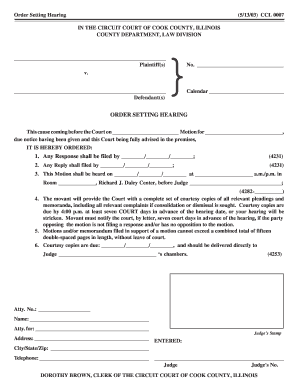
Due notice having been given and this Court being fully advised in the premises,
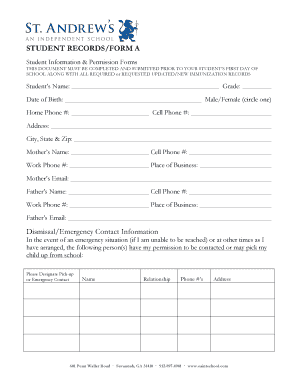
STUDENT RECORDS/FORM A
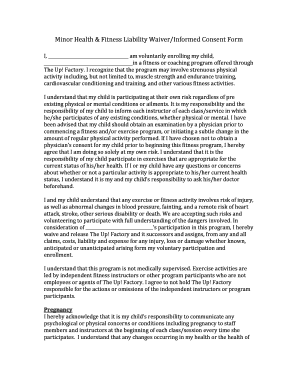
Minor Health & Fitness Liability Waiver/Informed Consent Form
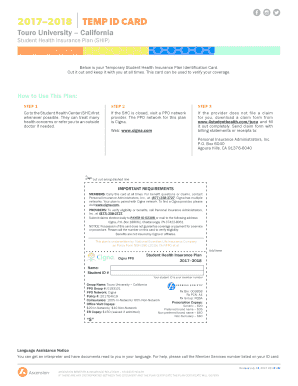
TEMP ID CARD
Exposure control plan
"Temporary Guardianship Agreement Form
Walk and talk therapy consent form
Boarding application form
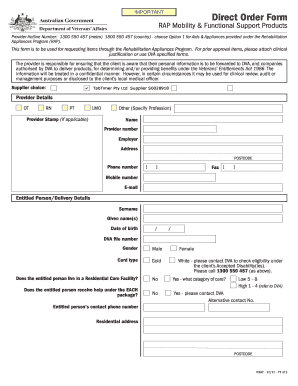
RAP Mobility & Functional Support Products
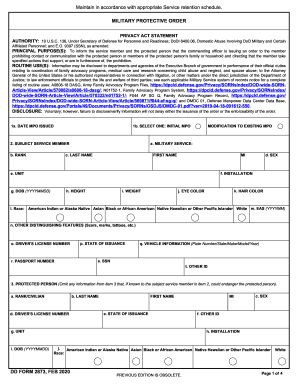
Dd form 2873

Sa health deed poll
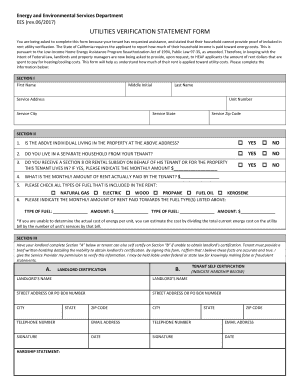
EES (rev
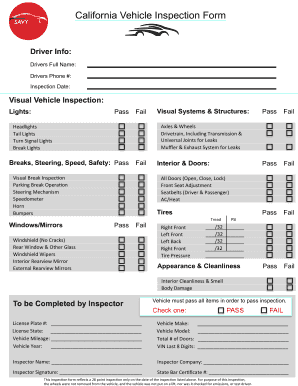
California vehicle inspection form
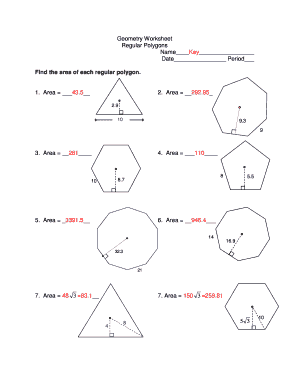
Regular polygons worksheet pdf
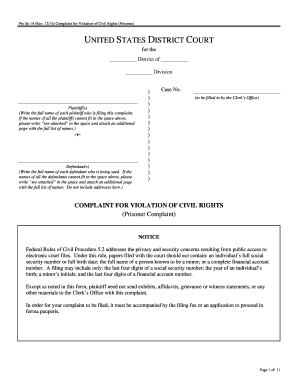
Pro Se 14 (Rev

MT-103 (1-12)
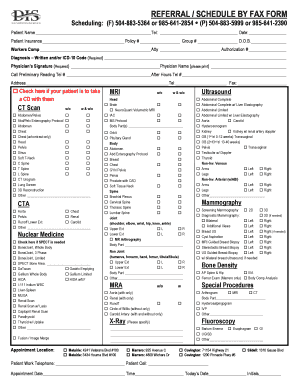
REFERRAL / SCHEDULE BY FAX FORM

(Please fill this form in ENGLISH and in BLOCK LETTERS)
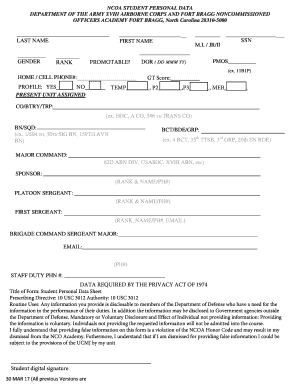
NCOA STUDENT PERSONAL DATA
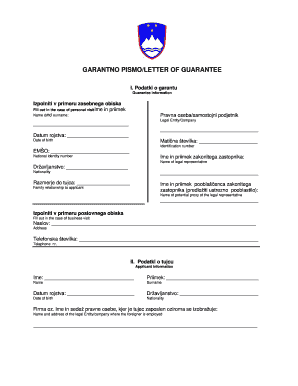
Garantno pismo za austriju formular
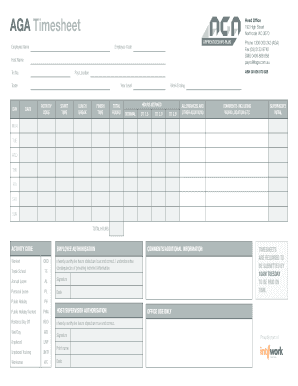
Aga timesheet

FINGERPRINT INSTRUCTIONS & BACKGROUND WAIVER REL-150
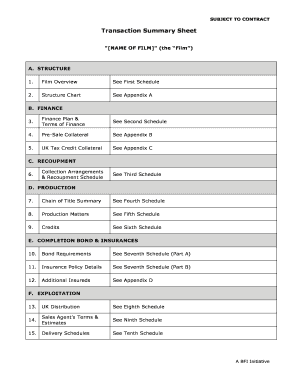
Transaction Summary Sheet
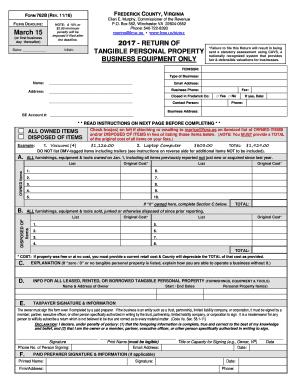
California Pre-Lien and Mechanics' Lien - National Lien Law
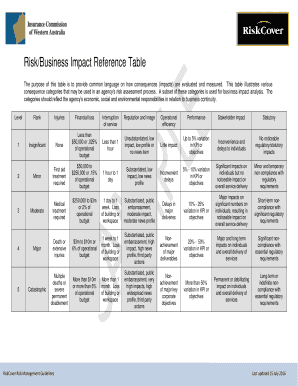
Business impact reference table

Family Child Care Home Template
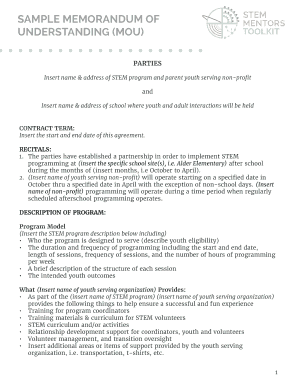
SAMPLE MEMORANDUM OF

QUALITY ASSURANCE and QUALITY CONTROL PLAN for MEASUREMENT of INDOOR
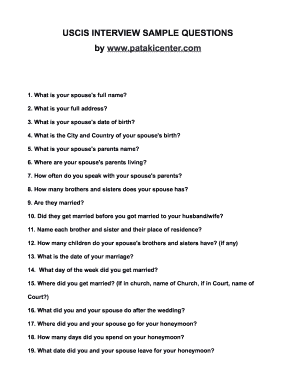
Uscis interview sample questions

- SHORT TERM MISSIONS TRIP APPLICATION PACKET Thank you for your interest in a Redeemer Bible Church short term missions trip

Metacognitive reading log

Letter phlebotomy sample
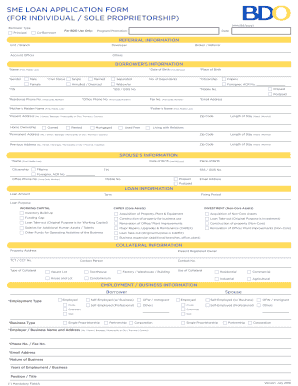
Sme application form
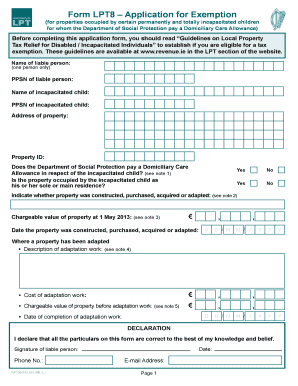
Form LPT8 Application for Exemption
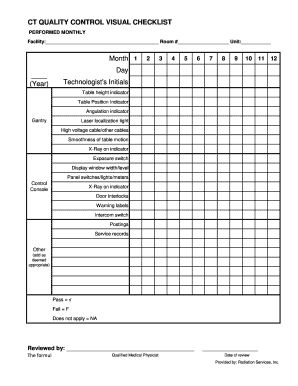
Ct quality control visual checklist
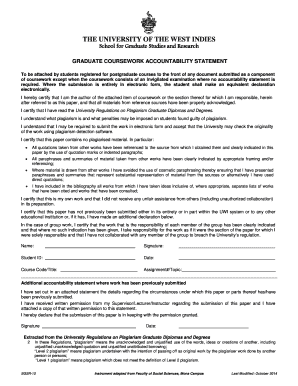
GRADUATE COURSEWORK ACCOUNTABILITY STATEMENT
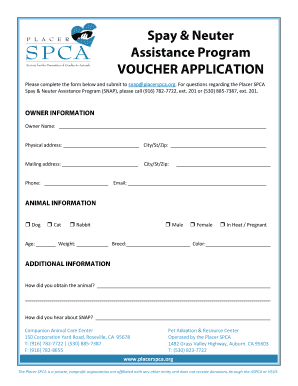
Please complete the form below and submit to snapplacerspca

Work Plan and Job Safety/Hazard Analysis
Benefit from the DocHub online library of fillable PDF forms
Searching the PDF forms doesn't have to be a tedious and time-consuming process. With the DocHub online library, it has become easier to find the fillable PDF forms and modify them in your browser. The service allows you to adjust the document to your needs using powerful editing tools.
You can use online document editing features to modify almost any type of document with ease. You just need to find the template of your choice, open it in the editor, and use the toolbar to make the necessary corrections.
Follow this guide to get your document done with DocHub:
- Find the PDF template you need.
- Click the Get Form button to open the file in the editor.
- Use the toolbar to fill out and edit the document.
- Easily add and highlight text, insert images, checkmarks, and symbols.
- Drop new fillable fields, and rearrange or delete pages from your file.
- Save changes and download your record.
DocHub empowers everyone to streamline document editing, signing, and distribution, and form completion. Create an account and benefit from our well-organized PDF Forms library and comprehensive editor.