




01. Edit your form online
Type text, add images, blackout confidential details, add comments, highlights and more.

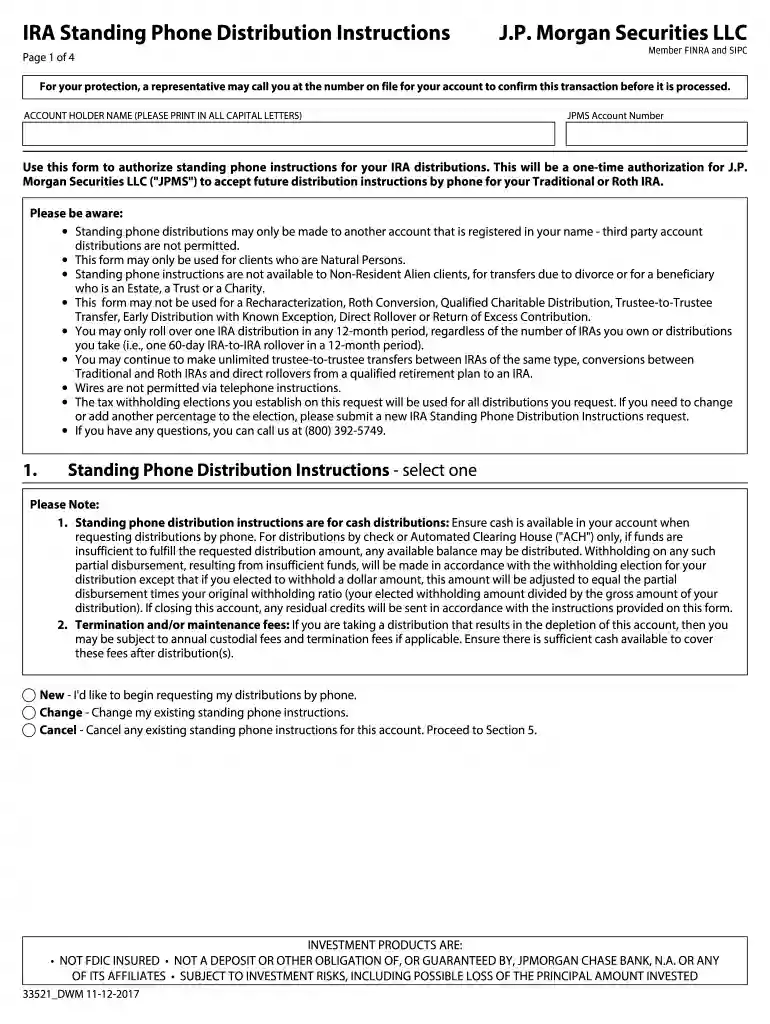
Type text, add images, blackout confidential details, add comments, highlights and more.

Draw your signature, type it, upload its image, or use your mobile device as a signature pad.

Send it via email, link, or fax. You can also download it, export it or print it out.

Start using our platform today for free and streamline your IRA distribution process!
We've got more versions of the IRA Standing Phone Distribution Instructions form. Select the right IRA Standing Phone Distribution Instructions version from the list and start editing it straight away!
| Versions | Form popularity | Fillable & printable |
|---|---|---|
| 2017 | 4.3 Satisfied (38 Votes) |
At DocHub, your data security is our priority. We follow HIPAA, SOC2, GDPR, and other standards, so you can work on your documents with confidence.
Mar 23, 2026 On the line for the taxable amount, enter zero if the full amount was a qualified charitable distribution. Enter QCD next to this line. SeeRead more
You may roll over the payment to either an IRA (an individual retirement account or individual retirement annuity) or an employer plan (a tax- qualified plan,Read more
May 4, 2012 Source architecture refers to the spatial distribution of DNAPLs, consisting of both ganglia and pools (quantified as the pool fraction), asRead more


