
1099 and 1096 Order Forms
Streamline order forms management process and browse 1099 and 1096 Order Forms online collection. Find case-specific templates, adjust them, and safely send them with other team members.

Create a new 1099 and 1096 Order Form
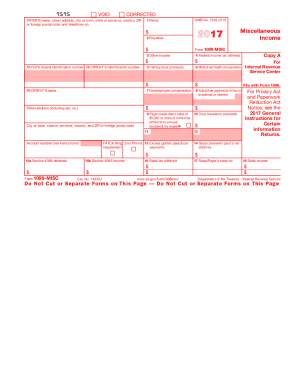
Form 1099-MISC
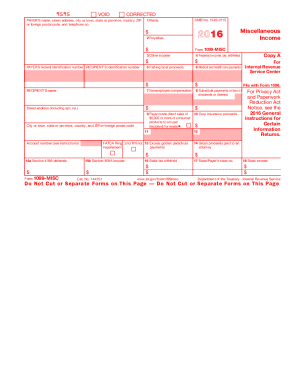
Blank 2016 1099 form

Printable 1099 form
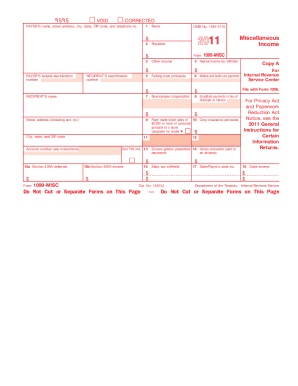
2011 1099 form
Fl 300

2015 1096 form
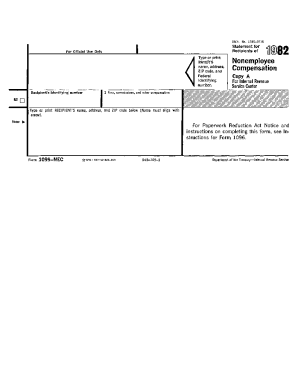
1099 nec form 2020 printable
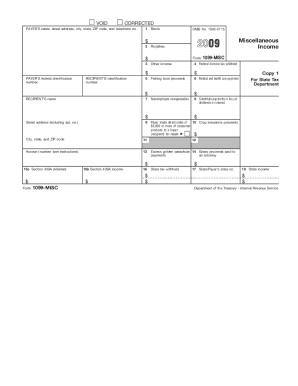
1099 2009 form
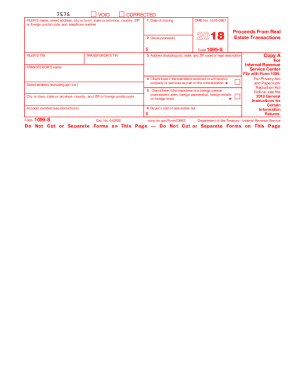
1099 fillable form 2015
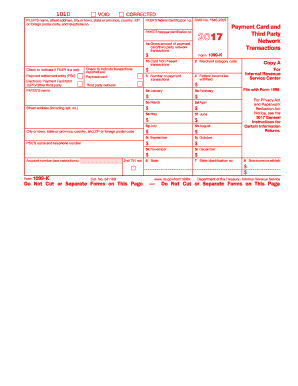
1099 k 2017 form
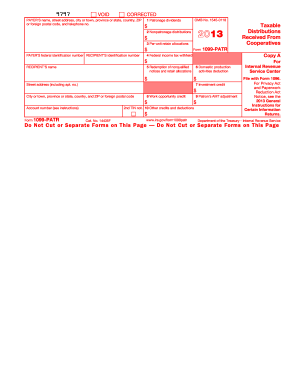
Irs form 1099 printable 2013
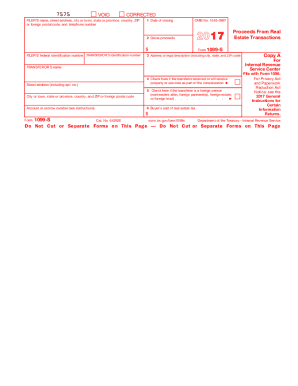
2017 form 1099
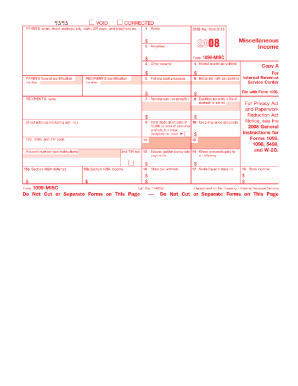
2008 1099 form
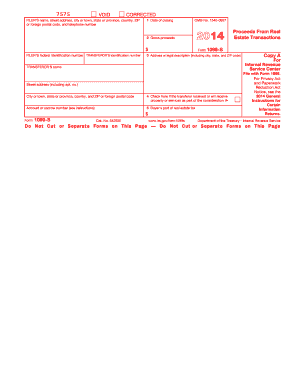
2014 form 1099
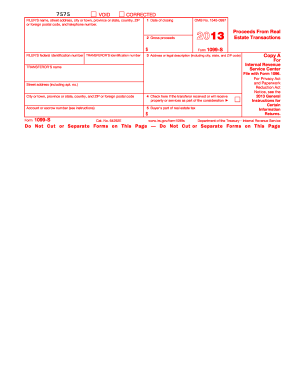
2013 form 1099
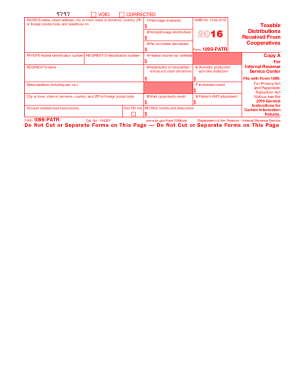
2016 1099 form
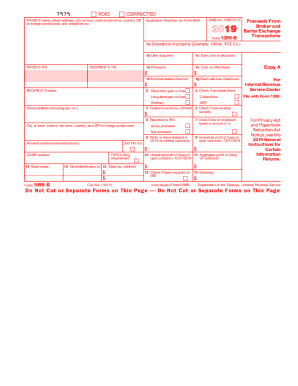
1099 b 2018
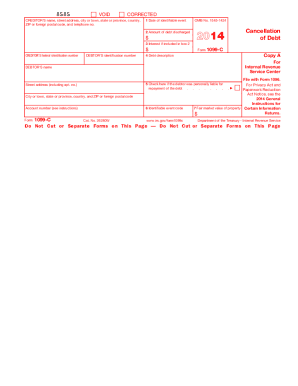
1099 c 2014 form
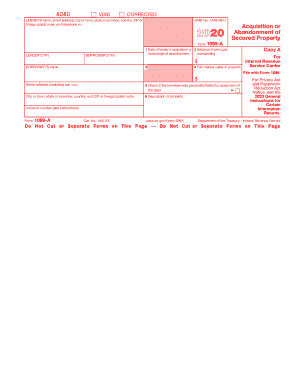
How to form 1099 a

2018 1099 misc
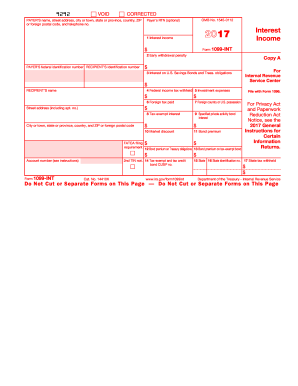
1099 int 2017 form
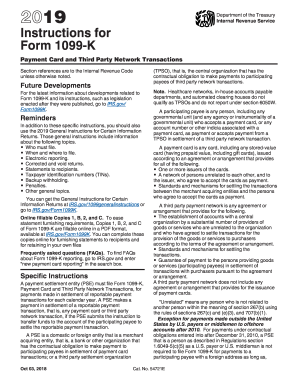
2019 1099 k form
2009 irs form 1099
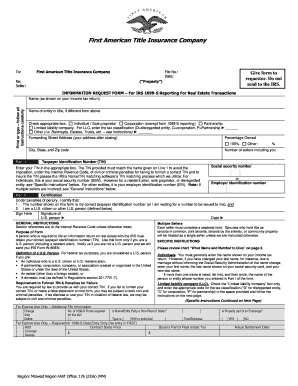
1099 information request form
10 90 form

1099 sa 2011 form
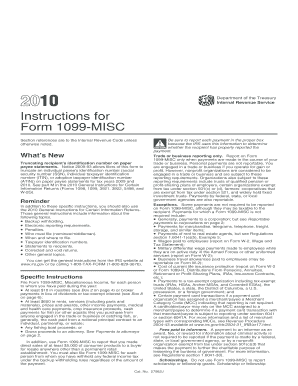
1099 misc 2010 fillable form
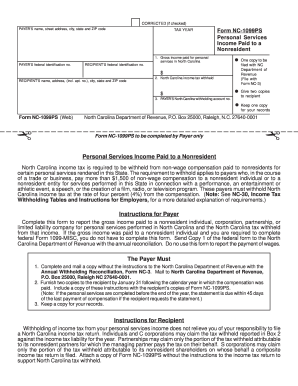
Nc 1099 form printable
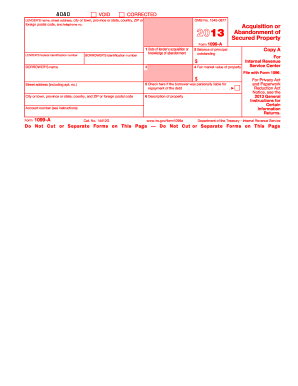
1099a 2013 form
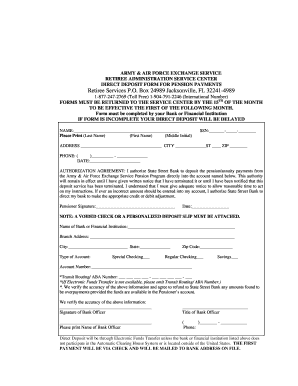
State street retiree services 1099 r 2020
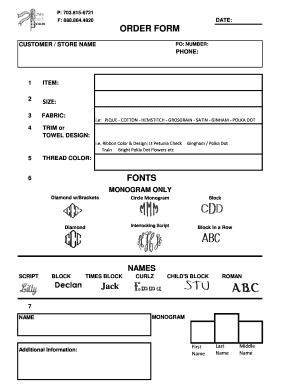
P 703815-6721 F 8888644820 DATE ORDER FORM
2008 1096 form
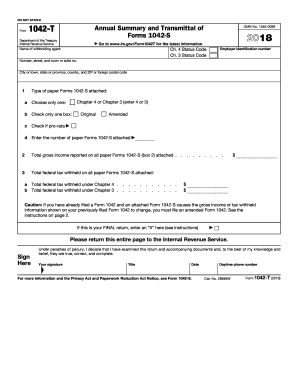
Irs gov 2016 transmittal form

CT-1096, Connecticut Annual Summary and Transmittal of ... - CT....
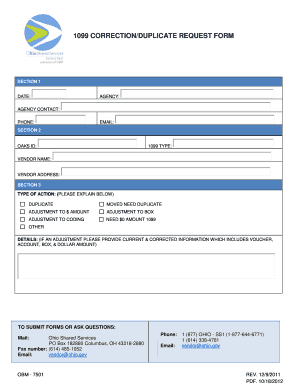
1099 correction request

2007 form 1099 misc
-
1
- 2
Raise your production with 1099 and 1096 Order Forms
Document management consumes to half of your office hours. With DocHub, it is simple to reclaim your time and effort and boost your team's productivity. Access 1099 and 1096 Order Forms online library and investigate all templates relevant to your everyday workflows.
The best way to use 1099 and 1096 Order Forms:
- Open 1099 and 1096 Order Forms and use Preview to get the suitable form.
- Click on Get Form to begin working on it.
- Wait for your form to open in the online editor and begin modifying it.
- Add new fillable fields, symbols, and images, adjust pages order, and many more.
- Fill out your template or prepare it for other contributors.
- Download or deliver the form by link, email attachment, or invite.
Speed up your everyday document management with the 1099 and 1096 Order Forms. Get your free DocHub profile right now to explore all forms.
Video Guide on 1099 and 1096 Order Forms management

Commonly Asked Questions about 1099 and 1096 Order Forms
Do I send 1096 and 1099 together?
Use Form 1096 To Send Paper Forms to the IRS You must send Copies A of all paper Forms 1097, 1098, 1099, 3921, 3922, 5498, and W-2G to the IRS with Form 1096, Annual Summary and Transmittal of U.S. Information Returns.
Where can I get a printable 1096 form?
To order official IRS information returns, which include a scannable Form 1096 for filing with the IRS, visit .IRS.gov/orderforms. Click on Employer and Information Returns, and well mail you the forms you request and their instructions, as well as any publications you may order.
Can you download and print 1099-NEC forms?
Please note that Copy B and other copies of this form, which appear in black, may be downloaded and printed and used to satisfy the requirement to provide the information to the recipient. If you have 10 or more information returns to file, you may be required to file e-file.
How to order 1099 and 1096 forms from IRS?
If you are an employer or business needing to order information returns (all series of forms W-2, W-3, W-4, 1096, 1097, 1098, 1099, 3922, 5498, and other products), please visit our ordering page for employer and information returns at Online Ordering for Information Returns and Employer Returns or call 800-829-3676.
Can you hand print 1096 forms?
Yes, you can handwrite the form, but keep in mind that Form 1096 needs to be submitted on the paper with the boxes in red.
Can you print 1096 on plain paper?
1099 and 1096 The IRS does not have a red form for Form W-2G. Copy A of both forms are printed on plain black paper. 1099 recipients should be printed on blank, perforated paper. Click here to purchase 1099/1096 Copy As as well as blank perforated forms that are compatible with Payroll System W2/1099.
Can I print my own 1096 forms?
The official printed version of this IRS form is scannable, but a copy, printed from this website, is not. Do not print and file a Form 1096 downloaded from this website; a penalty may be imposed for filing with the IRS information return forms that cant be scanned.
Related Templates

Epionce Skin Peel Consent Form
The document is an Epionce Skin Peel Consent Form that collects personal information from the patient, including consent ...

Address Change Form - Merit Energy Company
The document is a formal request for royalty owners to verify their new mailing address when changing account informatio ...

St Clair County Notary Forms - Alabama Notary Public Underwriters
The document provides a comprehensive guide for individuals interested in becoming a notary public in Alabama. It outlin ...

Form I-690 Instructions
The document provides instructions for completing Form I-690, which is used to apply for a waiver of inadmissibility und ...

Business Credit Application For Net 30 Day Terms - Draphix
The document is a Business Credit Application for Draphix, a supplier of supplies and furniture for architects, engineer ...
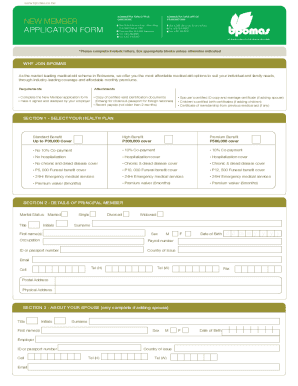
Botswana Public Officers' Medical Aid Scheme's post
The document is a New Member Application Form for the Botswana Public Officers' Medical Aid Scheme (BPOMAS). It outlines ...
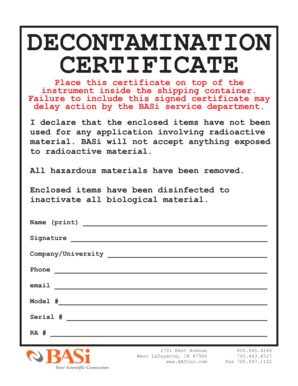
Decontamination certificate
The document is a Decontamination Certificate required for shipping instruments to BASi. It certifies that the enclosed ...

Revenue Administration (Filing of Business Activity
The document is a Business Activity Statement (BAS) form from the Seychelles Revenue Commission, outlining the requireme ...