
Fax Order Forms
Stay organized and productive with our Fax Order Forms selection. Easily track your document progress with DocHub's activity log.

Create a new Fax Order Form
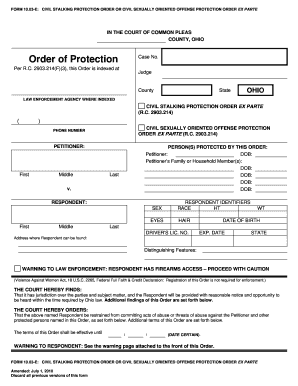
Restraining order ohio form
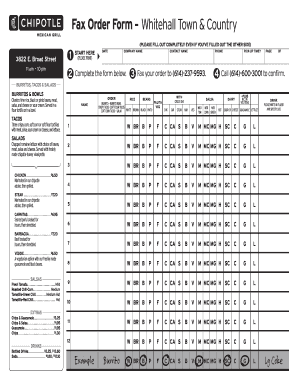
Chipotle order form
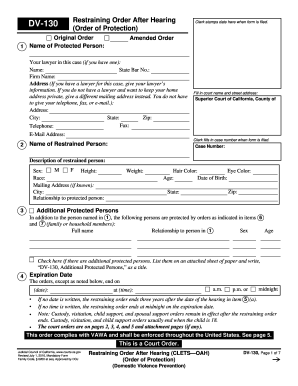
Restraining order online form
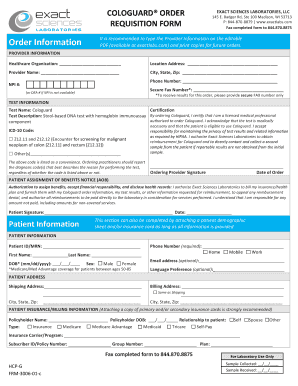
Cologuard order form
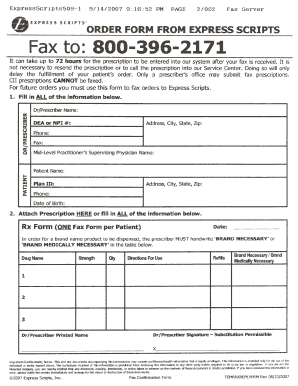
Express scripts refill form
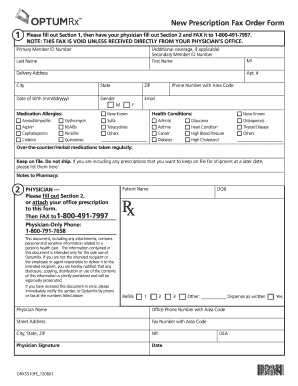
Optumrx new form
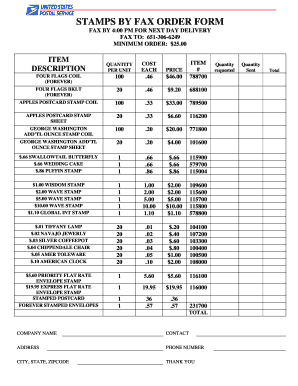
Stamps by fax order form 2022
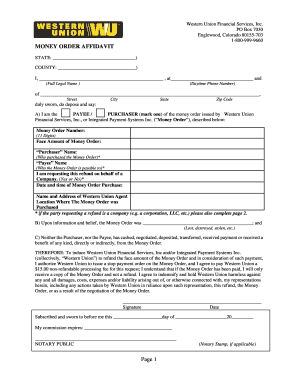
Western union money order affidavit

Cvs caremark forms
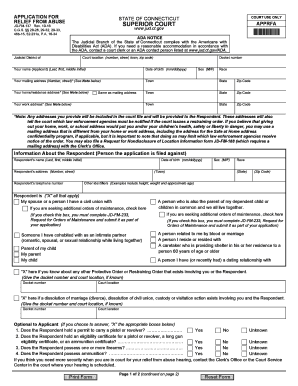
Restraining order forms ct
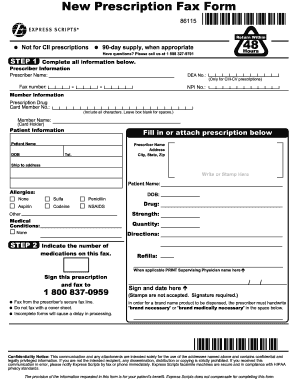
Order forms for express scripts
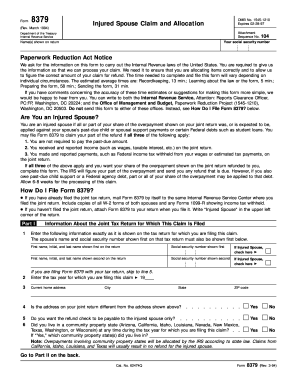
Can a 8379 form be faxed

Chipotle mexican fax order form w
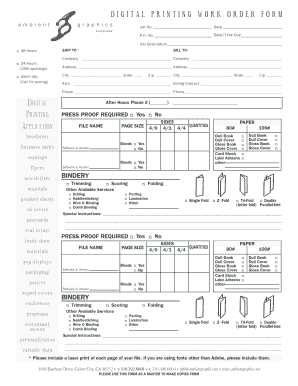
DIGITAL PRINTING WORK ORDER FORM
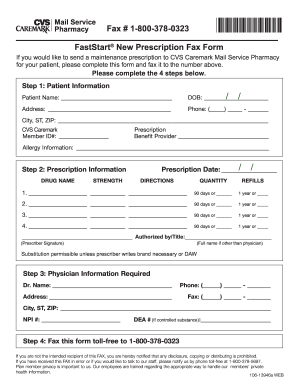
Cvs caremark specialty pharmacy prescription fax form

Form 9465 Installment Agreement Request
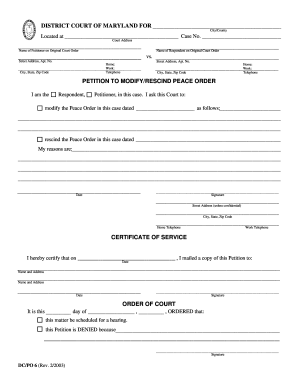
Maryland peace order form

Cmp m1 garand order form

Physician Referral Fax Form Fax # 954.355.4881 - Broward Health - browardhealth

Byram healthcare fax number
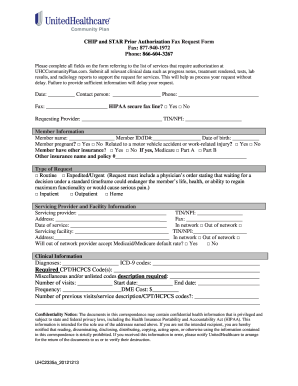
CHIP and STAR Prior Authorization Fax Request Form
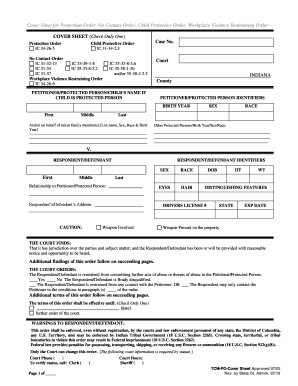
Protective orders indiana
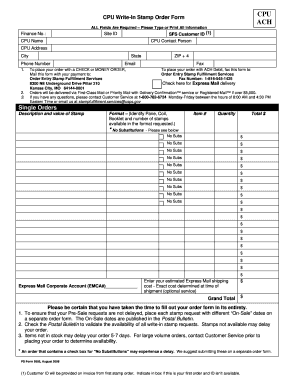
Stamps by mail form
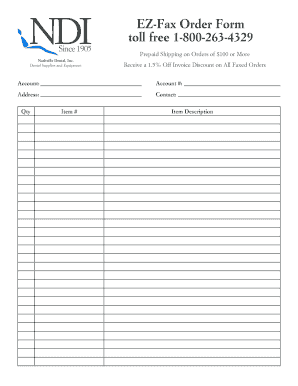
EZ-Fax Order Form toll free 1-800-263-4329 - Nashville Dental
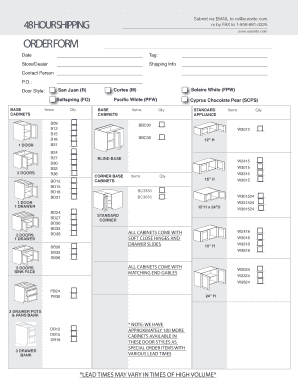
Fillable Online ORDER FORM - Kitchen Cabinetry Bathroom ...
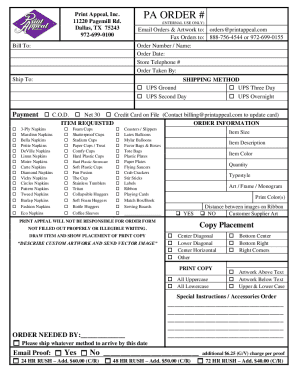
Print appeal order form
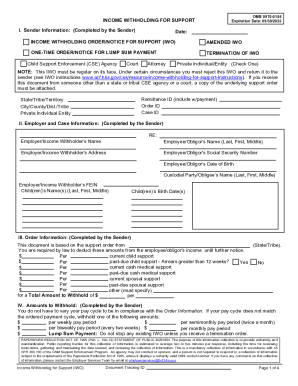
Income withholding order support
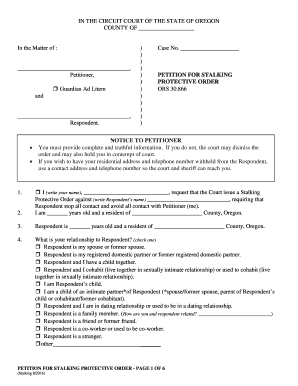
Oregon petition protective

Express Scripts Prescription Fax Form - GuideStone Insurance
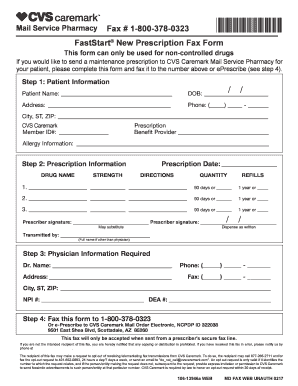
Cvs caremark fax form

Subway order form
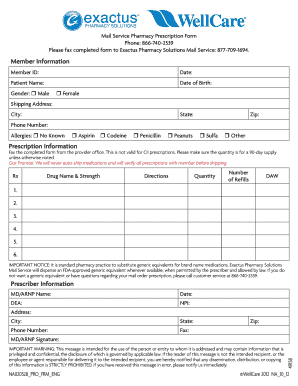
Intended prescription form blank
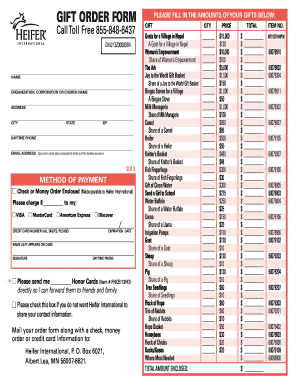
Heifer international printable order form
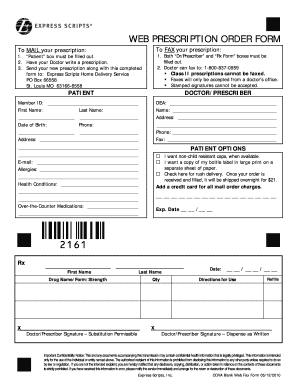
Express scripts fax form
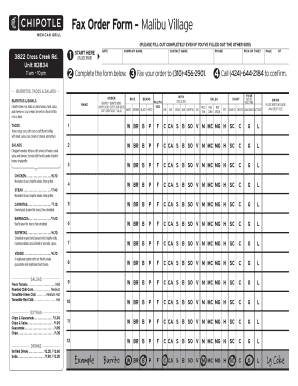
Chipotle fax order form
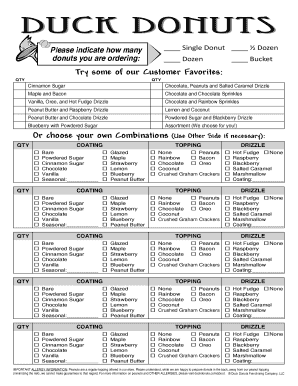
Duck donuts order form
-
1
- 2
Get and handle Fax Order Forms online
Boost your document operations using our Fax Order Forms library with ready-made document templates that meet your requirements. Get your document template, change it, complete it, and share it with your contributors without breaking a sweat. Begin working more effectively together with your documents.
How to use our Fax Order Forms:
- Open our Fax Order Forms and look for the form you require.
- Preview your document to ensure it’s what you want, and click on Get Form to begin working on it.
- Edit, include new text, or highlight important information with DocHub features.
- Complete your form and preserve the modifications.
- Download or share your form template with other recipients.
Explore all the opportunities for your online document management with our Fax Order Forms. Get a free free DocHub profile today!
Video Guide on Fax Order Forms management

Commonly Asked Questions about Fax Order Forms
How do I send a form via fax?
Heres how: Place your document into the feeder tray you can add multiple pages. Dial the fax number you want to send your document to. Press Send or Fax usually a large round button differently colored from the others. Wait for a confirmation page to print out. Remove your papers from the outlet tray.
What is fax in forms?
The full form of FAX is Facsimile. It is a telephone transmission, via a phone line, of a scanned copy of images and text printed on paper, transmitted between two people. The device used to transfer original electronically or replicated scanned documents through the telephone network is termed a fax device.
Is there an app for order forms?
Whether you are a small business or a large-scale company, you can use forms. apps free purchase order form templates and collect online orders with much information such as contact information, address, and whatever data you need to collect per order.
How do I create my own order form?
Steps to Create an Order Form Decide what to sell. Choose a form builder tool. Customize the template with proper fields. Add photos of the products. Customize the order form with branding. Set up a payment method. Set up a success message. Share the order form.
How do I write a fax form?
What is included in a fax cover letter? Contact info. You can include any relevant contact information such as your name, company, address, phone number and email. Recipients name. Date and number of pages. Confidentiality statement. Fax contents. Fax purpose. Relevant notes. Write professionally and clearly.
Is there an app for filling out forms?
Better performance, improved stability. The free docHub Fill Sign app lets you fill, sign, and send any form fast. You can even snap a picture of a paper form and fill it in on your phone or tablet.
How do I create a sales order form?
Lets discuss some best practices for creating order forms to make it an effective sales channel. Understand Your Target Audience. Create Clear and Compelling Product Descriptions. Add High-Quality Product Images. Streamline the Order Form Design. Add multiple payment options. Build trust and ensure data security.
Can you use Google Forms as an order form?
Step 1. Create an online order form using Google Form. Or get started with a template from Neartails Google Forms Order Form gallery. Step 4: Share it with your users and start receiving your orders on your Google Form.
Related Templates

Voter Registration in Florida
The document provides detailed instructions for registering to vote in Florida, including eligibility requirements, meth ...

Voters Registration Form and Absentee Ballot Application
The South Dakota Voter Registration Form is used to register to vote or update personal information such as name, addres ...

2024 Ticket Sale and Resale Registration Form
The document is a registration form for ticket sale and resale in Illinois, requiring businesses to certify their operat ...
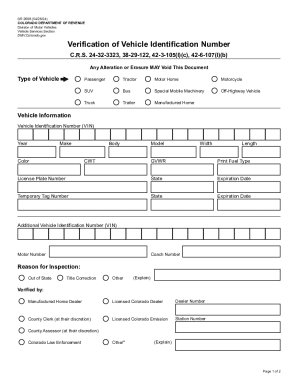
DR 2698 (04 26 24)
The document is a verification form for Vehicle Identification Numbers (VIN) issued by the Colorado Department of Revenu ...

Pflegefreistellung - pluspharma at
The document is a form for requesting a caregiving leave (Pflegefreistellung) for an individual to provide necessary car ...

No tax due missouri
The document is a No Tax Due Request form from the Missouri Department of Revenue, used by businesses to request a certi ...

City of frankfort business license application - Frankfort ky
The document is a Business License Application for the City of Frankfort, requiring a $60.00 fee. It outlines the necess ...
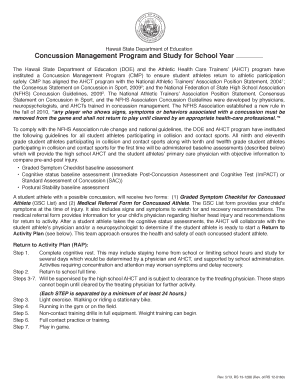
Hawaii concussion
The document outlines the Hawaii State Department of Education's Concussion Management Program (CMP) aimed at ensuring t ...