
Quick Order Forms
Keep your records organized and up-to-date with our extensive Quick Order Forms catalog. Effortlessly customize and adjust forms to ensure data accuracy.

Create a new Quick Order Form

Screen printing order form template
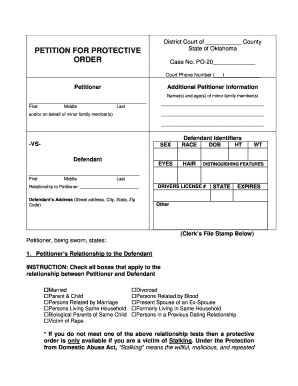
Oklahoma form protective order

Edward r hamilton bookseller company order form

Nj restraining order form
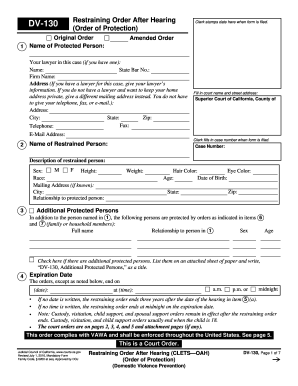
Restraining order online form
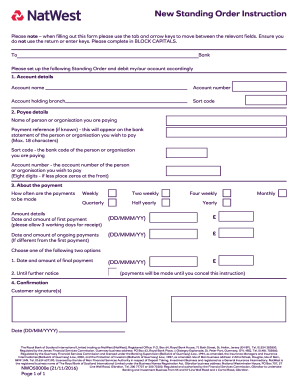
Natwest standing order form

Embroidery purchase order form
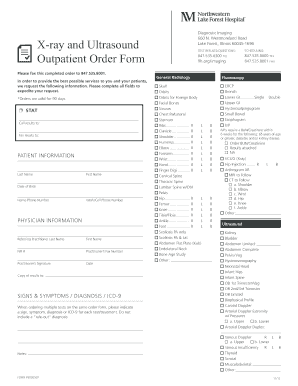
Hospital order forms
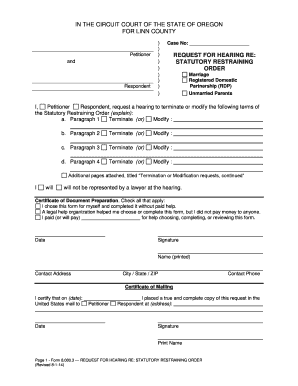
Restraining order oregon online
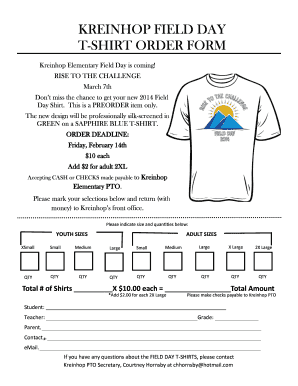
Tshirt order form
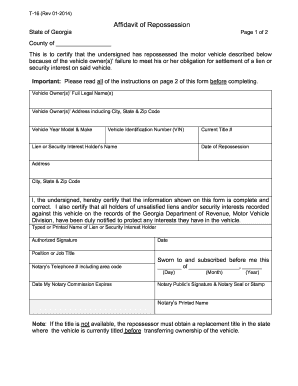
Repo order form 2014
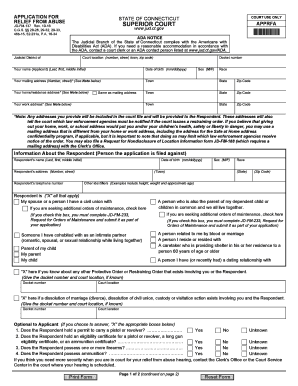
Restraining order forms ct
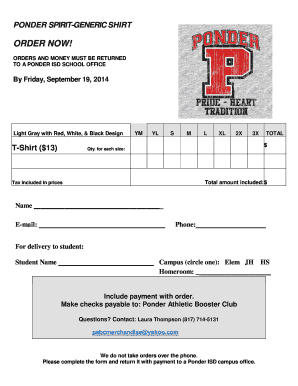
Tshirt order forms templates
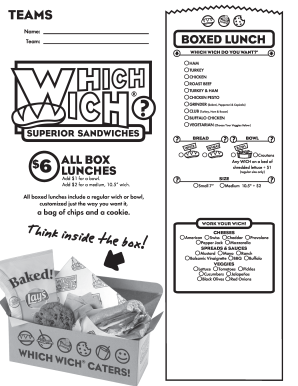
Which wich menu pdf

Change order form
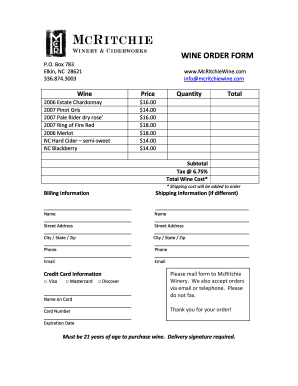
Wine order form template

Tshirt order form template
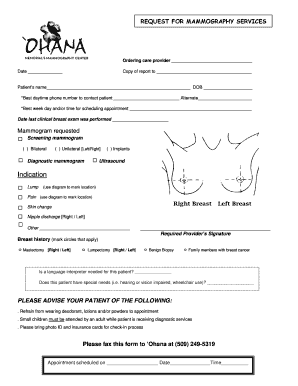
Mammogram order form
Commercial Flower Order Form - Stokes Seeds
Sublimation order forms

Customer order form
QUICK ORDER FORM - Global Power Products
Oriental trading order form
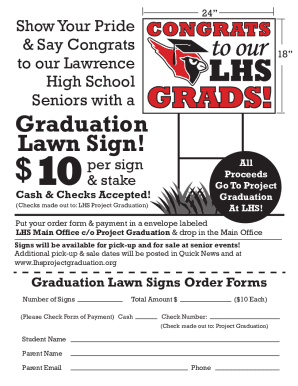
LHS Grad Lawn Signs Order Form
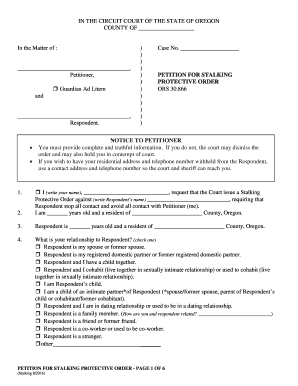
Oregon petition protective

Diploma Order Form - uhd
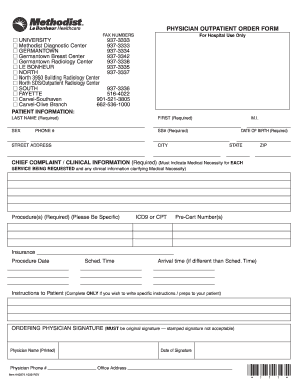
Methodist north outpatient order form 2009
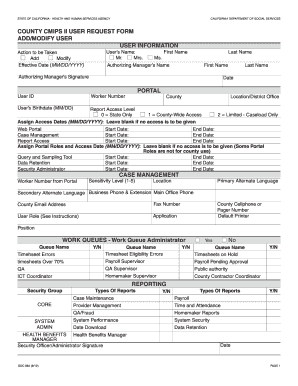
Cdss user request form
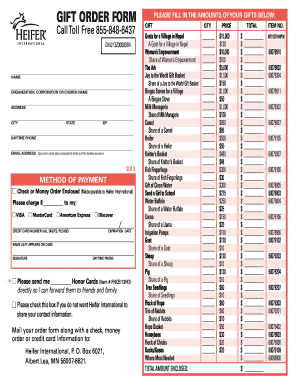
Heifer international printable order form
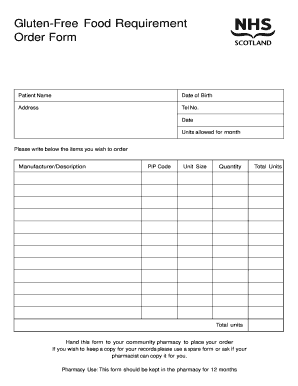
Food order form

AAA eBook order form for website, v 1.doc
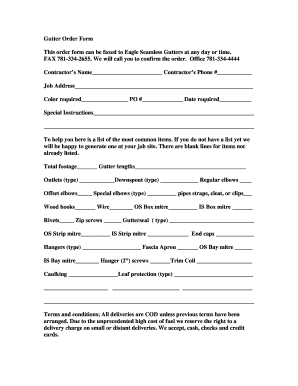
Gutter Order Form - Eagle Seamless Gutter Supply

Restraining order forms printable
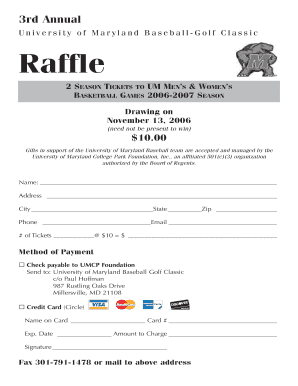
Raffle ticket order forms pdf
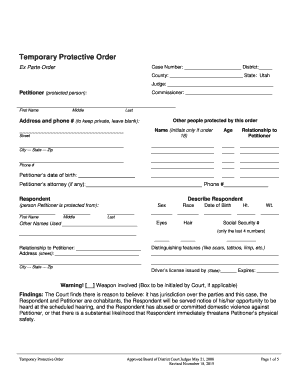
Utah protective order form
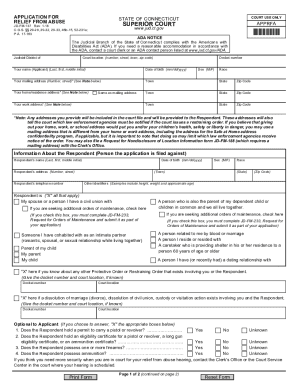
Restraining order forms ct
-
1
- 2
Increase your output with Quick Order Forms
Form administration takes up to half of your business hours. With DocHub, it is simple to reclaim your time and effort and improve your team's efficiency. Access Quick Order Forms online library and check out all document templates relevant to your day-to-day workflows.
Effortlessly use Quick Order Forms:
- Open Quick Order Forms and employ Preview to find the appropriate form.
- Click on Get Form to start working on it.
- Wait for your form to upload in our online editor and start editing it.
- Add new fillable fields, symbols, and images, adjust pages order, and many more.
- Complete your template or set it for other contributors.
- Download or deliver the form by link, email attachment, or invite.
Improve your day-to-day document administration with our Quick Order Forms. Get your free DocHub profile right now to discover all forms.
Video Guide on Quick Order Forms management

Commonly Asked Questions about Quick Order Forms
How do you write a sale order?
Sales order template framework Selling company name/address. Purchaser contact info (name, address, phone number, email) Order date. Shipping and/or delivery date. Product information. Price (before taxes) Taxes and other fees. Terms and conditions (often drafted by the selling companys legal team) What Is a Sales Order? How to Create Your Own with Examples - Salesforce Salesforce blog sales-order Salesforce blog sales-order
How do I manually create a sales order?
Create a Manual Sales Order Navigate to Accounting Home and click the Create Entries tab. Then, under the Orders menu, click Sales Orders. On the Sales Order page, click New. On the New Sales Order page, complete the necessary Sales Order information and click Save. Create or Clone a Sales Order - Accounting Seed Knowledge Base Accounting Seed Knowledge Base en-us articles 2 Accounting Seed Knowledge Base en-us articles 2
What is quick order form?
Quick Order Form is a must-have feature for B2B wholesale stores where your buyers usually want to place bulk orders and dont want to waste time going through bulky catalogs.
How do I make an easy order form?
Must-have components for creating an order form. Contact information. Name, email address, phone number, and shipping address are necessary pieces of information to gather from your buyers. Product description. Payment information. Shipping and handling. Order summary. Terms and conditions. Visuals. Order confirmation.
How do I create my own order form?
How to create an order form in Google Forms. Log in to your Google account and open Google Forms. Click the Blank button to create a new form. Add fields for the essential information you need to gather from your buyers, such as their name, business address, contact information, and preferred contact method. Create an order form: How to make order forms | docHub docHub acrobat hub create-an-ord docHub acrobat hub create-an-ord
How do you draft an order form?
What Should Be Included in an Order Form? The name of your company (legal name). Your companys current address. Customers details, including name and email address. The shipping address of the customer. Purchase order date. Sales order number. Salespersons name. Date of shipping. How To Make An Order Form: 4 Easy Steps to Follow - Contracts Counsel Contracts Counsel how-to-make-an-ord Contracts Counsel how-to-make-an-ord
How to use Google Forms as an order form?
How to create an order form in Google forms Step 1: Access Google Forms and Start a New Form. Step 2: Add Order Details Questions. Step 3: Incorporate Pricing Information. Step 4: Include Contact and Delivery Information. Step 5: Utilize File Upload for Customization. Step 6: Apply Themes and Branding.
How do I create a sales order form?
Lets discuss some best practices for creating order forms to make it an effective sales channel. Understand Your Target Audience. Create Clear and Compelling Product Descriptions. Add High-Quality Product Images. Streamline the Order Form Design. Add multiple payment options. Build trust and ensure data security.
Related Templates

Eacvi logbook
The document outlines the requirements for candidates seeking EACVI TTE certification, specifically detailing the submis ...

VA Form 10-7080 - Approved Referral For Medical Care
The document is a VA Form 10-7080, which serves as an approved referral for medical care for a veteran experiencing back ...

Beneath our Feet: The Four Layers of Earth
The document provides an overview of the Earth's layers, detailing their composition, thickness, and state of matter. It ...

Wayne stewart scholarship form
The document outlines the application process for the Stewart Scholarship, aimed at supporting worthy young residents of ...

Fillable Form 4: EVENT PERMIT REQUIREMENTS (City of Alamo Heights)
The City of Alamo Heights is inviting sealed bids for the procurement of a Kenworth T380 Series Conventional Garbage Tru ...

How to Join - Panhellenic Council - Texas State University
The document is a Recruitment and Membership Grade Release Agreement from Texas State University's Dean of Students Offi ...

Wood badge ticket completion form
The document is a form for certifying the completion of the Wood Badge ticket, including fields for participant informat ...