
1096 irs Order Forms
Simplify your document management with DocHub's 1096 irs Order Forms templates. Adjust, share, and safely store your order forms hassle-free.

Create a new 1096 irs Order Form

Printable 1099 form
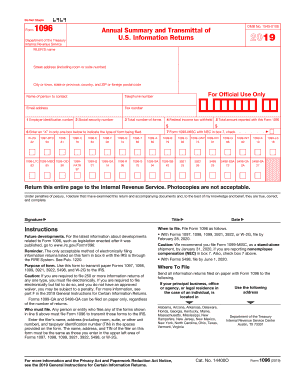
1096 form
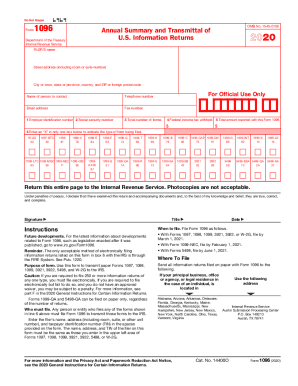
1096

1096 2016 form
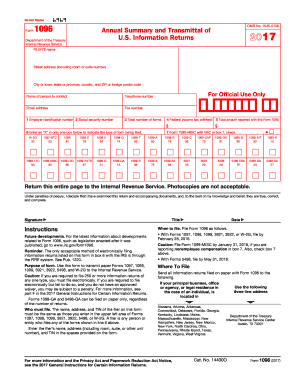
1096 online 2017 form

2015 1096 form
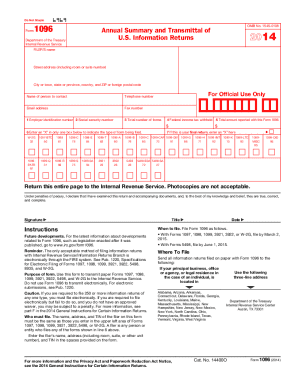
2014 1096 form
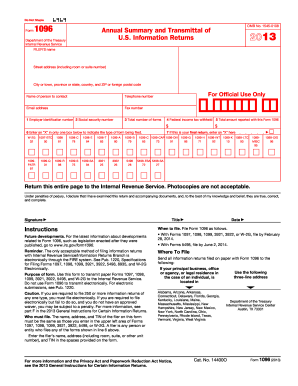
1096 2013 form
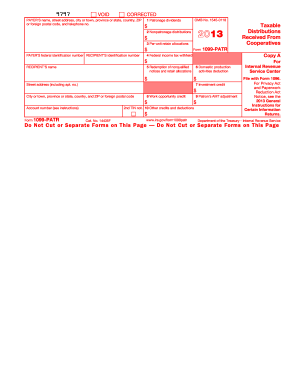
Irs form 1099 printable 2013
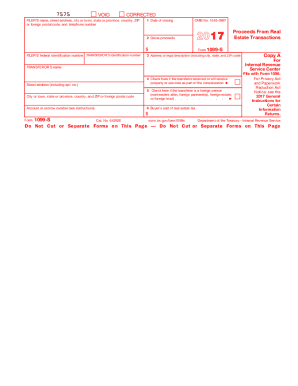
2017 form 1099
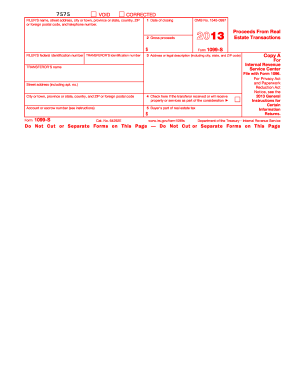
2013 form 1099
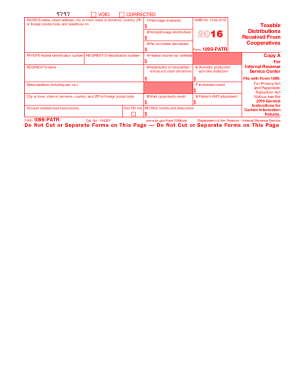
2016 1099 form
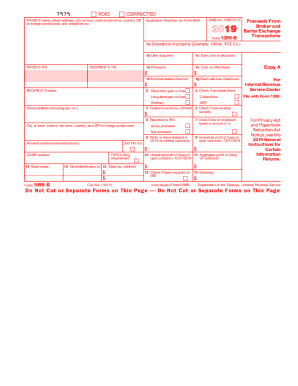
1099 b 2018
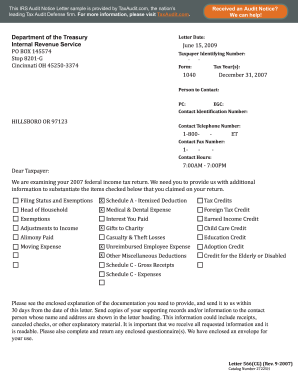
Irs form 13825 2007

2018 1099 misc
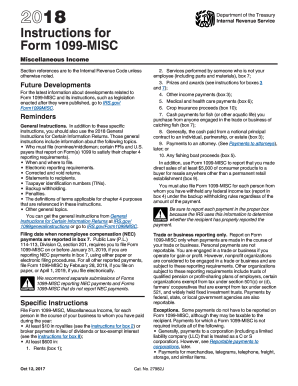
Form 1099 misc 2014
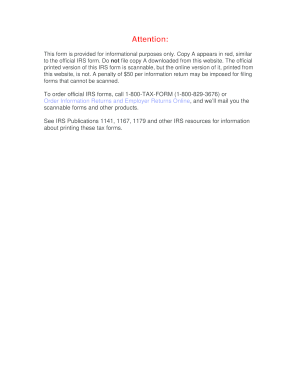
2009 irs form 1099
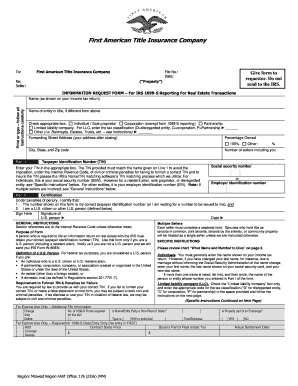
1099 information request form

Blank 2021 printable w 9
10 90 form
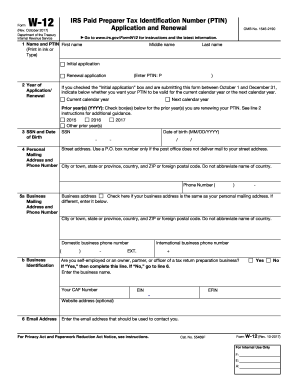
What is a w12 form 2013
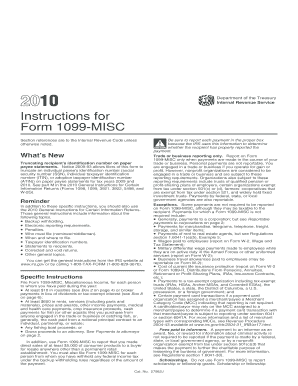
1099 misc 2010 fillable form
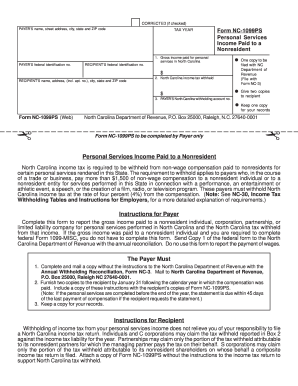
Nc 1099 form printable
2007 Form 1099-A - irs
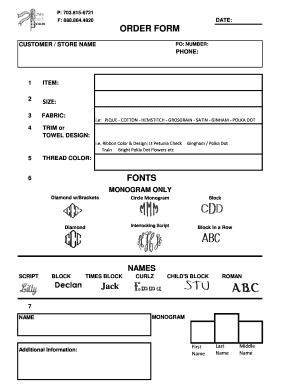
P 703815-6721 F 8888644820 DATE ORDER FORM
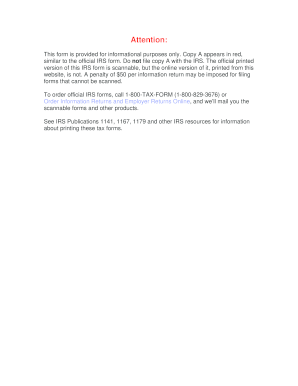
2008 1096 form
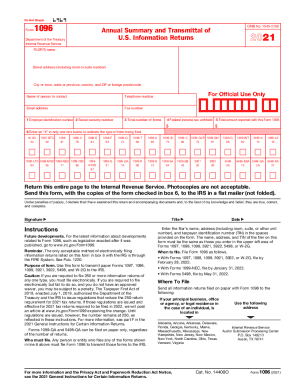
2020 Form 1096 - Internal Revenue Service2020 Form 1096 - Internal Revenue Service2020 Form 1096 - Internal Revenue Service2019 Form 1096 - Internal Revenue Service
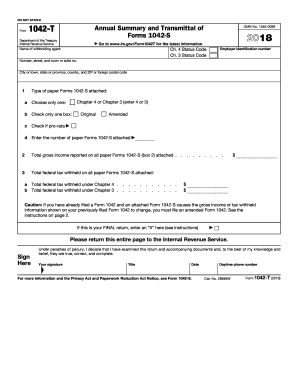
Irs gov 2016 transmittal form
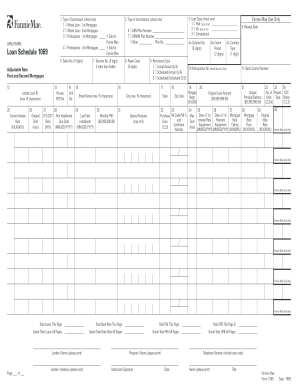
Form 1069
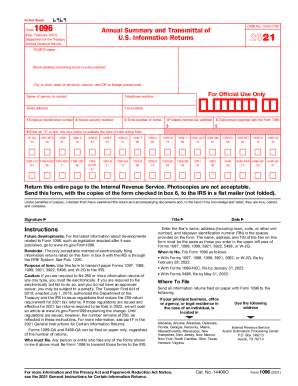
1096 form 2021
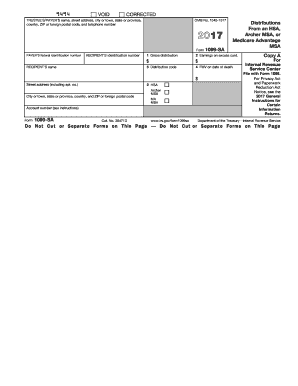
1099 saDocHubcom 2017 form
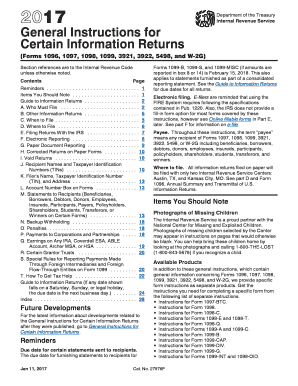
General instructions 2017 form
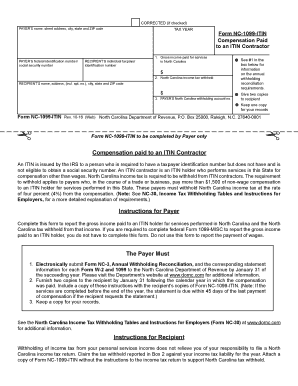
Nc 1099 2016 form
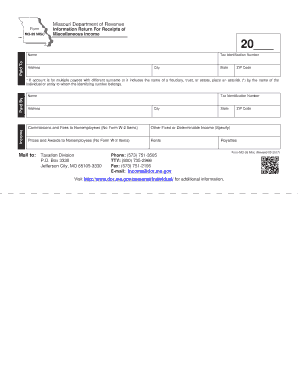
Mo 99 misc

Get the free Irs-pdf Internal Revenue Service - DocHub.com
Printable irs forms
-
1
- 2
Enhance your efficiency with 1096 irs Order Forms
Document management consumes to half of your office hours. With DocHub, it is possible to reclaim your time and effort and improve your team's productivity. Get 1096 irs Order Forms collection and discover all document templates related to your day-to-day workflows.
Easily use 1096 irs Order Forms:
- Open 1096 irs Order Forms and employ Preview to get the appropriate form.
- Click on Get Form to begin working on it.
- Wait for your form to upload in the online editor and start modifying it.
- Add new fillable fields, symbols, and images, adjust pages, and many more.
- Complete your form or prepare it for other contributors.
- Download or share the form by link, email attachment, or invite.
Speed up your day-to-day document management using our 1096 irs Order Forms. Get your free DocHub profile right now to discover all templates.
Video Guide on 1096 irs Order Forms management

Commonly Asked Questions about 1096 irs Order Forms
What forms go with the 1096?
Use Form 1096 to transmit paper Forms 1097, 1098, 1099, 3921, 3922, 5498, and W-2G to the Internal Revenue Service. Do not use this form to transmit electronically. For electronic submissions, see Publication 1220, Specifications for Filing Forms 1097, 1098, 1099, 3921, 3922, 5498, 8935, and W-2G Electronically PDF.
Do I have to buy a 1096 form?
Specifically, Form 1096 is necessary for those who submit returns by mail of the following forms to the IRS: 1099 (miscellaneous income), 1098 (mortgage interest statement), 3921 (exercise of an incentive stock option), 3922 (transfer of stock acquired through an employee stock purchase plan), 5498 (IRA contribution
Can IRS Form 1096 be filed electronically?
Use Form 1096 to transmit paper Forms 1097, 1098, 1099, 3921, 3922, 5498, and W-2G to the Internal Revenue Service. Do not use this form to transmit electronically.
How do I order a 1096 form from the IRS?
To order official IRS information returns, which include a scannable Form 1096 for filing with the IRS, visit .IRS.gov/orderforms. Click on Employer and Information Returns, and well mail you the forms you request and their instructions, as well as any publications you may order.
Can I print a 1096 form?
The official printed version of this IRS form is scannable, but a copy, printed from this website, is not. Do not print and file a Form 1096 downloaded from this website; a penalty may be imposed for filing with the IRS information return forms that cant be scanned.
Can I print out a Form 1096?
Paper filers, select Print onto Pre-Printed IRS Form to create your mailable red ink 1096 forms. eFilers, select Print onto a Blank Sheet to create electronic or hard copies for your records.
Is it OK to hand write a 1096 form?
Yes, it is possible to handwrite Form 1096. However, the handwriting must be clear. It is highly recommended to print your answers for legibility and to ensure greater accuracy.
Related Templates

Tahoe-Truckee Area Addendum to the bPurchase Agreementb
The document is an addendum to a Real Estate Purchase Contract specifically for the Tahoe-Truckee Regional Area, outlini ...

Sfst card
The document contains investigative notes related to a DWI (Driving While Intoxicated) assessment, detailing observation ...
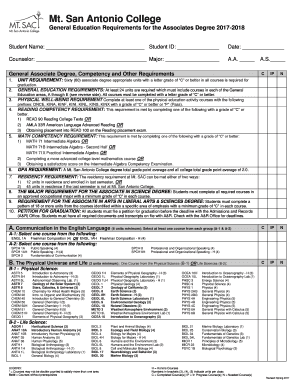
Associate's degree requirements
The document outlines the General Education Requirements for obtaining an Associate Degree at Mt. San Antonio College fo ...

Order Form The Wedding of Rachel Alexander and Berry
The document is an order form for re-printing photographs from the wedding of Rachel Alexander and Berry Neppenbroek, he ...

Schema Evolution and Instantiation - Jade
The document discusses schema evolution and instantiation in the JADE software environment, detailing how changes to sys ...

TBS 2010 claim form - Welcome to thoroughbredbonusscheme co nz
The document is a claim form for the TBS 2010 bonus series administered by Cambridge Thoroughbred Sales. It outlines the ...

GOODS TO BE DELIVERED MonFri 9am - General Practice
The document is a Sponsorship & Exhibition Prospectus for the South GP CME (General Practice Conference & Medical Exhibi ...

Acceptable Forms of Identification for DHS - MN
The document is an Identification Form outlining the steps to verify a person's identity for ING Bank. It includes instr ...