
Get any PDF form from the DocHub library of ready-made templates - Page 142

Pageant Contract Template
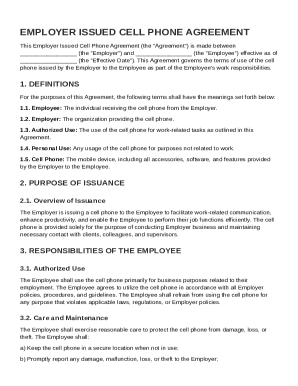
Employer Issued Cell Phone Agreement Template
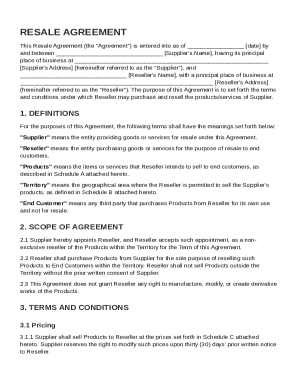
Resale Contract Template
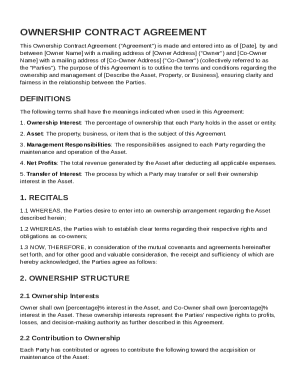
Ownership Contract Template
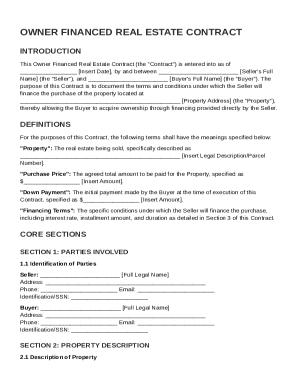
Owner Financed Real Estate Contract Template
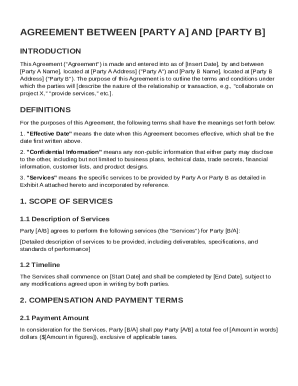
Legal Between Two Parties Contract Template
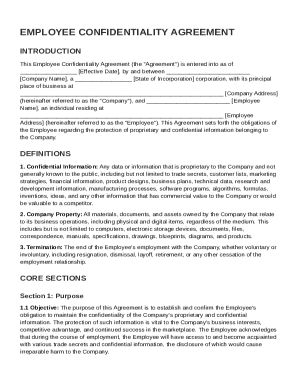
Employeeconfidentiality Agreement Template
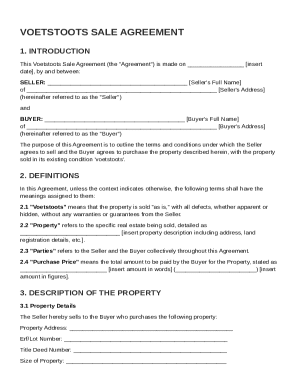
Voetstoots Sale Agreement Template
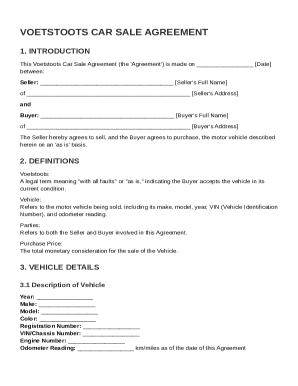
Voetstoots Car Sale Agreement Template
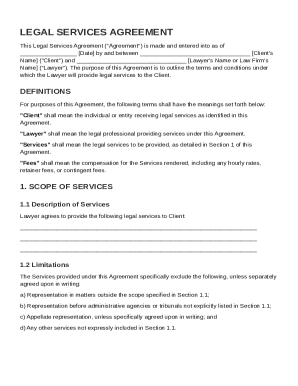
Lawyer Contract Template
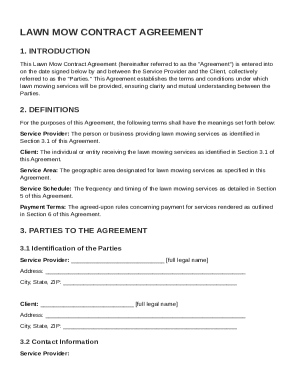
Lawn Mow Contract Template
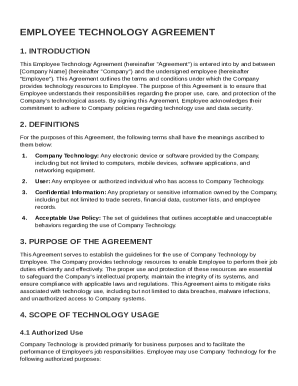
Employee Technology Agreement Template
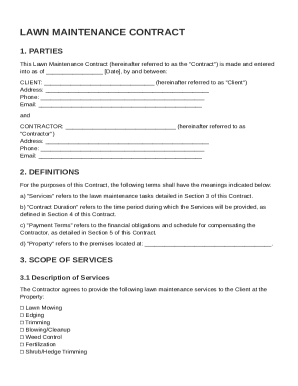
Lawn Maintenance Contract Template
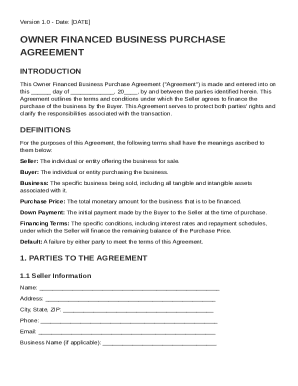
Owner Financed Business Contract Template
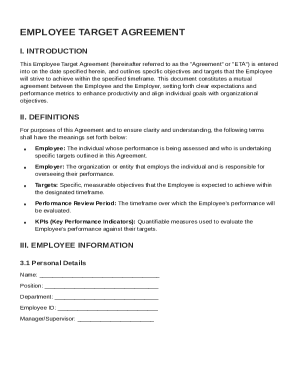
Employee Target Agreement Template

Lawn Care Maintenance Contract Template
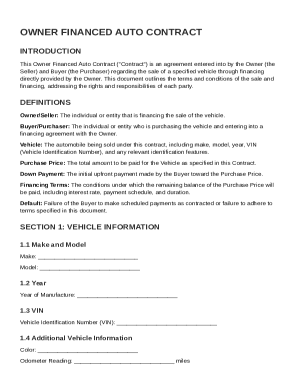
Owner Financed Auto Contract Template
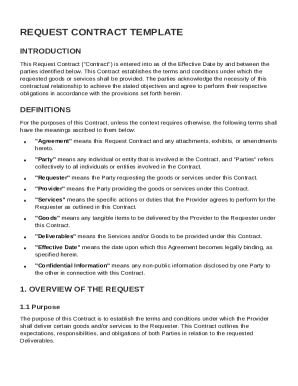
Request Contract Template
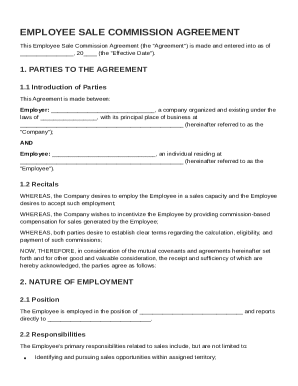
Employee Sale Commission Agreement Template
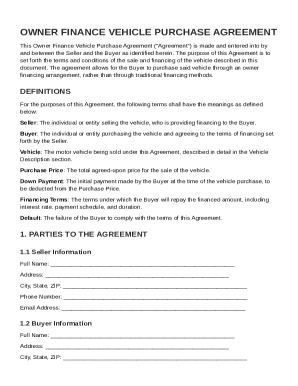
Owner Finance Vehicle Contract Template
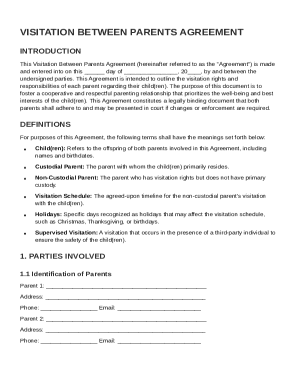
Visitation Between Parents Agreement Template
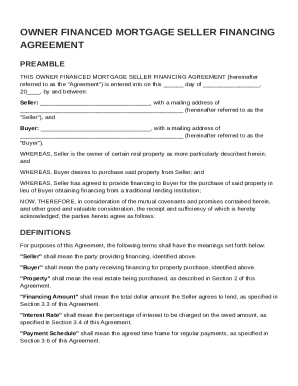
Owner Financ Mortgage Seller Financ Contract Template

Outside Ir35 Contract Template
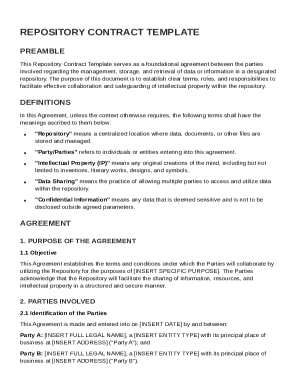
Repository Contract Template
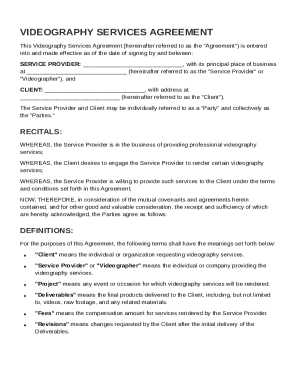
Videography Agreement Template
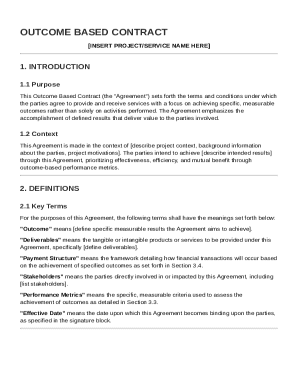
Outcome Based Contract Template
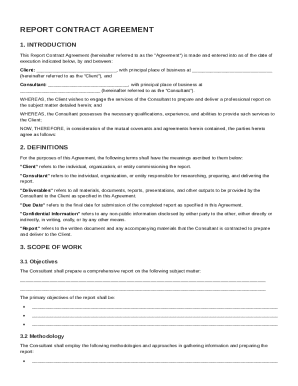
Report Contract Template
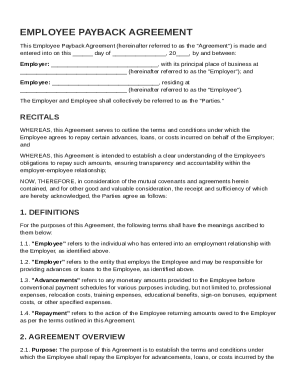
Employee Payback Agreement Template
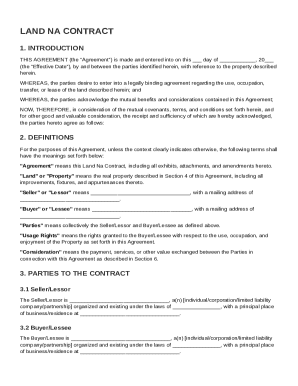
Land Na Contract Template
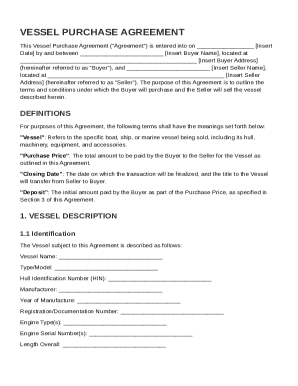
Vessel Purchase Agreement Template
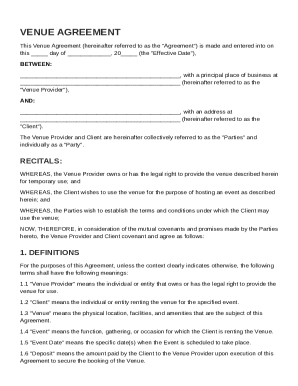
Venue Agreement Template
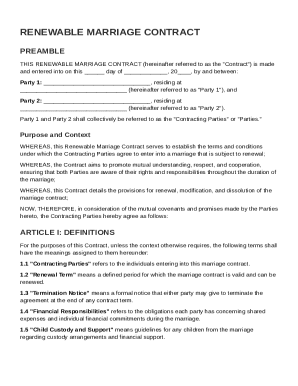
Renewable Marriage Contract Template
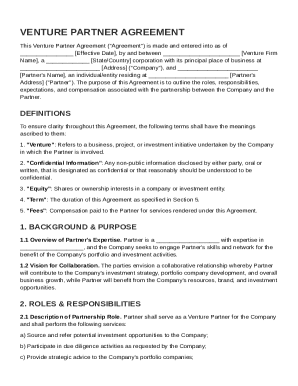
Venture Partner Agreement Template
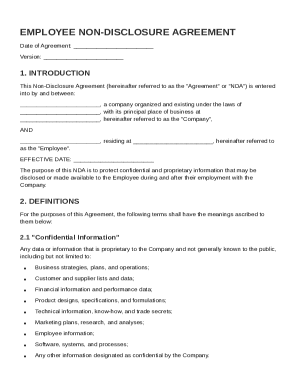
Employee Non Disclosure Agreement Template
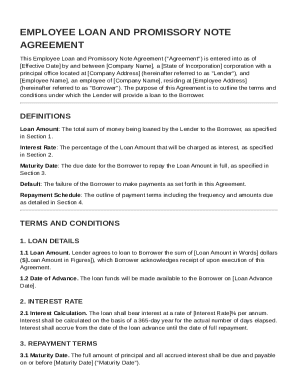
Employee Loan and Promissory Note Agreement Template
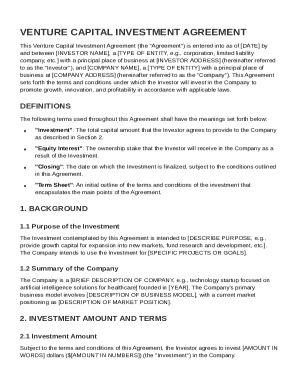
Venture Capital Investment Agreement Template
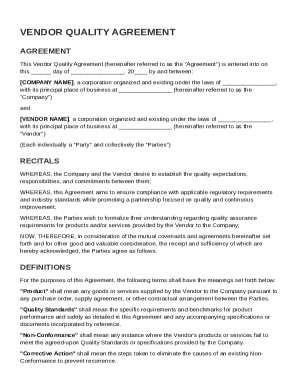
Vendor Quality Agreement Template
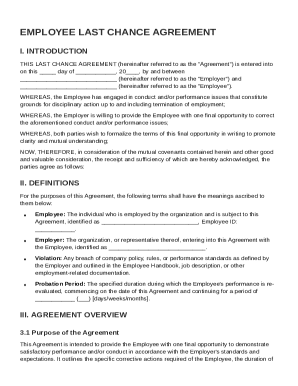
Employee Last Chance Agreement Template
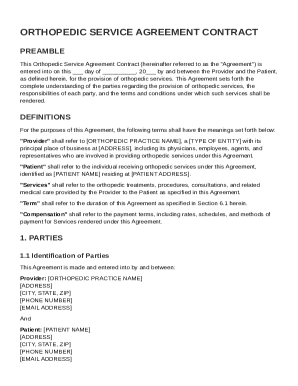
Ortho Contract Template
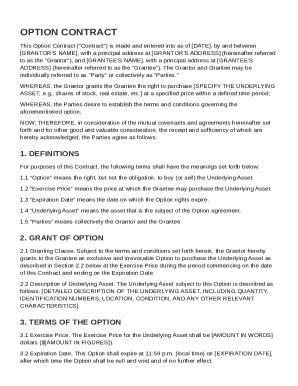
Option Contract Template
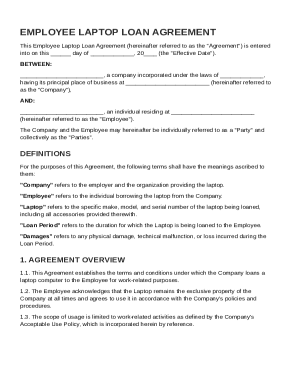
Employee Laptop Loan Agreement Template
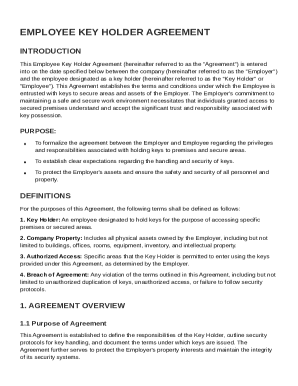
Employee Key Holder Agreement Template
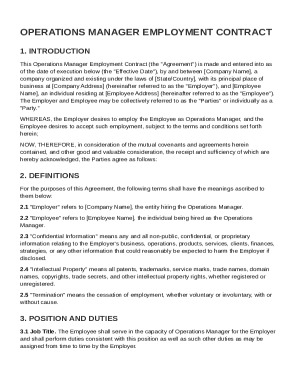
Operations Manager Contract Template
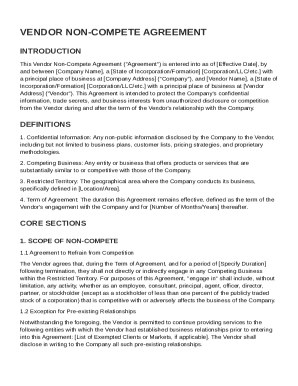
Vendor Non Compete Agreement Template
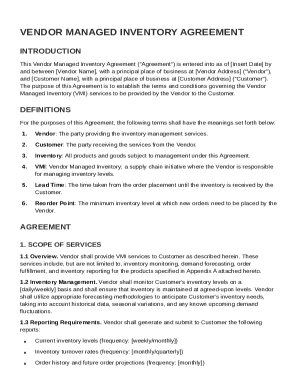
Vendor Managed Inventory Agreement Template
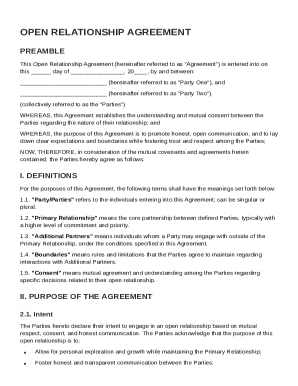
Open Relationship Contract Template
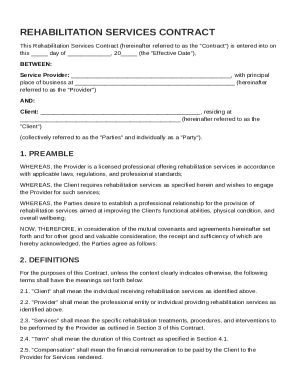
Rehab Contract Template
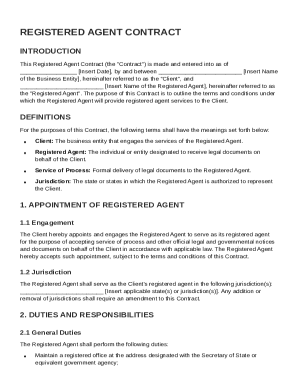
Registered Agent Contract Template
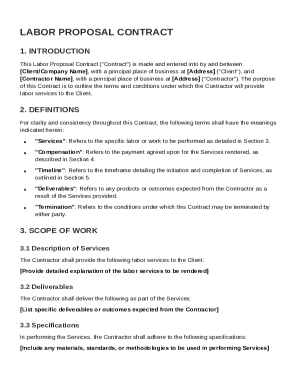
Labor Proposal Contract Template
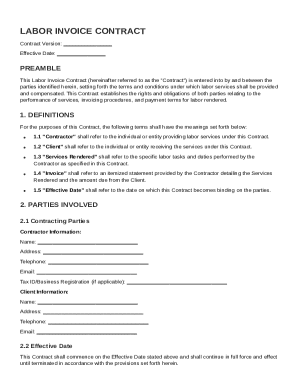
Labor Invoice Contract Template
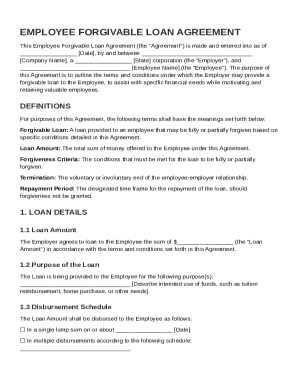
Employee Forgivable Loan Agreement Template

Vendor Finance Agreement Template
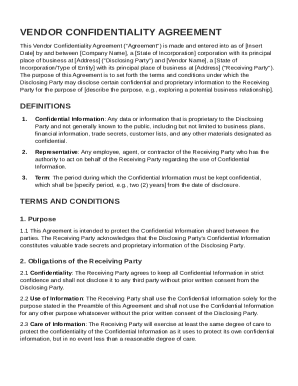
Vendor Confidentiality Agreement Template
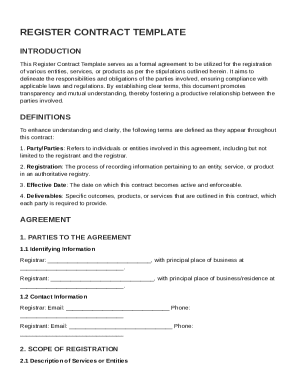
Register Contract Template
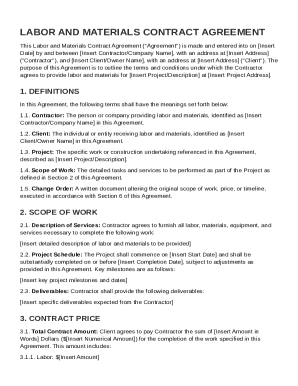
Labor And Materials Contract Template
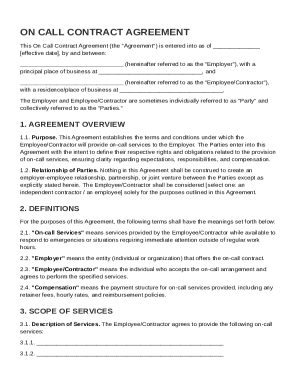
On Call Contract Template
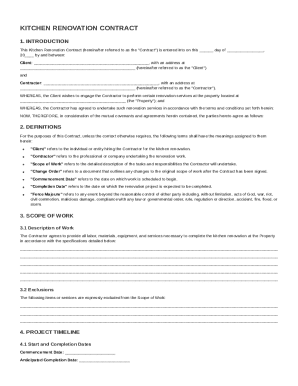
Kitchen Renovation Contract Template
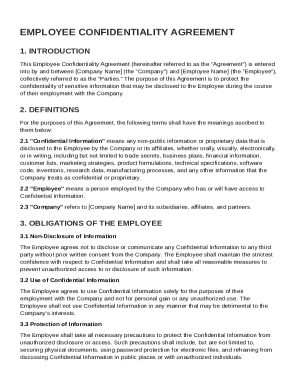
Employee Confidentiality Agreement Template
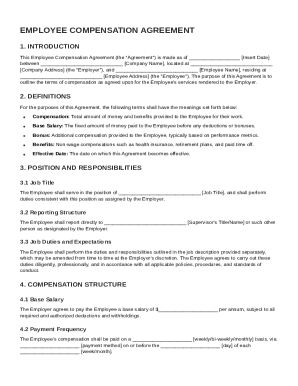
Employee Compensation Agreement Template
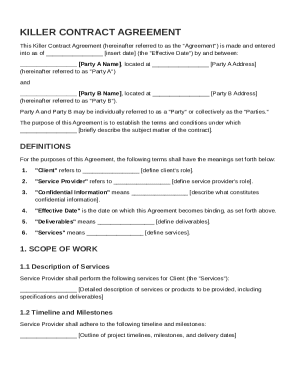
Killer Contract Template
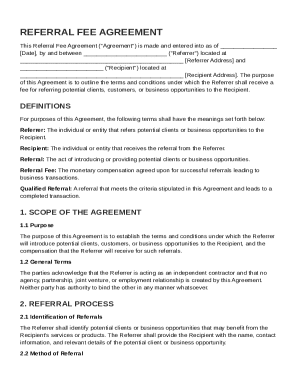
Referral Fee Contract Template
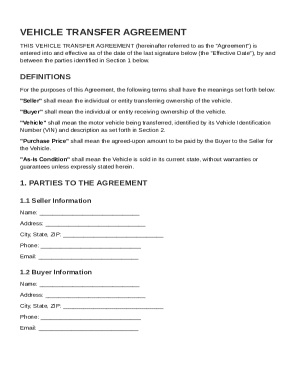
Vehicle Transfer Agreement Template
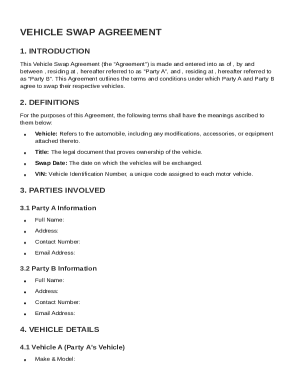
Vehicle Swap Agreement Template
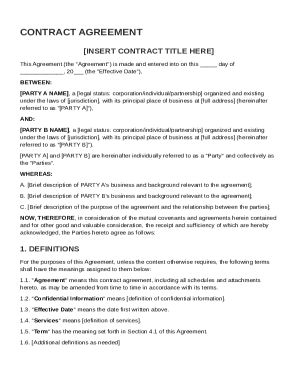
Official Contract Template
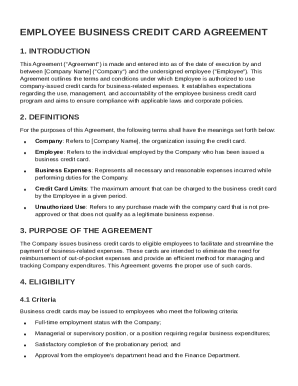
Employee Business Credit Card Agreement Template
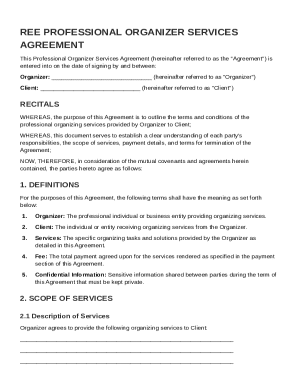
Ree Professional Organizer Contract Template
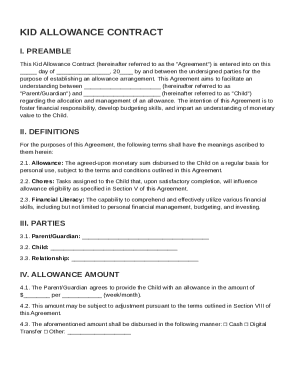
Kid Allowance Contract Template
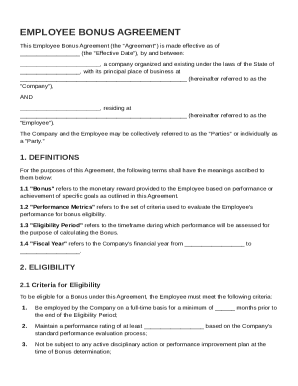
Employee Bonus Agreement Template
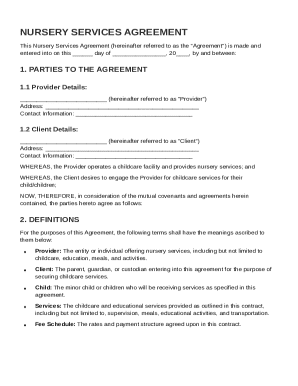
Nursery Contract Template
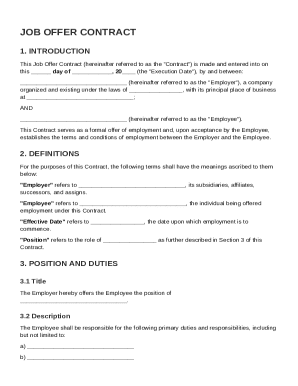
Job Offer Contract Template
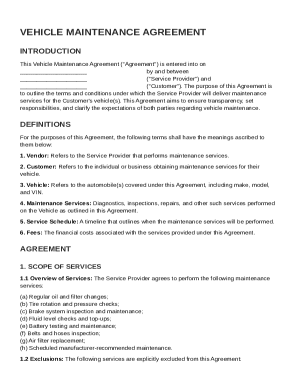
Vehicle Maintenance Agreement Template
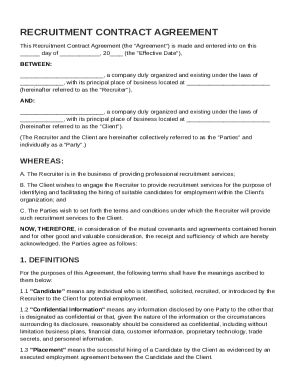
Recruitment Contract Template
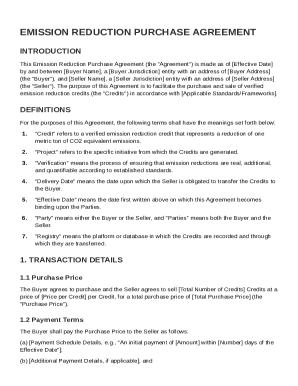
Emission Reduction Purchase Agreement Template
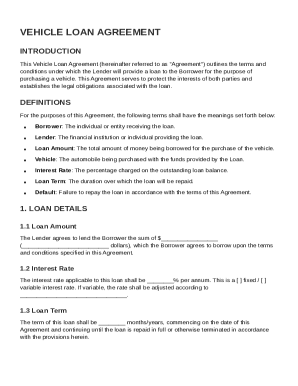
Vehicle Loan Agreement Template
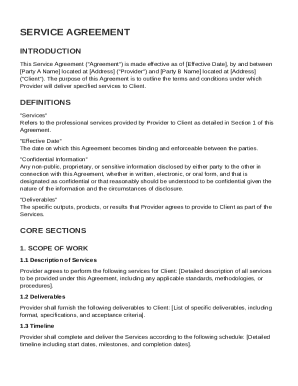
Notion Contract Template
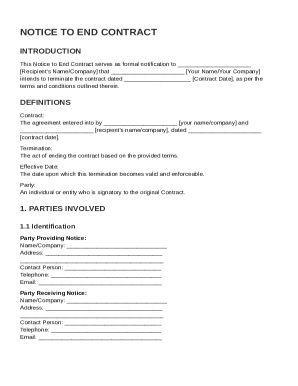
Notice To End Contract Template
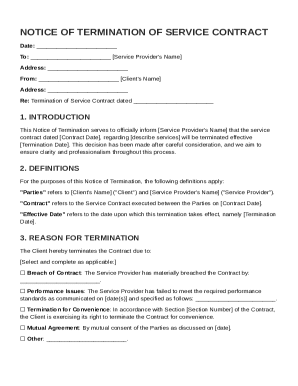
Notice Of Termination Of Service Contract Template
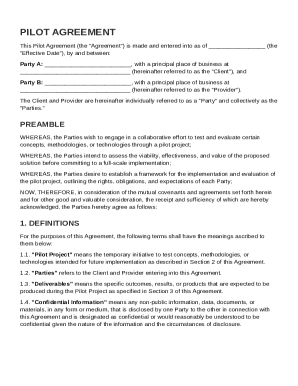
Pilot Agreement Template
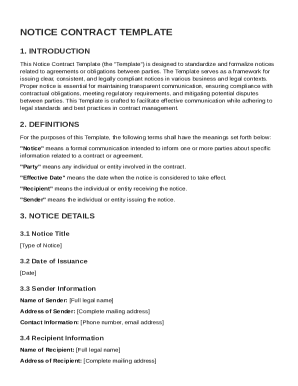
Notice Contract Template
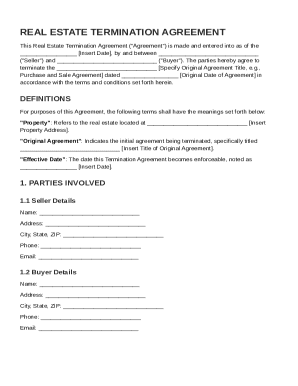
Real Estate Termination Contract Template
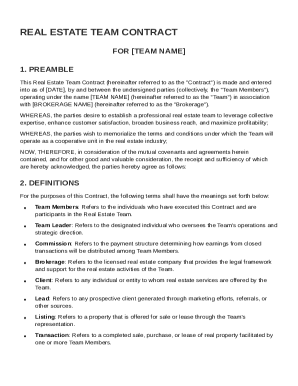
Real Estate Team Contract Template
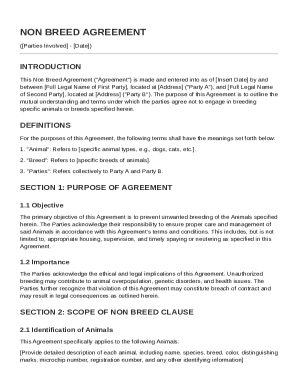
Non Breed Contract Template
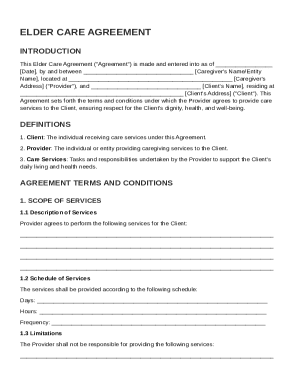
Elder Care Agreement Template
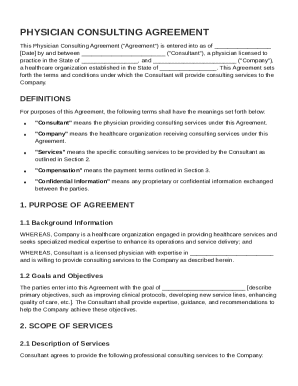
Physician Consulting Agreement Template
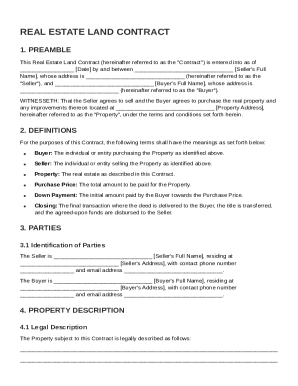
Real Estate Land Contract Template
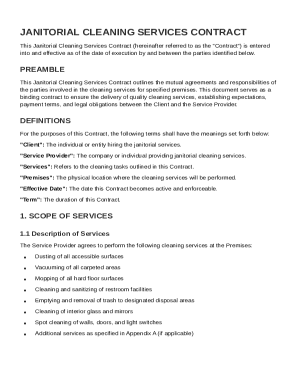
Janitorial Clean Contract Template
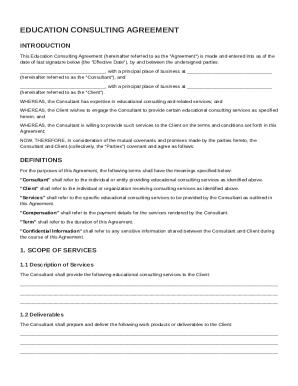
Education Consulting Agreement Template
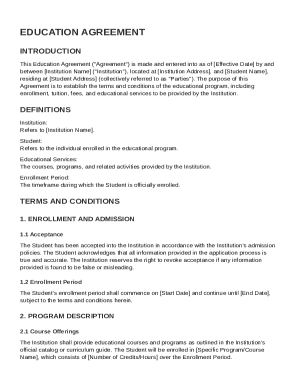
Education Agreement Template
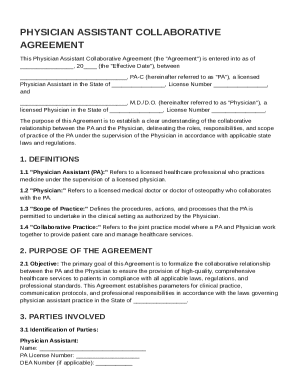
Physician Assistant Collaborative Agreement Template
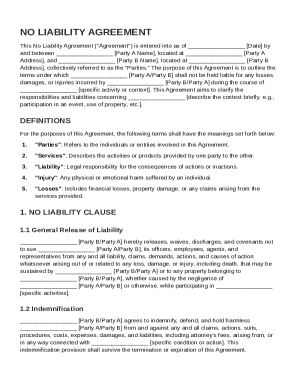
No Liability Contract Template
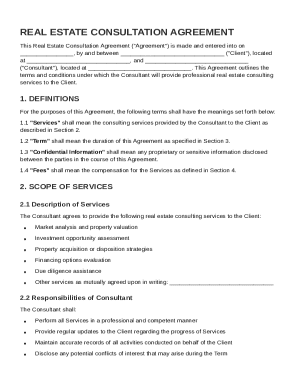
Real Estate Consult Contract Template
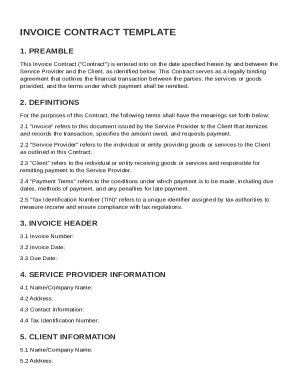
Invoice Contract Template
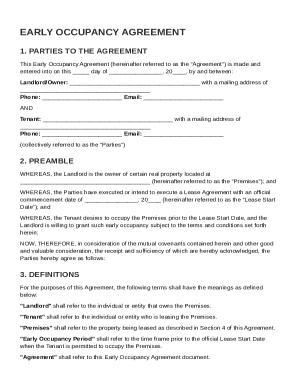
Early Occupancy Agreement Template
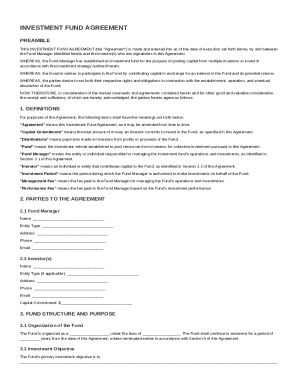
Investment Fund Contract Template
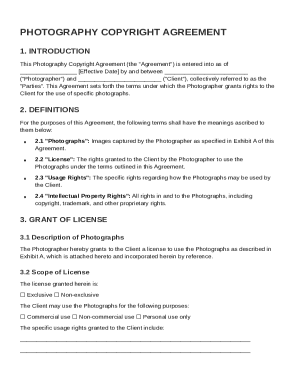
Photography Copyright Agreement Template
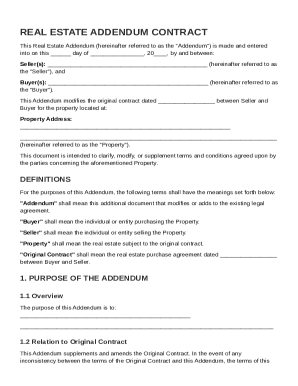
Real Estate Addendum Contract Template
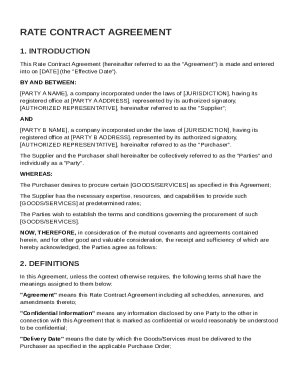
Rate Contract Template
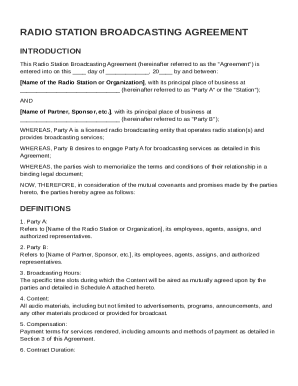
Radio Station Contract Template
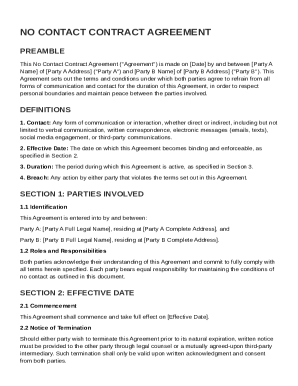
No Contact Contract Template
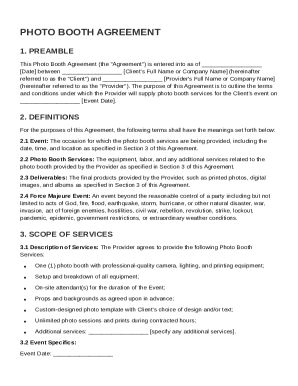
Photo Booth Agreement Template
Benefit from the DocHub online library of fillable PDF forms
Searching the PDF forms doesn't have to be a tedious and time-consuming process. With the DocHub online library, it has become easier to find the fillable PDF forms and modify them in your browser. The service allows you to adjust the document to your needs using powerful editing tools.
You can use online document editing features to modify almost any type of document with ease. You just need to find the template of your choice, open it in the editor, and use the toolbar to make the necessary corrections.
Follow this guide to get your document done with DocHub:
- Find the PDF template you need.
- Click the Get Form button to open the file in the editor.
- Use the toolbar to fill out and edit the document.
- Easily add and highlight text, insert images, checkmarks, and symbols.
- Drop new fillable fields, and rearrange or delete pages from your file.
- Save changes and download your record.
DocHub empowers everyone to streamline document editing, signing, and distribution, and form completion. Create an account and benefit from our well-organized PDF Forms library and comprehensive editor.