






Understanding the Real Estate Team Contract Template
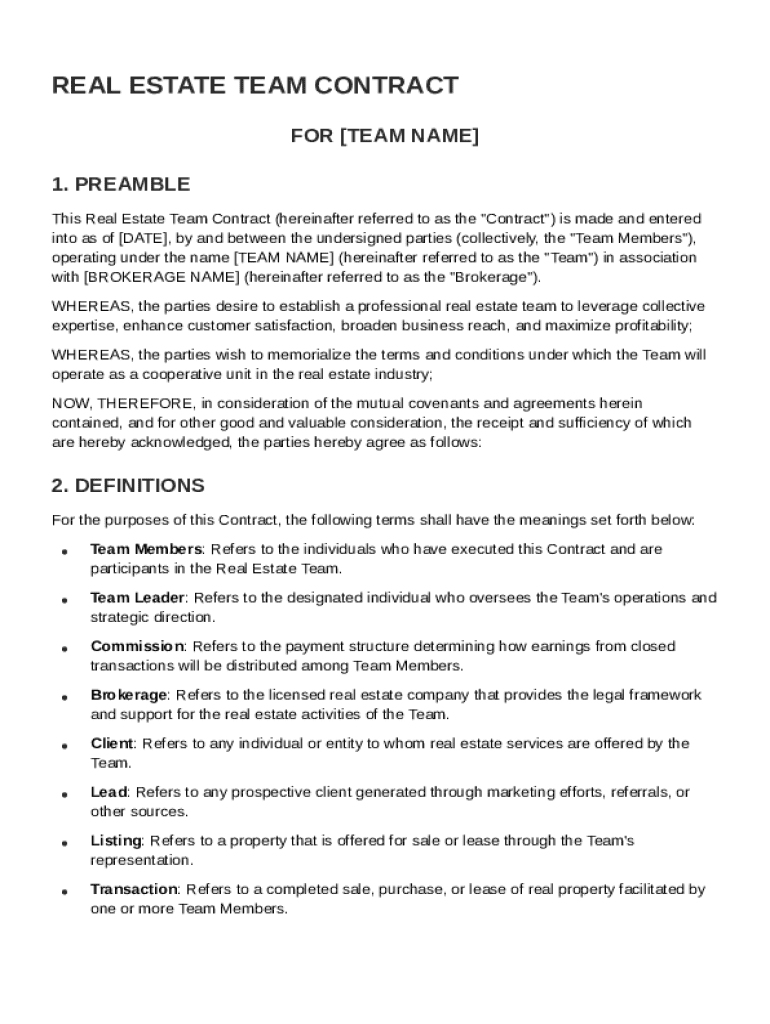
The Real Estate Team Contract Template is a comprehensive document that outlines the roles, responsibilities, and compensation structures for team members within a real estate brokerage. This contract template is crucial for ensuring that all members are aligned with the brokerage's legal and ethical standards. By delineating roles, it promotes collaboration and enhances customer satisfaction and profitability.
Key Elements of the Real Estate Team Contract Template
Roles and Responsibilities
- Team Member Duties: The template should specify the duties each team member is expected to perform. This includes working hours, sales targets, and client management responsibilities.
- Broker’s Role: Define the broker's obligations in supporting the team with resources, leads, and mentorship.
Commission Structures
- Payment Details: Outline the commission split between team members and the brokerage. Include details on how and when payments will be distributed.
- Performance Bonuses: Include any additional incentives for higher-than-expected performance.
Decision-Making Procedures
- Voting Rights: Describe how team members can voice their opinions on strategic decisions.
- Confidentiality: Enforce confidentiality for all team discussions and decisions to maintain trust.
How to Utilize the Real Estate Team Contract Template
Steps to Complete the Template
- Read Through the Document: Begin by carefully examining all sections of the template to understand its scope.
- Input Team Details: Add specific information about each team member and their respective roles.
- Customize Terms: Adjust sections to address specific brokerage policies or state regulations.
- Review with Legal Counsel: Before finalizing, have the contract reviewed by a legal professional to ensure compliance with local laws.
- Sign and Distribute: Have all parties sign the document, then distribute copies for everyone’s records.
Important Terms Related to the Template
- Independent Contractor Status: Clarify that team members operate independently, underlining the non-employer relationship.
- Confidentiality: Specify expectations for handling client information and brokerage data.
Legal Use and Compliance
Ensuring Compliance with U.S. Law
- Real Estate Laws: Ensure the contract complies with state-specific real estate laws and regulations.
- Ethical Standards: Embed industry ethical standards to guide professional conduct.
Adaptation for State-Specific Requirements
- State Regulations: Modify the template to meet state-specific licensing requirements and disclosure obligations.
- Local Real Estate Boards: Check for local board stipulations that might affect team operations and include them as necessary.
Examples of Using the Real Estate Team Contract Template
Practical Scenarios
- Team Expansion: When adding new team members, use the template to rapidly integrate them by clearly laying out expectations.
- Performance Review: Utilize the contract during annual reviews to assess if team members are meeting outlined responsibilities.
Business Types Benefiting from the Template
- Residential Brokerages: For firms focusing on home sales, this contract ensures all agents are synchronized in service delivery.
- Commercial Teams: Adapt the template for teams dealing with large commercial properties and different client demands.
Digital vs. Paper Versions
Advantages of Each Format
- Digital Templates: They are easy to update, distribute, and store. They also allow for electronic signatures, streamlining the execution process.
- Paper Copies: These provide a tangible record, useful in scenarios where digital retrieval is not feasible.
Software Compatibility
- Integration with DocHub: This platform allows for editing and signing the contract template digitally, ensuring ease of use for collaborative teams.
- Compatibility with Cloud Services: Use with Google Workspace for seamless sharing and editing among team members, enhancing productivity.
Through these comprehensive guidelines, the Real Estate Team Contract Template ensures clarity, promotes collaboration, and maintains compliance, proving essential for efficient and effective team management within the real estate industry.