




01. Edit your form online
Type text, add images, blackout confidential details, add comments, highlights and more.

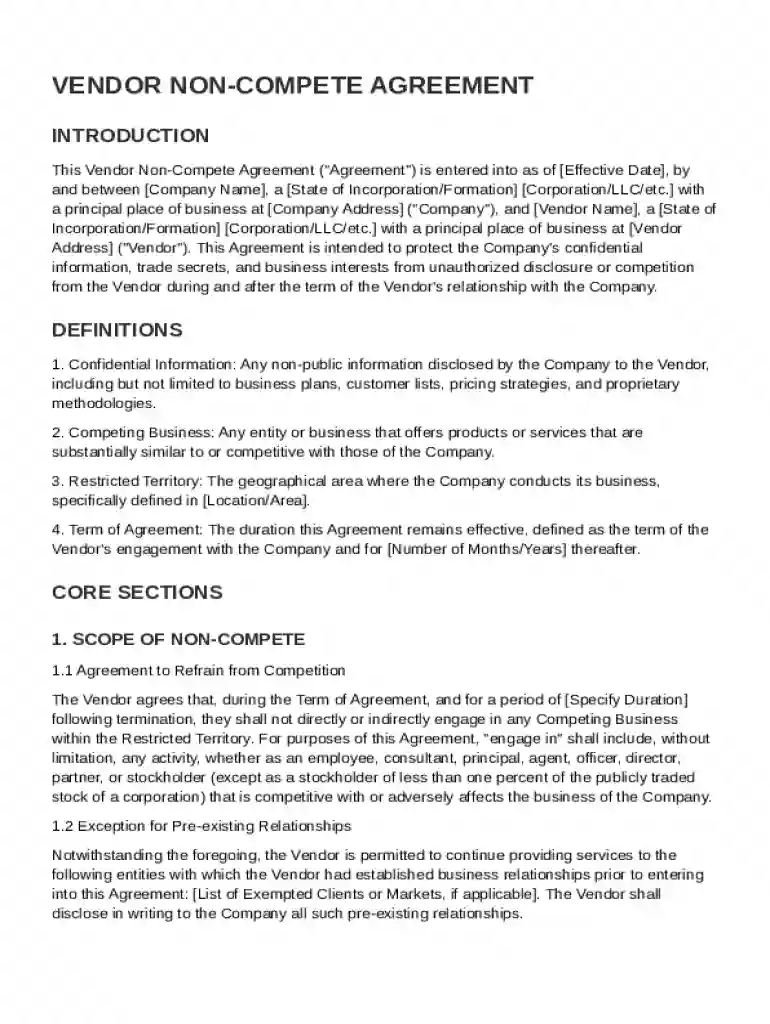
Type text, add images, blackout confidential details, add comments, highlights and more.

Draw your signature, type it, upload its image, or use your mobile device as a signature pad.

Send it via email, link, or fax. You can also download it, export it or print it out.
The Vendor Non-Compete Agreement is a legally binding document between a company and its vendor. Its primary purpose is to safeguard the company's confidential information and protect business interests. The agreement restricts the vendor from engaging in similar business activities that could potentially compete with the company, both during the term of their relationship and after its termination. It defines what constitutes "Confidential Information" and "Competing Business," ensuring clarity and enforceability.
Using the Vendor Non-Compete Agreement Template is straightforward but requires attention to detail. First, review the predefined sections to ensure they align with your specific business needs. Insert relevant company and vendor information in the appropriate fields to personalize the document. Next, carefully examine all terms and clauses, including the duration of the non-compete period and the geographic scope, to ensure they comply with applicable laws. Finally, both parties should sign the agreement with legally binding electronic signatures, which DocHub facilitates.
Download the Template: Start by accessing the template through DocHub. You may opt to use the form directly from storage platforms like Google Drive.
Review Key Clauses: Examine clauses about confidentiality obligations, the definition of competing businesses, and any exceptions to restrictions.
Personalize the Details: Fill in the mandatory fields like company name, vendor information, and specific contractual terms.
Set Non-Compete Parameters: Define the geographical scope and duration of the non-compete provisions based on the business's operational area.
Obtain Necessary Approvals: Ensure that both parties review the final terms and provide feedback, if necessary, before finalizing the document.
Sign the Agreement: Use DocHub's electronic signature function to sign the document, ensuring it is legally compliant.
A comprehensive Vendor Non-Compete Agreement Template typically includes several key elements:
Understanding the terminology within the Vendor Non-Compete Agreement Template is essential for both the company and the vendor. Key terms include:
The Vendor Non-Compete Agreement Template should be used in compliance with federal and state laws. The ESIGN Act ensures that electronic signatures within the template are legally binding. It is crucial to consider state-specific regulations, as some states have more stringent rules regarding non-compete clauses, such as enforceability and permissible duration. Consulting with legal professionals to tailor the template to fit specific legal requirements is advisable.
Varying state laws significantly affect the enforceability and structuring of a Vendor Non-Compete Agreement. For instance, California generally prohibits non-compete agreements except in specific circumstances like the sale of business interests. Conversely, states like Texas allow them if the agreements are reasonable in scope, duration, and geography. Understanding these differences is vital, and it may be necessary to modify the template accordingly to adhere to local legal standards.
Practical applications of the Vendor Non-Compete Agreement Template include scenarios where a company shares sensitive information with a vendor to execute a specialized contract. For example, a tech company may use the agreement to prevent a software development vendor from creating similar software for a direct competitor. Another example might involve a manufacturing firm that needs to protect proprietary manufacturing processes when engaging with a parts supplier. These real-world cases underscore the agreement's role in protecting business interests.
At DocHub, your data security is our priority. We follow HIPAA, SOC2, GDPR, and other standards, so you can work on your documents with confidence.



Mar 24, 2022 A solid consulting agreement should include the nature of services, fee structure, duration, statement of work, terms and conditions, delivery
A conflict of interest may occur if involved with a recommended provider. You must inform Purchasing Services of any potential conflicts of interest.


