
Get any PDF form from the DocHub library of ready-made templates - Page 123
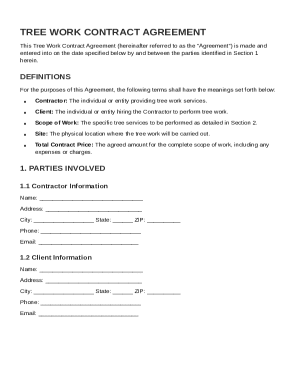
Tree Work Contract Template
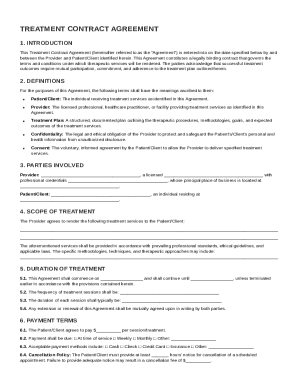
Treatment Contract Template
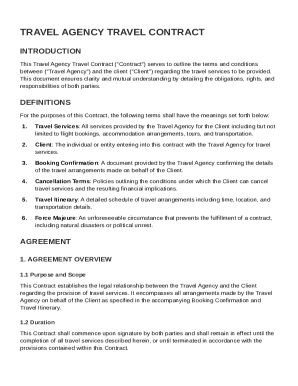
Travel Agency Travel Contract Template
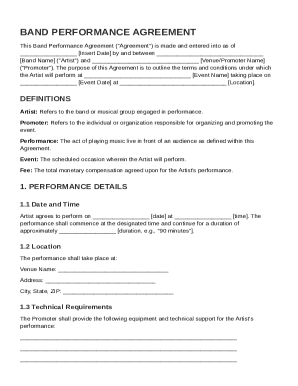
Band Performance Contract Template
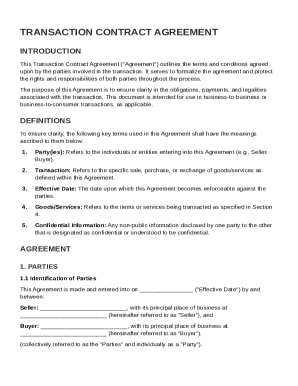
Transaction Contract Template
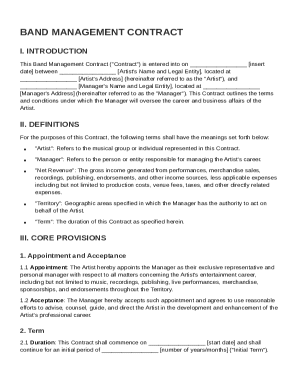
Band Management Contract Template
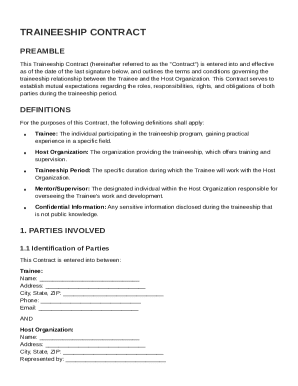
Traineeship Contract Template
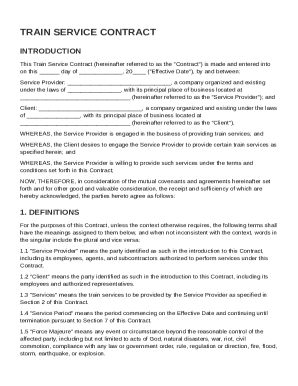
Train Service Contract Template
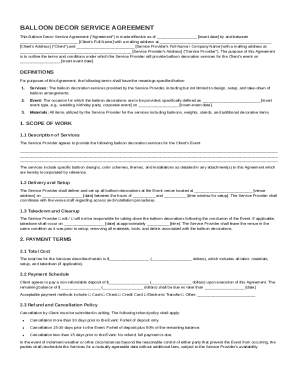
Balloon Decor Contract Template
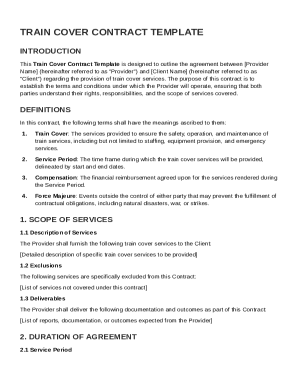
Train Cover Contract Template
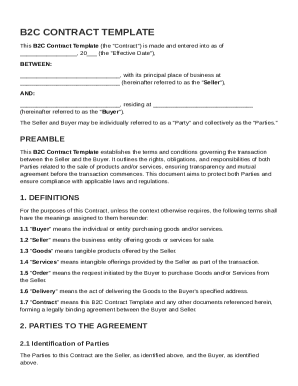
B2C Contract Template
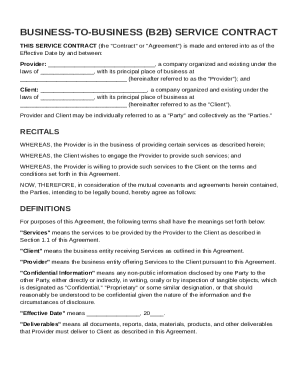
B2B Service Contract Template
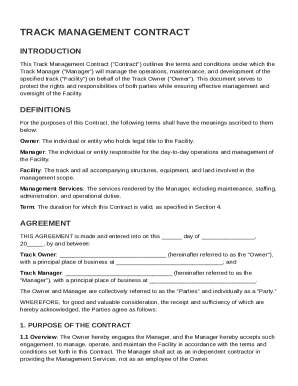
Track Management Contract Template
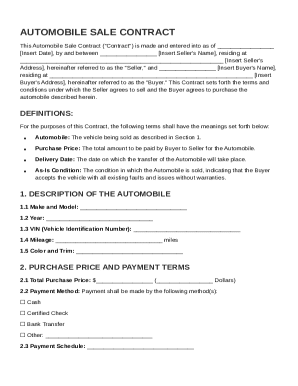
Automobile Sale Contract Template
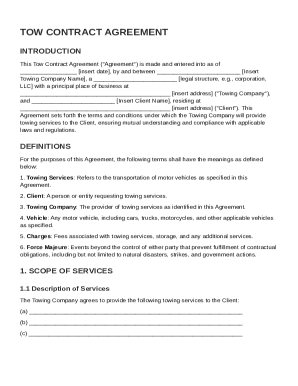
Tow Contract Template
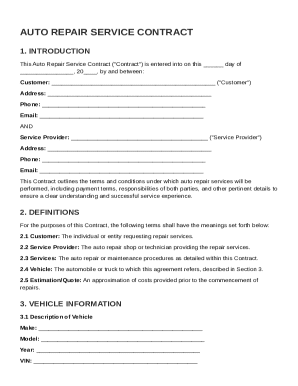
Auto Repair Service Contract Template
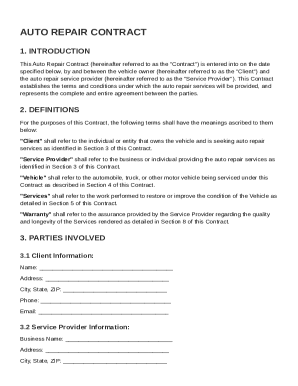
Auto Repair Contract Template
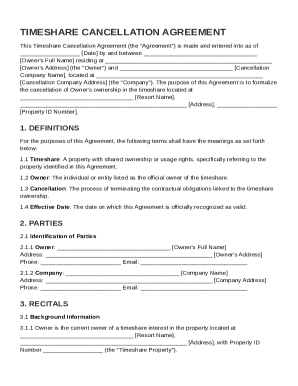
Timeshare Cancellation Contract Template
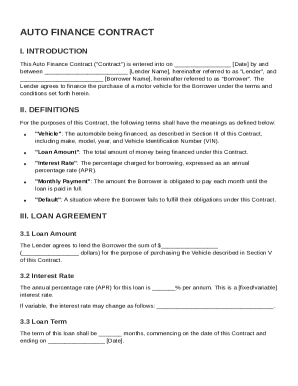
Auto Finance Contract Template
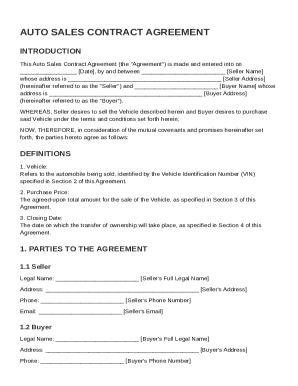
Auto Contract Template
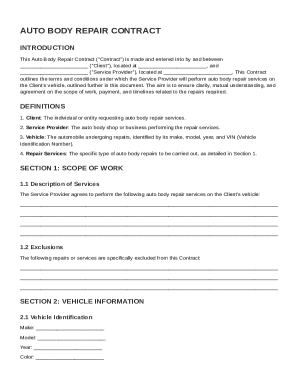
Auto Body Contract Template
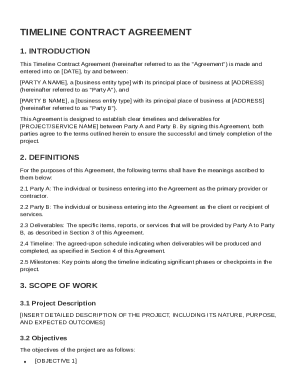
Timeline Contract Template
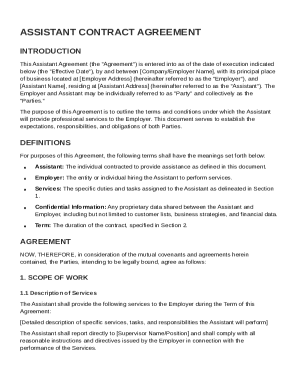
Assistant Contract Template

Assignment Of Real Estate Contract Template
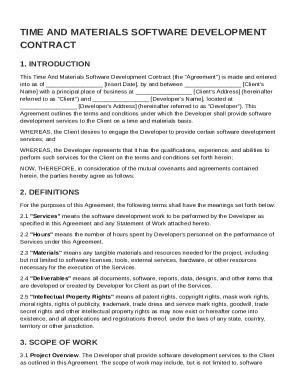
Time And Materials Software Development Contract Template
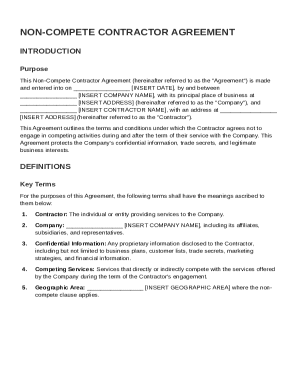
Non Compete Contractor Agreement Template
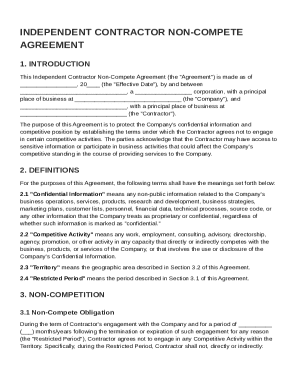
Independent Contractor Non Compete Agreement Template
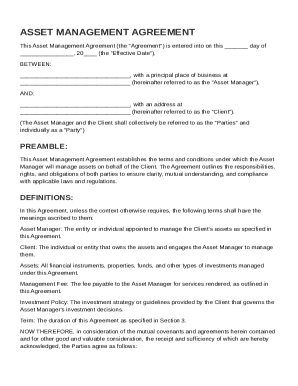
Asset Manager Contract Template
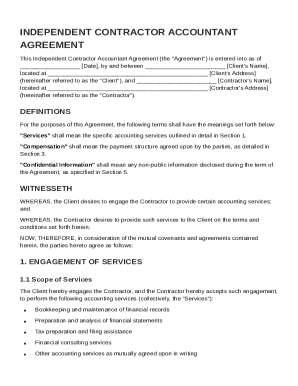
Independent Contractor Accountant Agreement Template
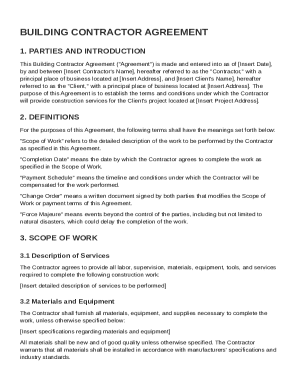
Building Contractor Agreement Template
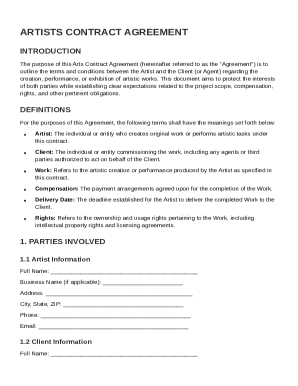
Artists Contract Template
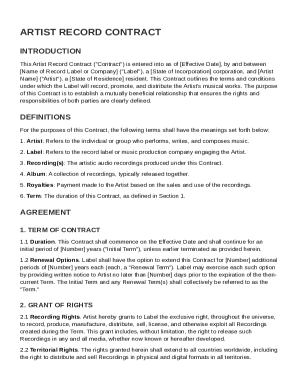
Artist Record Contract Template
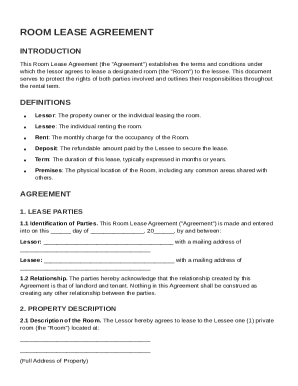
Room Lease Contract Template
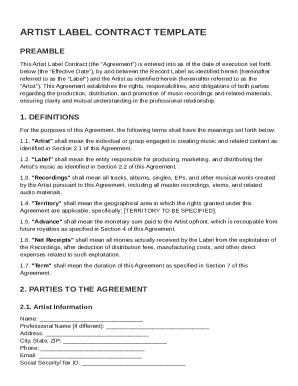
Artist Label Contract Template
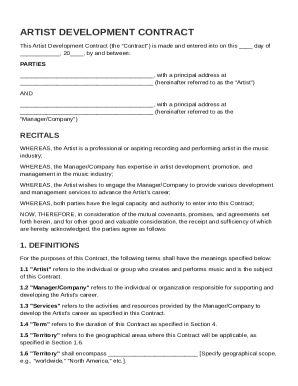
Artist Development Contract Template
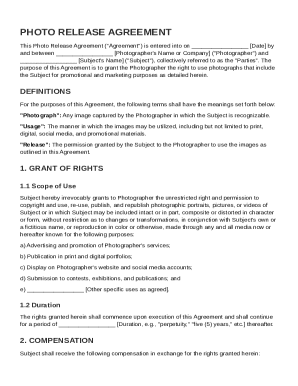
Photo Release Contract Template
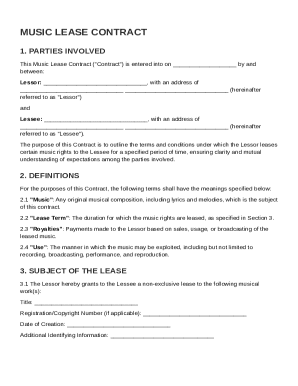
Music Lease Contract Template
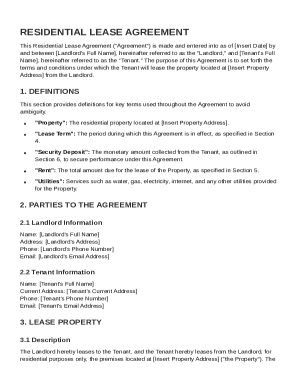
House Lease Contract Template
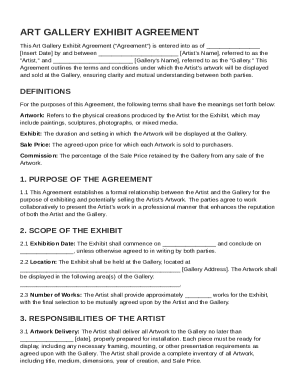
Art Gallery Contract Template
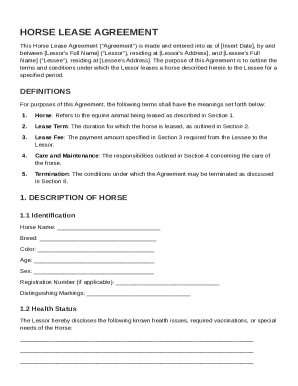
Horse Lease Contract Template
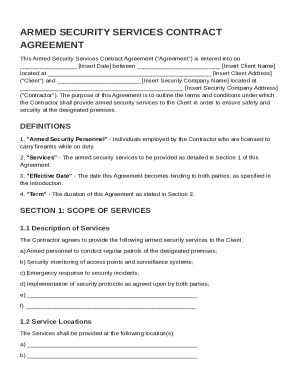
Armed Security Contract Template
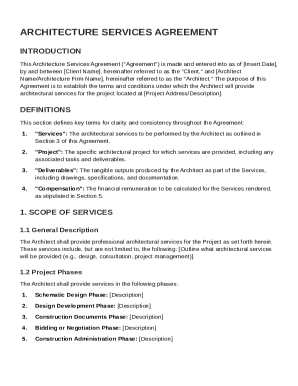
Architecture Contract Template

Architectural Photography Contract Template
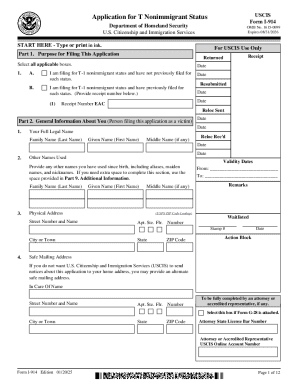
Form I-914

OMB 3245-0185 Supporting Statement for SBA Forms
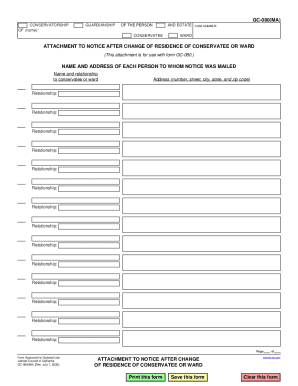
GC-080MA ATTACHMENT TO NOTICE AFTERCHANGE OF RESIDENCE OF CONSERVATEE OR WARD Judicial Council forms

The Sale Of Real Estate Contract Template
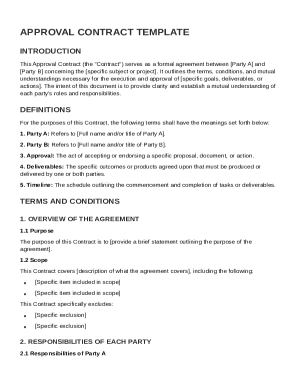
Approval Contract Template
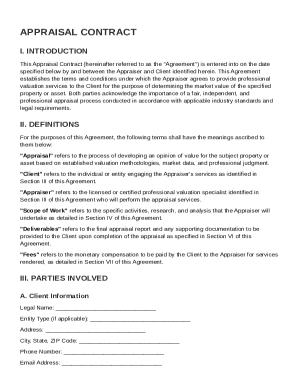
Appraisal Contract Template
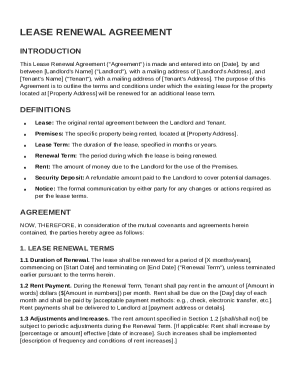
Lease Renewal Contract Template
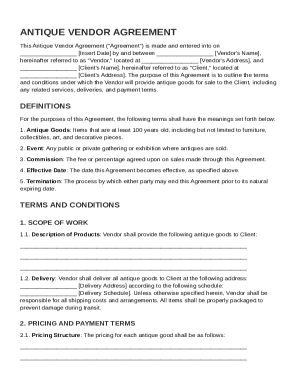
Antique Vendor Contract Template
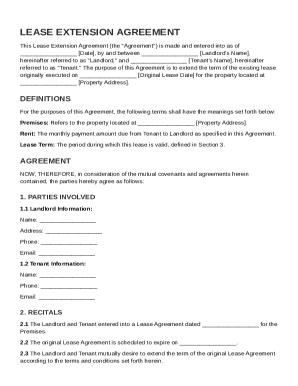
Lease Extension Contract Template
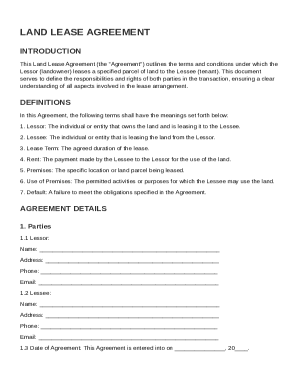
Land Lease Contract Template
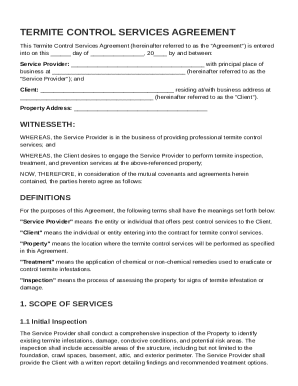
Termite Contract Template
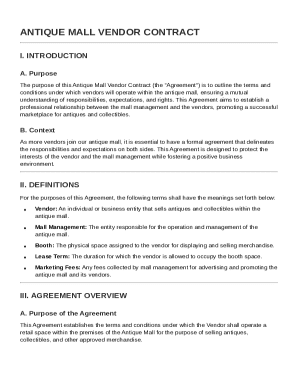
Antique Mall Vendor Contract Template
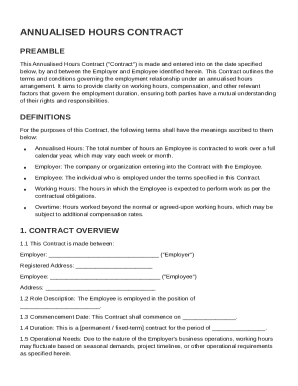
Annualised Hours Contract Template
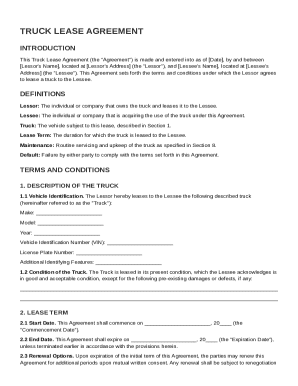
Truck Lease Agreement Template
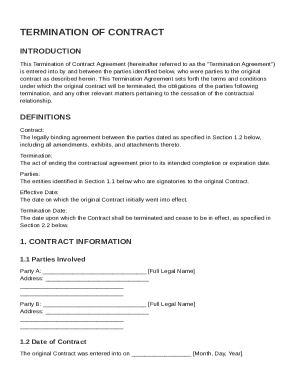
Termination Of Contract Template
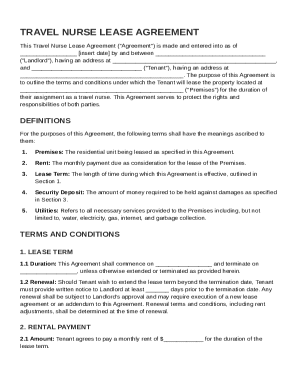
Travel Nurse Lease Agreement Template
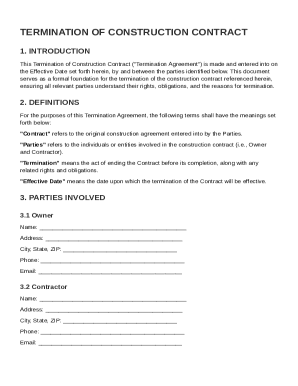
Termination Of Construction Contract Template
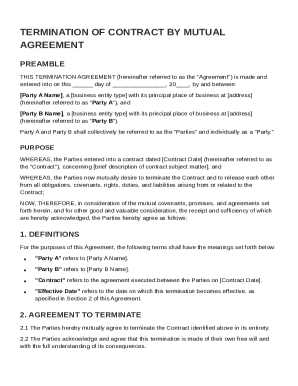
Termination Of By Mutual Contract Template
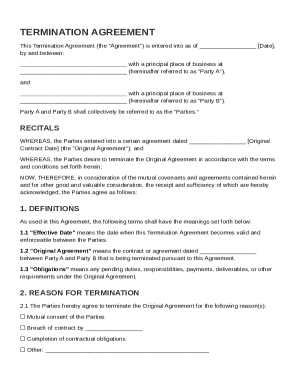
Termination Contract Template
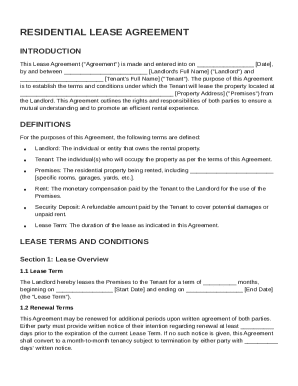
Tenants Lease Agreement Template
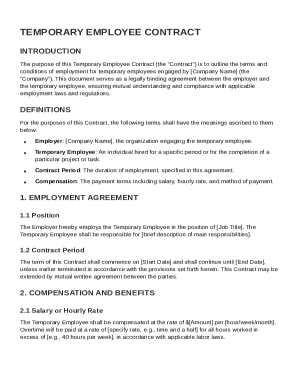
Temp Employee Contract Template
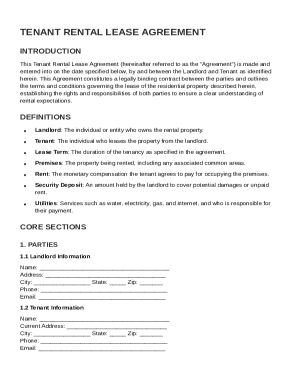
Tenant Rental Lease Agreement Template
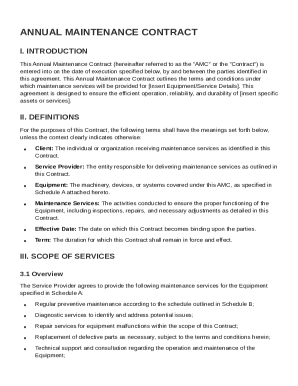
Annual Maintenance Contract Template
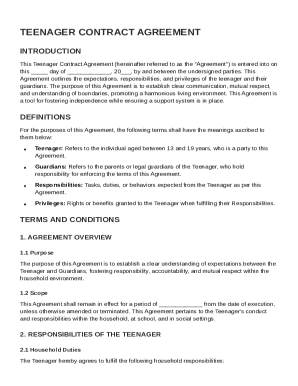
Teenager Contract Template
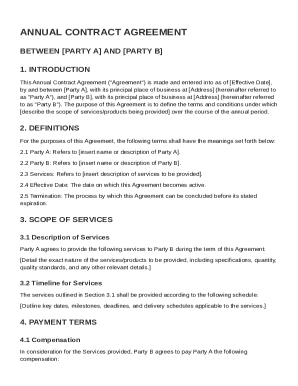
Annual Contract Template
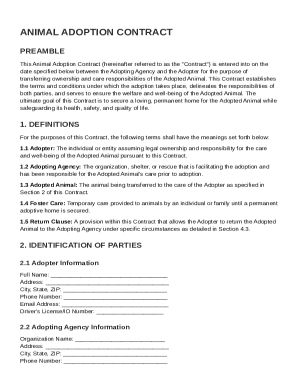
Animal Adoption Contract Template
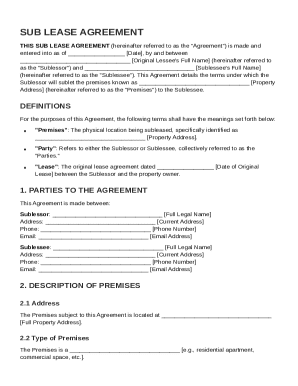
Sub Lease Agreement Template
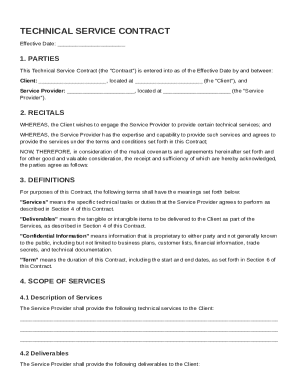
Technical Service Contract Template
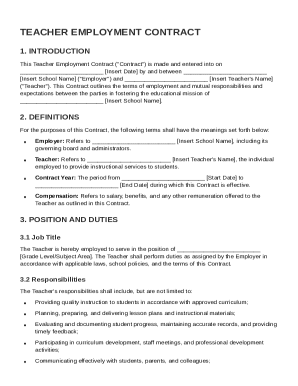
Teacher Contract Template
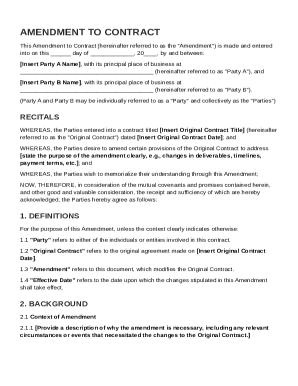
Amendment Contract Template
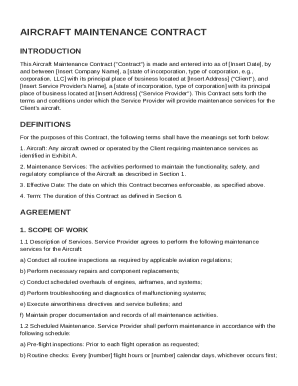
Aircraft Maintenance Contract Template
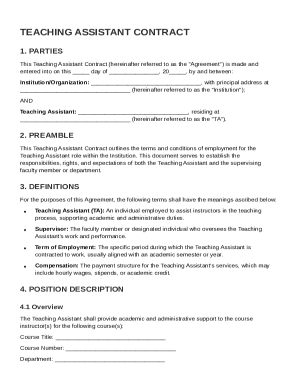
Teach Assistant Contract Template
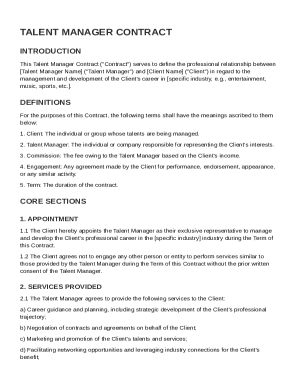
Talent Manager Contract Template
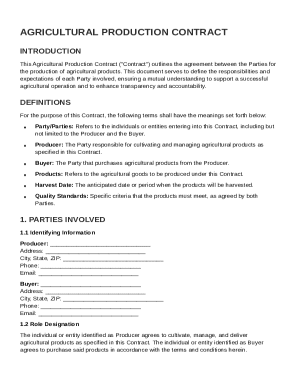
Agricultural Production Contract Template
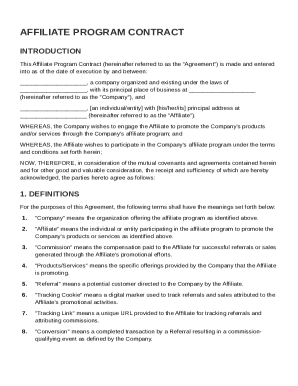
Affiliate Program Contract Template
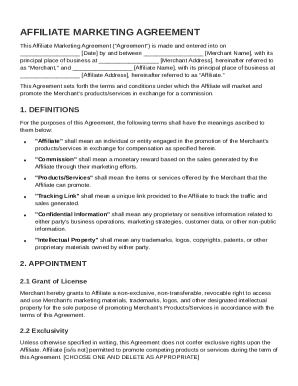
Affiliate Market Contract Template
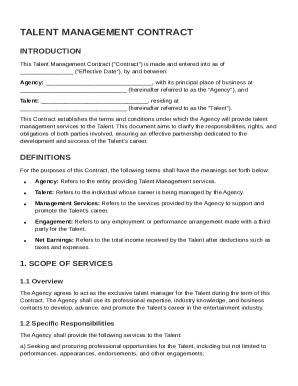
Talent Management Contract Template
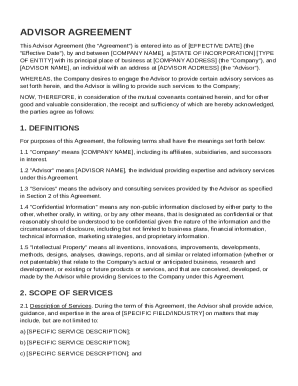
Advisor Contract Template
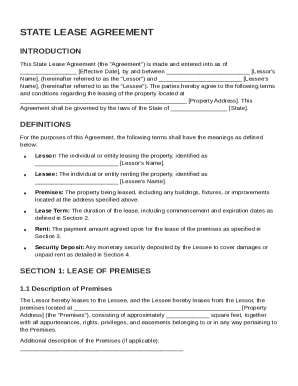
State Lease Agreement Template
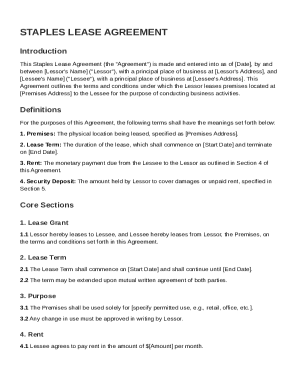
Staples Lease Agreement Template
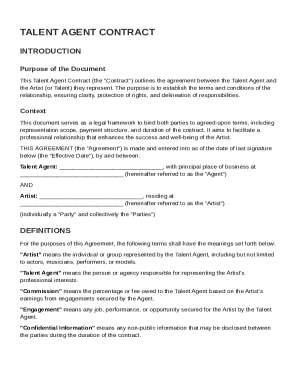
Talent Agent Contract Template
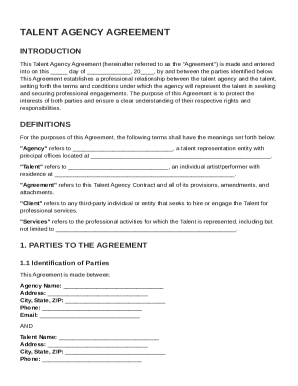
Talent Agency Contract Template
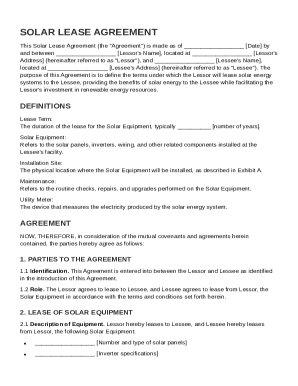
Solar Lease Agreement Template
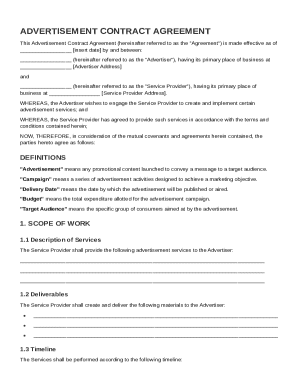
Advertisement Contract Template
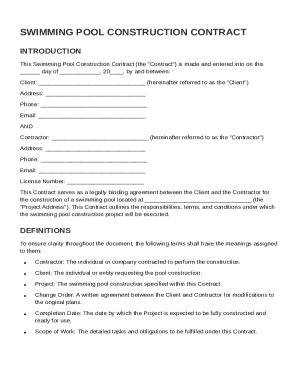
Swimm Pool Construction Contract Template
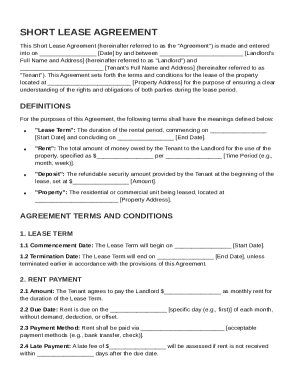
Short Lease Agreement Template
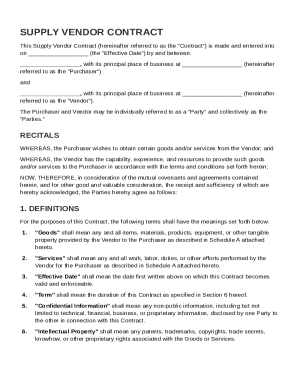
Supply Vendor Contract Template
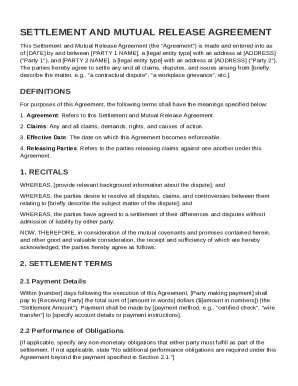
Settlement and Mutual Release Agreement Template
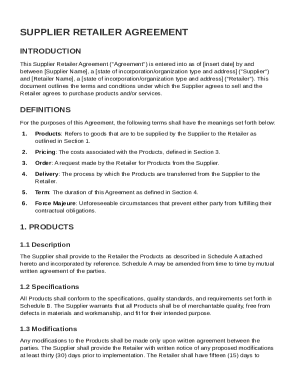
Supplier Retailer Contract Template
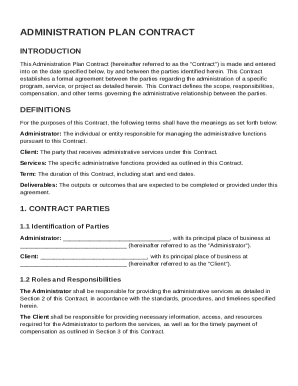
Administration Plan Contract Template
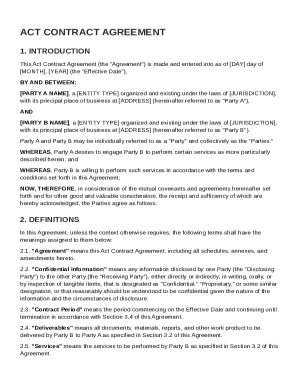
Act Contract Template
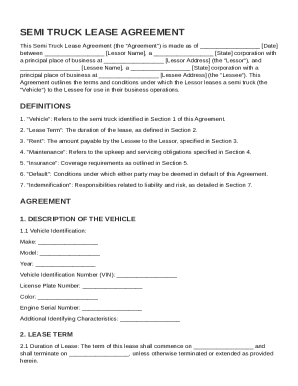
Semi Truck Lease Agreement Template
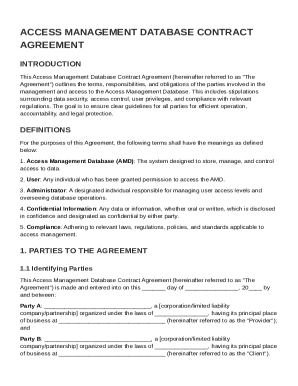
Access Management Database Contract Template
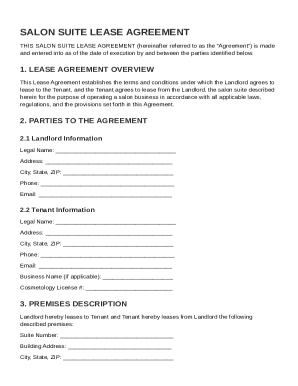
Salon Suite Lease Agreement Template
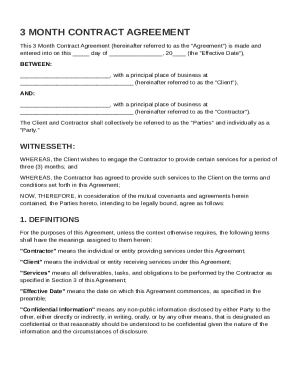
3 Month Contract Template
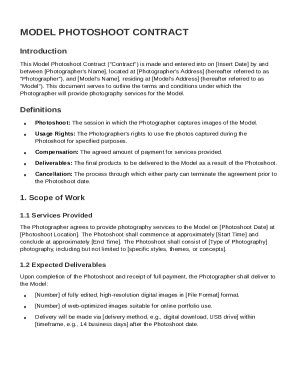
Model Photoshoot Contract Template
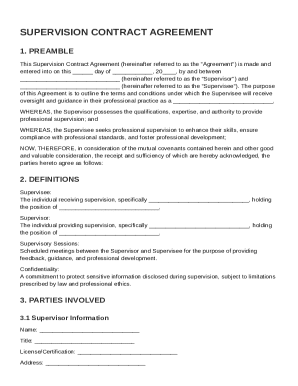
Supervision Contract Template
Benefit from the DocHub online library of fillable PDF forms
Searching the PDF forms doesn't have to be a tedious and time-consuming process. With the DocHub online library, it has become easier to find the fillable PDF forms and modify them in your browser. The service allows you to adjust the document to your needs using powerful editing tools.
You can use online document editing features to modify almost any type of document with ease. You just need to find the template of your choice, open it in the editor, and use the toolbar to make the necessary corrections.
Follow this guide to get your document done with DocHub:
- Find the PDF template you need.
- Click the Get Form button to open the file in the editor.
- Use the toolbar to fill out and edit the document.
- Easily add and highlight text, insert images, checkmarks, and symbols.
- Drop new fillable fields, and rearrange or delete pages from your file.
- Save changes and download your record.
DocHub empowers everyone to streamline document editing, signing, and distribution, and form completion. Create an account and benefit from our well-organized PDF Forms library and comprehensive editor.