
Get any PDF form from the DocHub library of ready-made templates - Page 606

Vendor questionnaire information
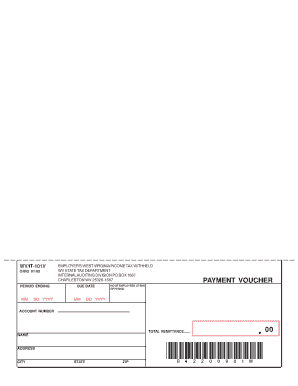
Payment voucher - WV State Tax Department

PLEASE Statewide Payee Registration Washington State

Blank doctors report

Crossover claim form
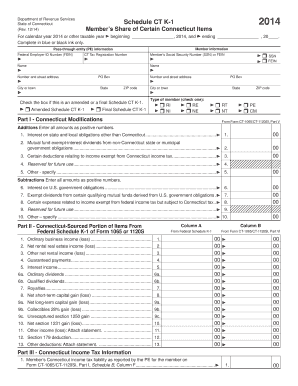
Ct k1 2014 form

Corporate franchise tax fyi - NM Taxation and Revenue Department
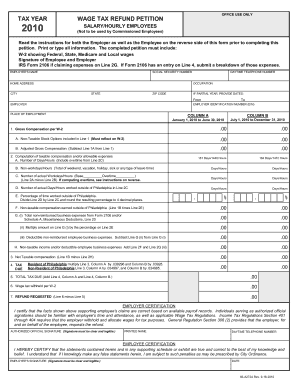
83 a272a 2010 form

Iowa Individual Income Tax Short Form IA 1040A 2009 - Mag Tax

Ohio new hire

Ibx personal choice claim form 2004
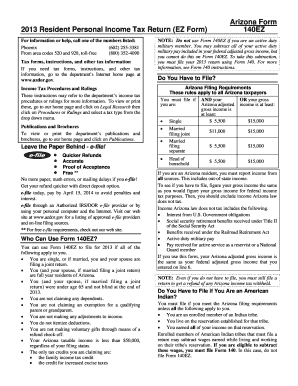
140ez

D 1040nr 2015 form
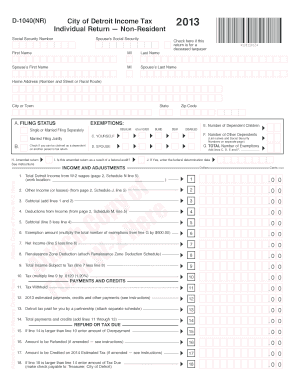
Cityofdetroitincometaxnonresidentform 2013

12 912b 2015-2018 form - flcourts
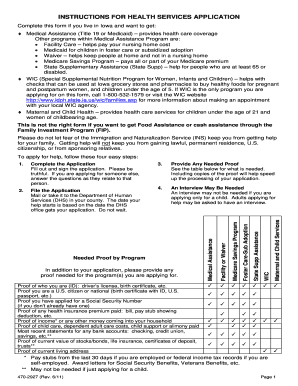
470 2927 2011 form
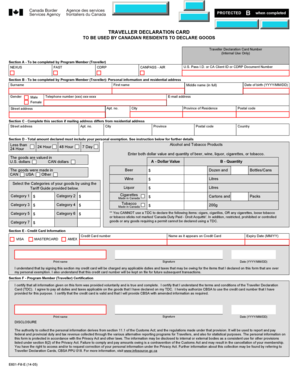
Goods traveller canada

Criminal record supplemental questionnaire
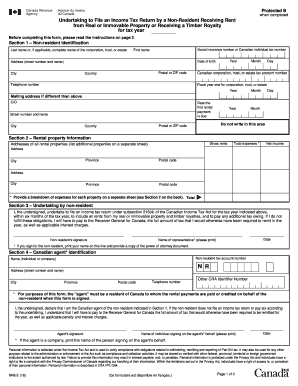
Nr 6 form

Form 2911

CA Healthy Smile 360 Dental Office New Patient Form
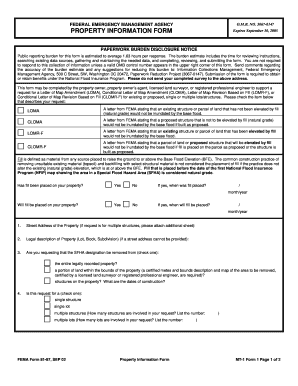
Fema property information form 2002
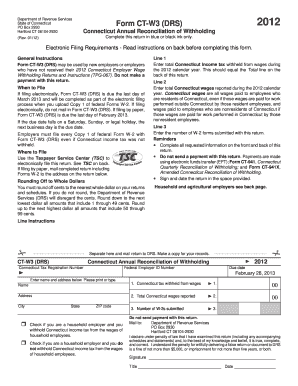
Form ct w3 hhe 2012 connecticut annual reconciliation of withholding for household employers
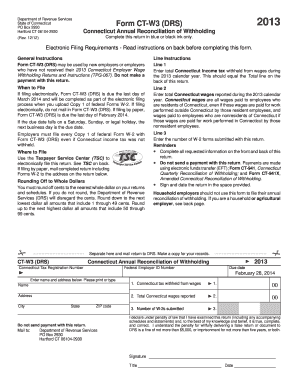
Printable 2013 w 3 form

Updates on Audit Issues - NYC

Et 30 2012 form
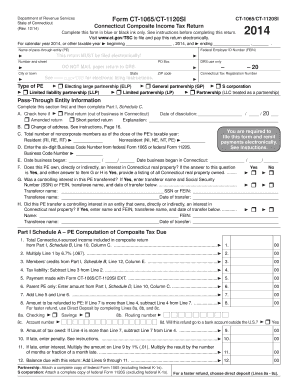
2014 ct 1065 form
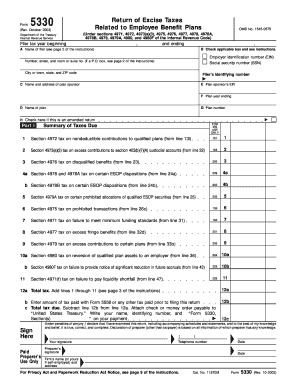
Form 5330 fillable form 2003
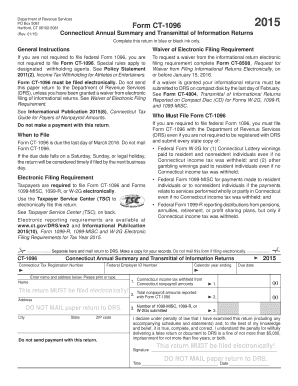
Form ct 1096 drs 2015

Ct 1096 2015 form

2009 Individual Income Tax Return - dor mo
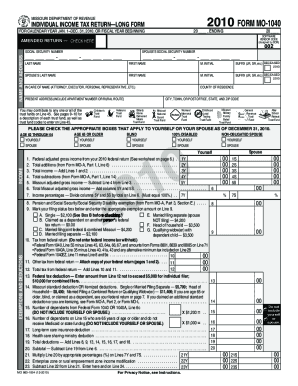
MISSOURI DEPARTMENT OF REVENUE 2000 FORM MO-1040 INDIVIDUAL INCOME TAX

2011 FORM MO -1040

MO-1040 Individual Income Tax Return Long Form - Missouri

Mo 1040

MO-1040 Form - dor mo

MO-1040 Book 12-01-15

2016 FORM MO-1040 - dor mo

Tax Return - Long Form

2018 Individual Income Tax Return - Long Form

2019 Individual Income Tax Return - Long Form (MO-1040)

What is Form 1040HandR Block - Tax Preparation Services
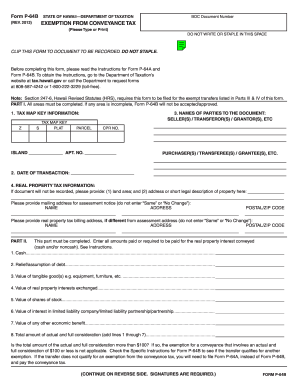
Form p 64b instructions 2013
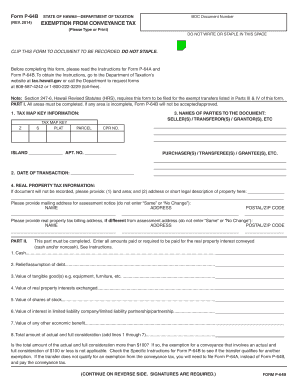
Tax conveyance 2014 form
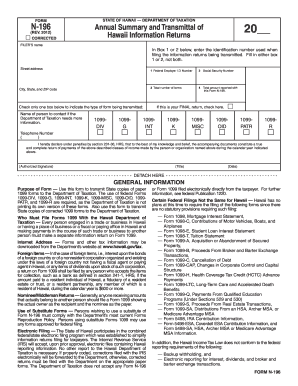
N 196 2012 form
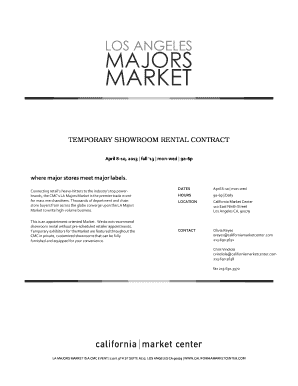
For mass merchandisers
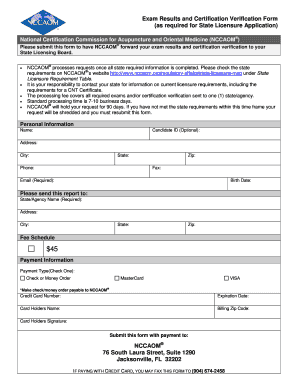
Exam Results and Certification Verification Form - nccaom
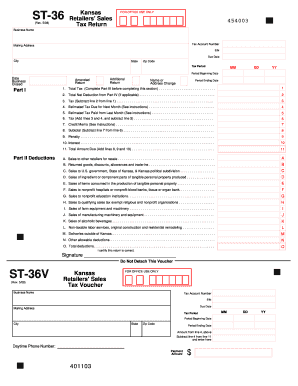
2008 Kansas retailers sales tax form - ksrevenue
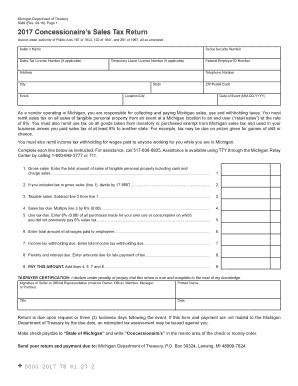
Section 205 30 - Michigan Legislature - State of Michigan

Wheelchair Seating Evaluation Form and Instructions
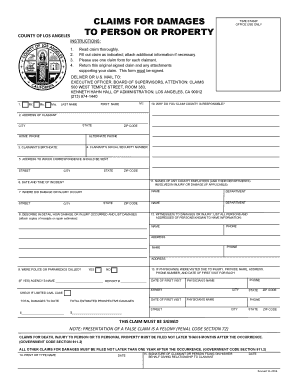
County of los angeles claim for damages

Bcia 8372 Form - Fill Out and Sign Printable PDF Template

Maine w4 2013 form

Manual Signature Form - Maryland

Rpd41326 2013 form

DocHub 866316-fillable-unprotectedUnprotected Exposure Form Ma - Fill Online, Printable

Sf 2803

Form 8621

Form 8621
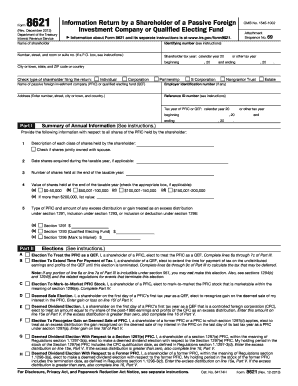
Form 8621 rev 2012

Form 8621 Rev December 2015 - irs
Form 8621
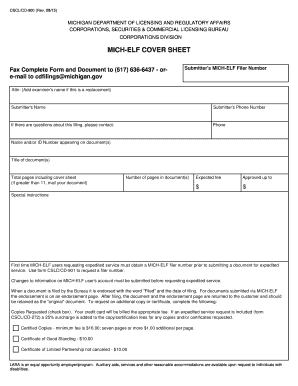
Mich elf cover sheet

Medicinal marijuana certification forms ny
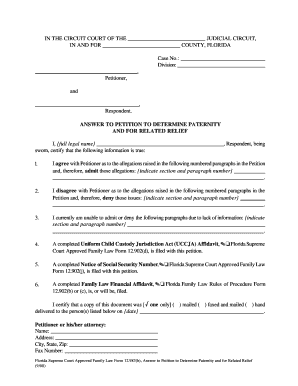
983(b), ANSWER TO PETITION TO DETERMINE PATERNITY AND FOR RELATED RELIEF When should this form be us
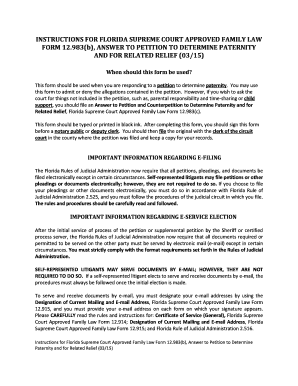
Florida Supreme Court Approved Family Law Form 12 983(c
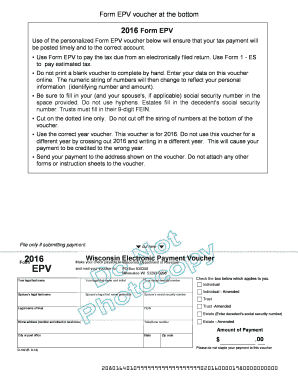
DOR Home - State of Wisconsin - revenue wi
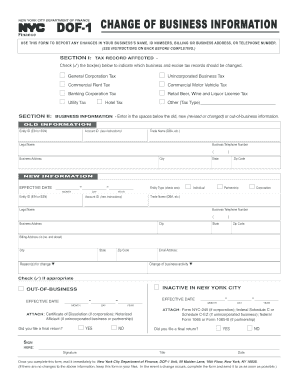
Dof 1 nyc 2014 form
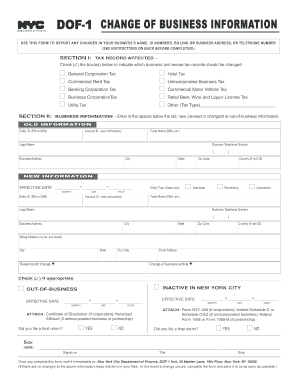
Nydof betax dof b e tax

Reinstatement form for the state of il to do business

VP 015 Vehicle Inspection Certificate
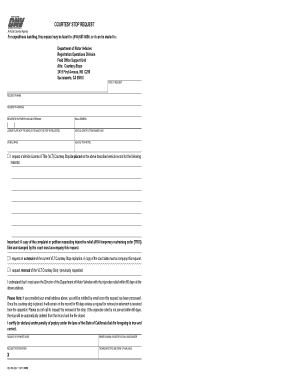
Vlt stop california dmv

Minnesota Insulin-Treated Diabetes Mellitus Report
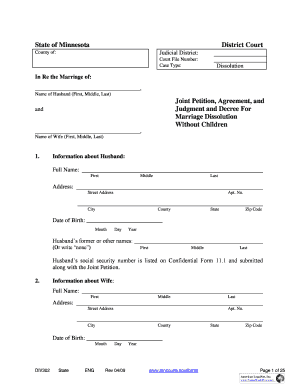
State of Minnesota District Court Joint Petition Agreement bb - Justia

Va pte 2013 form
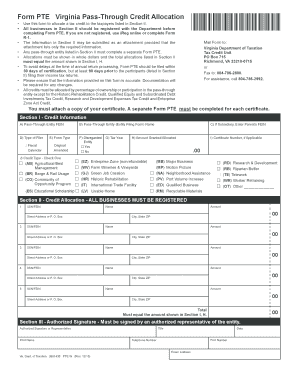
Va pte 2015 form
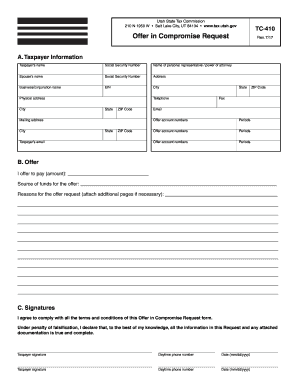
Utah state offer in compromise instructions form
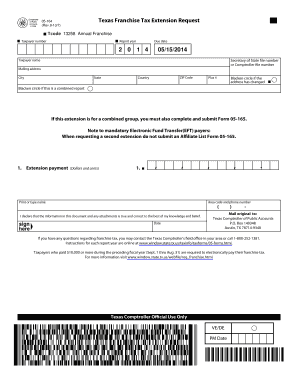
Tx form franchise 2013
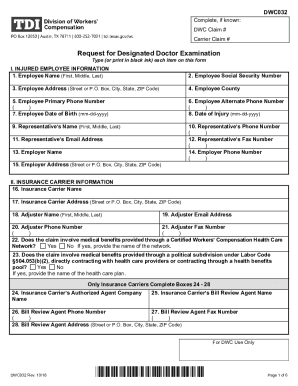
DWC Form-032, Request for Designated Doctor Examination
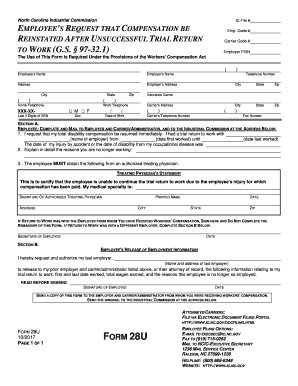
The Department's Implementation of the Contractor - ED

Nd sfn 13401 form
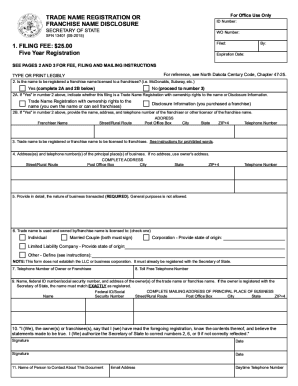
COMPLETE, PRINT, SIGN, AND MAIL OR FAX (If paying with credit card, complete Credit Card Payment Aut

TMSM-01 Original bApplicationb to Register a Trade or Service Mark - nationalparalegal

Request for Departmental Action Fee Transmittal Form - City of Quincy - quincyma

Departmental action 2013-2019 form

Ui 40a

Ct 941x form

Ct 941 amended return 2012 form
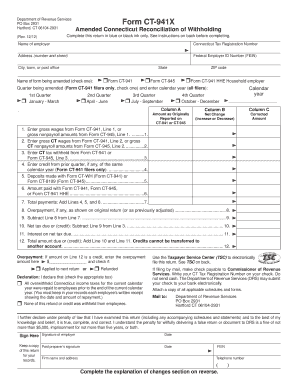
Connecticut amended 2013 form

STATE OF CONNECTICUT OFFICE OF THE STATE COMPTROLLER Page

Please give us the following information about you - ct

Attachment to Statement of Information (Limited - State of California

Exempt from sales tax in Oklahoma
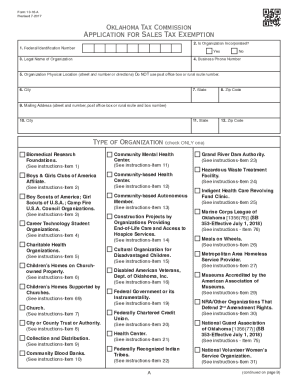
Oklahoma Sales Tax Exemption Packet

Packet E Oklahoma Sales Tax Exemption Packet
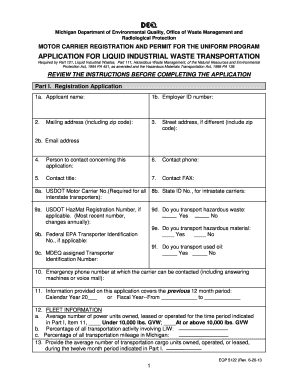
Eqp 5122

Snap wage verification form

Free Idaho Small Estate AffidavitForm CAO Pb 01 - PDF

Cdph 932 form

Arkansas Death Certificate Application
Benefit from the DocHub online library of fillable PDF forms
Searching the PDF forms doesn't have to be a tedious and time-consuming process. With the DocHub online library, it has become easier to find the fillable PDF forms and modify them in your browser. The service allows you to adjust the document to your needs using powerful editing tools.
You can use online document editing features to modify almost any type of document with ease. You just need to find the template of your choice, open it in the editor, and use the toolbar to make the necessary corrections.
Follow this guide to get your document done with DocHub:
- Find the PDF template you need.
- Click the Get Form button to open the file in the editor.
- Use the toolbar to fill out and edit the document.
- Easily add and highlight text, insert images, checkmarks, and symbols.
- Drop new fillable fields, and rearrange or delete pages from your file.
- Save changes and download your record.
DocHub empowers everyone to streamline document editing, signing, and distribution, and form completion. Create an account and benefit from our well-organized PDF Forms library and comprehensive editor.