




01. Edit your form online
Type text, add images, blackout confidential details, add comments, highlights and more.

Type text, add images, blackout confidential details, add comments, highlights and more.

Draw your signature, type it, upload its image, or use your mobile device as a signature pad.

Send it via email, link, or fax. You can also download it, export it or print it out.
The concept of "form online" refers to the digital versions of forms that can be accessed, completed, and submitted through an internet-connected device. Unlike their paper counterparts, online forms are often dynamic, providing a range of functionalities such as automated data validation, pre-filled fields, and conditional form fields based on previous responses. These forms are integral to streamlining processes, enabling users to fill out and send important documents from anywhere.
Online forms can serve various purposes, depending on the context in which they are used. They may function as applications, surveys, or formal submissions for legal processes. By leveraging digital platforms, these forms enhance accessibility and efficiency, particularly when used with platforms like DocHub, which allows for seamless editing, signing, and collaboration.
Using an online form involves several straightforward steps. First, access the digital form through a web application like DocHub. You can do this via a direct link or by navigating through the host platform’s website. Once accessed, you can fill out the required fields directly on the platform. DocHub provides tools to annotate and customize forms as needed.
After completing the form, review your entries for accuracy and completeness. Many platforms offer features to validate input data to reduce errors. Then, save the form. On some platforms, you may have the option to save progress and return later. Finally, submit the form through the platform’s specified method, which might include options for sending via email or direct submission to a database.
There are several ways to obtain an online form, depending on its origin and purpose. Typically, forms can be found on the official websites of institutions or organizations that require them. For example, government forms would be accessed through official governmental portals.
If the form is available through DocHub, you can import it from your computer or connected cloud storage services like Google Drive, which the platform integrates with effectively. Additionally, you might receive a form via email, where a link will direct you to the online version.
The process of completing an online form is generally user-friendly and efficient. However, here’s an in-depth guide to ensure nothing gets overlooked:
Access the Form: Navigate to the website or click on the link where the form is hosted.
Read Instructions: Carefully review any instructions provided before starting to fill in the form.
Fill in Details: Provide the required information in the designated fields. Use the dynamic functionalities such as dropdown menus or checkboxes when available.
Review Entries: Once all fields are filled out, double-check the information for accuracy. Ensure there are no typos or misplaced entries.
Save Progress: If the platform allows, save a copy of your completed form before submission, and ensure that any saved data is secured appropriately.
Submit the Form: Follow the platform’s submission instructions. You may need to click a submit button or send it via email as directed.
Confirmation: Look for any confirmation of submission, which may arrive as an email or instant message.
The structure of a form online typically consists of various elements that improve its functionality and accessibility:
Switching from paper-based to online forms presents numerous advantages:
Consider a company that replaced its HR paper forms with online versions through DocHub, reducing turnaround times from weeks to days, improving overall efficiency and reducing resource consumption.
When dealing with forms, especially those related to governmental or legal matters, it’s crucial to be aware of state-specific requirements. For instance, in the United States, certain tax forms may have varying deadlines or submission protocols depending on individual state laws.
Understanding the terminology associated with online forms can ease the process of completion and submission:
Using online forms involves compliance with relevant legal standards to ensure submissions are recognized as valid and binding. For professional or legal documentation, platforms like DocHub meet necessary compliance requirements such as the ESIGN Act, ensuring that electronic signatures provided through the platform are legally valid.
An estate planning firm uses DocHub to streamline the signing of wills. Through compliance with the ESIGN Act, they ensure that online interactions maintain the same legality as in-person document signings.
By understanding and utilizing online forms effectively, individuals and businesses can significantly enhance productivity and ensure compliance with necessary legal standards.
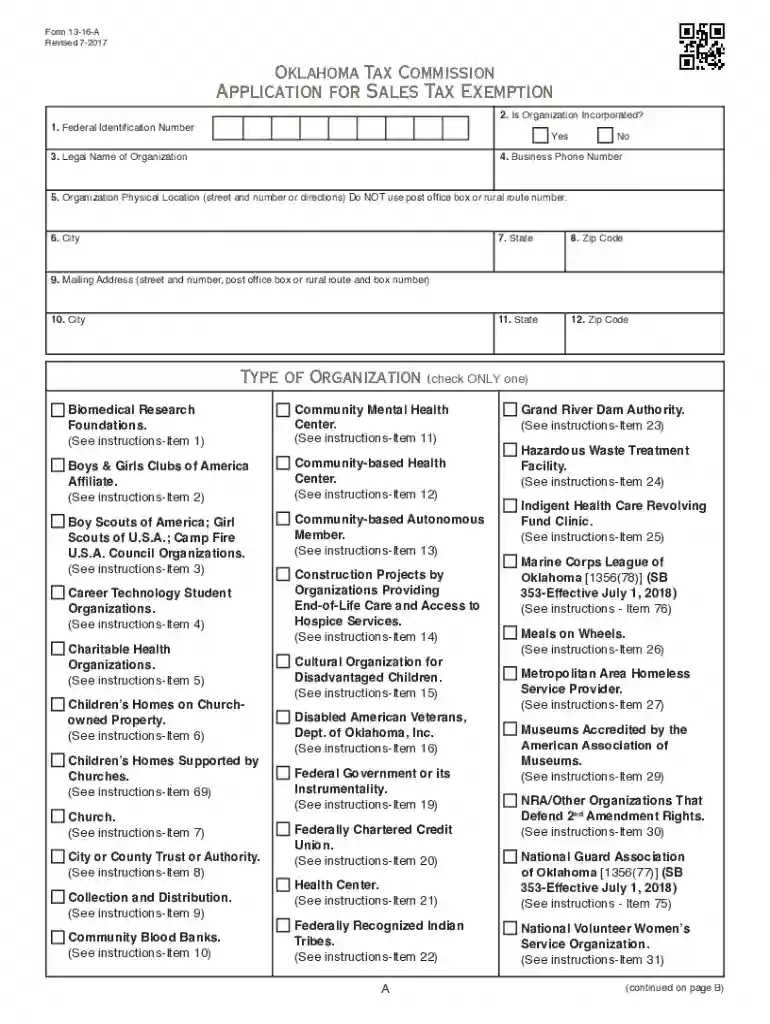
We've got more versions of the Oklahoma Sales Tax Exemption Packet form. Select the right Oklahoma Sales Tax Exemption Packet version from the list and start editing it straight away!
At DocHub, your data security is our priority. We follow HIPAA, SOC2, GDPR, and other standards, so you can work on your documents with confidence.


