
Get any PDF form from the DocHub library of ready-made templates - Page 418
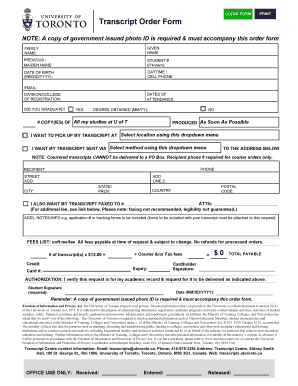
University of toronto transcript

WARNING: Any misrepresentation made in the Personal Data Sheet and the Work Experience Sheet shall c

STATEMENT OF CONSENT: U S PASSPORT ISSUANCE

Tax code declaration

IMM 1344 E

Vehicle titles, certified copies

Pre-participation physical evaluation form (ppe)

Adopt 050 Info 2016-2024 Form - Fill Out and Sign

Plate Surrender Application Use to surrender NYS license plates by mail

Consent to disclose medical information

P31202201W - West Virginia Tax Division

Form H1028, Employment Verification

21P-4706B

California EBT 2259 Form

2020-2024 Form DuProprio Offer to Purchase Residential Fill

Tax utah forms current tc tc-40rPDF

DR 2219 (10 30 24)

OHS FORM 005 SAFE WORK METHOD STATEMENT (SWMS)
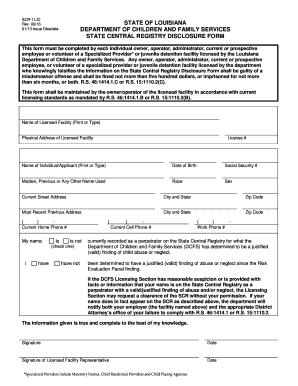
SCR-1 LIC State Central Registry Disclosure Form 2016

Louisiana Tier 2 1 Personal Financial Disclosure Statement

Dental examination report

Meadowbrook day camp

Hack mod unlimited money
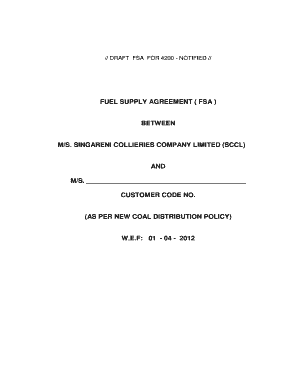
Fuel supply agreement template
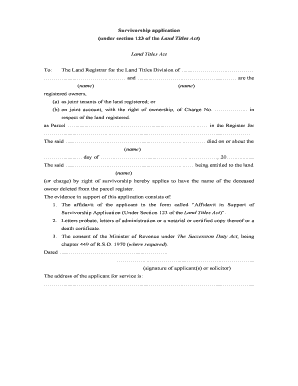
Survivorship application ontario
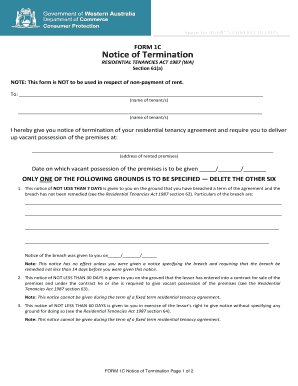
Form 1c notice of termination
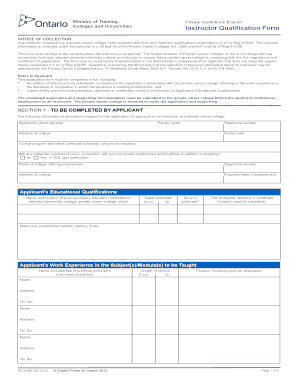
Instructor qualification form

Private Career Colleges Branch - Instructor Qualification Form

Family court lee county

Attorney For Physician Facing NJ Division of Consumer Affairs

Colorado Lottery Stop Direct Deposit Request

Name Change Form - California Architects Board

Multifamily disclosure form - Richmond Public Schools

Volunteer application - Lynchburg City Schools
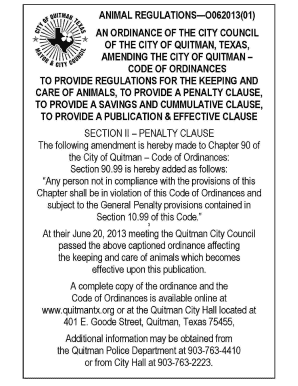
Animal ordinance in quitman texas form

Christ the King Catholic Church ALTAR SOCIETY MEMBERSHIP

St Vincent De Paul - St Joseph Catholic Church

Fdny insp fees

Little Miss Byrncliff Pageant Sponsorship Form

People for animals
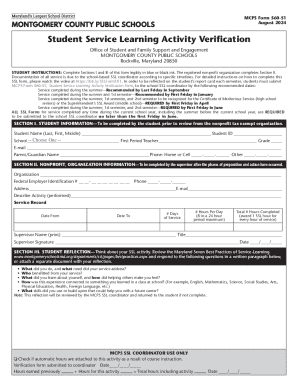
MCPS Student Service Learning Activity Verification Form

Workers comp waiver texas pdf

ITW Foundation 3-for-1 Matching Gift Program U S Program
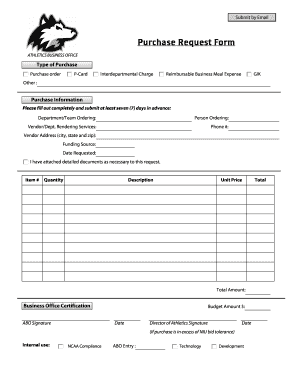
Kinds of purchase form

City of clovis business license

Untitled

Notice of intent to claim form

Re237
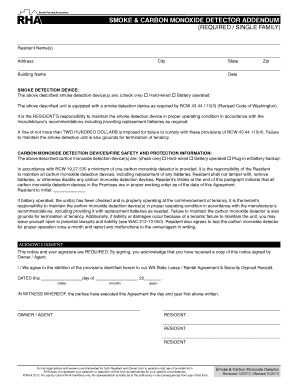
SMOKE and CARBON MONOXIDE DETECTOR ADDENDUM

Download Rental Application - Rutherford Manor Apartments

Salesperson's Sponsorship Form 2, 9-1-2011 - trec texas

Garage door ordering form
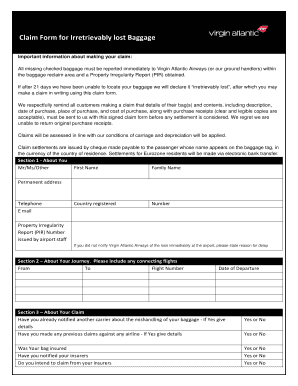
Virgin lost baggage

Change of Address for Texas Motor Vehicle (Form VTR-146)

ACH Dispute Form Written Statement of Unauthorized Debit

ACH Dispute Form

Form 965-A (Rev January 2021) Individual Report of Net 965 Tax Liability

Form 9783 (Rev 12-2011) Electronic Federal Tax Payment System - Individual Enrollment

Loan appraisal form

Request Number Request Detail Request Status Date - IRS

Form IT-251 Credit for Employment of Persons with Disabilities Tax Year 2024
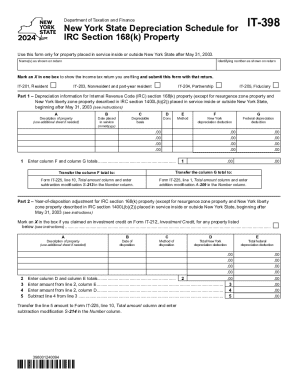
Form IT-398 New York State Depreciation Schedule for IRC Section 168(k) Property Tax Year 2024

Form IT-611 Claim for Brownfield Redevelopment Tax Credit Tax Year 2024

Form IT-272 Claim for College Tuition Credit or Itemized Deduction Tax Year 2024

Form IT-255 Claim for Solar Energy System Equipment Credit Tax Year 2024

Form IT-212-ATT Claim for Historic Barn Rehabilitation Credit And Employment Incentive Credit Tax Ye

Form IT-249 Claim for Long-Term Care Insurance Credit Tax Year 2024

Form IT-217 Claim for Farmers' School Tax Credit Tax Year 2024

Form IT-204 1 New York Corporate Partners Schedule K Tax Year 2024

Form IT-236 Credit for Taxicabs and Livery Service Vehicles Accessible to Persons with Disabilities

Pafs-76

Form IT-135 Sales and Use Tax Report For Purchases of Items and Services Costing $25,000 or More Tax

Form IT-640 START-UP NY Telecommunication Services Excise Tax Credit Tax Year 2024

Form IT-635 New York Youth Jobs Program Tax Credit Tax Year 2024

Form IT-636 Alcoholic Beverage Production Credit Tax Year 2024

Form IT-252 Investment Tax Credit for the Financial Services Industry Tax Year 2024

Form IT-203-TM Group Return for Nonresident Athletic Team Members Tax Year 2024

Form IT-112-R New York State Resident Credit Tax Year 2024

Form IT-631 Claim for Security Officer Training Tax Credit Tax Year 2024

Form IT-605 Claim for EZ Investment Tax Credit and EZ Employment Incentive Credit for the Financial
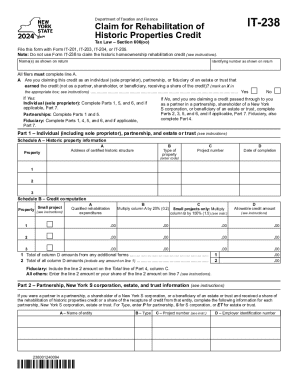
Form IT-238 Claim for Rehabilitation of Historic Properties Credit Tax Year 2024

Form IT-204-CP New York Corporate Partner s Schedule K-1 Tax Year 2024

Form IT-112-C New York State Resident Credit for Taxes Paid to a

Form IT-221 Disability Income Exclusion Tax Year 2024

How to Write a Gift Letter for Your Mortgage

Form IT-633 Economic Transformation and Facility Redevelopment Program Tax Credit Tax Year 2024

Form IT-601 Claim for EZ Wage Tax Credit Including the ZEA Wage Tax CreditTax Year 2024

Form IT-613 Claim for Environmental Remediation Insurance Credit Tax Year 2024

Form IT-360 1 Change of City Resident Status Tax Year 2024

Form IT-250 Claim for Credit for Purchase of an Automated External Defribrillator Tax Year 2024

Form IT-212 Investment Credit Tax Year 2024
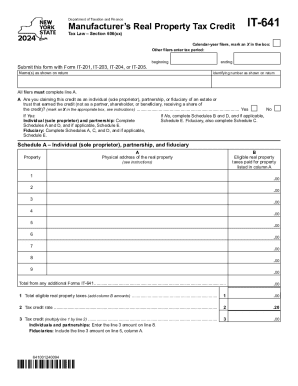
Form IT-641 Manufacturer's Real Property Tax Credit Tax Year 2024

Form IT-606 Claim for QEZE Credit for Real Property Taxes Tax Year 2024
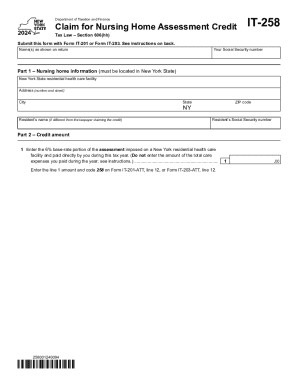
Form IT-258 Claim for Nursing Home Assessment Credit Tax Year 2024

Form IT-634 Empire State Jobs Retention Program Credit Tax Year 2024

Form IT-203-TM-ATT-A Schedule A - Group Return for Nonresident Athletic Team Members Tax Year 2024
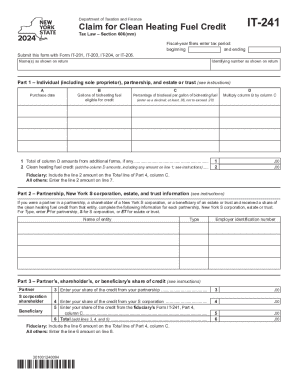
Form IT-241 Claim for Clean Heating Fuel Credit Tax Year 2024
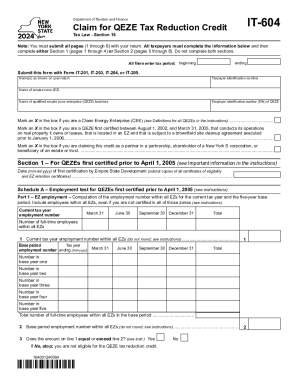
Form IT-604 Claim for QEZE Tax Reduction Credit Tax Year 2024

Form IT-205-A Fiduciary Allocation Tax Year 2024

Form CT-241 Claim for Clean Heating Fuel Credit Tax Year 2024
Benefit from the DocHub online library of fillable PDF forms
Searching the PDF forms doesn't have to be a tedious and time-consuming process. With the DocHub online library, it has become easier to find the fillable PDF forms and modify them in your browser. The service allows you to adjust the document to your needs using powerful editing tools.
You can use online document editing features to modify almost any type of document with ease. You just need to find the template of your choice, open it in the editor, and use the toolbar to make the necessary corrections.
Follow this guide to get your document done with DocHub:
- Find the PDF template you need.
- Click the Get Form button to open the file in the editor.
- Use the toolbar to fill out and edit the document.
- Easily add and highlight text, insert images, checkmarks, and symbols.
- Drop new fillable fields, and rearrange or delete pages from your file.
- Save changes and download your record.
DocHub empowers everyone to streamline document editing, signing, and distribution, and form completion. Create an account and benefit from our well-organized PDF Forms library and comprehensive editor.