Definition and Meaning of Online Forms
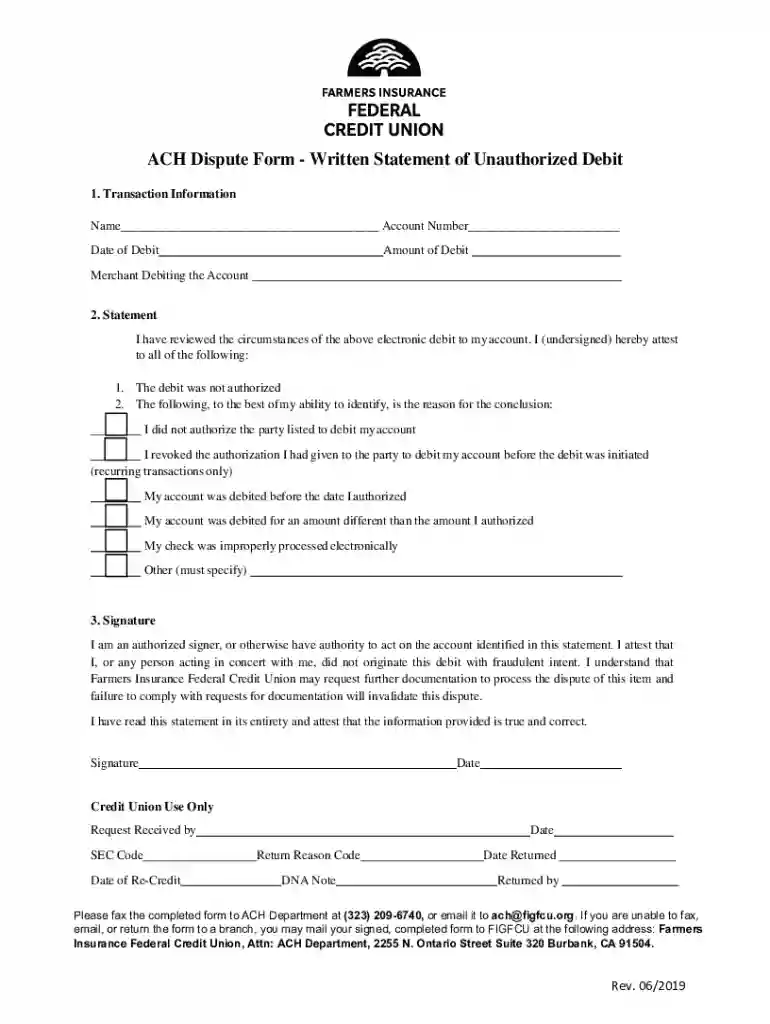
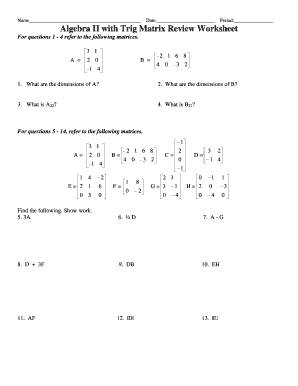
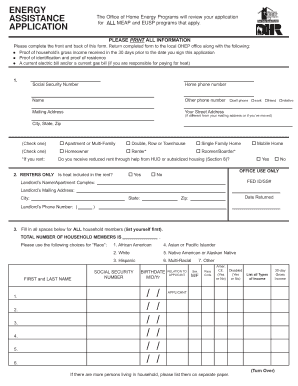
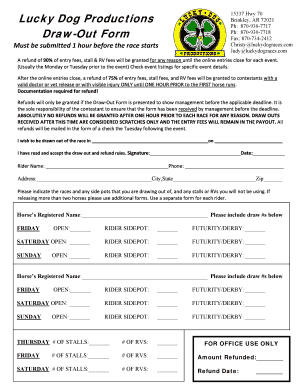
Online forms are digital versions of traditional paper forms that are designed for submission over the internet. They facilitate data collection through various input fields, which users fill out electronically. Online forms can serve a wide array of purposes, from registration applications to surveys and feedback forms. By transitioning these forms into an online format, organizations can significantly enhance efficiency and accuracy in data processing.
Types of Online Forms
- Registration Forms: Used for events or account creation.
- Surveys and Feedback Forms: Generally used for consumer feedback or research.
- Application Forms: Necessary for processes like job applications or school admissions.
- Order Forms: Common in e-commerce to streamline the purchasing process.
Online forms provide convenience and streamline workflows, ensuring quick collection and processing of information without the need for manual paperwork.
How to Use the Form Online
Using a form online often involves several simple steps aimed at ensuring a smooth experience for the user. Here's a basic rundown of the process:
- Access the Form: Visit the website where the form is hosted. This could be directly through a company's website or via an email link.
- Complete Required Fields: Fill out the mandatory fields marked with an asterisk, such as name, email, and other contact information.
- Review Your Information: Ensure all entered data is accurate before submission. Incorrect entries may lead to processing delays.
- Submit the Form: Click the submit button, generally located at the bottom of the form. Some forms may provide a preview option before final submission.
- Confirmation of Submission: Upon successful submission, a confirmation message or email is typically sent.
Common Features in Online Forms
- Autosave: Many forms automatically save progress, allowing users to return and complete them later.
- Validation: Ensures the entered data meets certain criteria, such as verifying email formats or checking for complete fields.
- User Help: Tooltips or FAQs embedded within the form to assist users with additional guidance.
How to Obtain the Form Online
Acquiring an online form generally involves straightforward steps and depends on the organization or entity providing it:
- Visit the Official Website: Access the form from the official website of the entity providing it. This is crucial for ensuring authenticity and security.
- Download if Necessary: Some forms allow for download in formats like PDF for offline completion.
- Direct Email Links: Often, organizations will send a direct link to the form via email, especially in transactional contexts like job applications or feedback requests.
Best Practices for Accessing Online Forms
- Ensure Secure Connection: Verify that the website uses HTTPS for secure data transmission.
- Latest Browser Versions: Use updated browser versions to avoid compatibility issues.
- Adblockers and Pop-Ups: Disable adblockers or allow pop-ups for form elements to function correctly.
Steps to Complete the Form Online
Successfully completing an online form requires precision and attention to several key details:
- Identify Required Sections: Focus first on mandatory fields to prevent submission errors.
- Reference Instructions: Many forms offer instructions or guidelines to ensure proper completion.
- Attach Necessary Documents: Forms may require uploads like identification or proof of address.
- Final Review: Double-check all inputs for errors or omissions before submission.
- Record Confirmation Number: After submission, retain any confirmation number or email for future reference.
Uploading Attachments
- File Format Compatibility: Ensure attachments are in accepted formats like PDF or JPEG.
- File Size Limitations: Be mindful of file size restrictions when uploading documents.
Why Should You Use Forms Online
Online forms offer numerous benefits over traditional paper forms, significantly enhancing ease and efficiency:
- Convenience: Accessible from anywhere with internet access, allowing for completion at the user's pace.
- Speed: Immediate data transmission minimizes processing delays.
- Cost-Effectiveness: Reduces material and mailing costs associated with paper forms.
- Environmentally Friendly: Reduces paper waste, contributing to environmental sustainability.
- Data Integrity and Accuracy: Improves data integrity through validation features, ensuring only valid data is accepted.
Important Terms Related to Online Forms
Understanding common terminologies used in online forms can aid users in navigating them more effectively:
- Captcha: A test used to ensure that the form is being submitted by a human, not a bot.
- Dropdown Menus: Allow users to select an option from a list.
- Radio Buttons: Enable selection of a single option from multiple choices.
- Checkboxes: Allow users to select multiple options where applicable.
Additional Terms
- Submission Deadline: The last date the form will be accepted.
- Field Validation: Ensures the correct data type and format before form submission.
Key Elements of the Online Form
Several foundational components are frequently embedded in online forms to enhance functionality:
- Fields: Basic elements such as text boxes, dropdowns, and radio buttons for data entry.
- Labels: Text descriptions aligned with fields offering context and clarification.
- Sections: Organized groups of related fields, facilitating a structured data entry process.
- Submit Button: Final step that sends the completed form to the server for processing.
User Experience Elements
- Progress Indicators: Show users how much of the form is complete.
- Save and Continue: Allows users to save their progress and return to the form later.
Steps to Gather Information Efficiently
Effective online form completion requires strategic approaches:
- Use Quick Keys: Keyboard shortcuts can expedite navigation.
- Read Instructions Thoroughly: Understanding the form's instructions will lead to more accurate data input and avoid common mistakes.
- Check for Real-Time Errors: Many forms provide instant feedback on errors, allowing immediate correction.
- Use AutoFill for Repetitive Entries: Save time by using auto-complete features for information like names, addresses, and emails.
Employing these strategies can significantly streamline the process and enhance the overall user experience.